
MakeMKV 2.0.0 for Windows
Rips DVD and Blu-ray discs to MKV without recompressing
You are on macOS — this is the Windows version. See the macOS version
Screenshots
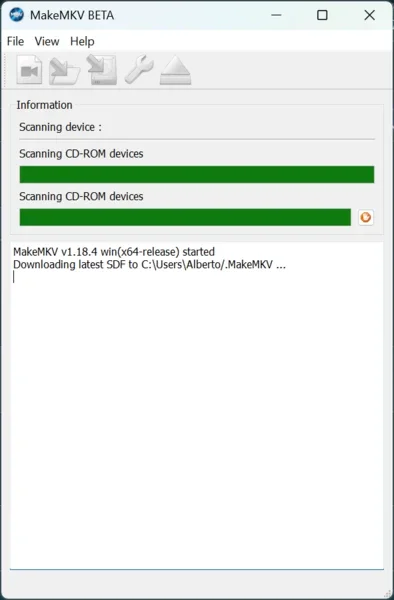
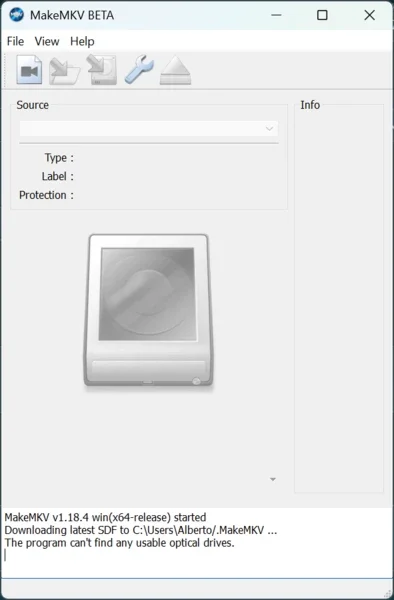
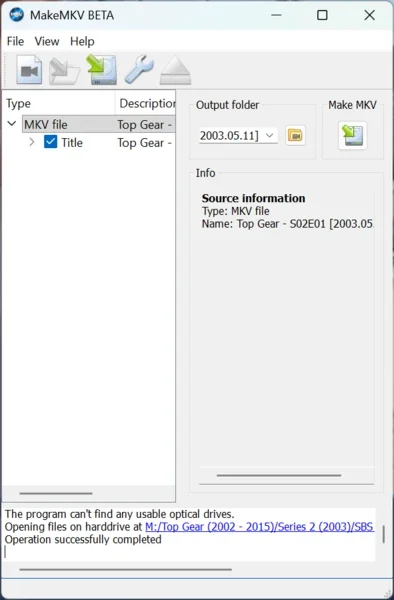
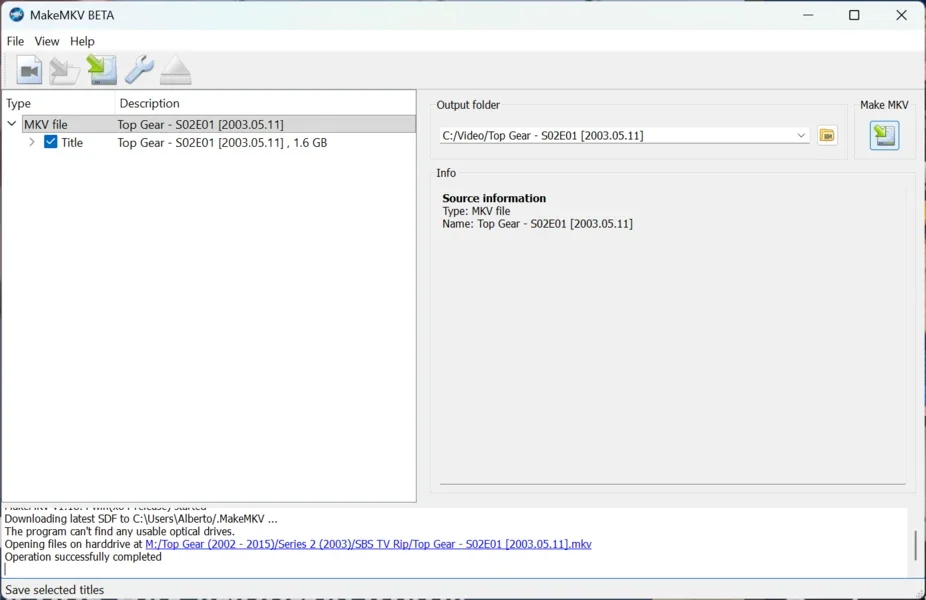
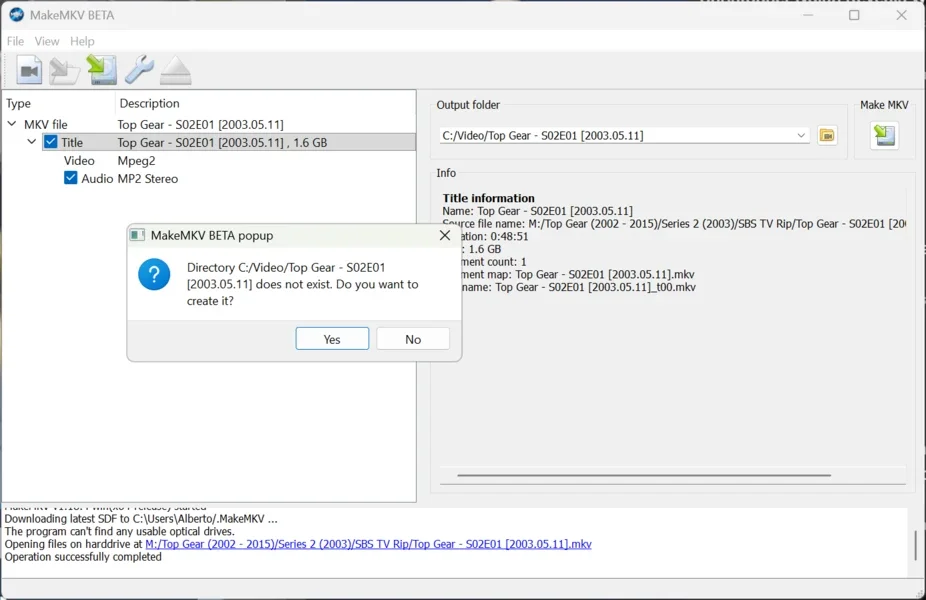
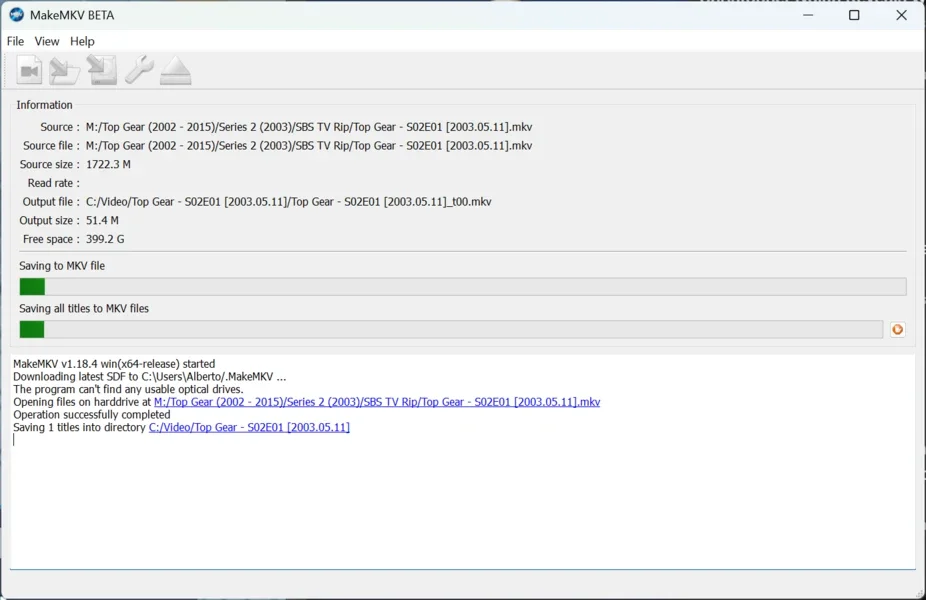
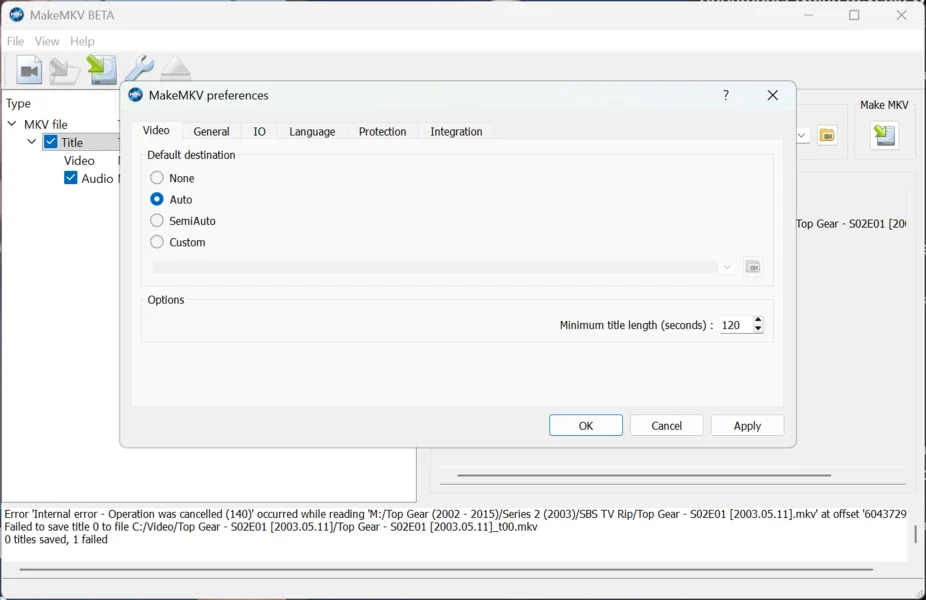
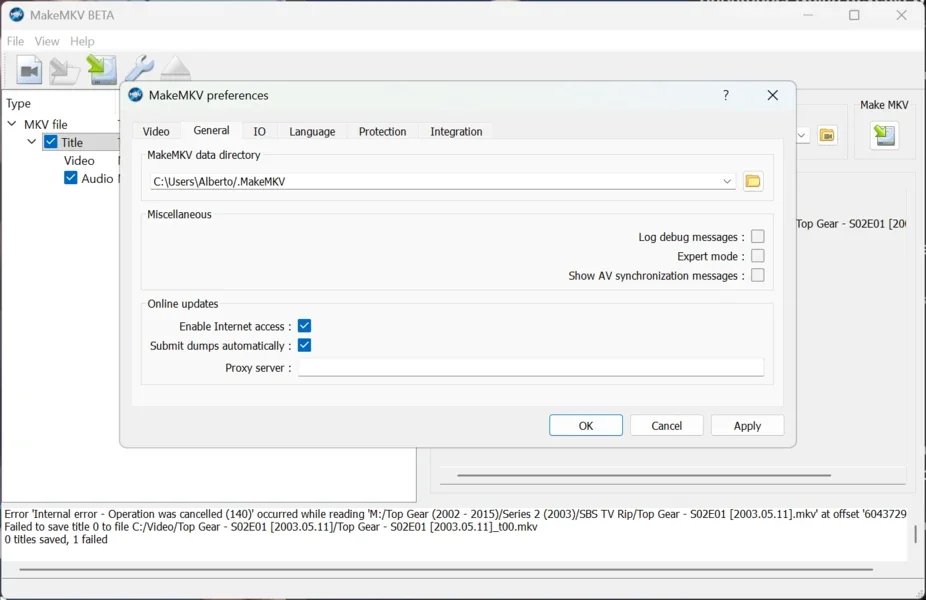
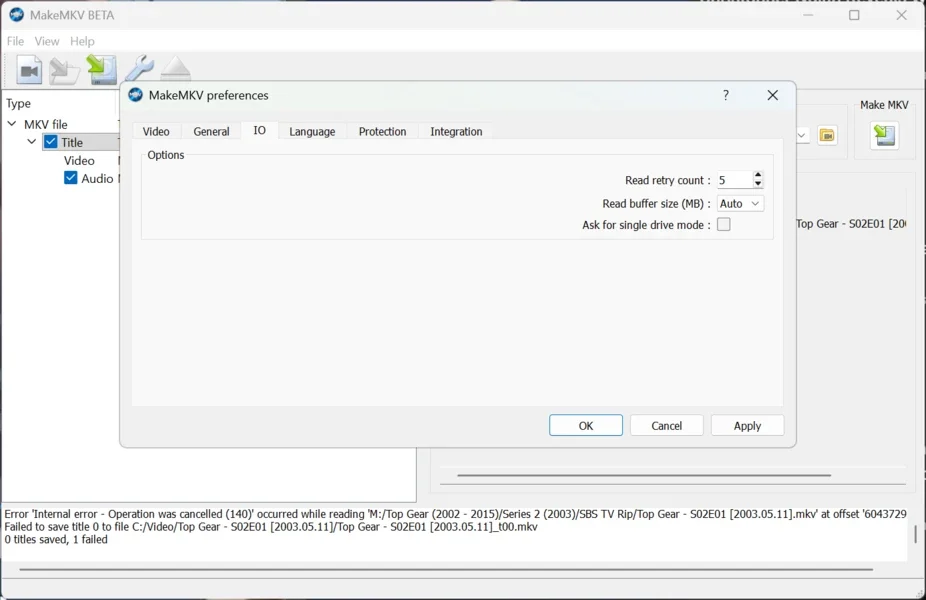
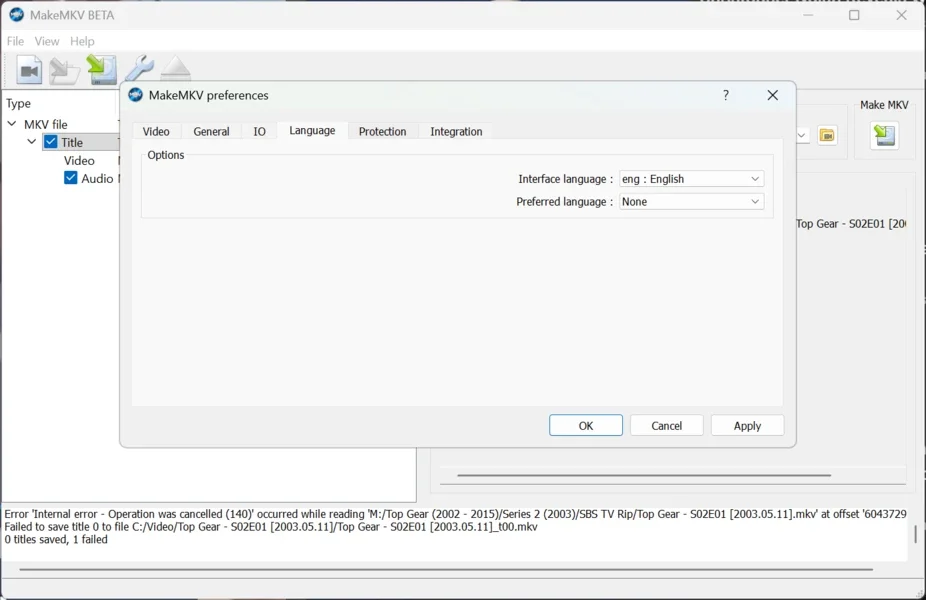
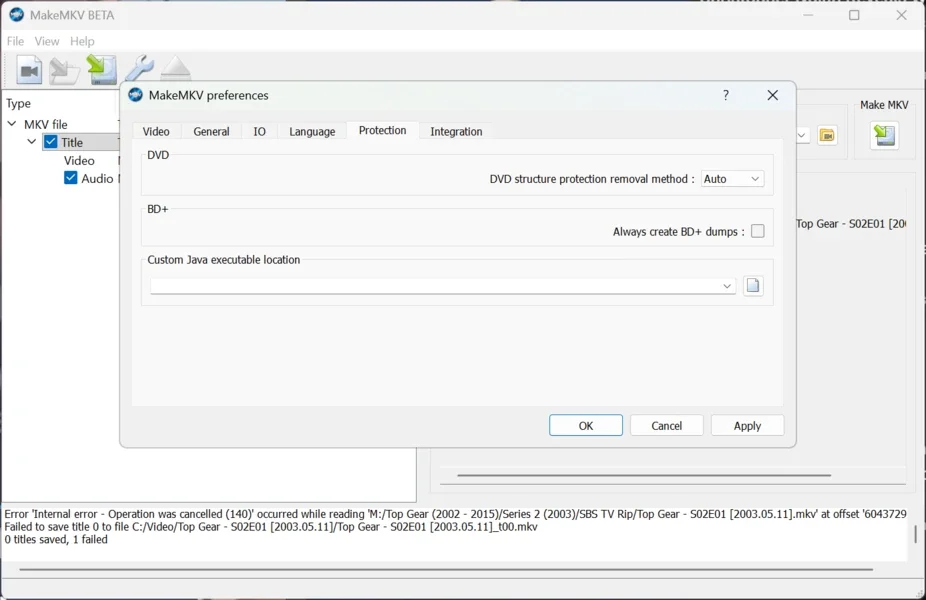
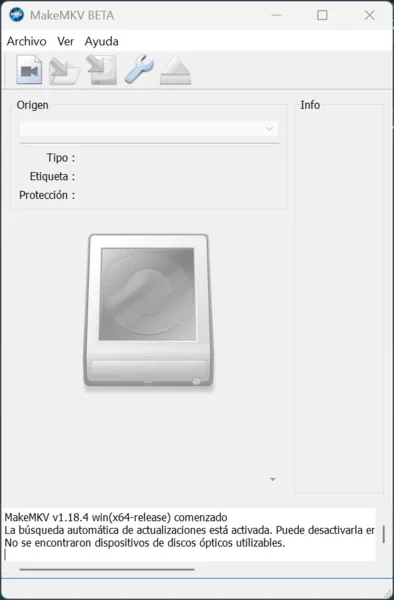
Description
Put a disc in the drive, and MakeMKV copies it to an MKV file as fast as the drive can read. Video stays as it was recorded, with no recompression and no loss of detail. Copy protection on DVDs and Blu-rays is recognized and bypassed automatically while reading, on old commercial discs and on newer editions with updated protection. You pick which video, audio and subtitle tracks to keep.
What you can feed it
A physical disc in a PC drive is the usual input. Disc content already copied into folders, in .ts format or similar, works too, as does a disc ripped to a file such as an ISO. An MKV file can also be used to generate another MKV. Once a disc or file is added, the program analyzes the content and lists all available titles. You select the output folder and start the conversion. The decrypted content can also be streamed straight to a video player without writing an intermediate file first.
The output is a single format, MKV. The trial runs for a limited time only, and the purchase process causes problems, so the program may be unusable after the trial expires.
Download files
f4e609bd34042a95b82a37d036d099a96e4480ff43d2bbb0bee009757bd74b72
No digital signaturea7da42f08765f1186154eb3e2af08c30f0ac66b0a42aa7e4430aa498d0927b77
No digital signatureb0c329506e5128d1711b4edac5bee19c1b1b9e9e04d2f8aa94670d38dece5bce
No digital signature01e3f9455070c5097c602cb83c8204e2541c122d44d1e7c52080ad6559a82778
97a5e8688c5f57f57396750f7139cab35b5349e6138d1b6e00c6a9b1fcdf1517
System requirements
Available on:
Minimum OS:
Windows XP or later
Additional information
Developer
Latest release
Size
Category
File type
SHA-256
f4e609bd34042a95b82a37d036d099a96e4480ff43d2bbb0bee009757bd74b72