
MDB Viewer 2.80 for Windows
SHA-256 listed
Reads MDB and ACCDB files without Access installed
All ages
Age rating
Screenshots
Description
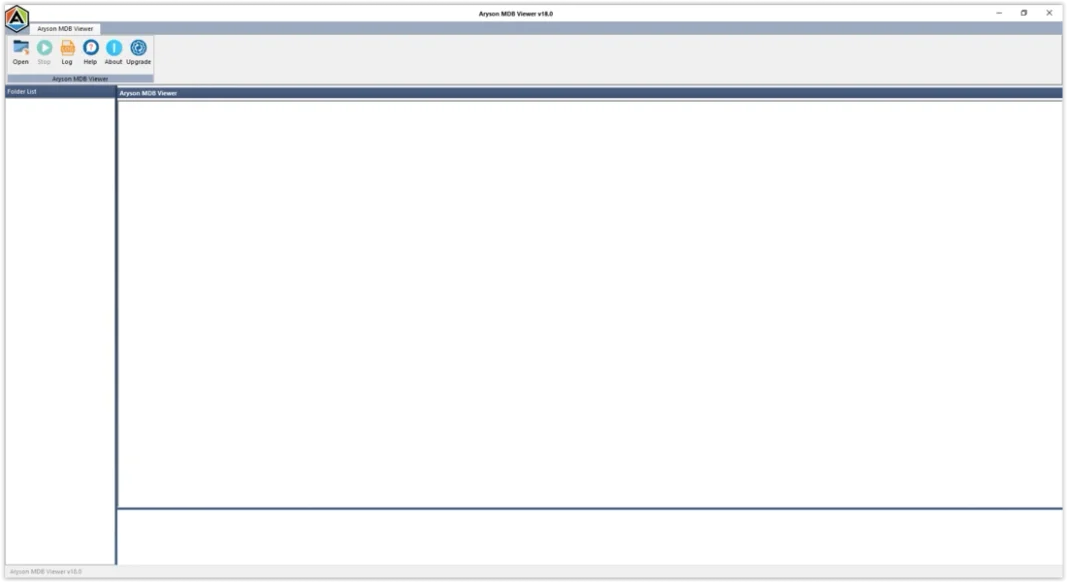
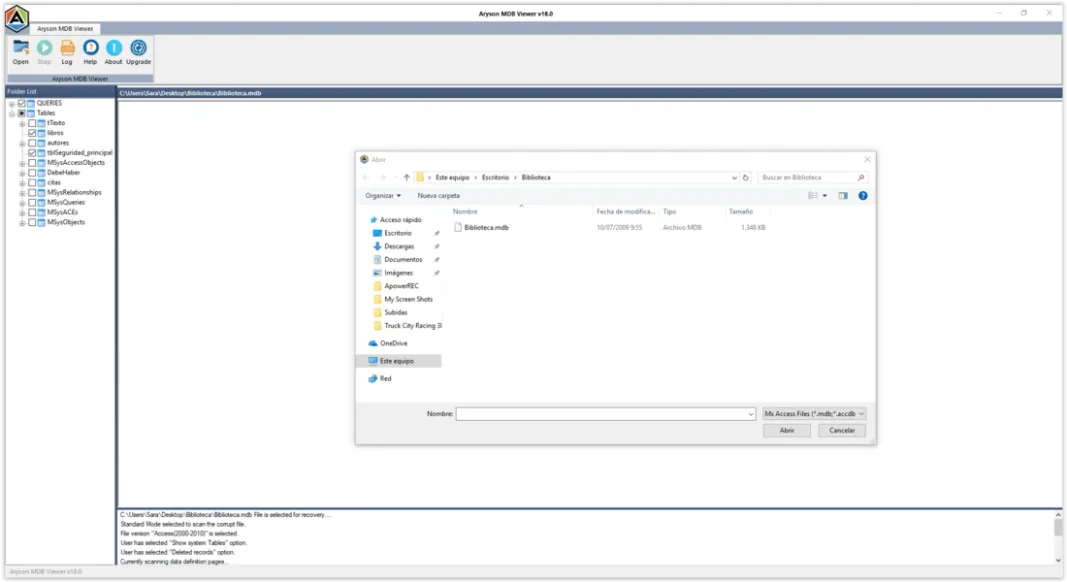
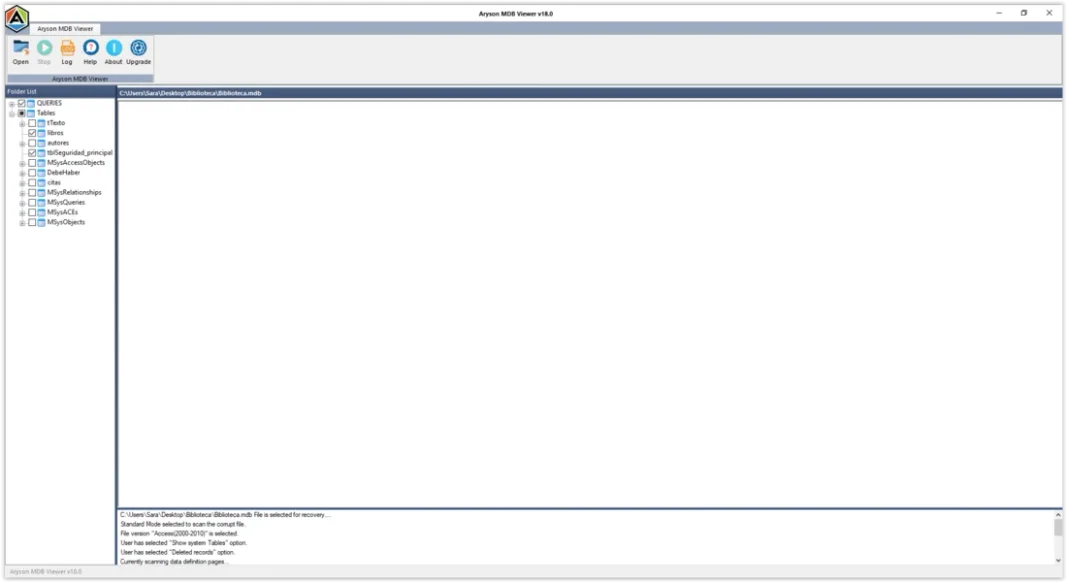
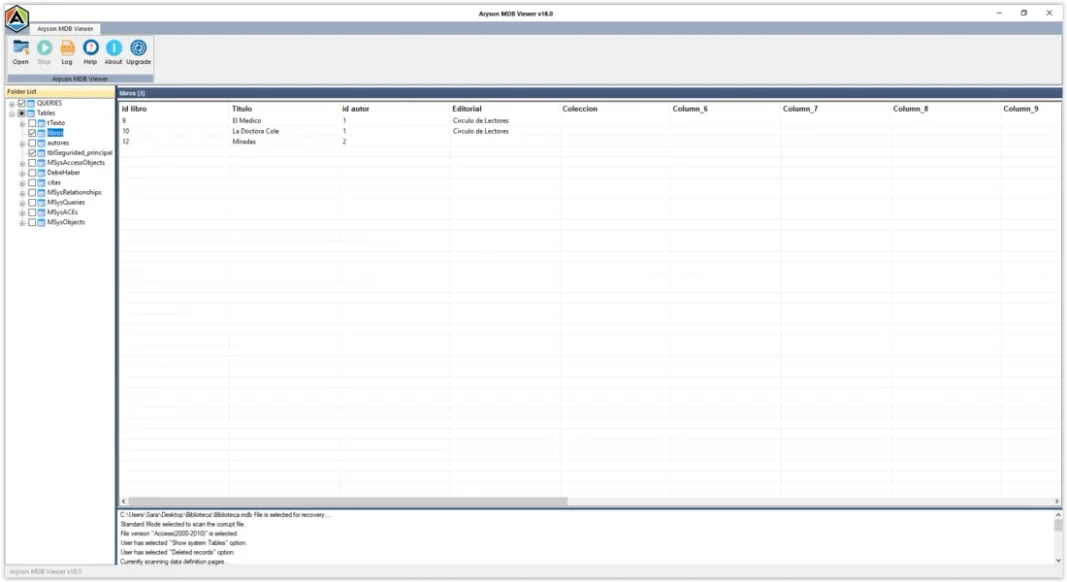
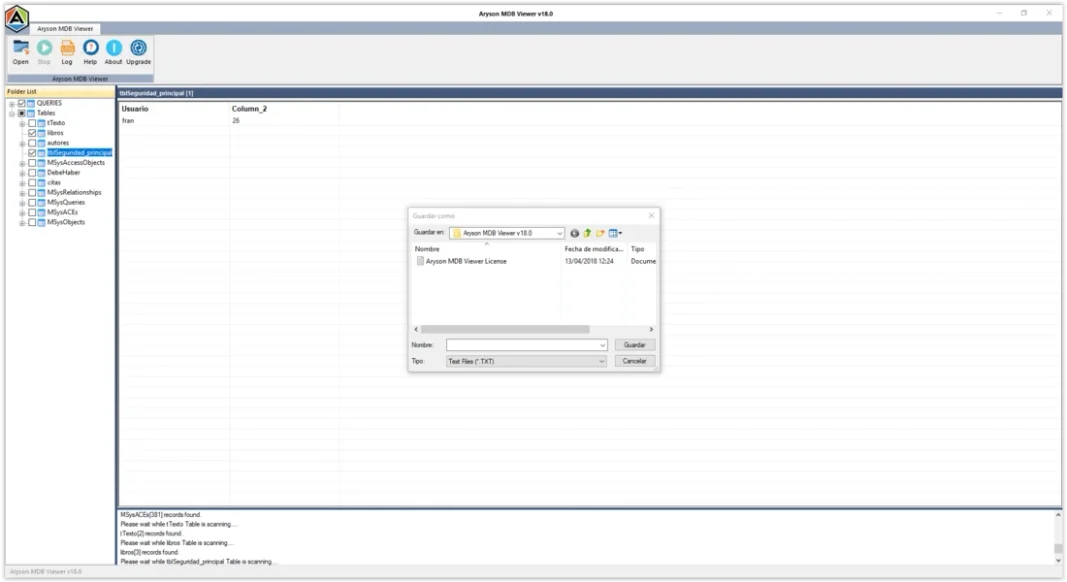
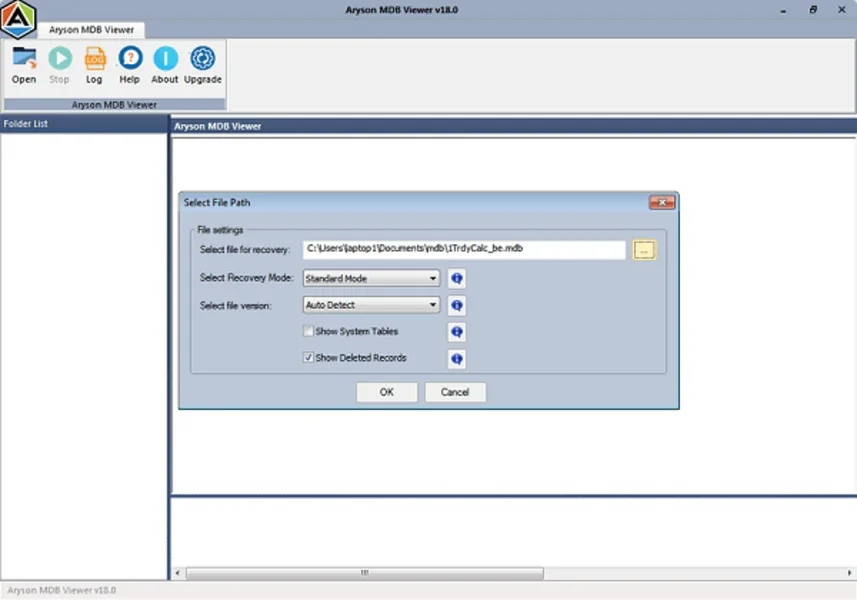
MDB Viewer opens MDB and ACCDB databases and shows what is inside them. You pick a file from the top left of the screen, and the program analyzes it once it is selected. The database components are listed down the left side of the window. Clicking one of those items makes it visible, and the information in the tables is displayed so it can be read.
It works without Microsoft Access installed. Corrupt or damaged databases can be viewed too, which is where it sits alongside file recovery work.
This version can save a file with the analysis results for data recovery. That saving is only available in the paid version.
Download files
Filemdb-viewer-2-80.exeEXE
Version2.80
ReleasedAug 18, 2026
Size6.1 MB
SHA-256
Get
0334c5bed93fdfeb669b3b666d18a9599d0a5f6a8abc8b6d448f097667884abe
No digital signatureFilemdb-viewer-2-79.exeEXE
Version2.79
ReleasedJun 9, 2026
Size6.1 MB
SHA-256
Get
bd94ab85c428e297fe8dbc731d9c09f9d087f2598cc58d482a2aee691a8cdfb0
No digital signatureFilemdb-viewer-18.0.exeEXE
Version18.0
ReleasedMay 30, 2018
Size2.0 MB
SHA-256
Get
81d7bba931314da07d041904e14318d104c3c7f0fc9f6e545a998dd31144a2c7
System requirements
Available on:
Minimum OS:
Windows XP or later
Additional information
Developer
Latest release
2.80 · Aug 18, 2026
Size
6.1 MB
Category
File type
EXE
SHA-256
0334c5bed93fdfeb669b3b666d18a9599d0a5f6a8abc8b6d448f097667884abe
Digital signature
No digital signature