

Meitu 1.0.1.3 for Windows
Edits photos, builds collages and turns pictures into posters
You are on macOS — this is the Windows version. See the macOS version
Screenshots


Description
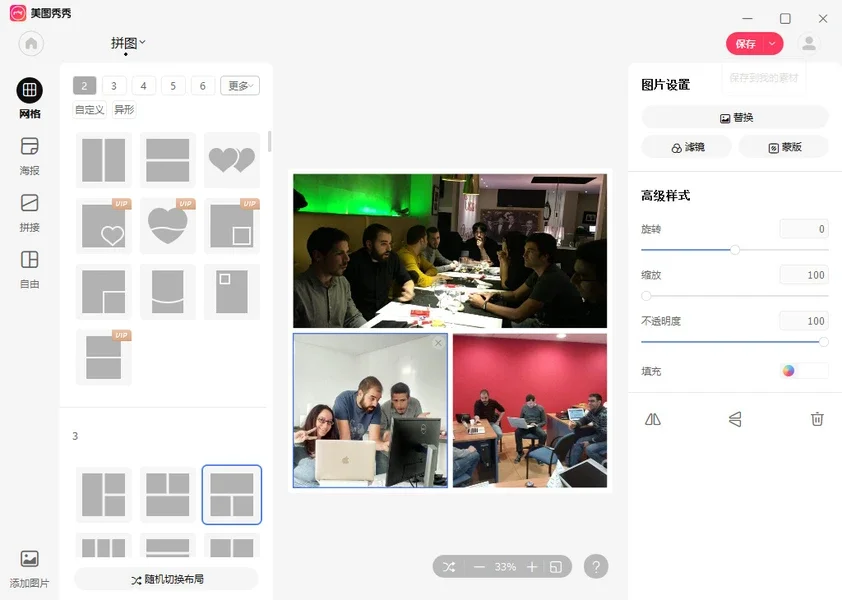
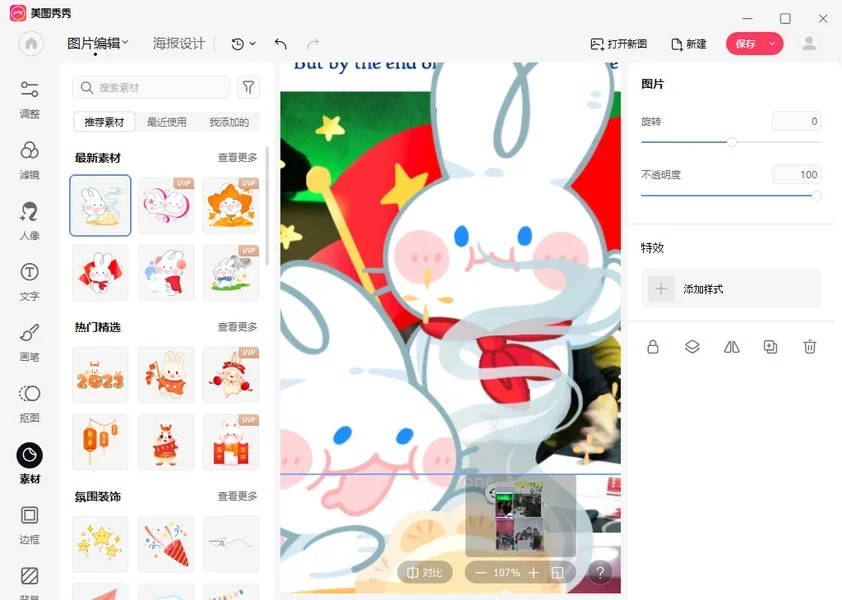
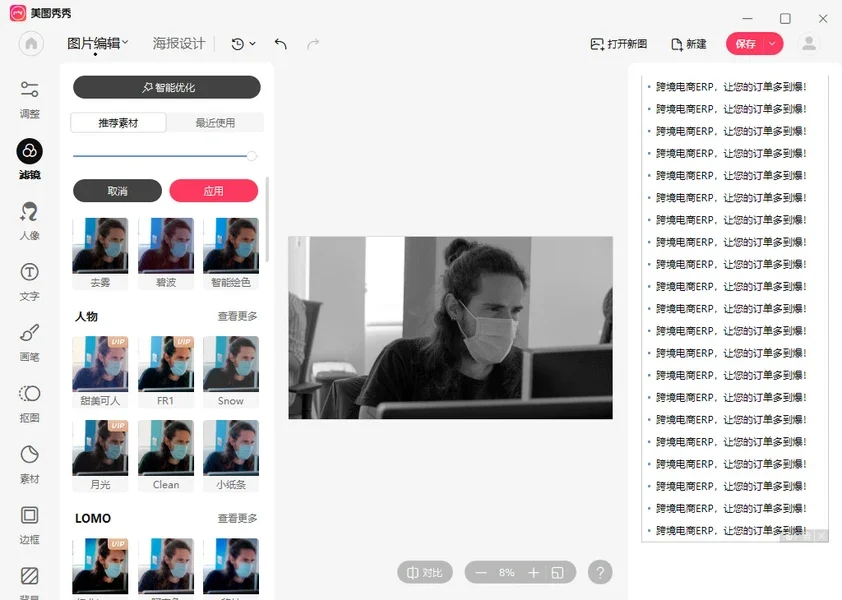
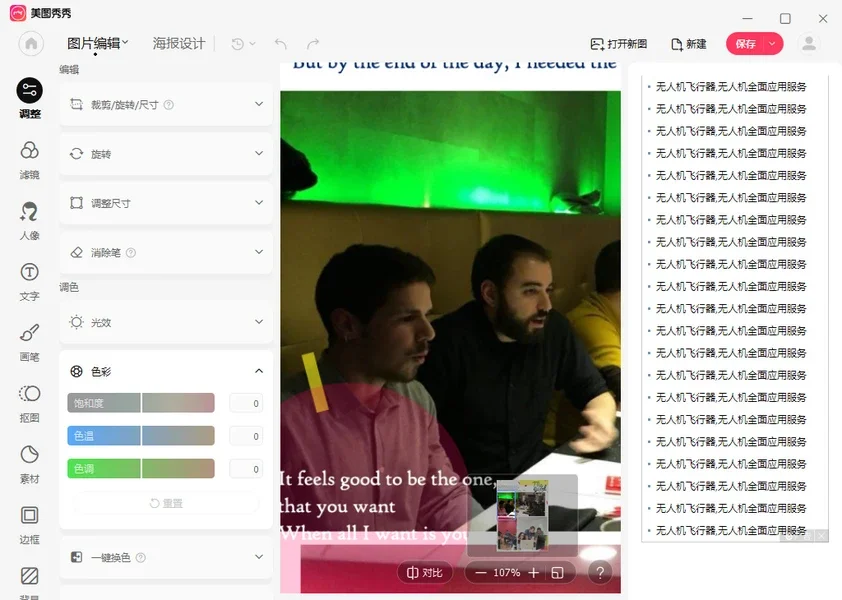
Drag a photograph into the window and Meitu opens it for editing. The program is a Windows photo editor adapted from the iOS and Android app, and it has the same features as the mobile versions.
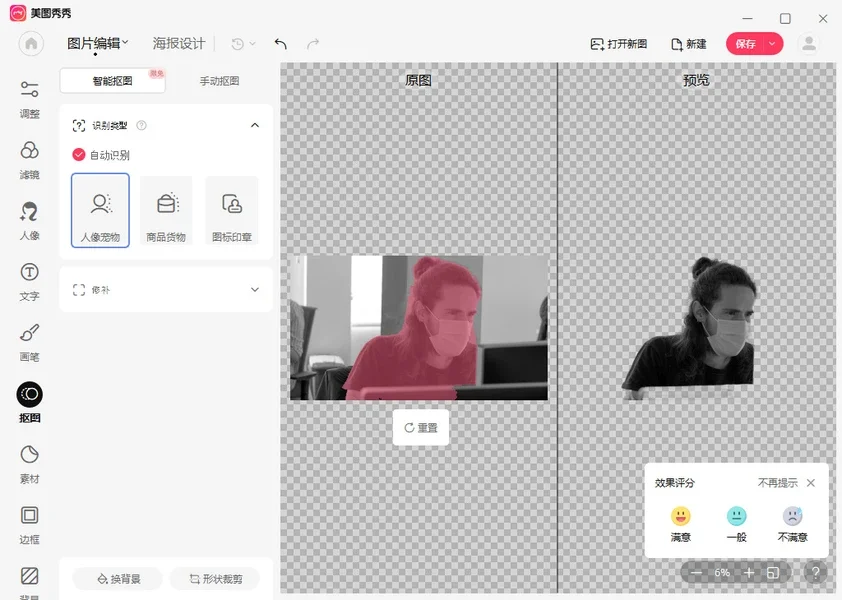
Tools sit in a side menu. Basic ones cover cropping, copying and pasting fragments, rotating, and a magic eraser. Advanced tools let you add stickers, adjust colors, isolate elements, and use various brushes.
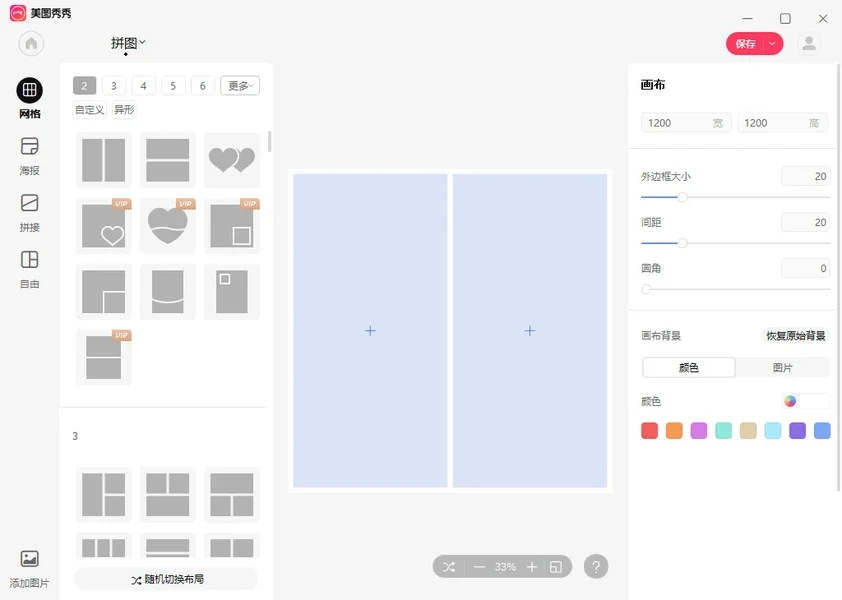
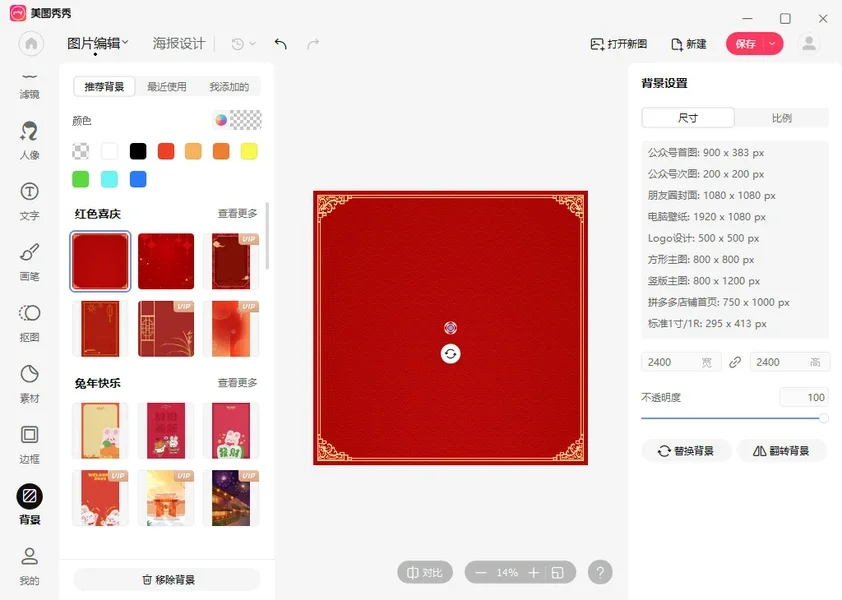
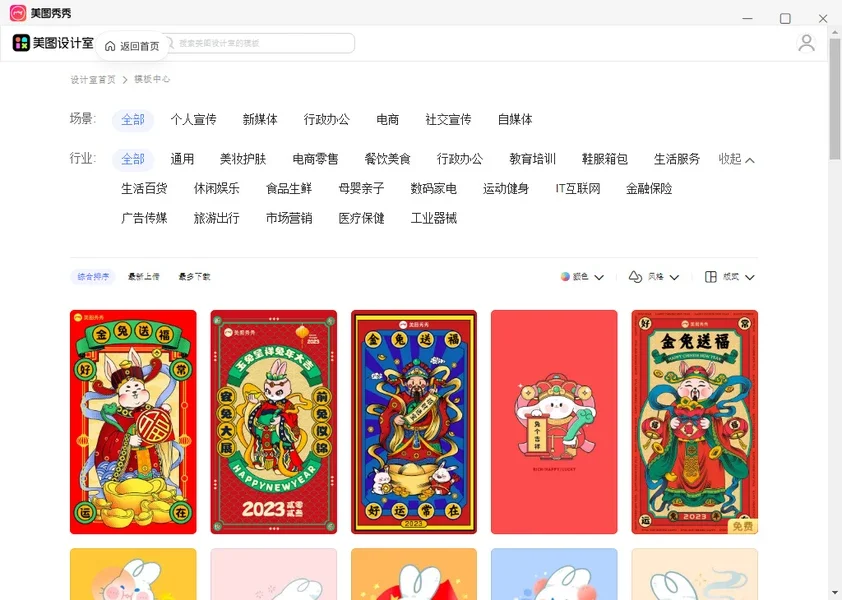
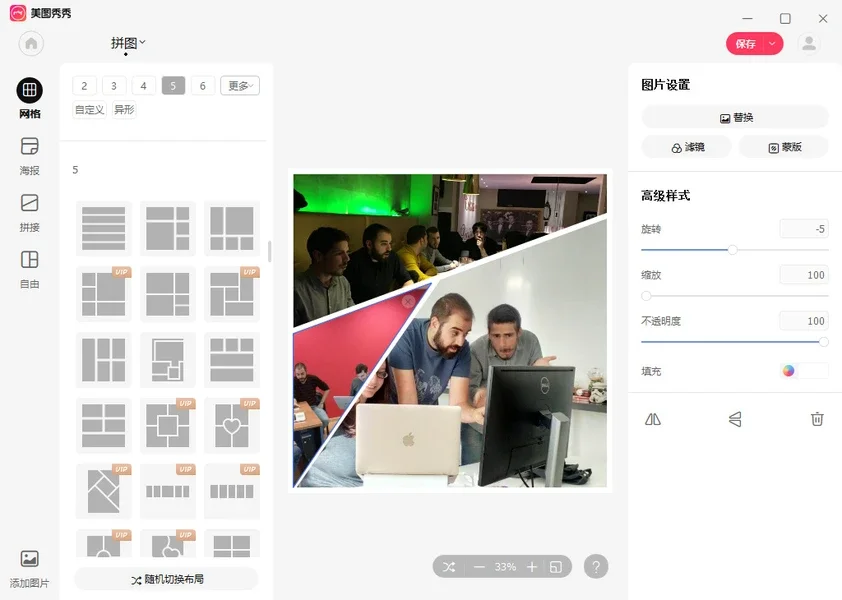
The collage creator builds personalized collages from at least two and at most sixteen photographs, and each photograph's size can be increased or decreased individually. In the poster maker, a photograph is combined with a predetermined template to make magazine covers or marquee posters. The poster process takes a couple of minutes.
Download files
46da06f5e8b2ef77af08b38557152ec13f4001fbdcbd01c761b3a4c1b6e415e1
Signed by Xiamen Home Meitu Technology Co., Ltd. · valid until Apr 22, 2027d64cd4e5d22d59f08ca9c46f24a06d6e921aefd0a8f4793a825d4a8c4446e26a
Signed by 厦门美图之家科技有限公司 · valid until Apr 1, 2026ca8d1faf08b3f875f95b90f438dcbd8f368d4fdbce47ddcb1099e21b19280551
59ab1f02465e935a314e21719e2adac04d1b7ce2733b017c3750718e551af9ed
a26c3d25bfb1a816ca854e17ee0d20332d69123d65f34bab062429d113435014
System requirements
Available on:
Minimum OS:
Windows XP or later
Additional information
Developer
Latest release
Size
Category
File type
SHA-256
46da06f5e8b2ef77af08b38557152ec13f4001fbdcbd01c761b3a4c1b6e415e1