
Mi Unlock 7.6.727.43 for Windows
Official Xiaomi tool for unlocking the bootloader on its Android phones
Screenshots
Description
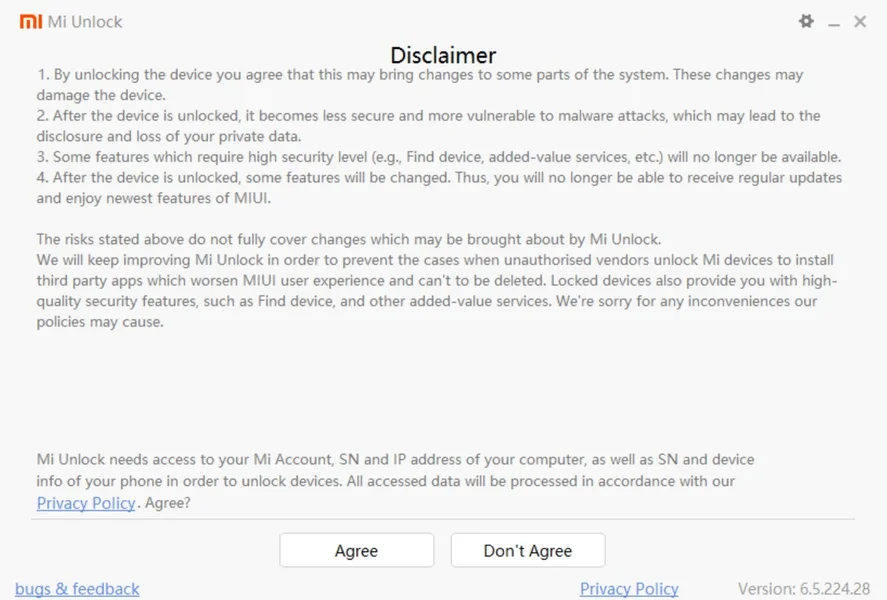
Mi Unlock is Xiaomi's official bootloader unlocking tool for its Android devices. Xiaomi handsets ship with the bootloader locked, and an unlocked bootloader lets you modify the recovery, gain root permissions, or flash a custom ROM. Unlocking is done from a PC. The tool supports Xiaomi, POCO and Redmi devices.
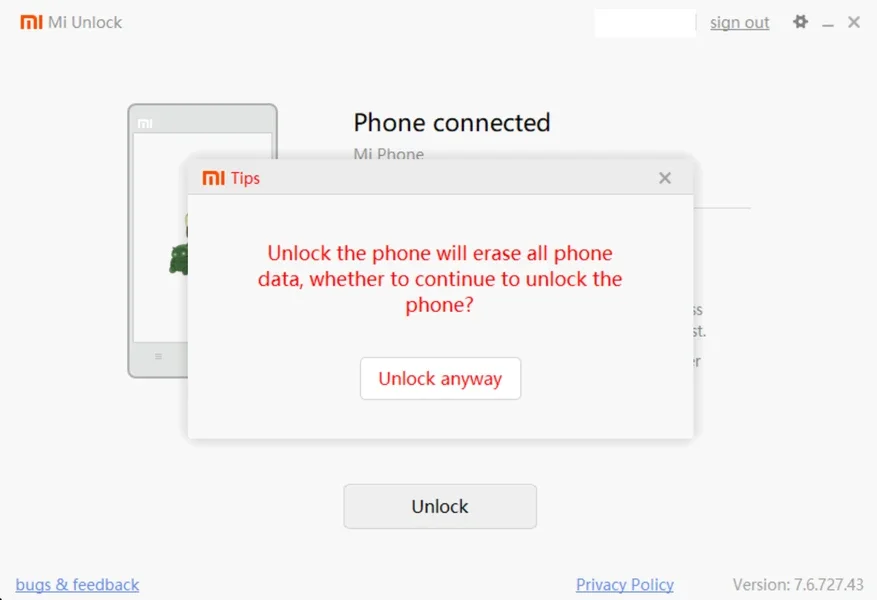
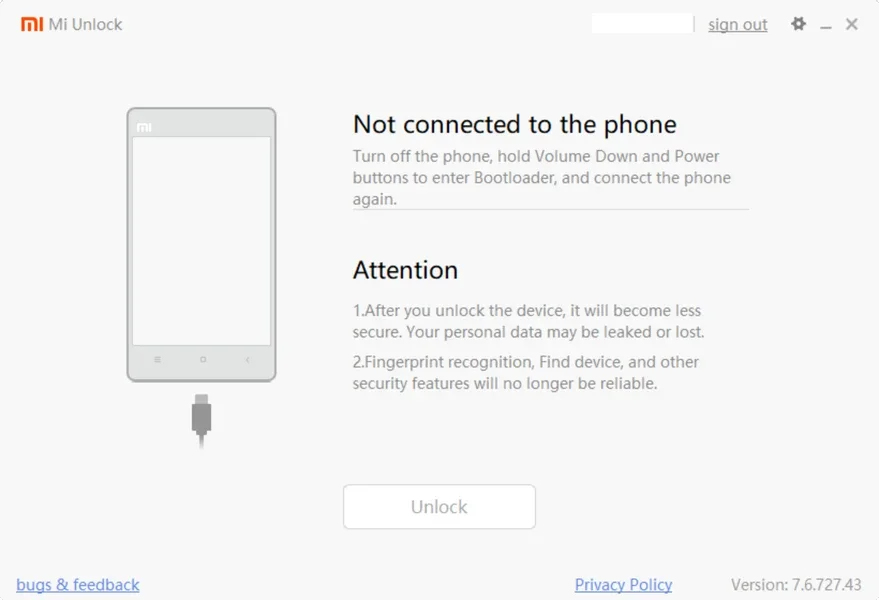
Start by unzipping the Mi Unlock ZIP file and running 'miflash_unlock.exe'. On the phone, enable 'OEM Unlock' and 'USB Debugging' in the settings, and link the Xiaomi account to the device using the account linking option in Developer Settings, which sits alongside the other two. A SIM card must be inserted in the device for the linking. Then turn the device off and hold power and volume down together to enter Fastboot mode, where it is connected to the PC via USB. The program asks for Xiaomi account credentials. If the setup is correct, the 'Unlock' button can be pressed.
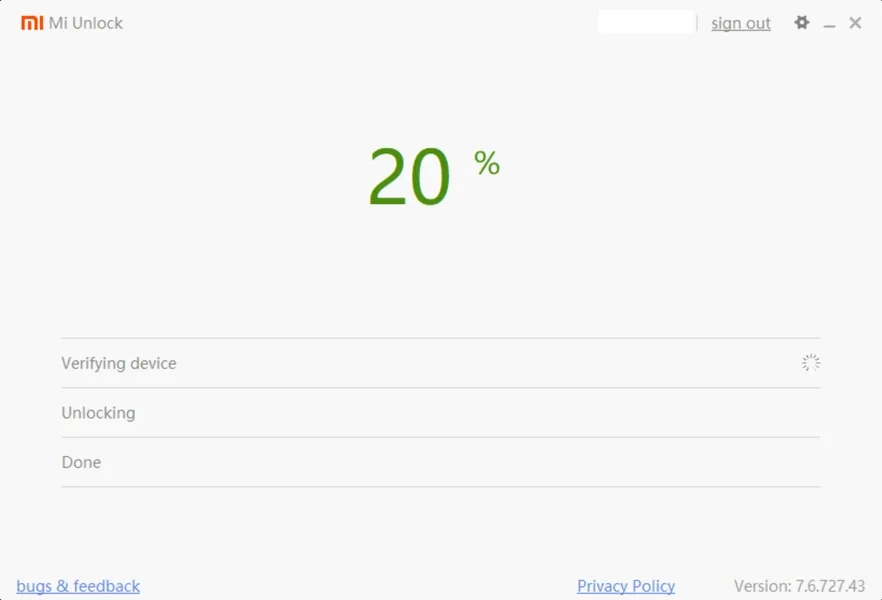
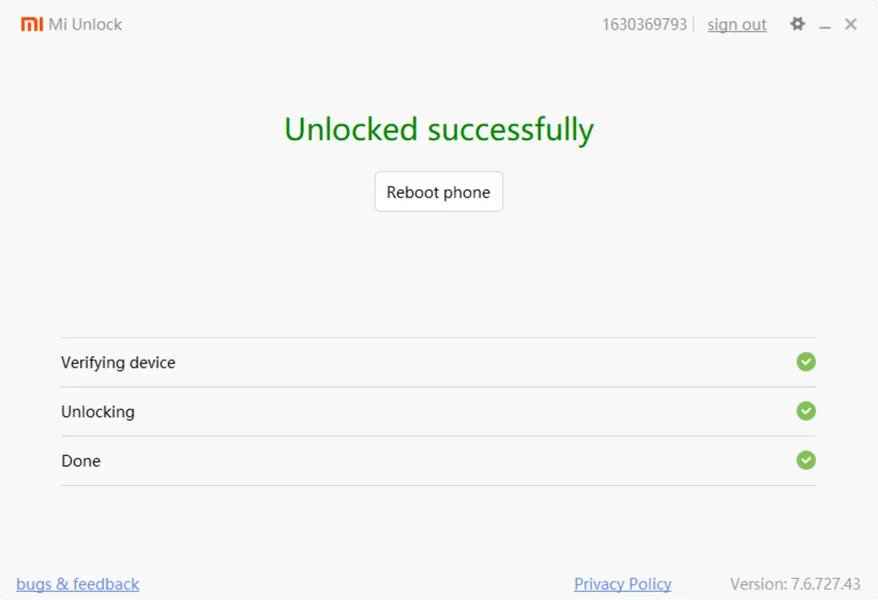
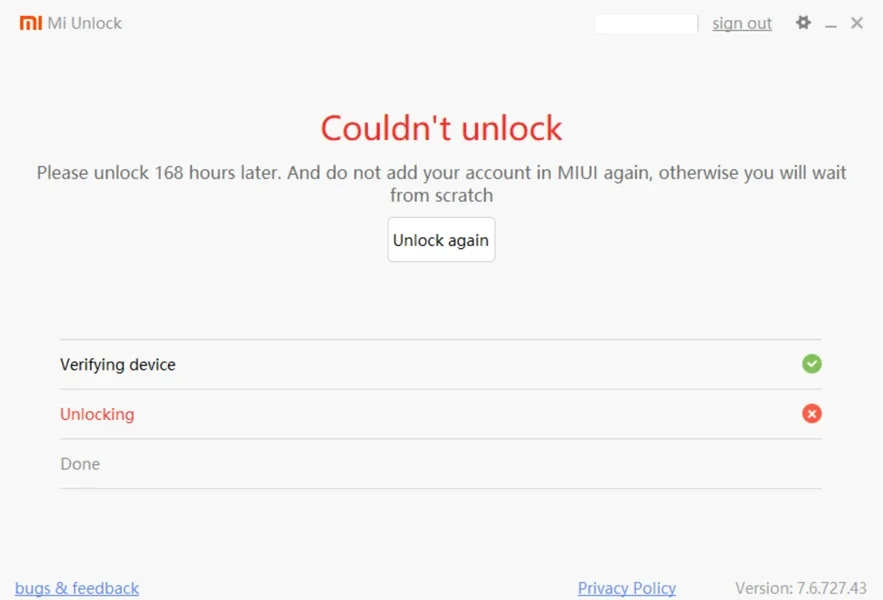
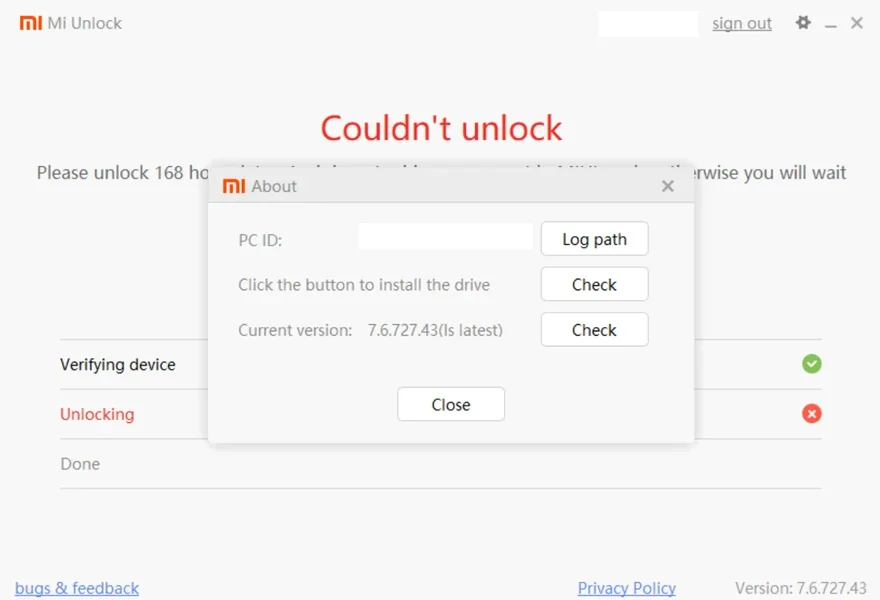
A waiting period follows before unlocking, usually 168 hours or 7 days. After it, reconnect the device to the PC and click the Unlock button. If the button cannot be pressed, click the cogwheel in the screen's top area, then the first 'Check' button, so the USB connection drivers are updated.
Unlocking deletes all user data stored on the device. The deletion is intended to prevent access to data if the phone is stolen.
Download files
6bb390bddaaff3e75a6a2b1ecafa3f49bf6e4d93747302a6870698fb26285a32
f32ebf00a80c573b3343412ddd053c6327b613c489cddf91de113883e5346794
System requirements
Available on:
Minimum OS:
Windows XP or later
Additional information
Developer
Latest release
Size
Category
File type
SHA-256
6bb390bddaaff3e75a6a2b1ecafa3f49bf6e4d93747302a6870698fb26285a32





