
Microsoft PC Manager 3.23.3.0 for Windows
Official Microsoft app for routine Windows maintenance
Screenshots
Description
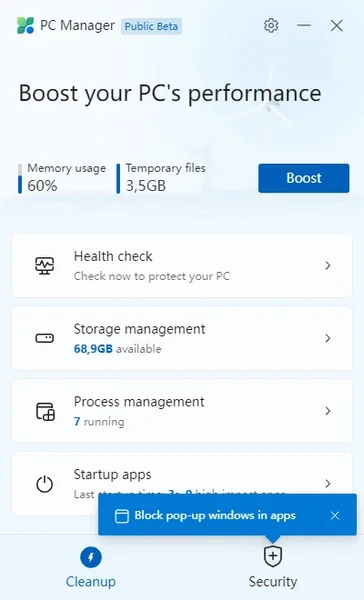
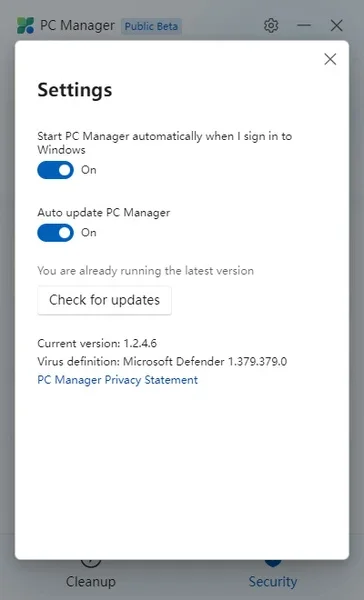
Microsoft PC Manager opens from its taskbar icon and puts routine maintenance a click away. It is an official Microsoft app, and it is free.
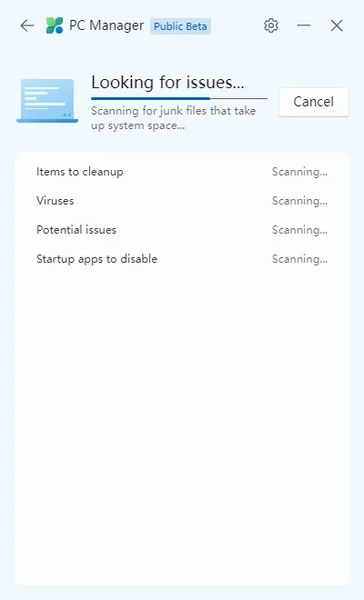
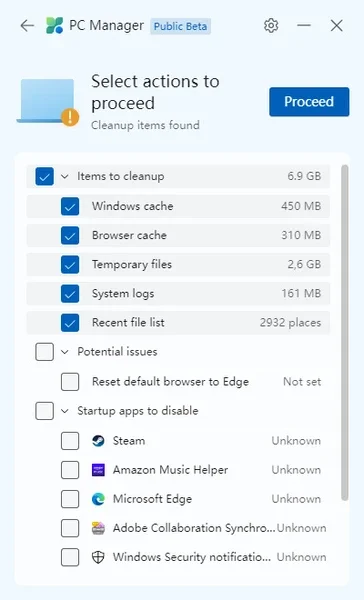
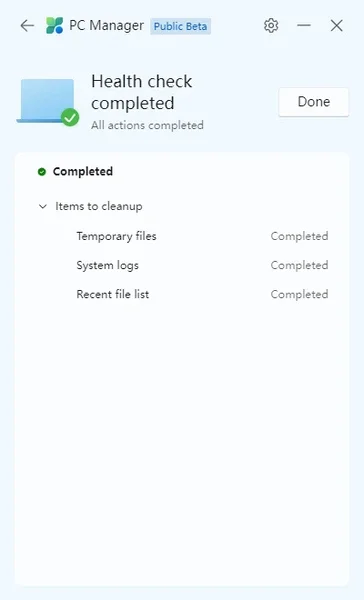
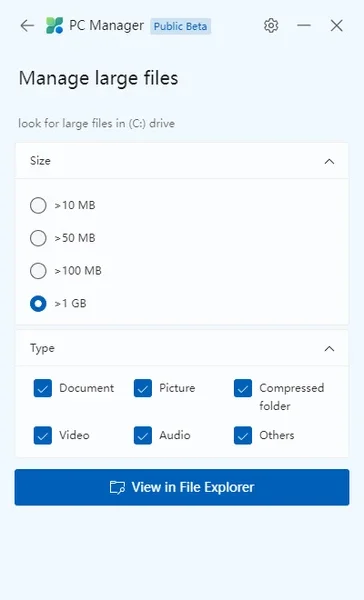
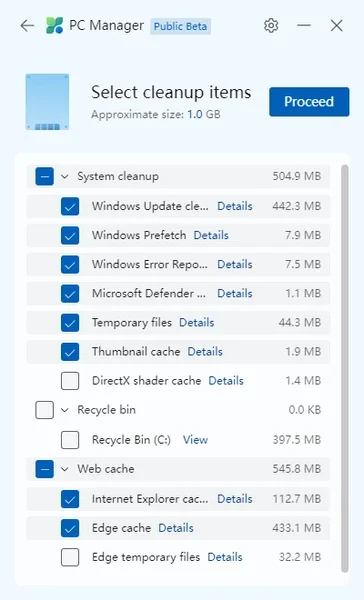
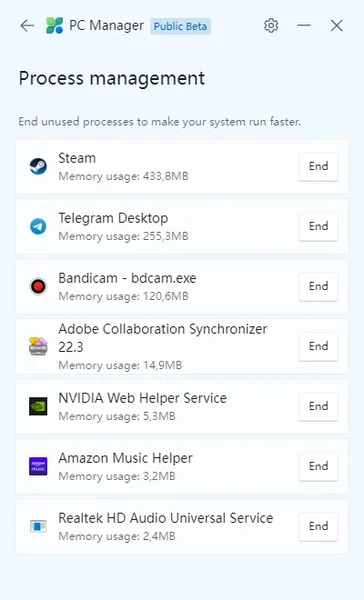
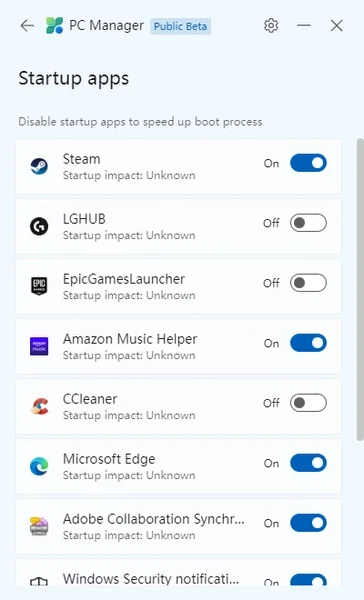
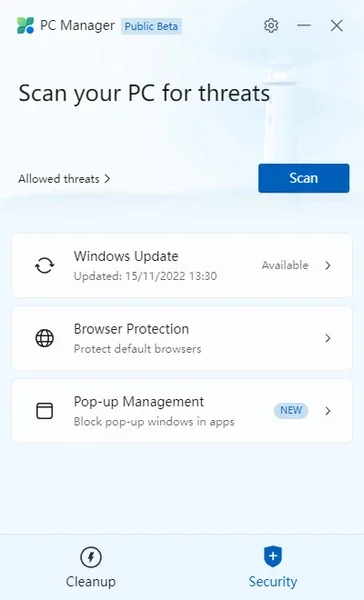
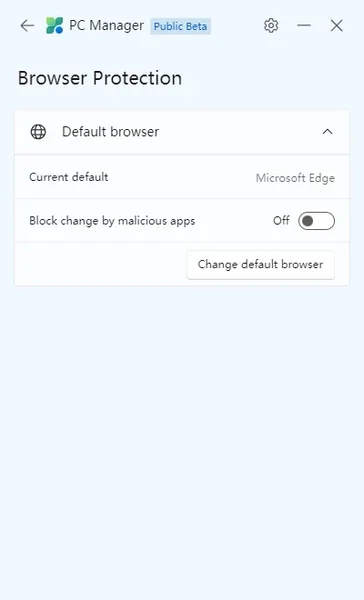
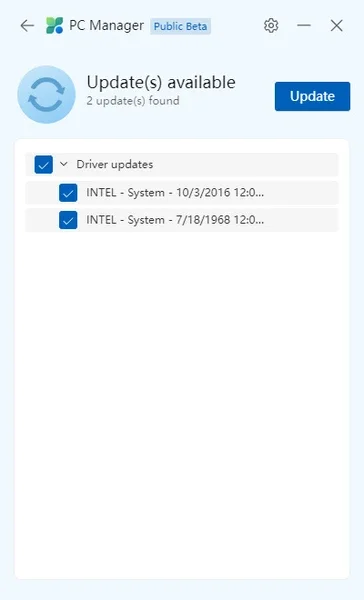
Boost is the first thing on the Cleanup tab. One click sweeps temporary files to speed up the PC. Below it sits Health check, which finds viruses and points out which items need cleaning. A one-click scan looks for threats, and the program is fully integrated with Windows Defender. Storage management lets you examine all files on the hard disk to spot leftovers. You can check for Windows updates, and the program shows which kinds of updates are pending. From your chosen browser you can block installation of potentially dangerous programs. Other features let you choose which apps run at Windows startup, and open the task manager.
The window opens by clicking its icon on the taskbar. The interface is simple and intuitive.
Download files
260f3480a5c10222be5cf676426b9aa926ced5634a8962cf35f5571f4cc858fc
Signed by Microsoft Corporation · valid until Nov 15, 20260146064f1cf0030f8e214bb5fd108d9acdd47cebf144590d5f80fc4cd6b1d145
Signed by Microsoft Corporation · valid until Nov 7, 2026608bcacde7ec30a8da5d9234008a38d9277ec19e63c5fc37733b818e22ef321e
Signed by Microsoft Corporation · valid until Oct 1, 20267ec97194724f309ac061ab7c839164d10997f79eac1986de1fe84591ba0ba6dd
Signed by Microsoft Corporation · valid until Sep 23, 20264f968e2b61006d00cfdc9759b656f67f82eefe11c972fd3486bed670e5ba77f4
Signed by Microsoft Corporation · valid until Aug 17, 2026System requirements
Available on:
Additional information
Developer
Latest release
Size
Category
File type
SHA-256
260f3480a5c10222be5cf676426b9aa926ced5634a8962cf35f5571f4cc858fc