
Group chat, video meetings and shared files for teams
You are on macOS — this is the Windows version. See the macOS version
Screenshots

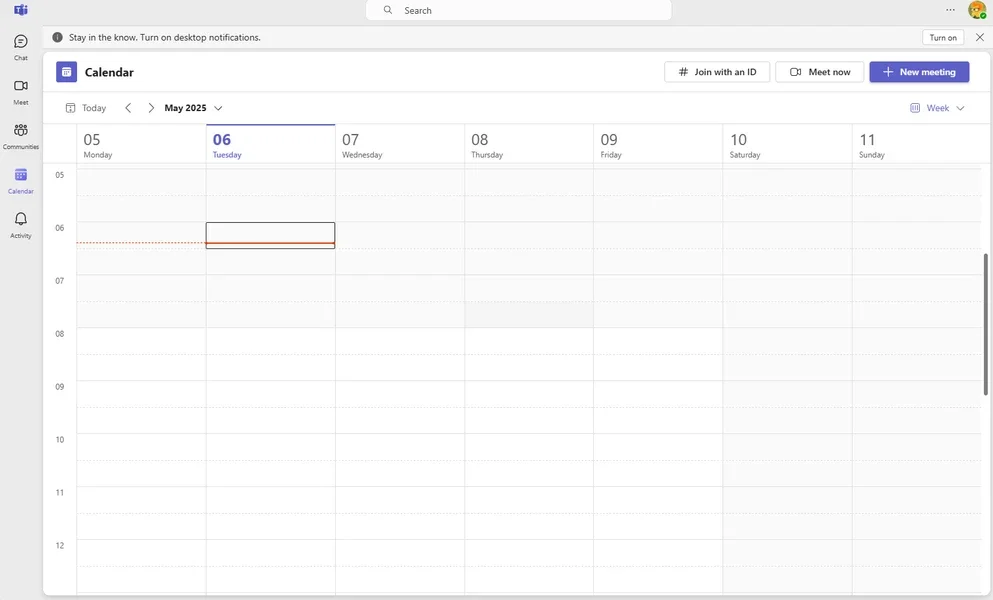

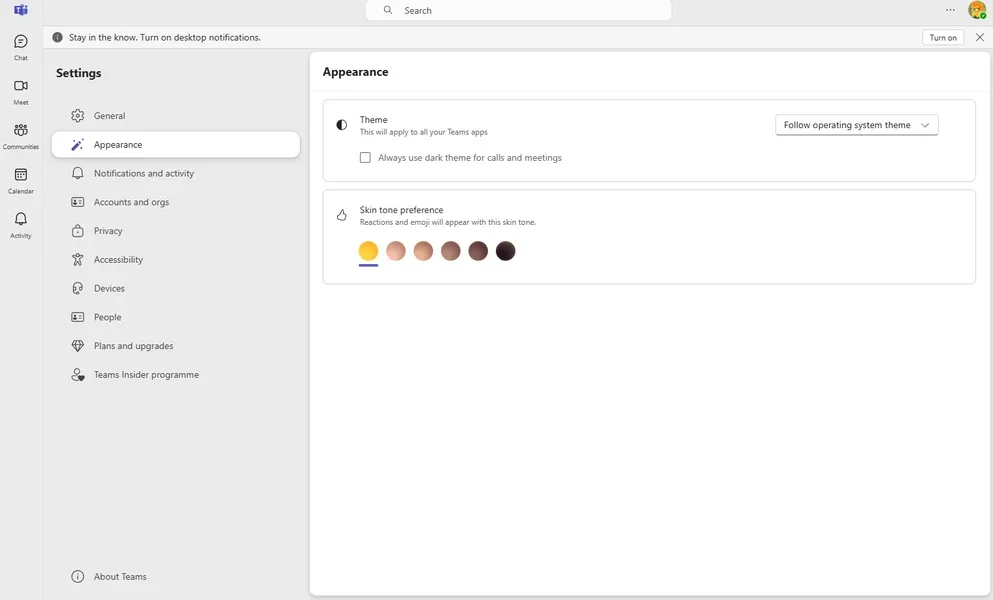
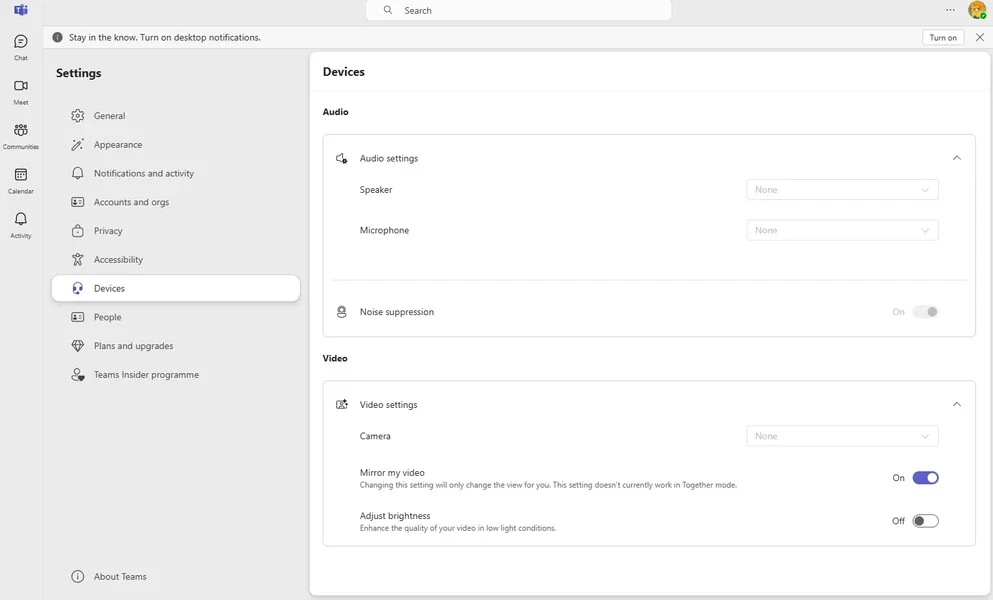
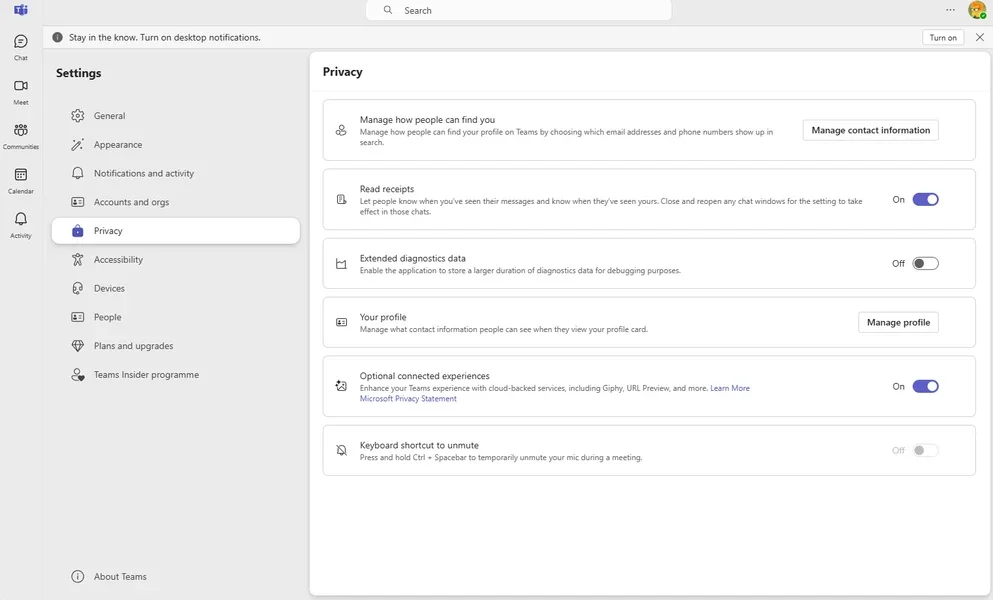
Description
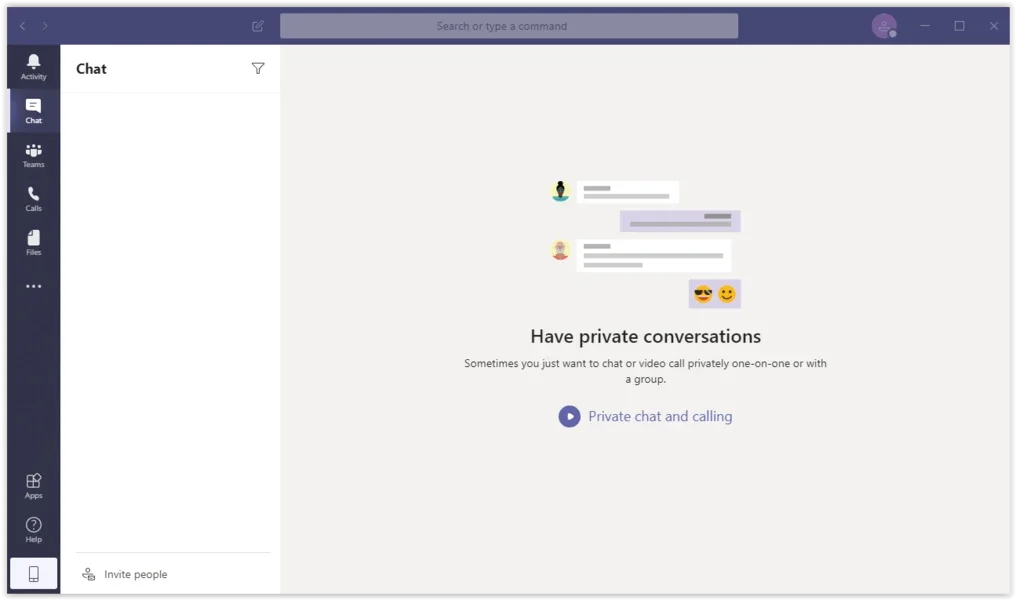
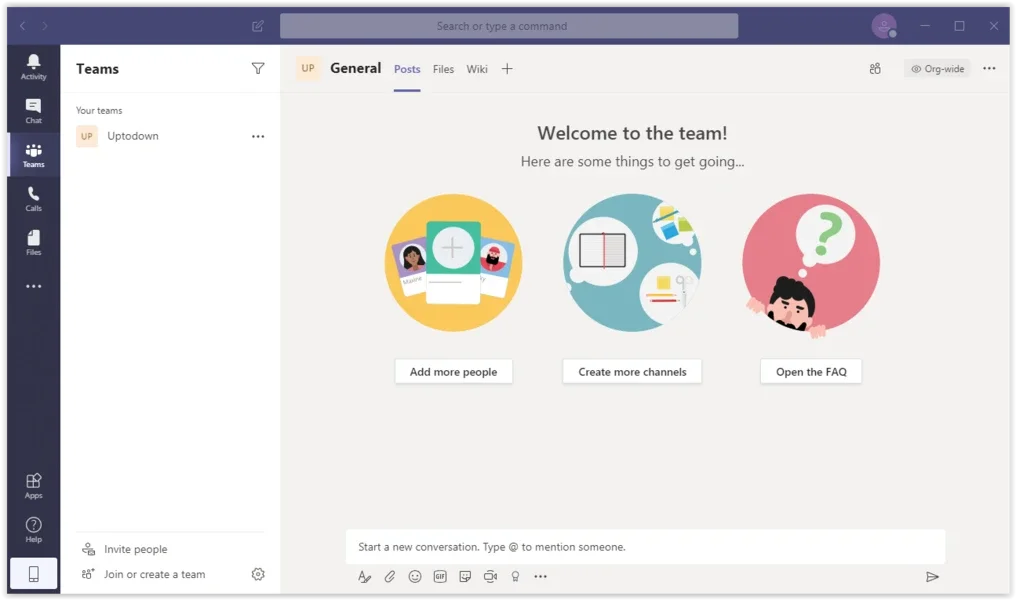
Microsoft Teams is Microsoft's official app for remote work and team collaboration, and it belongs to the Microsoft 365 product family. It provides a virtual workspace with instant messaging, videoconferencing and synchronized calendars, and it has replaced Skype while keeping the same features. A Microsoft account is needed to sign in; addresses on the hotmail.com, live.com, msn.com and outlook.com domains all work, and a dedicated email account can be created for the app. After login the app syncs account information such as calendar data and Skype address book contacts.
Groups and meetings
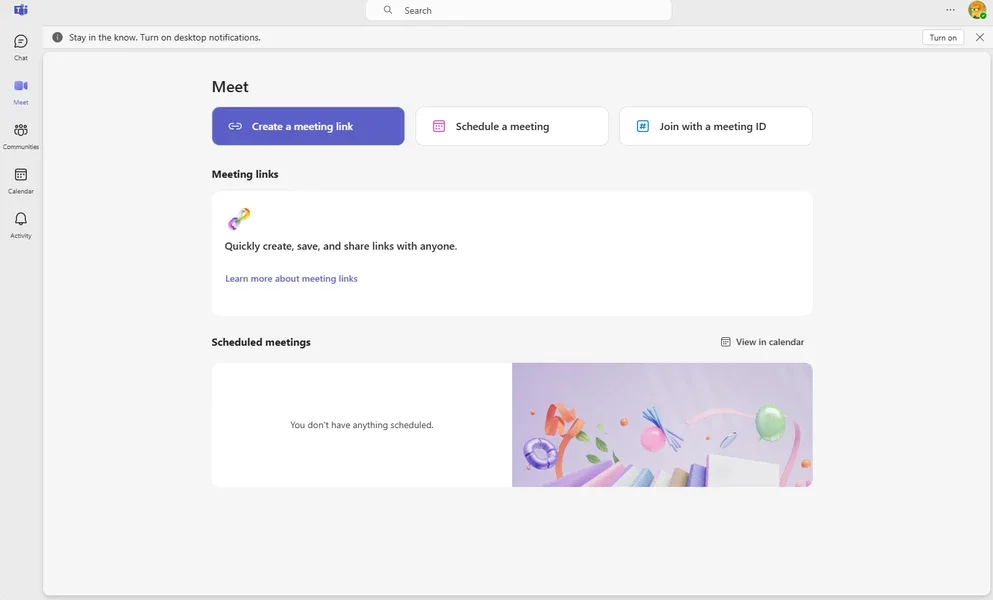
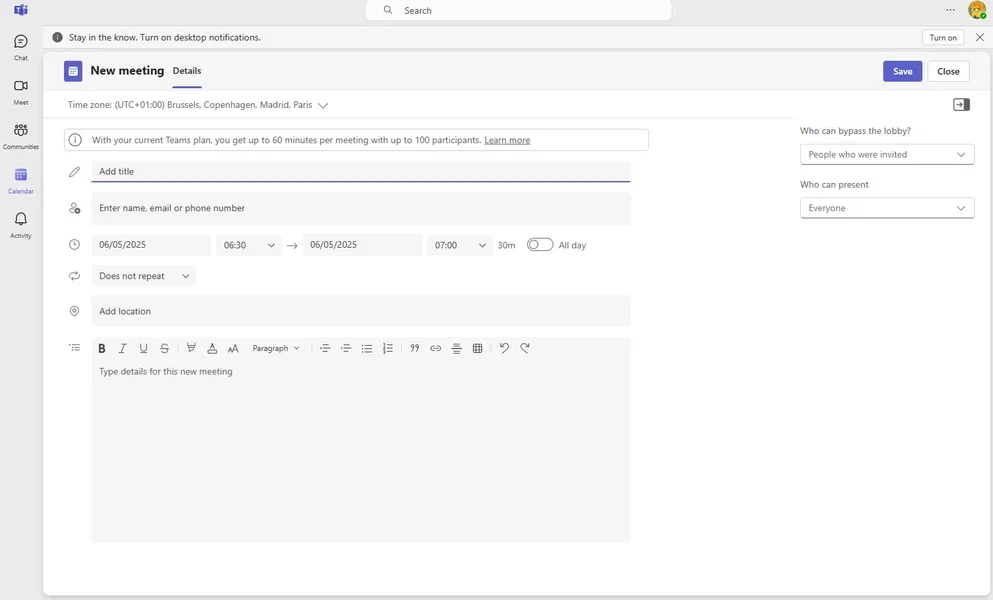
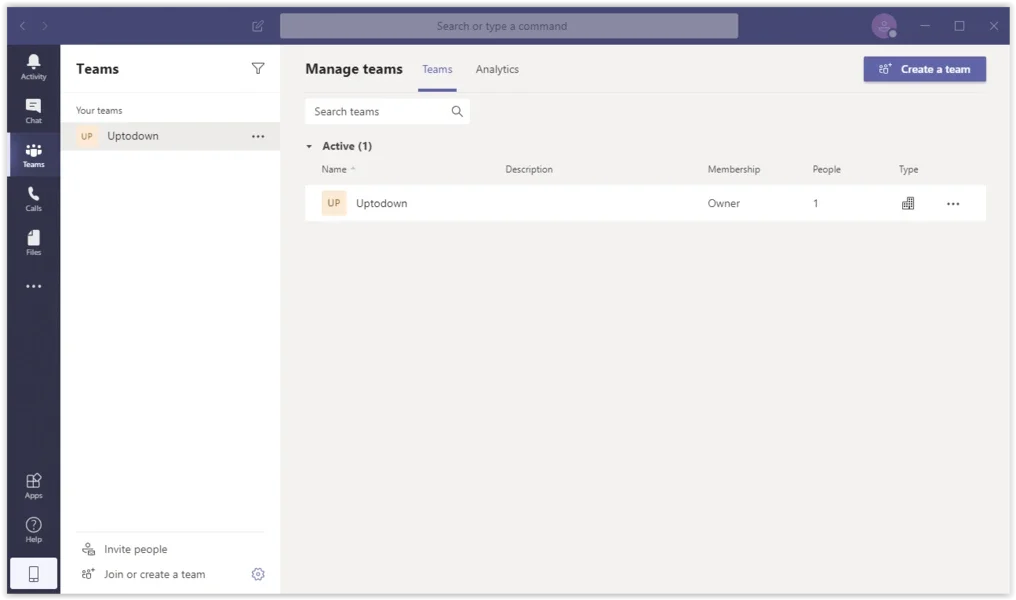
A team has to be created before you work with a group, and members are added afterwards. You can invite people through a link, by email or by text message, and a welcome message can be set up inside the community for new arrivals. Inside a group you can write posts and announcements and share images and files, with no size limit on uploads, so documents over 1 GB can be shared. Chat messages carry emoji, stickers, audio files and photos. Videoconferences hold up to 300 participants at once, and one-on-one calls to colleagues are also possible. Custom events can be created that send the date and link of a meeting to all team members automatically.
Plans and tracking
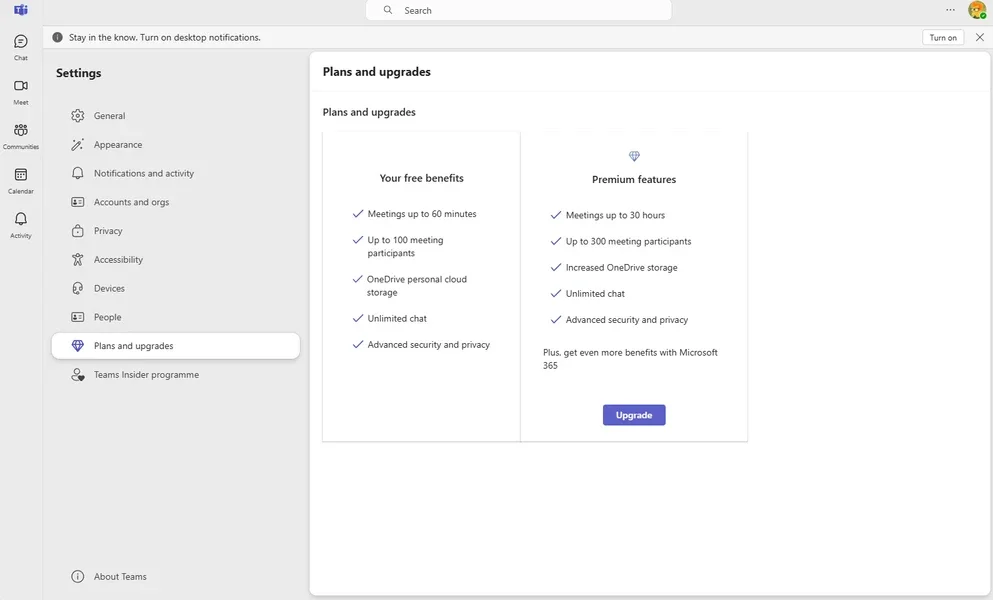
The free version limits videoconferences to 60 minutes and 100 simultaneous participants. Premium removes the time limit, lets you invite up to 300 people, and adds more cloud storage plus extra benefits for Microsoft 365 users. An activity log shows every change made in a work group, who made it and when, which helps track team progress and the latest project updates. The app runs within a security framework meant to protect work from potential threats. The interface is designed for users of all experience levels.
Download files
1c50fc703c2b861c6e850d62b27d653c1a720b05b2147a2eeedba7dcc814e9c3
Signed by Microsoft Corporation · valid until Apr 15, 2027e41b24bf7e2944b268bde7c7f6e8970700578b07cbeaf5da302db14e1a999e94
Signed by Microsoft Corporation · valid until Apr 15, 20276470be915aba85ae6d1ceeb547ec8d08183ff0aa70defd04e30a2e58206c3ada
Signed by Microsoft Corporation · valid until Apr 15, 20278ccf1f046f2f71ccb7ab88bd3ece41783dc77103a20fe8ac0a0b6a58e1ab140b
Signed by Microsoft Corporation · valid until Apr 15, 20279a6c64989e449ec2478873d0c6045ce61f4d516a0e4e19dfd45126faa6a232ea
Signed by Microsoft Corporation · valid until Apr 15, 2027System requirements
Available on:
Additional information
Developer
Latest release
Size
File type
SHA-256
1c50fc703c2b861c6e850d62b27d653c1a720b05b2147a2eeedba7dcc814e9c3