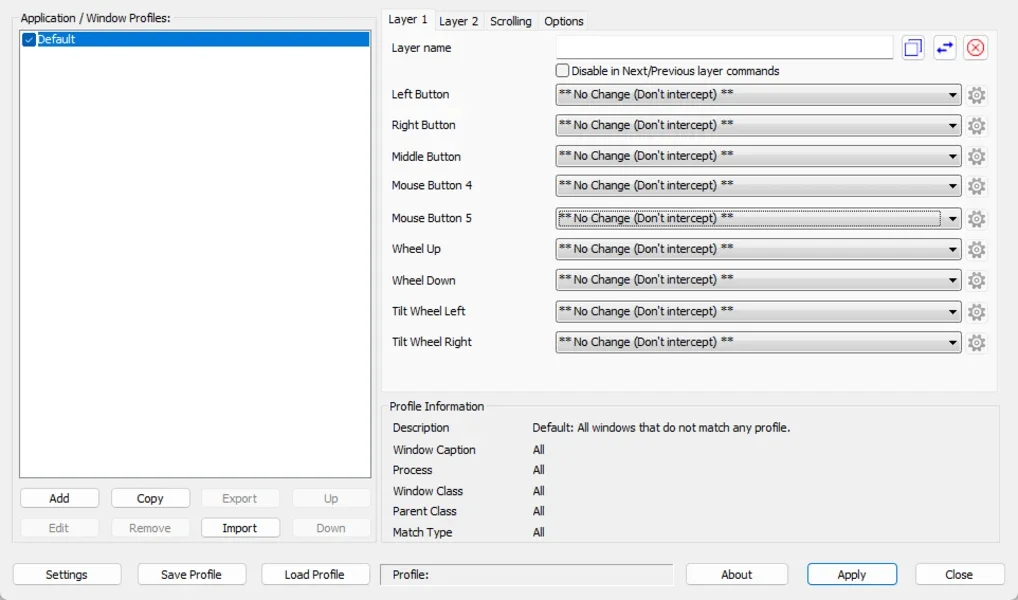
Screenshots
Description
X-Mouse Button Control is a free Windows utility that maps new functions to mouse buttons and the scroll wheel. It was built for x64 editions of Windows originally and is also fully supported on 32-bit editions; the installer works out which version it needs and walks you through setup, license agreement included.
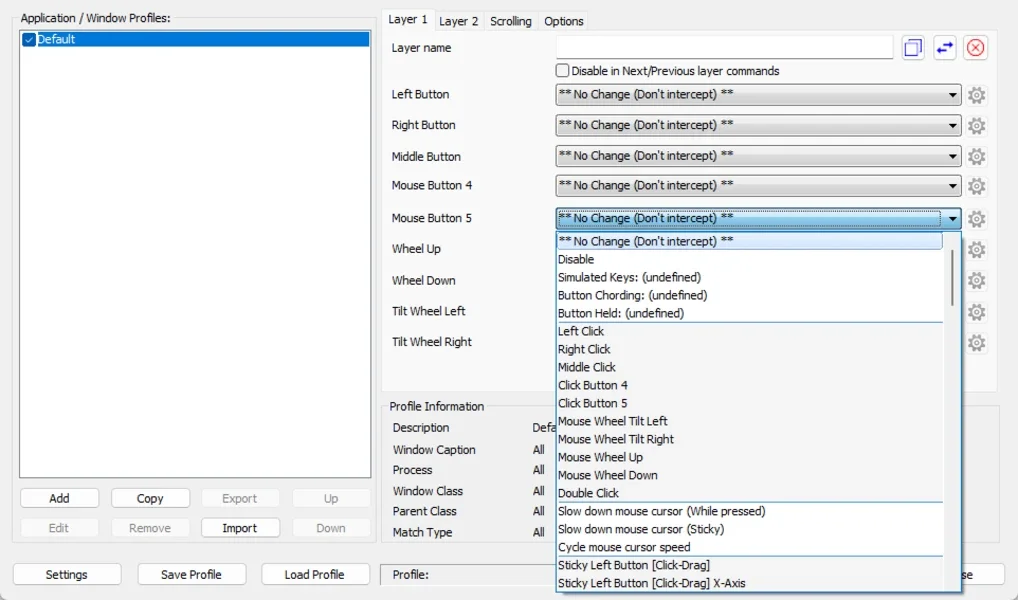
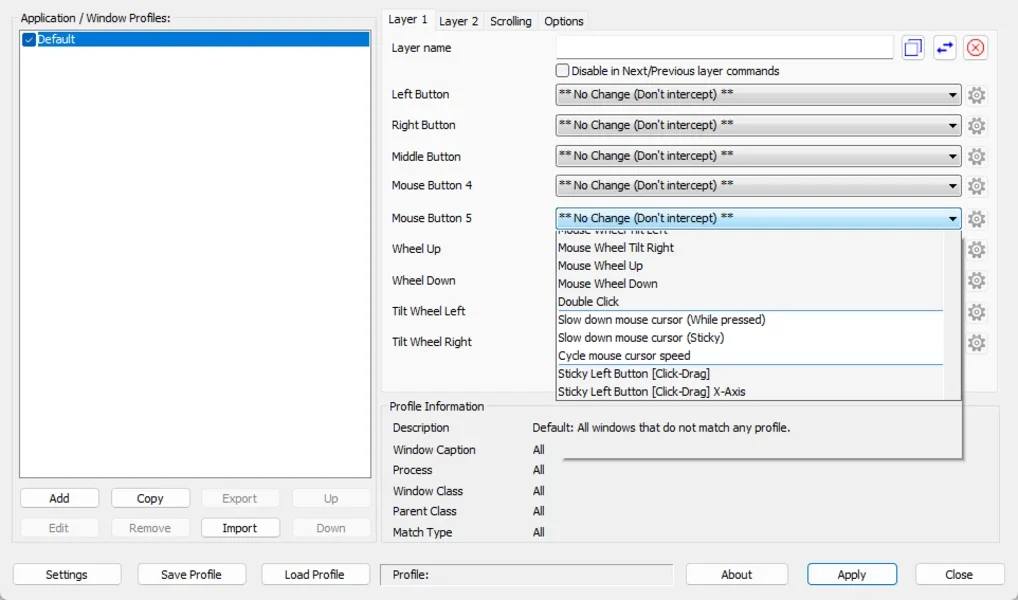
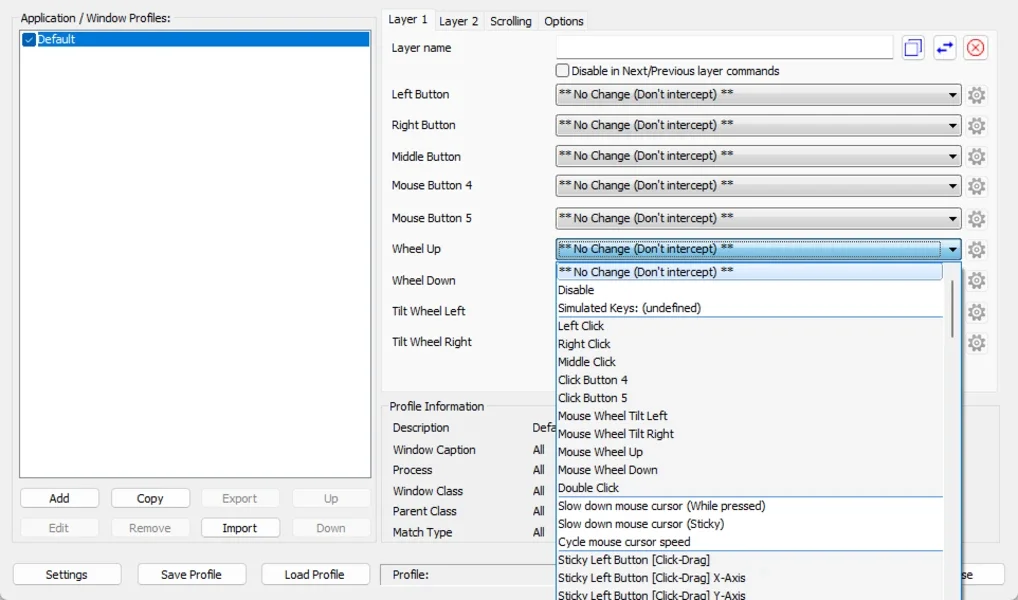
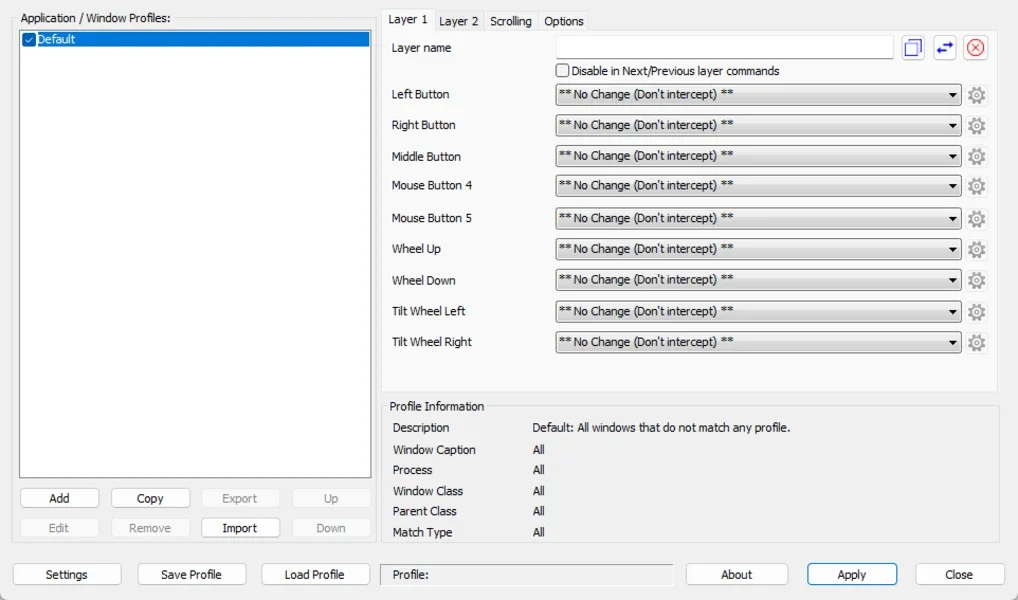
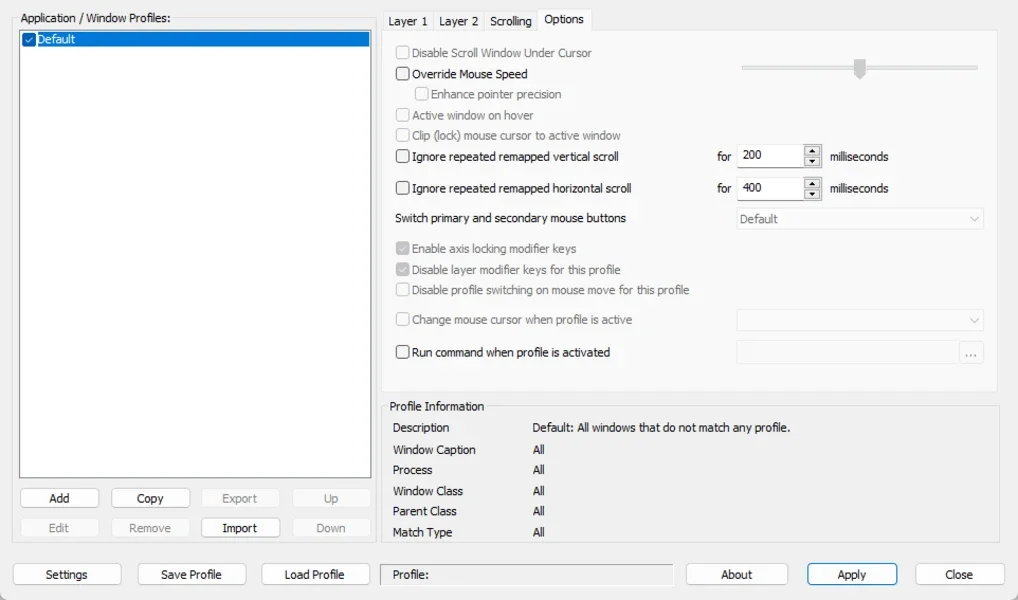
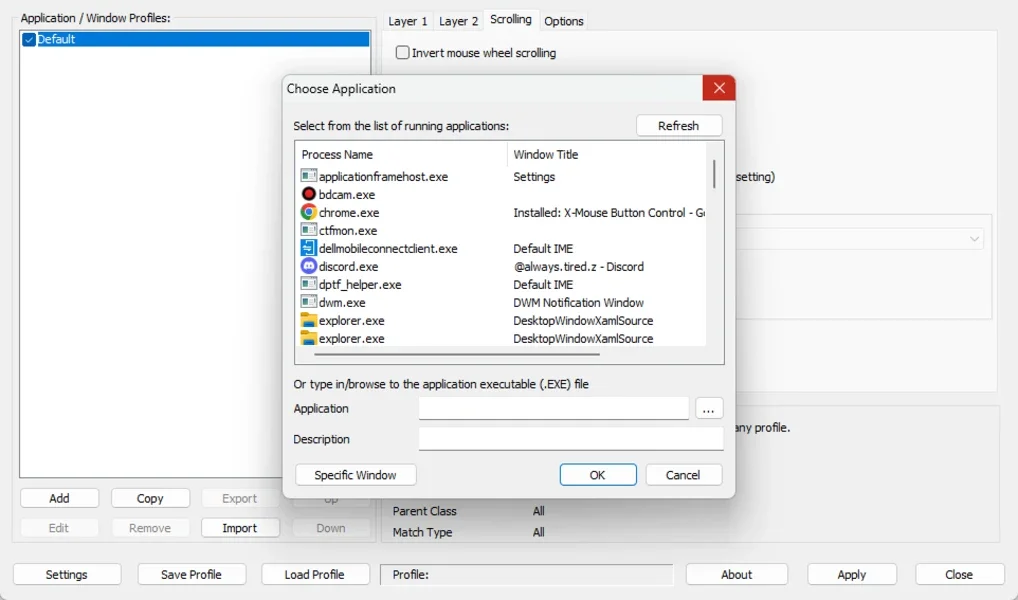
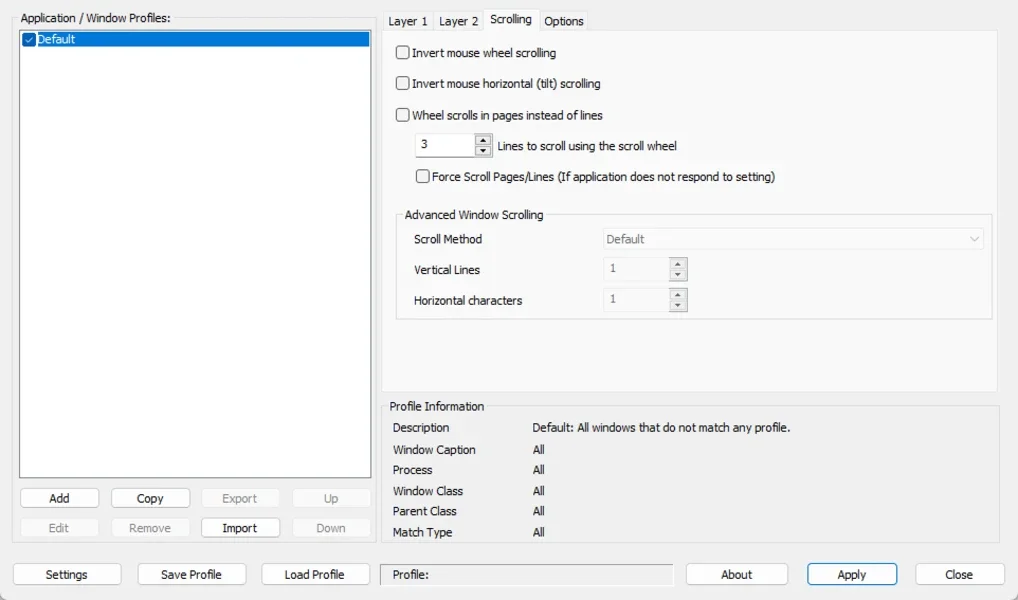
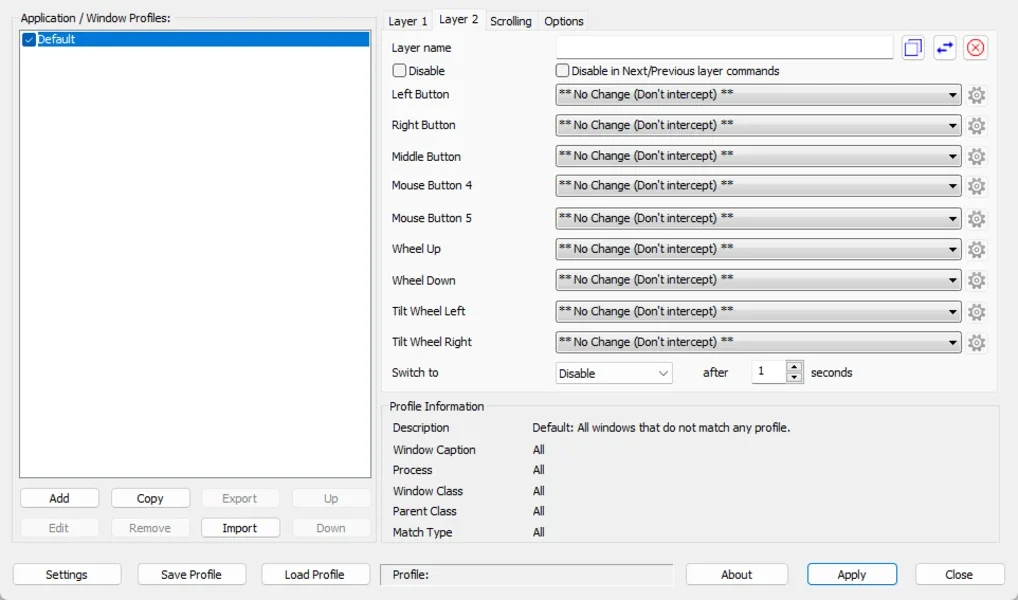
Actions get assigned per control. The Mapping Commands list shows what each of up to nine possible mouse controls does, picked from drop-down lists, and you can put tasks on buttons that previously went unused, such as the side buttons, or enable the fourth and fifth buttons in games that do not support them natively. There are around 100 actions. The list shifts with each version and some entries depend on the OS: standard tilt wheel messages need something newer than Windows XP. You can shift or combine buttons, set timed actions based on how long a button is held, send simulated keystrokes (custom keys, key sequences, mouse actions) and launch applications. Keystrokes go out by nine methods, among them on press, on release, while the button is held, or continuously while held. Profiles hold application- and window-specific behavior, and the main window lists Application or Window Profiles you can quickly add, activate or deactivate; an active profile's text is red. Each profile can hold up to 10 layers switched by hotkey or mouse button, and by default a profile activates when the mouse moves over the defined window or application. The Profile Information box shows how the selected process or window got classified, matching what you entered when creating the profile. Behavior can also be changed for particular windows, like making the wheel adjust volume over the system tray or a YouTube video. There is provision for OS-specific functions, among them Flip3D on Vista, the ModernUI/Metro environment on Windows 8, and Windows 10 Virtual Desktops. Pointer and scroll wheel tuning falls under the same navigation customizations.
The interface has many options and does not guide you through assigning them, so you may need to find the user guide or a tutorial online; it is not polished, and updates do not come often. Community-translated language packs are available alongside English. The auto-click function needs the desired mouse script set up first, and the program relies on Windows already recognizing every button on the mouse, so it cannot help when the OS or a game never detects the extra ones. Double-click the system tray icon to open it; right-click for extra options, exit among them.
Download files
2240bf5fb5d80938b0676c46ef9f84bc1739c32f60c473ff85e530ae0eca2818
Signed by Open Source Developer, Phillip Gibbons · valid until Apr 3, 2024ce0851dfb69a11af504035b70aa271ea4937a7c3410e4fb580ae42581d7575c3
f4707a78b51cbb82504db6cc2b3627d33a66beee7ea20d77472ae7e03d55ec39
b3f1b087a2617c1af305c8f9bb275f169edc46f4b4687f69db37dea0fe0cebeb
9cd3c24ed6a764c40f591072ba6fd9d1e6c0ff2b707bdce9ea03ad6d5d56546e
System requirements
Available on:
Minimum OS:
Windows XP or later
Additional information
Developer
Latest release
Size
File type
SHA-256
2240bf5fb5d80938b0676c46ef9f84bc1739c32f60c473ff85e530ae0eca2818