
Microsoft Translator 5.6.0.0 for Windows
Translates text, images and speech into over 60 languages
Screenshots
Description
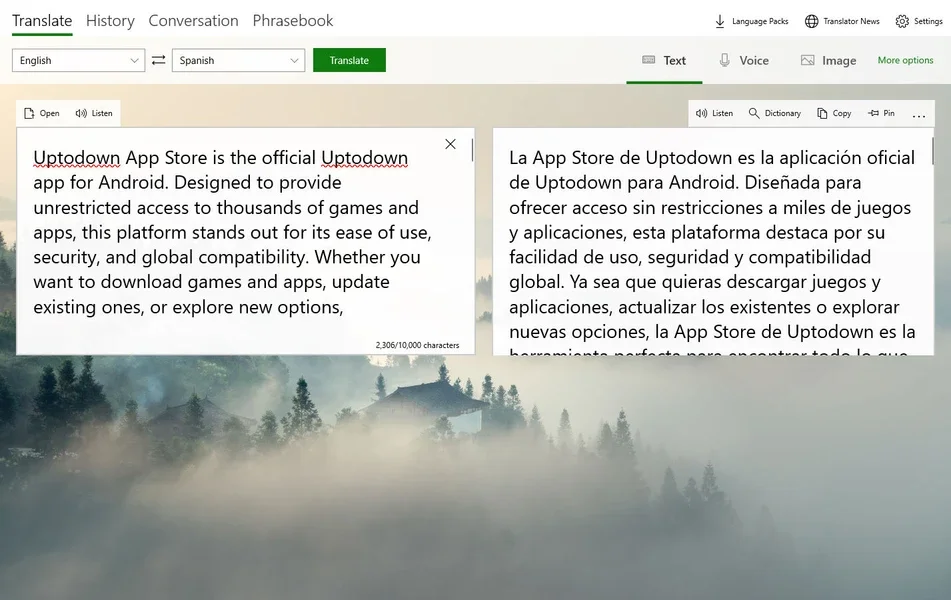
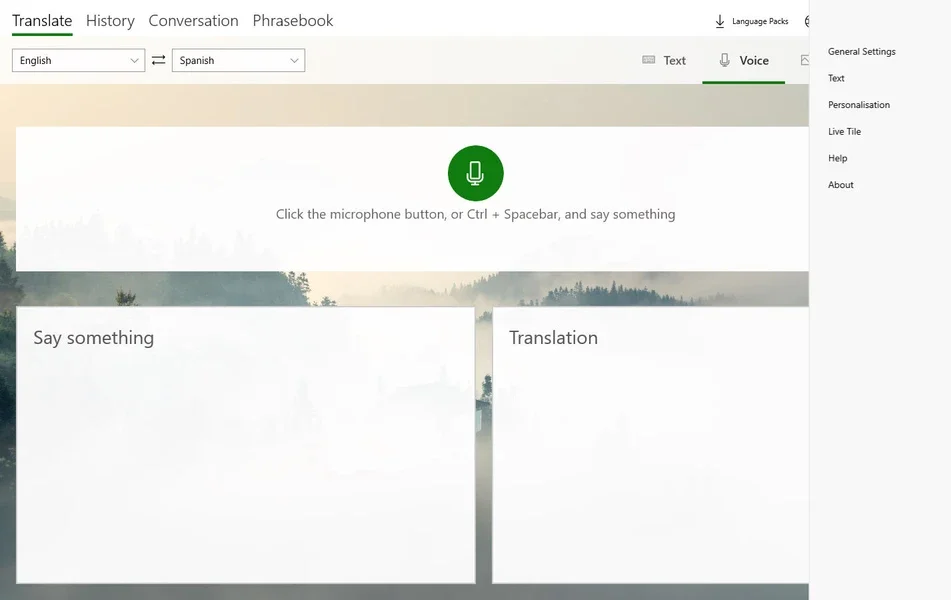
Microsoft Translator is Microsoft's official translation app for Windows, a desktop client for translating into multiple languages from a PC. Paste text in any language on the main tab, pick the language you want, and it translates; the maximum for a single text is 10,000 characters. Translation covers text, images and audio. Any image can go into any language, which helps with signs or screenshots.
It reads and speaks more than 60 languages. The list includes English, Chinese, Hindi, Russian, German, Italian, Japanese and Spanish. Most languages need an Internet connection to translate. Offline translation works only after you download the language packs, each about 100 to 200 MB. Voice playback sometimes fails and can't be played; the fix is to download those packs.
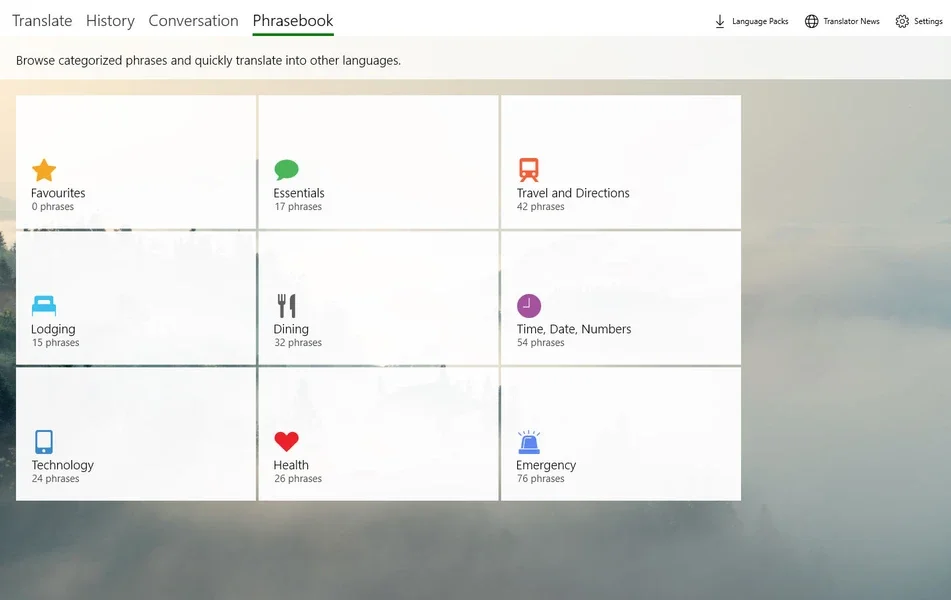
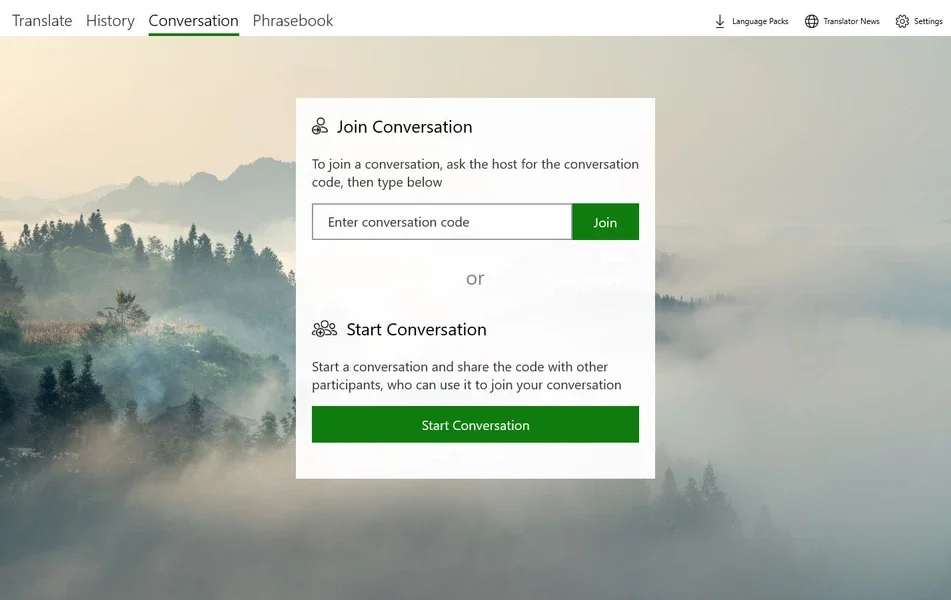
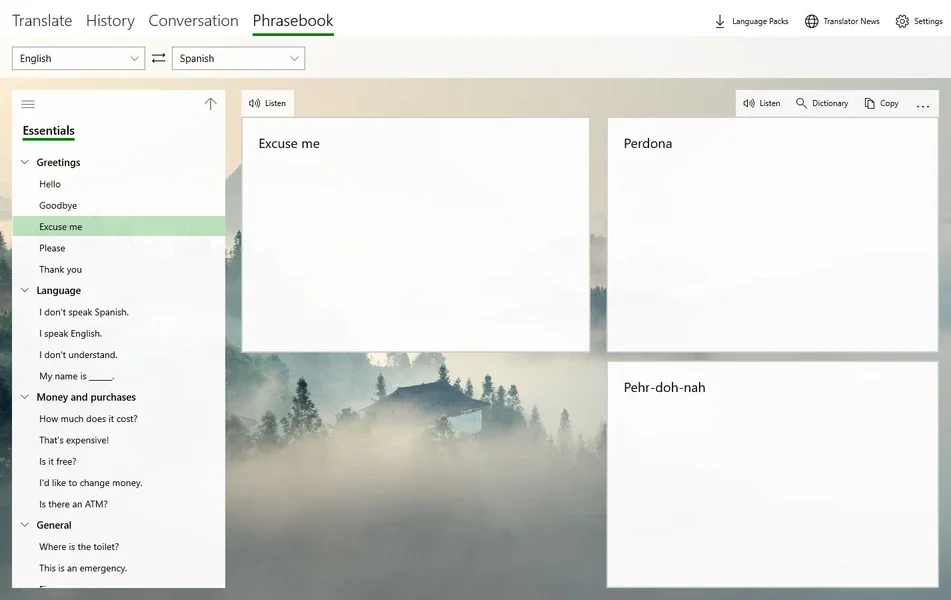
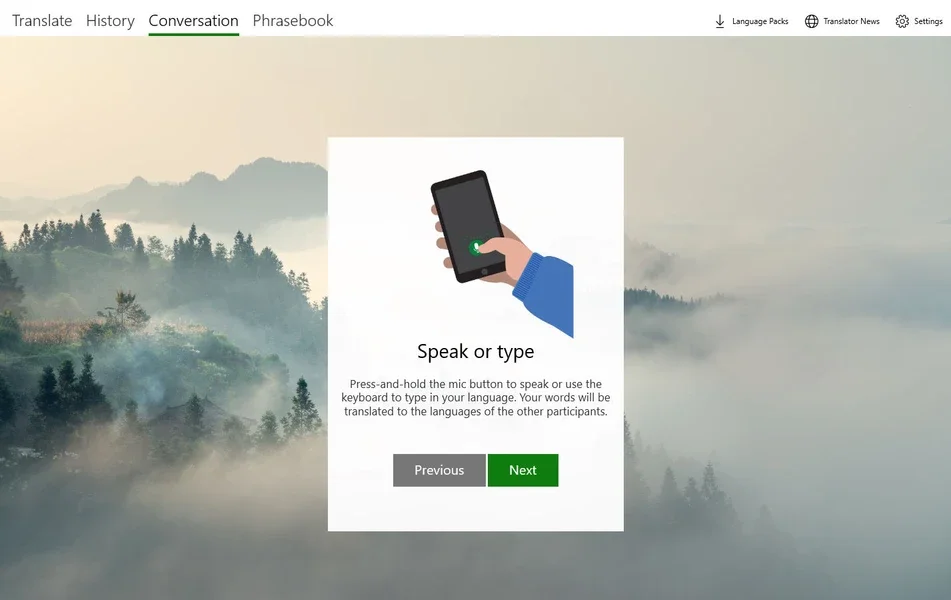
The Conversation option translates whole conversations with other people. If you aren't the host, you enter the host's conversation code. The Phrasebook sits on the fourth tab, with set phrases in categories such as Travel, Food, Technology, Health and Emergencies, several dozen phrases per category. Since it's built into Windows, you can reach it through Cortana.
Download files
853d2b8a407be7f09cdc4d44ca5cc0ed6bd9185a4e01335f322cb610ec313cc5
Signed by Microsoft Corporation · valid until Aug 2, 2019System requirements
Available on:
Minimum OS:
Windows XP or later
Additional information
Developer
Latest release
Size
Category
File type
SHA-256
853d2b8a407be7f09cdc4d44ca5cc0ed6bd9185a4e01335f322cb610ec313cc5