Microsoft Xbox 360 Controller Driver 6.2.29.0 for Windows
Official Microsoft driver for Xbox 360 controllers and peripherals on a PC
Screenshots
Description
This is a Windows driver from Microsoft that lets a PC accept Xbox 360 peripherals. It is the official Microsoft driver, not a third-party workaround.
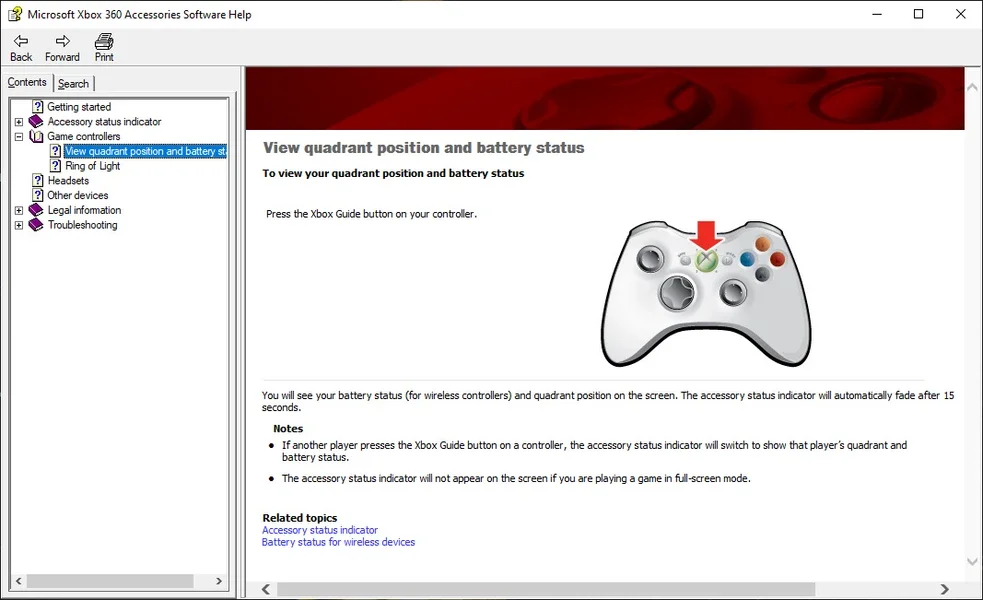
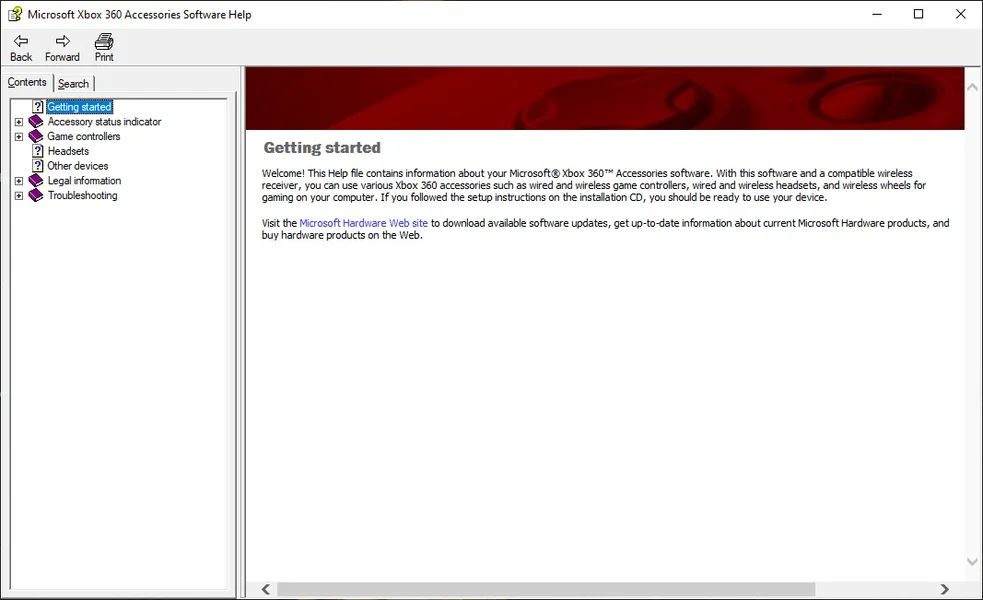
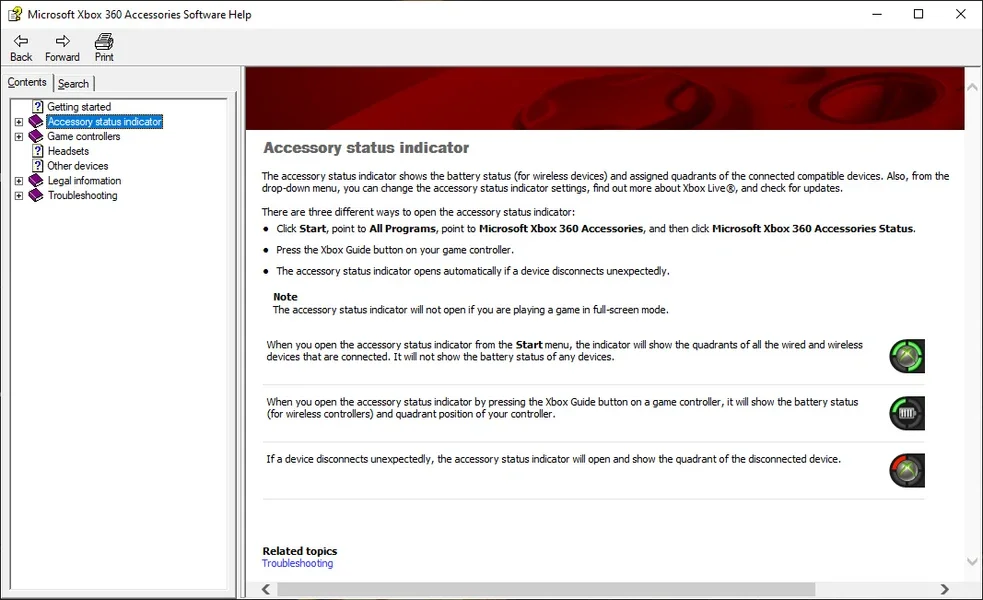
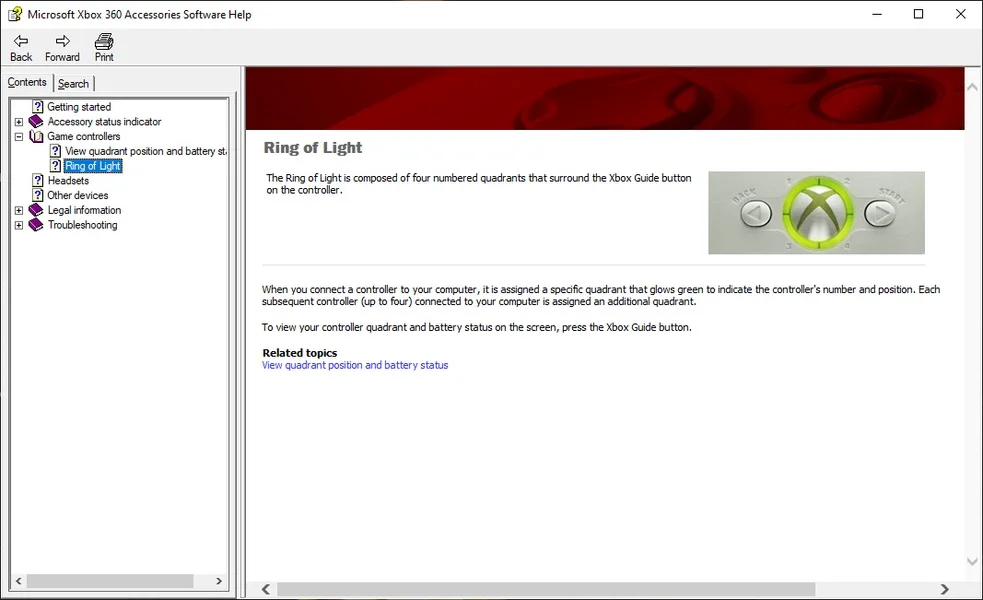
Installation takes only a few minutes. After that, open the Microsoft Xbox 360 Accessories Status app from the Windows Start menu; it shows an Xbox indicator with one green light per connected peripheral, and you can see the battery level of whatever is connected. A wired controller is the simple case: plug it into a USB port and wait a few seconds for the OS to recognize it. Wireless controllers need more steps than wired ones, and the Help file, reachable from the driver itself, walks through them with step-by-step tutorials for connecting official Microsoft devices to a PC. Press the Guide button, the large central one, and wait a few seconds. Once the controller is recognized, a new green light appears on the Xbox ring. The same process is virtually identical for Microsoft's other peripherals, which is why an official Xbox 360 steering wheel or an Xbox 360 headset can be connected to a PC too.
The driver is meant for people who still own an Xbox 360 gamepad or another Xbox 360 peripheral. Most current video games use a fully compatible control scheme, so the controller can be used to play them.
Download files
0e72ed6d89d9b89690fde8122f46fa851740ef18e850d98d45e56f85a6682994
Signed by Microsoft Corporation · valid until Jan 22, 2010System requirements
Available on:
Minimum OS:
Windows XP or later
Additional information
Developer
Latest release
Size
Category
File type
SHA-256
0e72ed6d89d9b89690fde8122f46fa851740ef18e850d98d45e56f85a6682994