Mouse Server 1.9.0.8 for Windows
SHA-256 listed
Turns an Android device into a mouse, keyboard or tablet for a PC
All ages
Age rating
Screenshots
Description
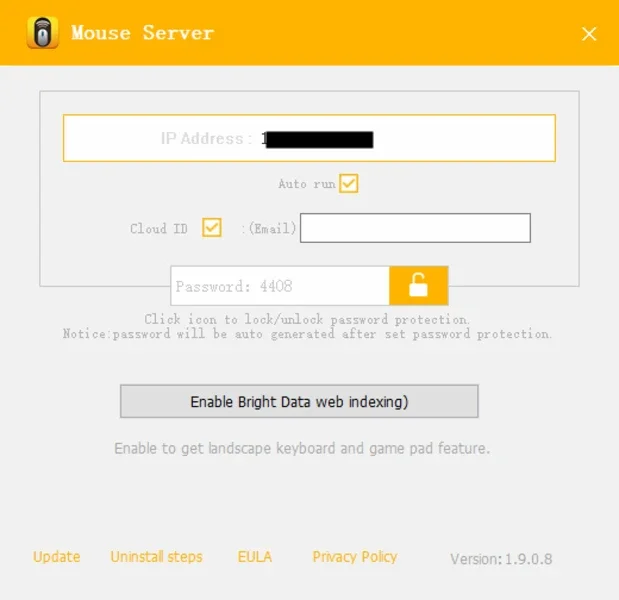
Mouse Server is the Windows side of the WiFi Mouse setup: the Android app on its own cannot control a PC, so the server has to be installed and running. Setup follows the steps shown on the Android device and takes a few seconds. The phone and the PC need to be on the same network.
- The Android screen acts as a mouse.
- The app's keyboard types directly on the PC.
- A fingertip can draw in illustration or design apps, with an old Android device standing in as a mouse or graphic tablet.
- The app can control a media player remotely.
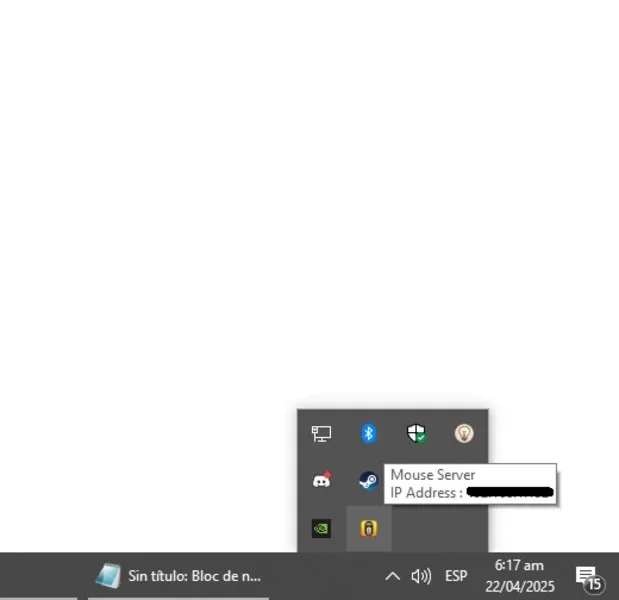
For remote desktop use, the program stays installed and running in the background, and an RDP option can be enabled to use the desktop remotely from the app. The remote feature also works for helping someone with a problem remotely.
Download files
File1.9.0.8EXE
Version1.9.0.8
ReleasedApr 22, 2025
Size5.2 MB
SHA-256
Get
076899192dc93ae2734fac92869ec7966900537cb13f0052b3c76bc1600fd601
Signed by 深圳市油桃科技有限公司 · valid until Jan 11, 2027Filemouse-server-1.8.6.0.exeEXE
Version1.8.6.0
ReleasedMar 10, 2023
Size5.2 MB
SHA-256
Get
65f15fa502b50f3e6aaad2d7e8e05bda653059e76d0b4d13ed760061f03fc9f2
System requirements
Available on:
Minimum OS:
Windows XP or later
Additional information
Developer
Latest release
1.9.0.8 · Apr 22, 2025
Size
5.2 MB
Category
File type
EXE
SHA-256
076899192dc93ae2734fac92869ec7966900537cb13f0052b3c76bc1600fd601
Digital signature
Signed by 深圳市油桃科技有限公司 · valid until Jan 11, 2027