
NX Studio 1.11.0.30000 for Windows
Edits Nikon RAW files while keeping the camera's own look
You are on macOS — this is the Windows version. See the macOS version
Screenshots
Description
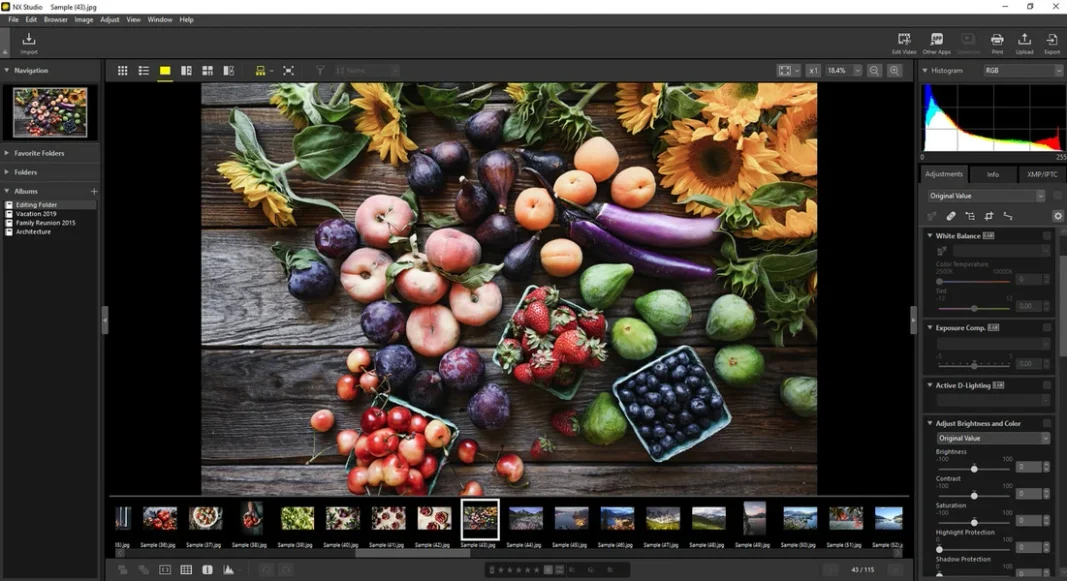
NX Studio opens .NEF and .NRW RAW files and works on them without altering the original information. Processing follows the camera's own interpretation, so Picture Control, white balance and Active D-Lighting come through as they were set. The archive's purest data is used, with no external reinterpretations.
- Exposure, noise and color settings adjustable as they were conceived in-camera
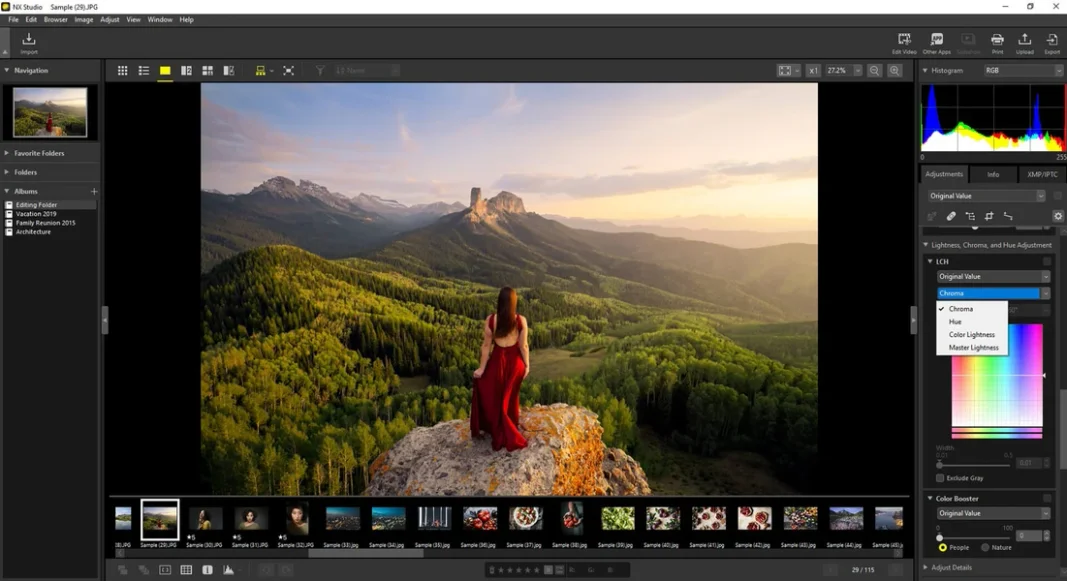
- Advanced color and exposure adjustments, plus local adjustments without excessively complex processes
- Color adjustments that change brightness, saturation, hue or contrast within a specific color range
- Basic tools such as cropping and straightening
- Editing of JPEG and TIFF files as well as RAW
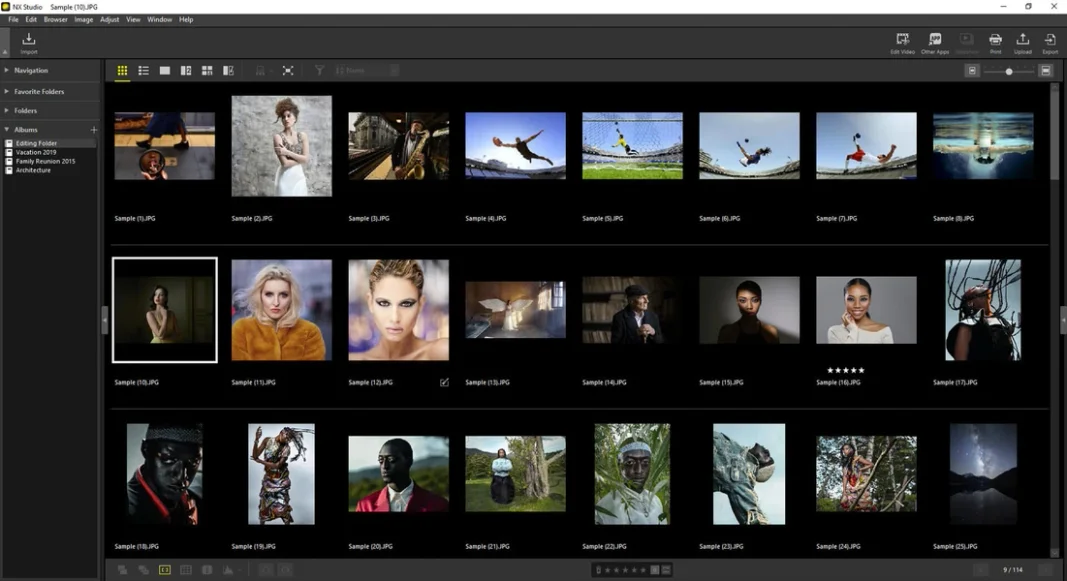
For picking shots, the browser has different thumbnail views, side-by-side comparison, full screen and metadata access. There is also a simple video editor for trimming clips, combining fragments, adding music or building slideshows from photos and videos; it handles quick adjustments rather than professional editing work. The interface is not the most modern on the market but is practical and consistent for existing Nikon camera users. Nikon Corporation makes the program, and it is free to use.
Download files
3e50b4cd3ce0cbd467f2e59d864dcf6a34c1a4ce28dd381348d4ba29b55d0075
Signed by NIKON CORPORATION · valid until Oct 10, 2026ed54f89097d3277ac8966408ff1f1d20001ca3e21e3edcc7eb18d707d4fce25b
b5f3b1a2c1c95f5d18d1f9dad677e68220dfbf7758979974ad7dde53f137af13
fc9b5544d277358016805465d34c90876dc98106ad4a6b8ce08a87e5fe587f9d
3460846c101f521539524bb3273c9b0679fa5b1a325dbffcece80d09880494da
System requirements
Available on:
Minimum OS:
Windows XP or later
Additional information
Developer
Latest release
Size
Category
File type
SHA-256
3e50b4cd3ce0cbd467f2e59d864dcf6a34c1a4ce28dd381348d4ba29b55d0075