
OCCT: OverClock Checking Tool 17.2.1.0 for Windows
SHA-256 listed
Monitors PC health and detects hardware errors
All ages
Age rating
Screenshots
Description
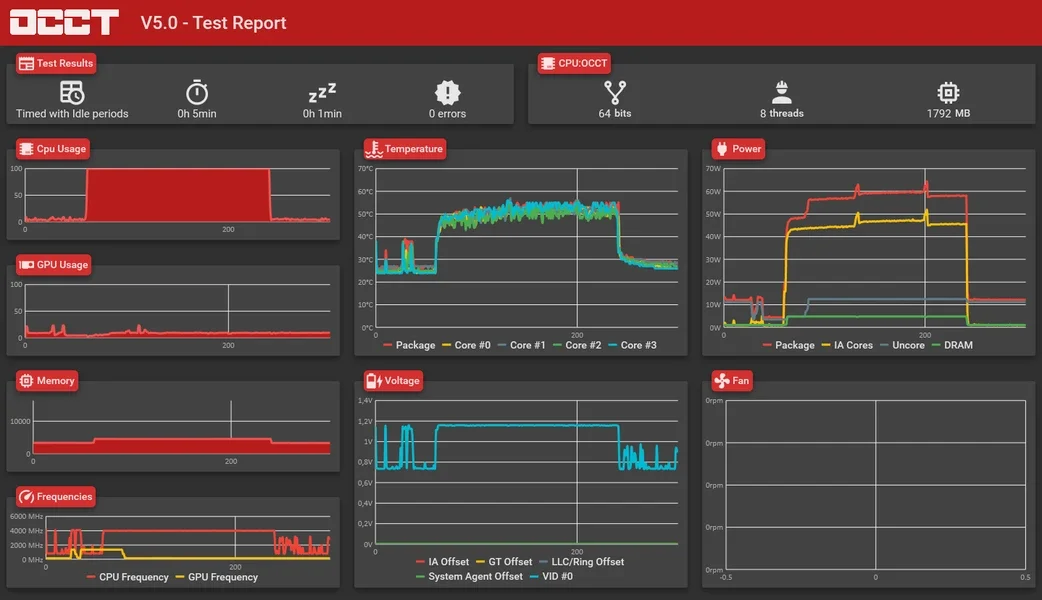
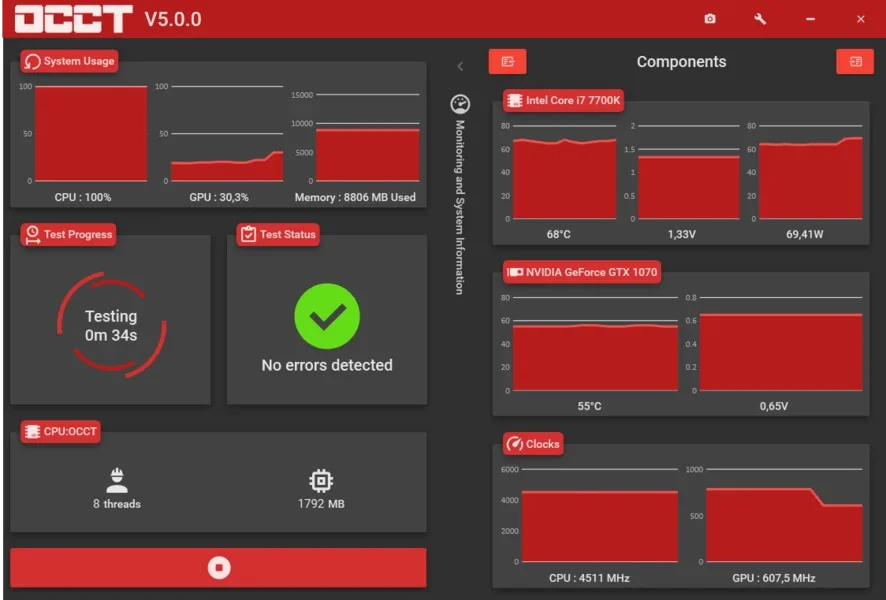
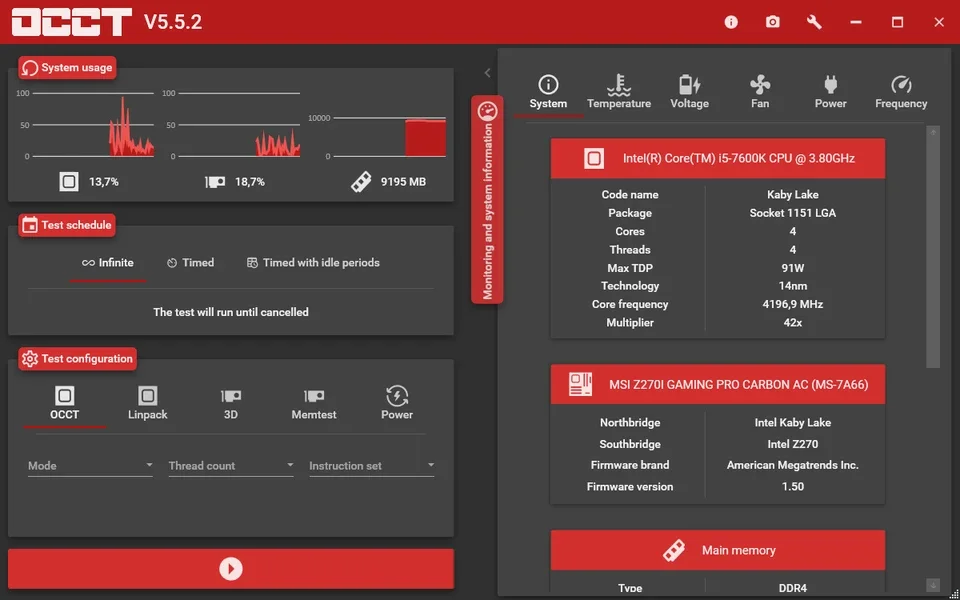
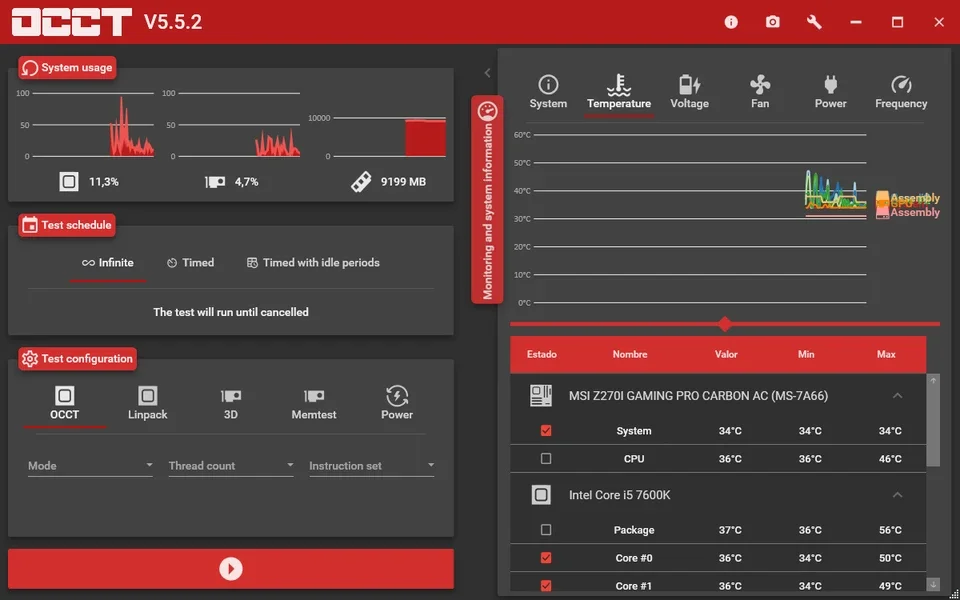
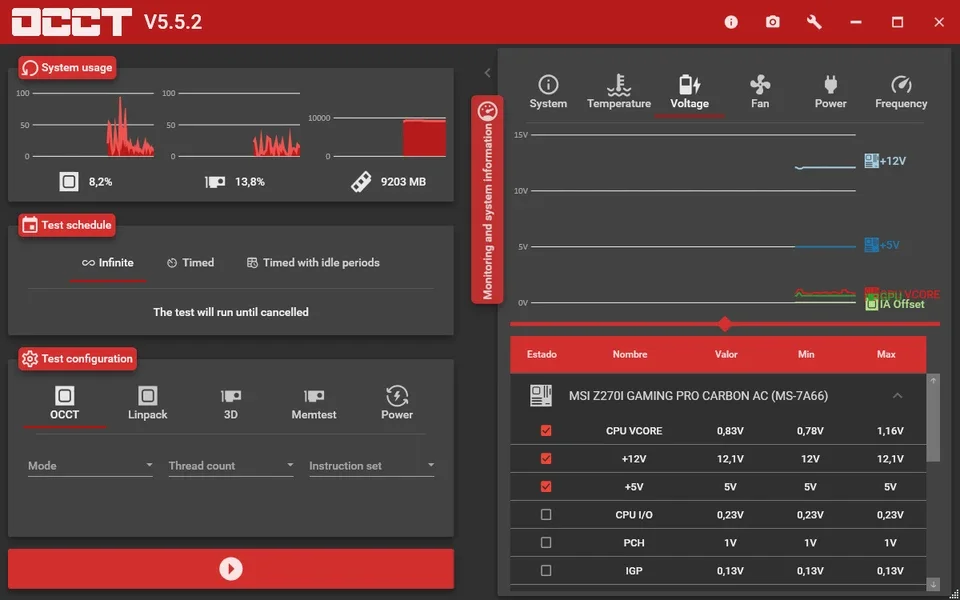
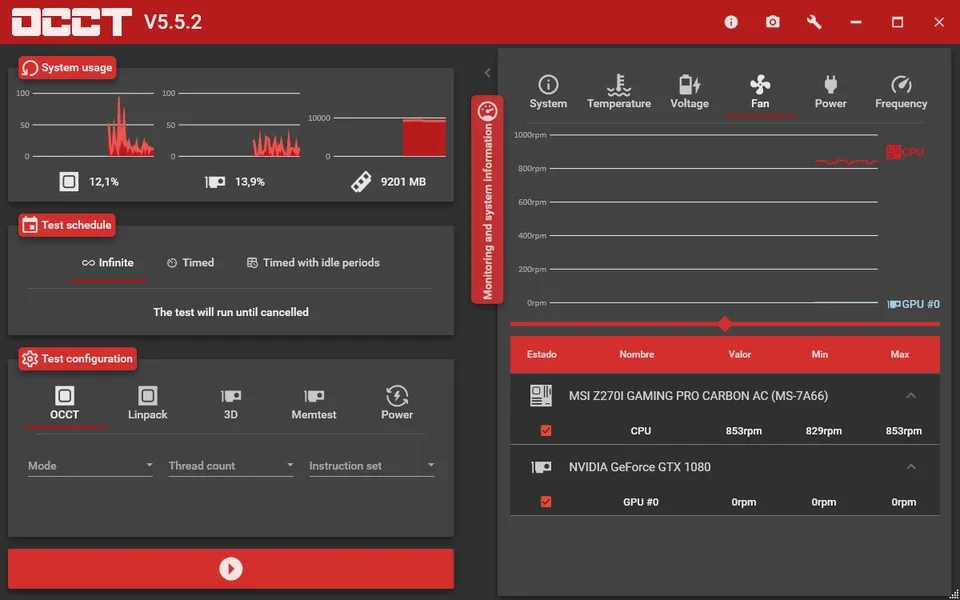
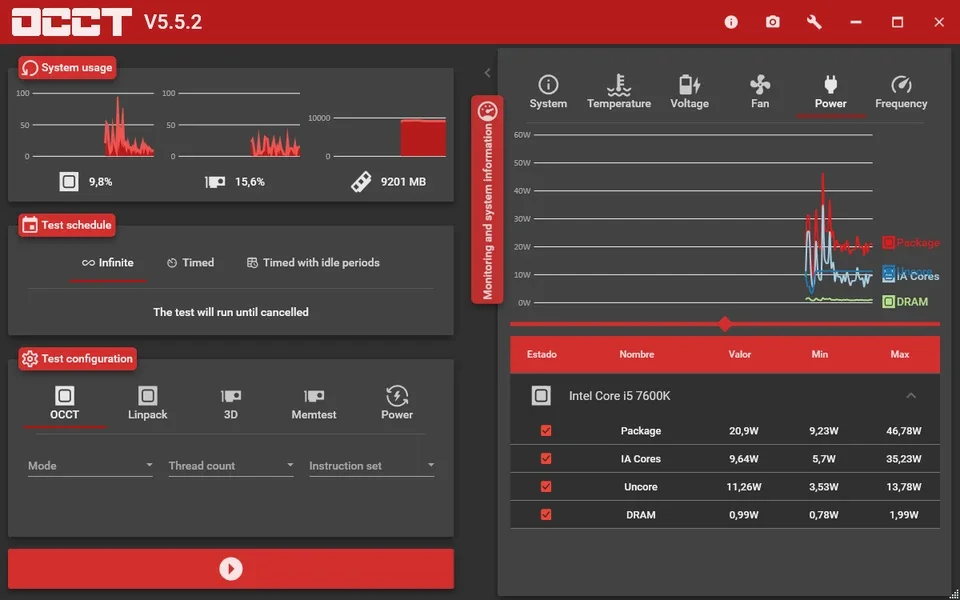
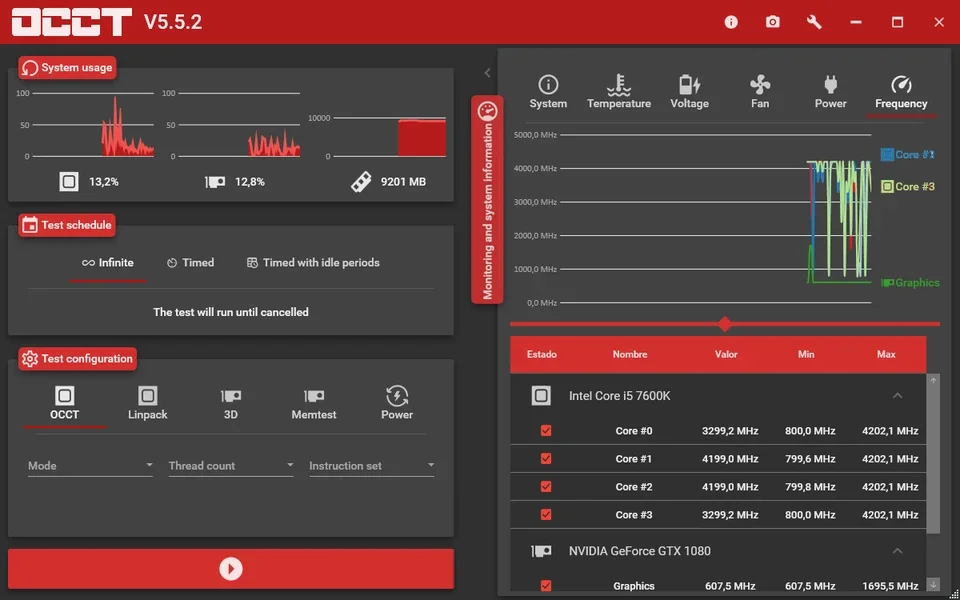
OCCT: OverClock Checking Tool monitors a PC to confirm it is running smoothly and detects errors in computer hardware. Problems can be found before they cause irreparable damage, and it can diagnose possible errors, including overclocking glitches. The interface shows three graphs on the left for CPU, GPU and RAM usage. A specific test can be run at any time to check CPU, GPU and RAM for errors.
The right side shows temperature, voltage, frequency and fan speed, along with a detailed summary of the computer.
Download files
Fileocct-overclock-checking-tool-17-2-1-0.exeEXE · 64-bit
Version17.2.1.0
ReleasedNov 20, 2026
Size176.0 MB
SHA-256
Get
5275928dde72aa1b89c99020103e5dfbb74100b2ace82e0b7552724163d29bf5
No digital signatureFileocct-overclock-checking-tool-17-2-0-0.exeEXE · 64-bit
Version17.2.0.0
ReleasedNov 19, 2026
Size176.0 MB
SHA-256
Get
dc72336660813c6d3ffa7cfbea66126c2de556fc129f70897df897b57eb66880
No digital signatureFileocct-overclock-checking-tool-17-1-12-0.exeEXE · 64-bit
Version17.1.12.0
ReleasedNov 16, 2026
Size197.9 MB
SHA-256
Get
abaaf651c97ea4ce092c51685128ee43987cfd1da7d48ee96693196c2006559a
No digital signatureFileocct-overclock-checking-tool-17-1-11-0.exeEXE · 64-bit
Version17.1.11.0
ReleasedNov 13, 2026
Size197.9 MB
SHA-256
Get
1b2ab3bb9f982e6ddc8f6d875cba349aae6447a232dcac402a0c8783e822de52
No digital signatureFileocct-overclock-checking-tool-17-1-10-0.exeEXE · 64-bit
Version17.1.10.0
ReleasedOct 21, 2026
Size197.1 MB
SHA-256
Get
64f403fb690afa724b3bf31f439f8a29c81c34b4d3496a63456a9ab224e9599b
No digital signatureSystem requirements
Available on:
Architecture:
64-bit
Additional information
Developer
Latest release
17.2.1.0 · Nov 20, 2026
Size
176.0 MB
Category
File type
EXE
SHA-256
5275928dde72aa1b89c99020103e5dfbb74100b2ace82e0b7552724163d29bf5
Digital signature
No digital signature





