
Ocenaudio 3.22.2 for Windows
Free audio editor for recording, playing and editing sound on Windows
You are on macOS — this is the Windows version. See the macOS version
Screenshots
Description
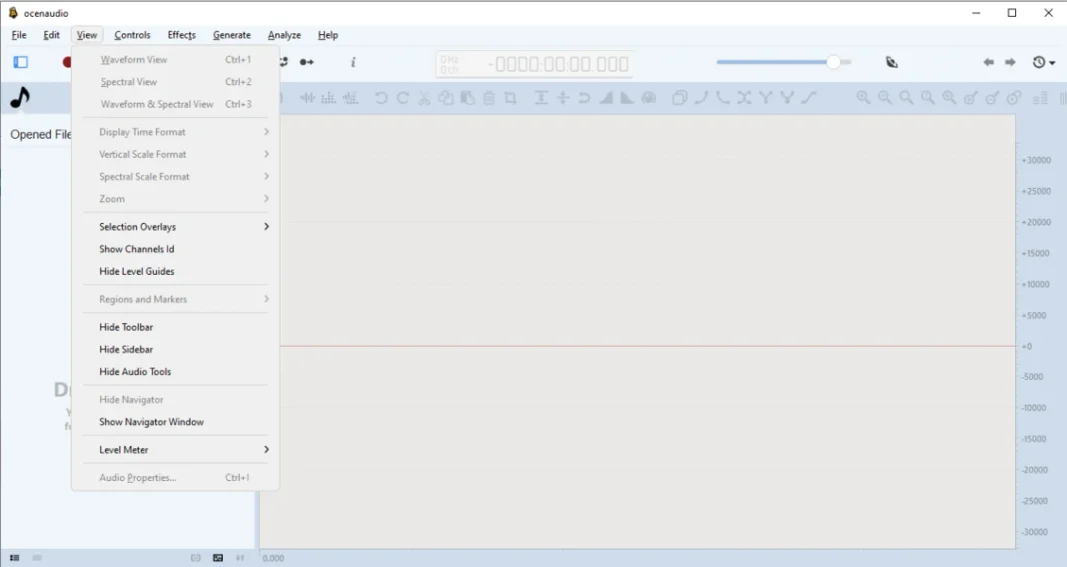
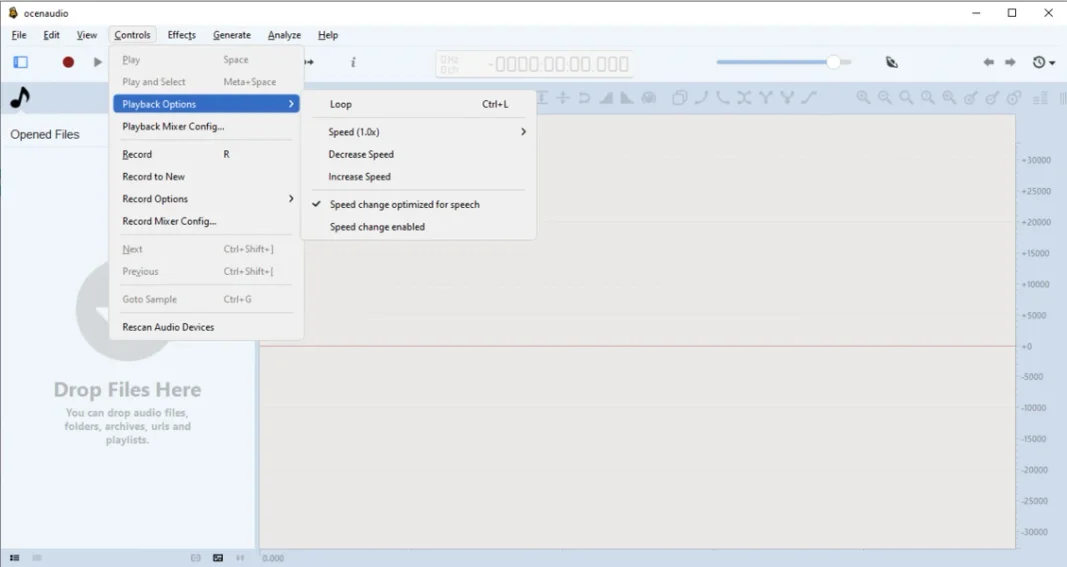
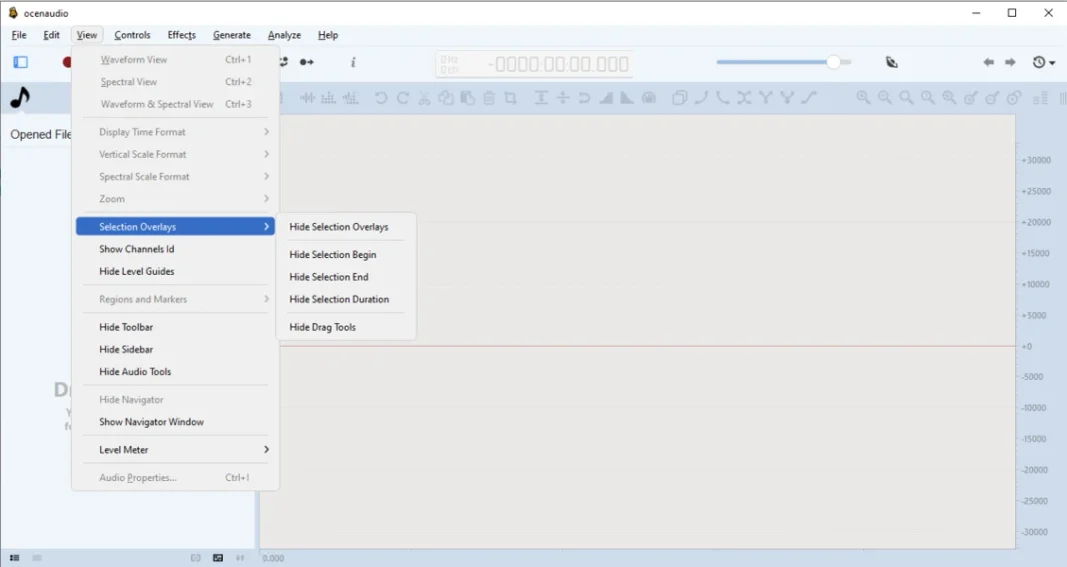
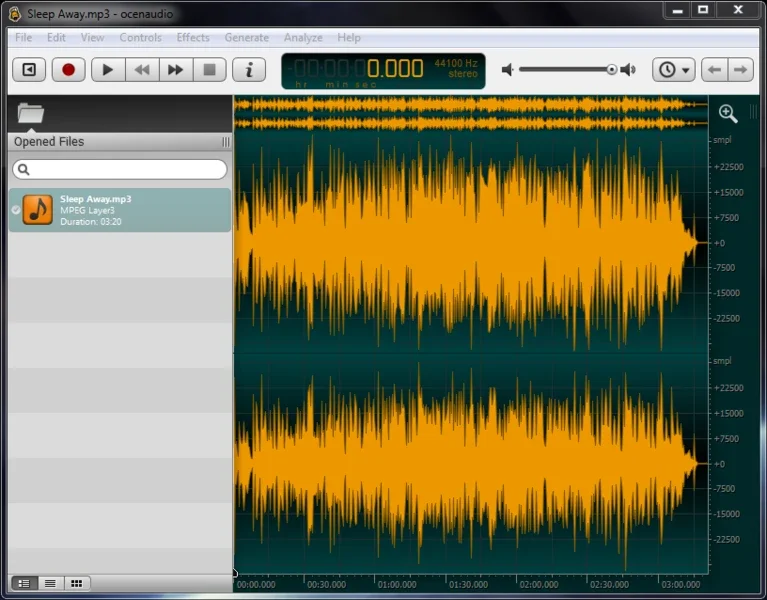
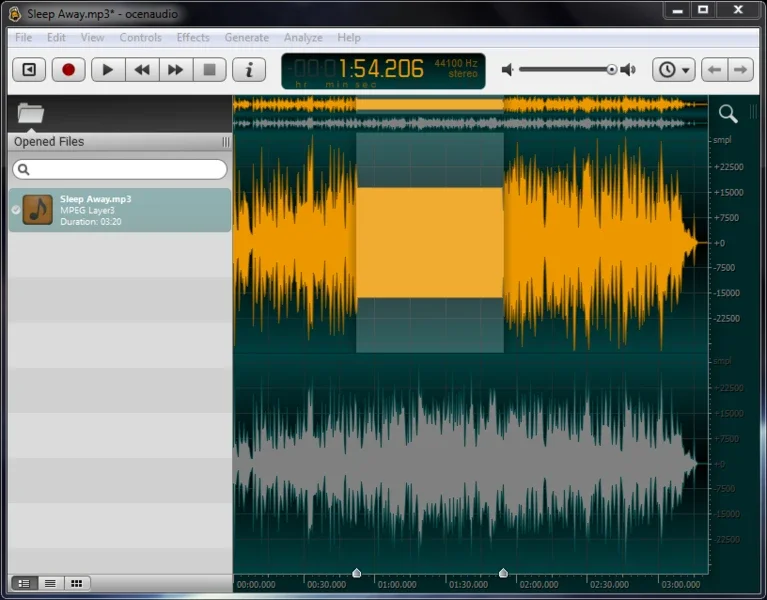
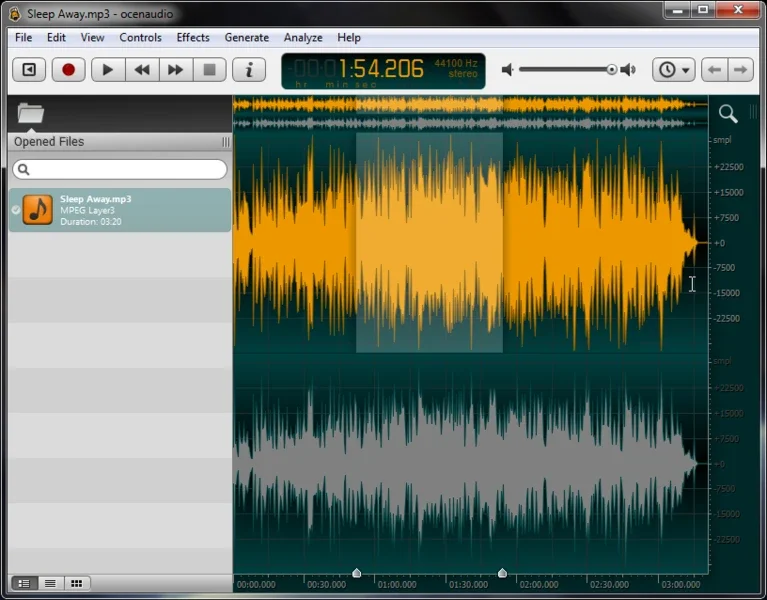
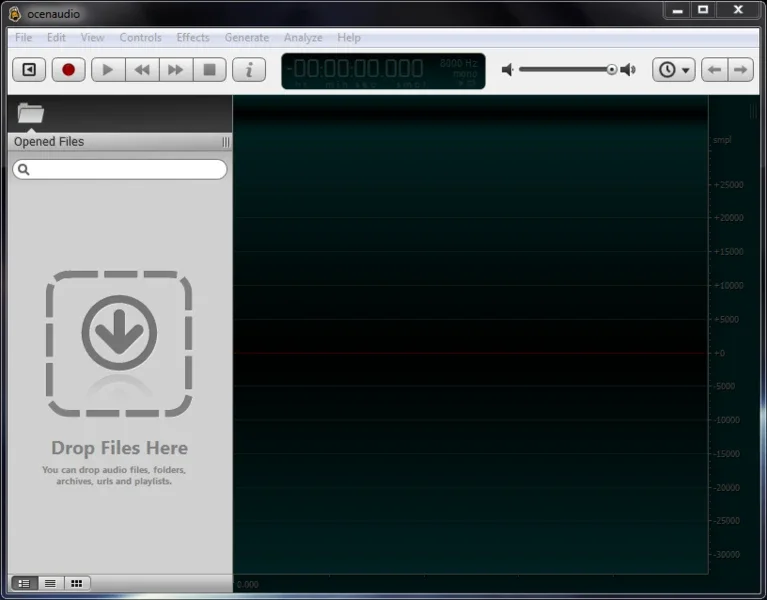
Ocenaudio opens an audio file as a waveform graph, and you select a fragment on that graph to cut it, apply an effect, split it at a point, or paste a recording into it. Peaks and volume rises and falls are visible in the graph, which is how you decide where to cut. The whole thing runs in a single window. The left sidebar holds two or more files at once, so fragments from different recordings can be combined.
Recording comes in from a microphone or another peripheral that captures sound, and the result can be saved in a different format. Any opened audio can be converted with parameters you set, bit rate among them.
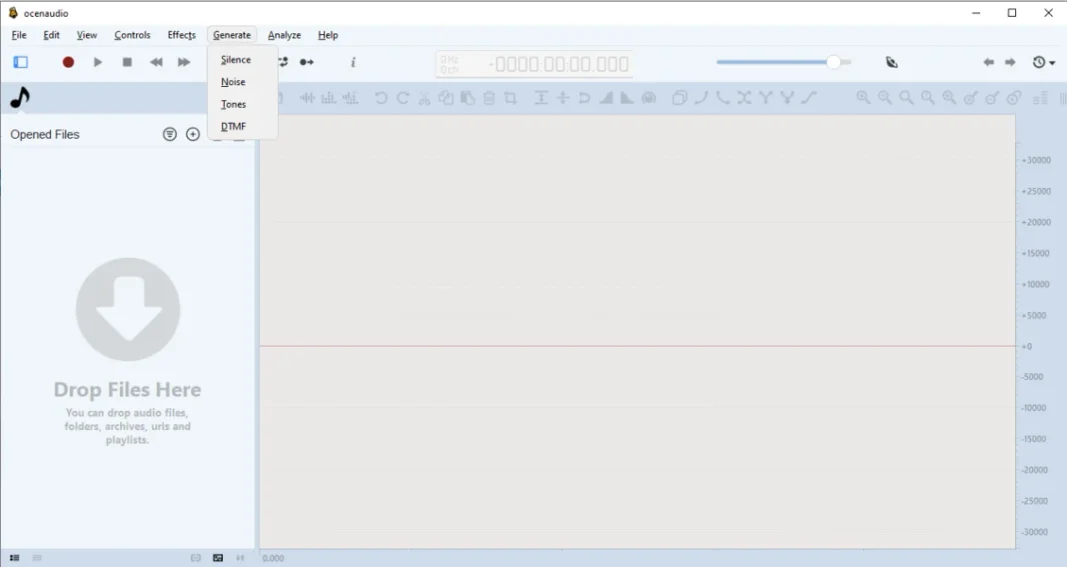
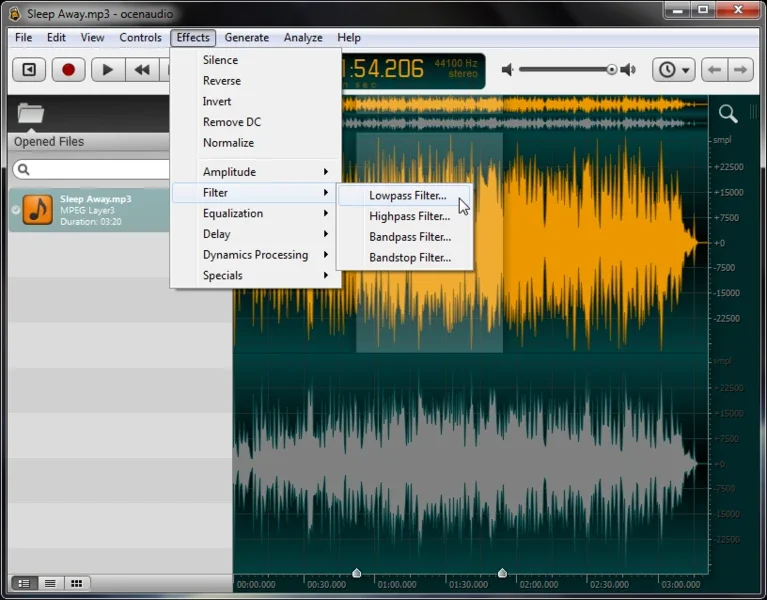
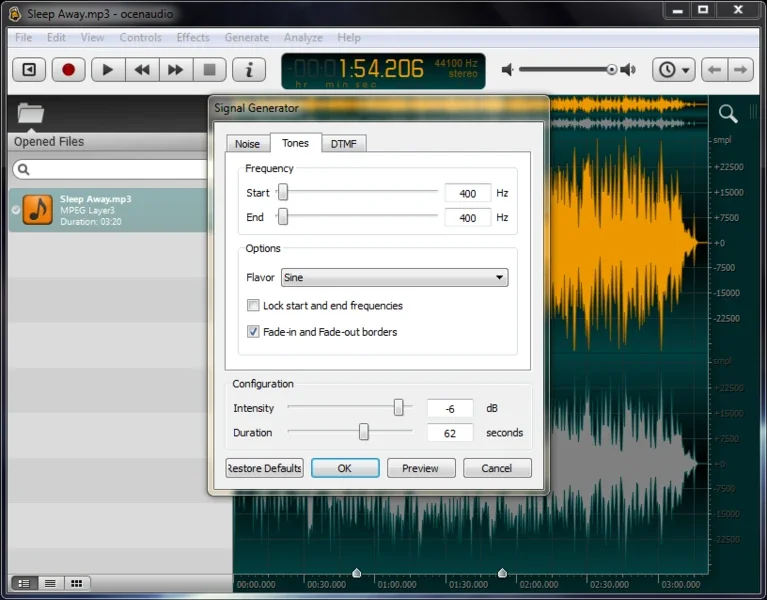
The effects cover noise removal, echo, slowed playback, and fade in and fade out transitions. Ocenaudio is free, works without prior knowledge, and puts every action in the context menu or on a keyboard shortcut.
Download files
83e7c30bb82ba5cc3a41a4c330a90b8d4bf15692442413fd1c79e8ad9a9ee432
Signed by Rui Seara Junior · valid until Aug 15, 20278d32d65fa6e96551f16aa0d71d96b8a498d6a93cc6479f2bcd83da7beccf9c52
Signed by Rui Seara Junior · valid until Aug 15, 2027966de398520b4172600fbd84e9f9915345db095c32273462c1e34fd265ad8796
Signed by Rui Seara Junior · valid until Aug 15, 2027c73d6894ebec674198c9f487a66ca1124730d096468591caa7aee8dc191a4ca5
Signed by Rui Seara Junior · valid until Aug 15, 20275d84163f673e00879b68a49645cd192d2365a5ac8409ecd763851fa442e8a55a
Signed by Rui Seara Junior · valid until Aug 15, 2027System requirements
Available on:
Minimum OS:
Windows XP or later
Additional information
Developer
Latest release
Size
Category
File type
SHA-256
83e7c30bb82ba5cc3a41a4c330a90b8d4bf15692442413fd1c79e8ad9a9ee432