
OrcaSlicer 2.4.2 for Windows
Generates printable G-code from STL files on Windows
You are on macOS — this is the Windows version. See the macOS version
Screenshots
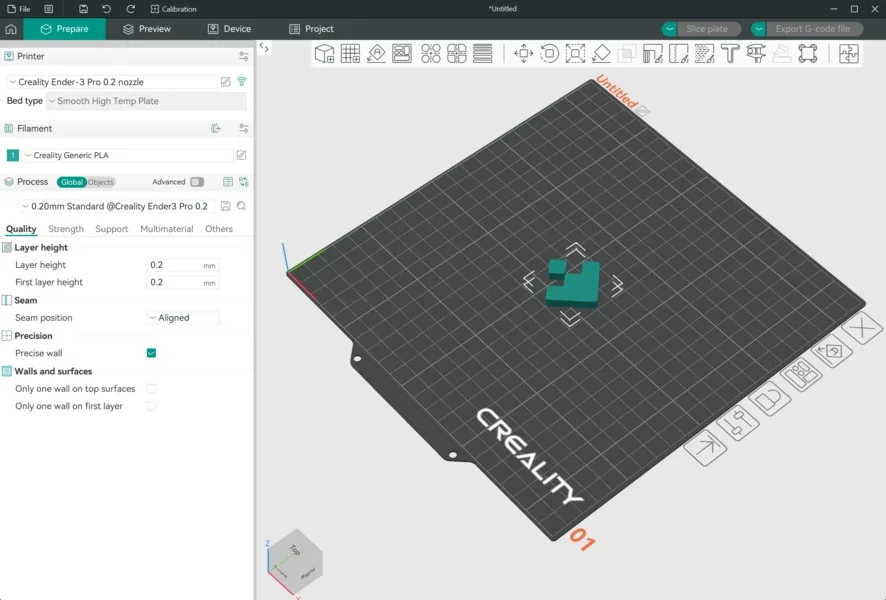
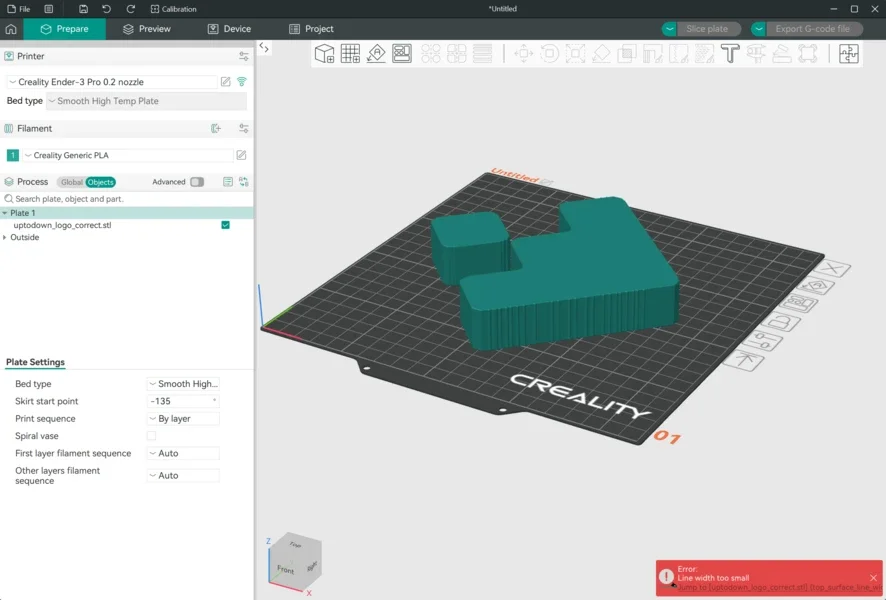
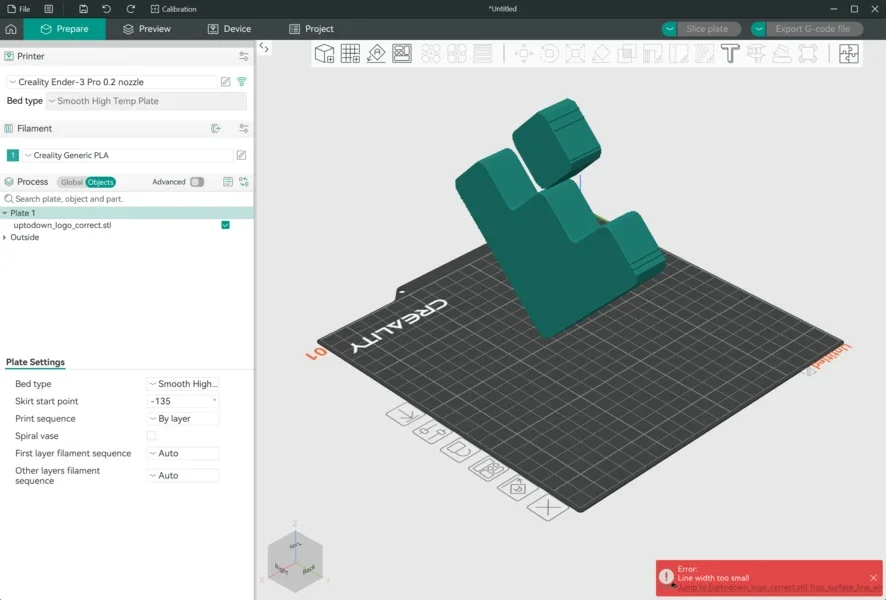
Description
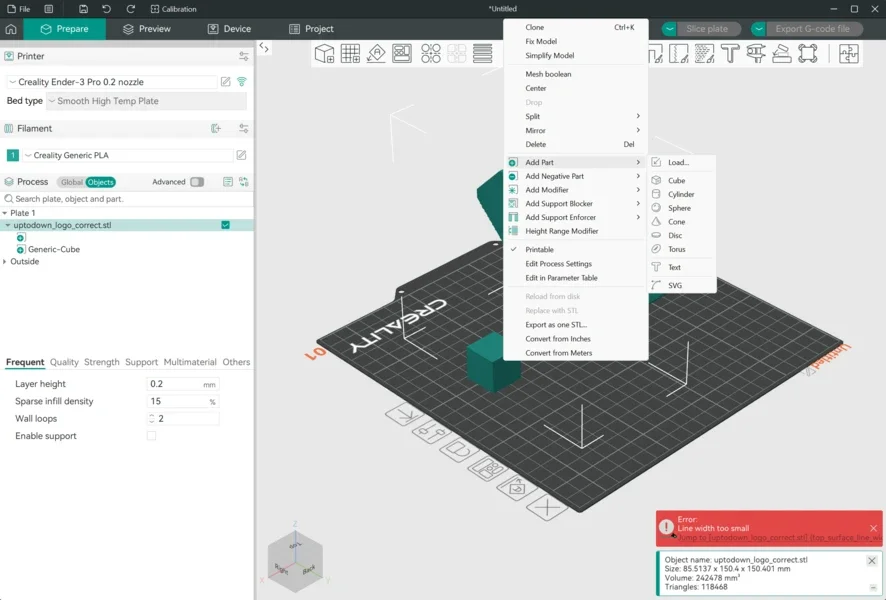
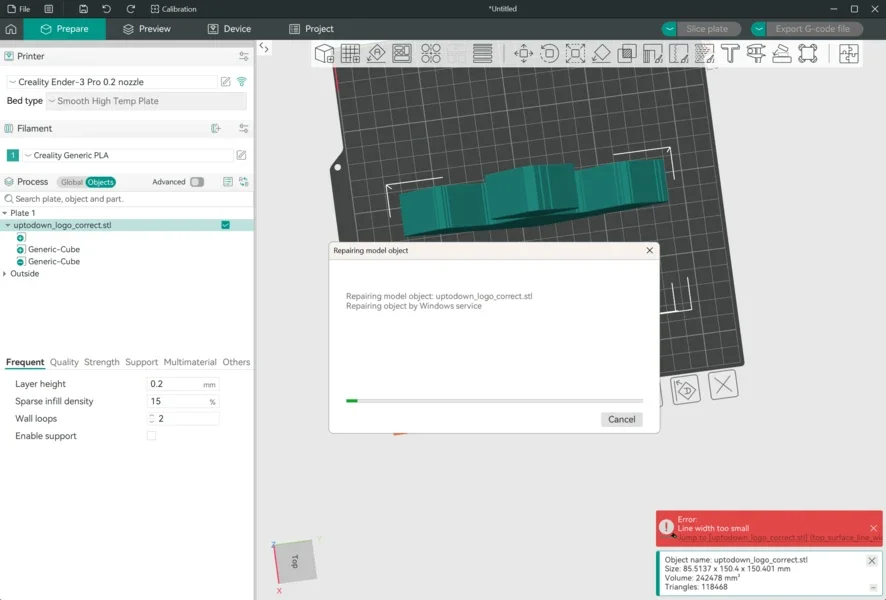
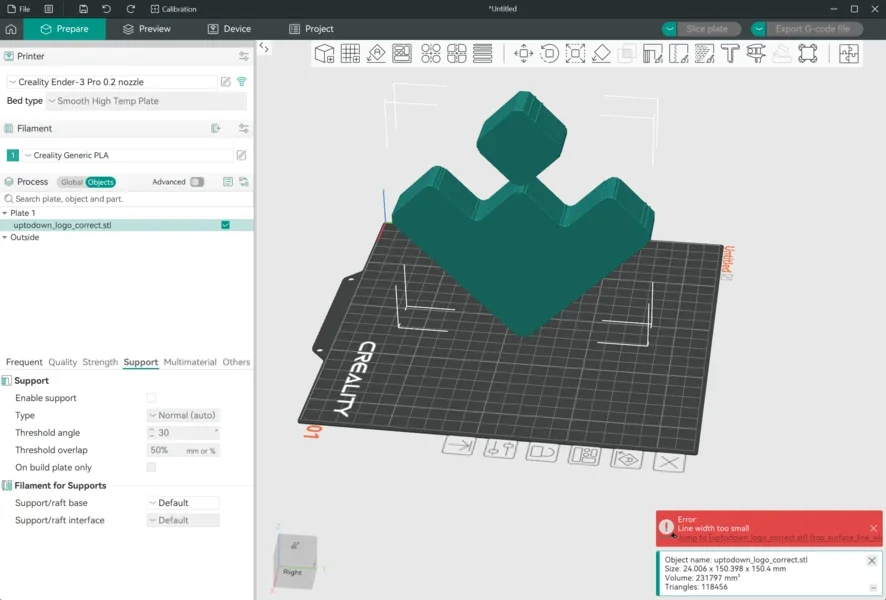
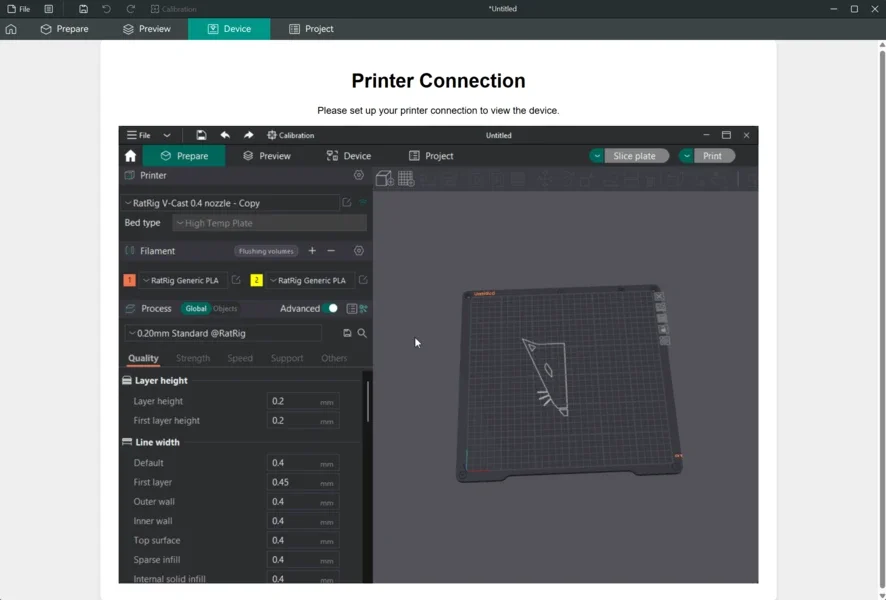
OrcaSlicer takes a 3D design in STL format and generates the G-code a printer needs to build it in layers. It's a Windows application, and on first launch you choose your printer from a long list of supported models, each with predefined parameters for build volume, top speed, acceleration and axis travel limits. Picking a different machine later is a matter of selecting its profile, which pulls in the key parameters automatically. The list covers brands such as Bambu, Prusa, Voron, VzBot, RatRig and Creality.
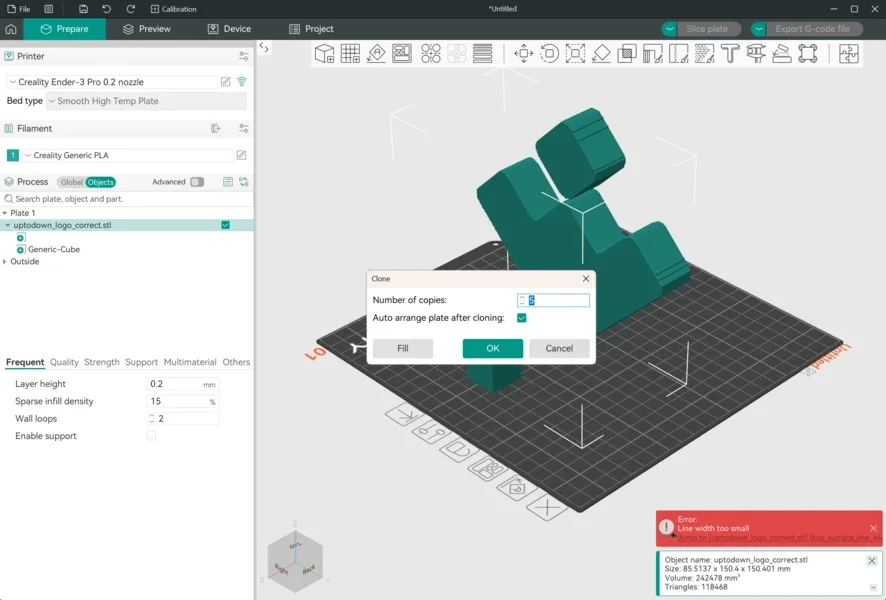
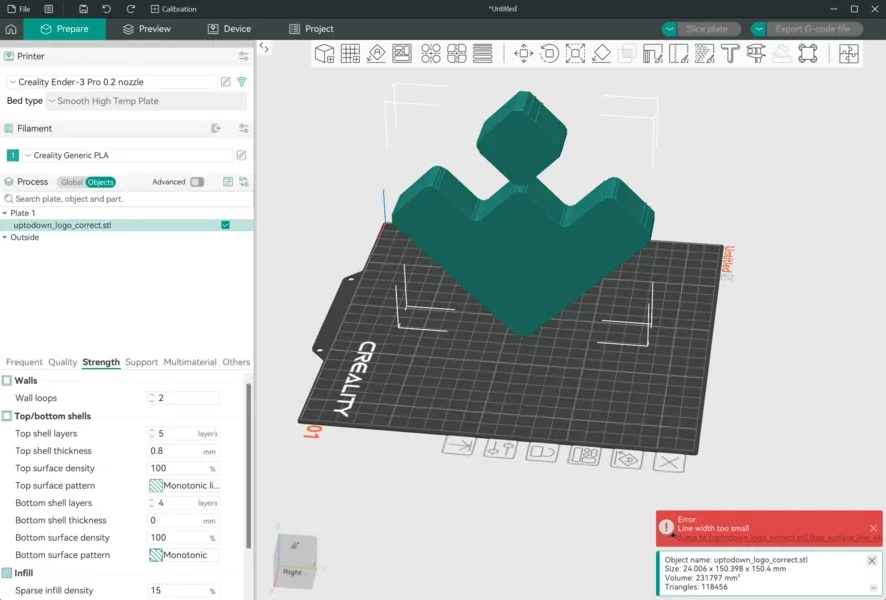
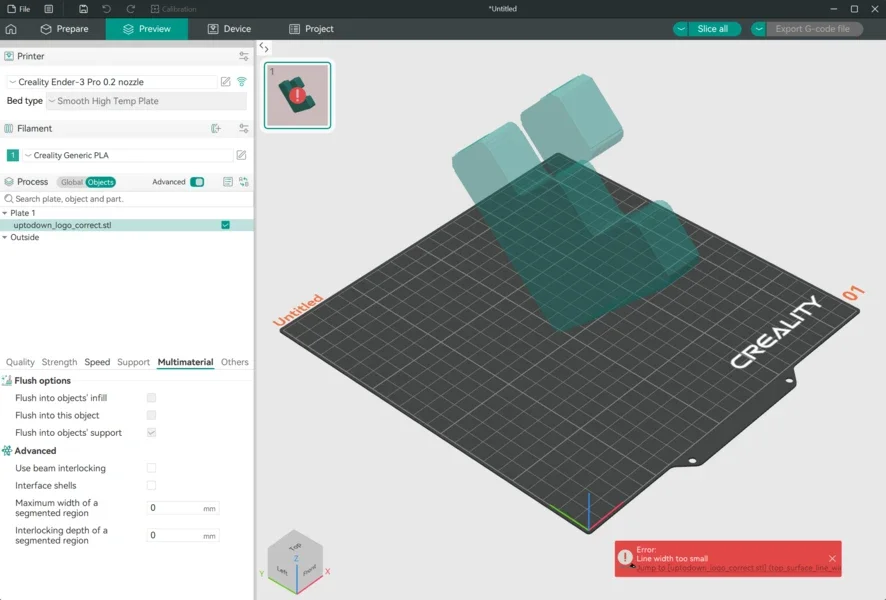
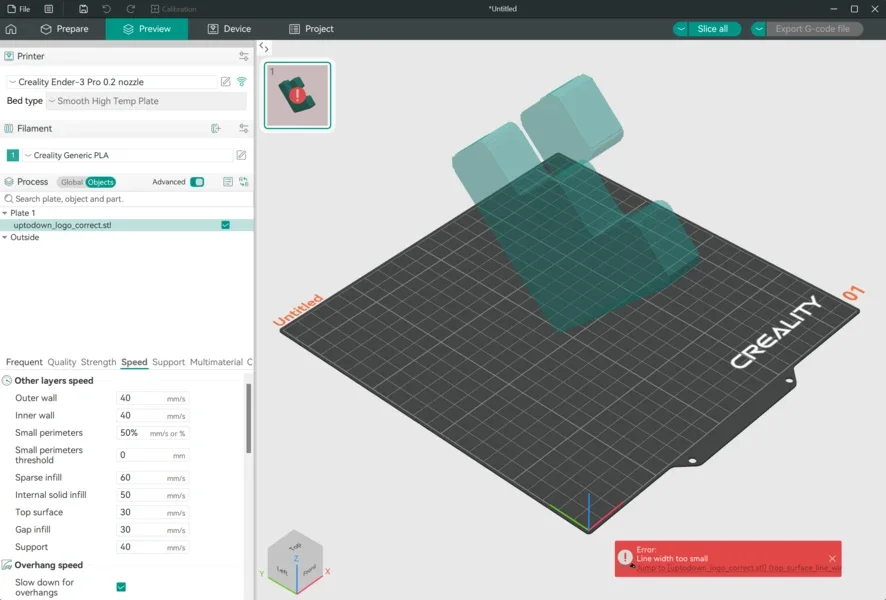
Layer thickness, printing temperature and the number of copies per job are set directly. Variable layer heights let you run thin layers over curves and sharp details and thicker ones along straight runs, which cuts total print time. Perimeters per layer and solid layers on the top and bottom faces are adjustable, and you can slow the visible outer walls while running infill and supports faster. Extrusion width, retraction speed and minimum layer time are there for stringing, bridging and wall uniformity. Start points, seams and travel paths are handled to keep marks and artifacts down. Delicate sections that carry load or torsion can be reinforced.
Support options combine pattern type, creation angle and separation distance, and mixing in different infill densities and patterns puts support only where it's needed, saving material in the less critical regions. Material settings for PLA, PETG, ABS and others are stored separately and switched with the spool; each covers nozzle and bed temperatures, retraction, flow rates and a suggested speed. Profiles can be duplicated for hardware changes such as a different hotend, nozzle or fan setup instead of being rebuilt, and variants of the same part, a fast prototype and a high-quality build, each keep their own saved settings. Printer, material and slicing profiles persist after you set them, so a part reprints with identical parameters.
Download files
f602f9d646f49bee387d8f342a0193a7ef20756eabb845e19795c5a62b90a58a
No digital signature897e307c20c8524d58ef1a1d28e7786afea7fcdfcc8a75a306fa1e7e79d68e9f
No digital signature9dab005cf75337a3a83a0b8385c6a0944232c04c6835266a717e1859eb5c61e9
No digital signatureSystem requirements
Available on:
Minimum OS:
Windows XP or later
Additional information
Developer
Latest release
Size
Category
File type
SHA-256
f602f9d646f49bee387d8f342a0193a7ef20756eabb845e19795c5a62b90a58a