OrcaSlicer2.5.2 for macOS
Slices 3D models into G-code with per-material and per-printer profiles
Free · AGPL 3.0
You are on Windows — this is the macOS version. See the Windows version
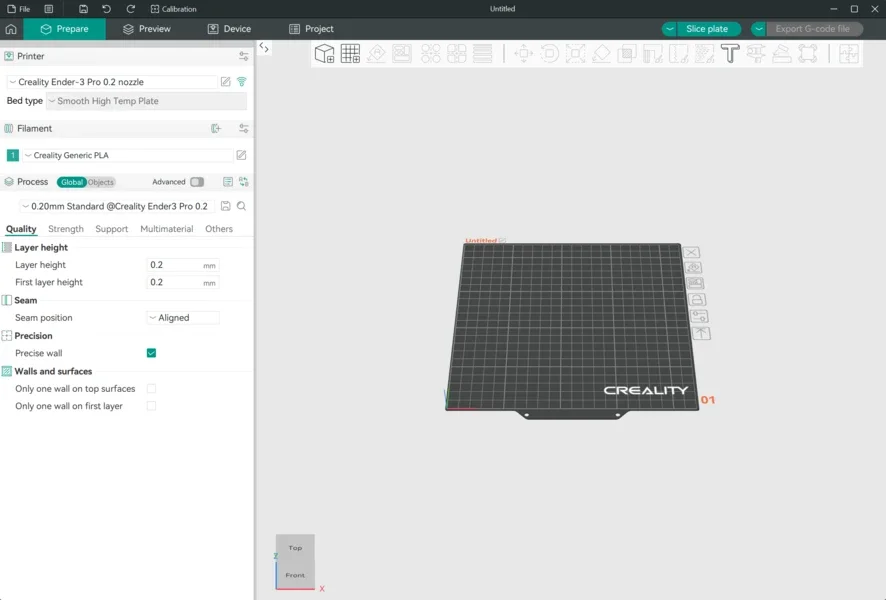
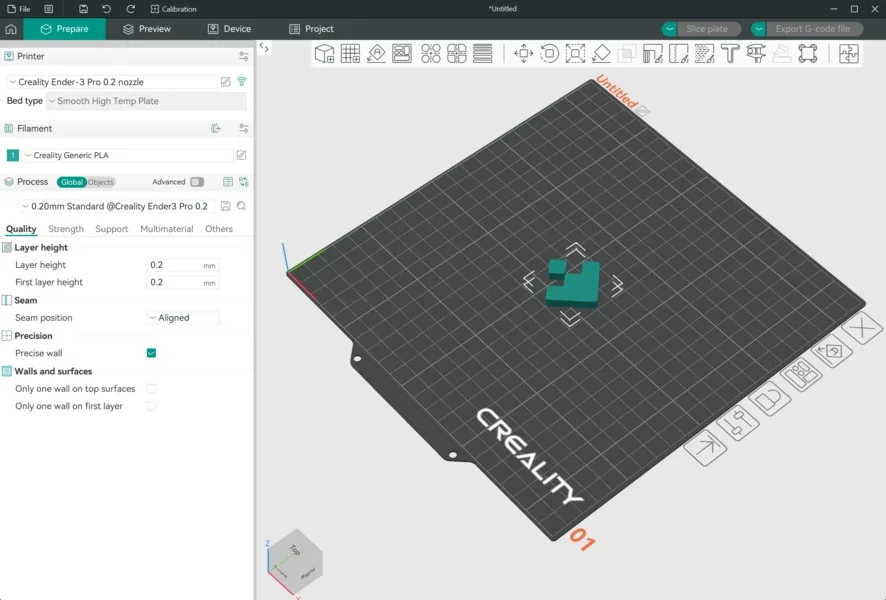
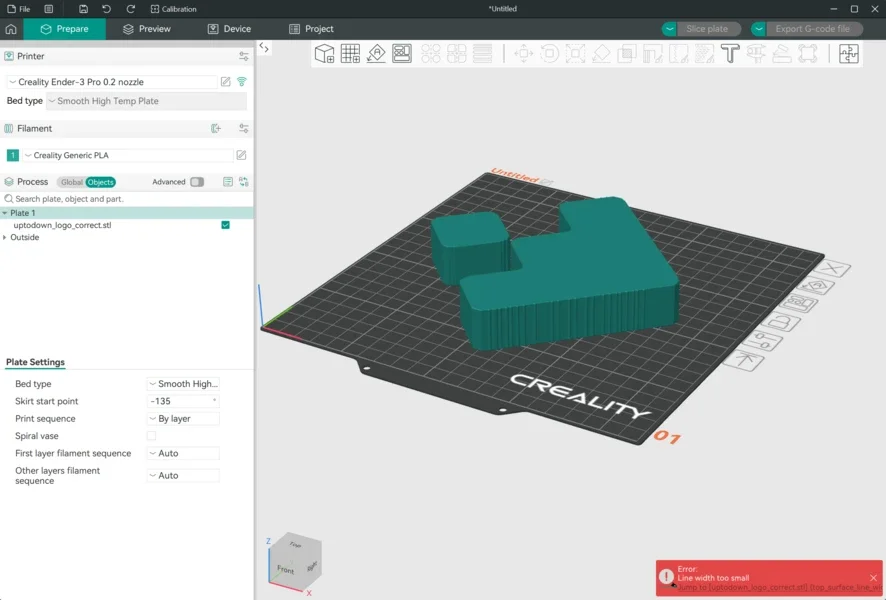
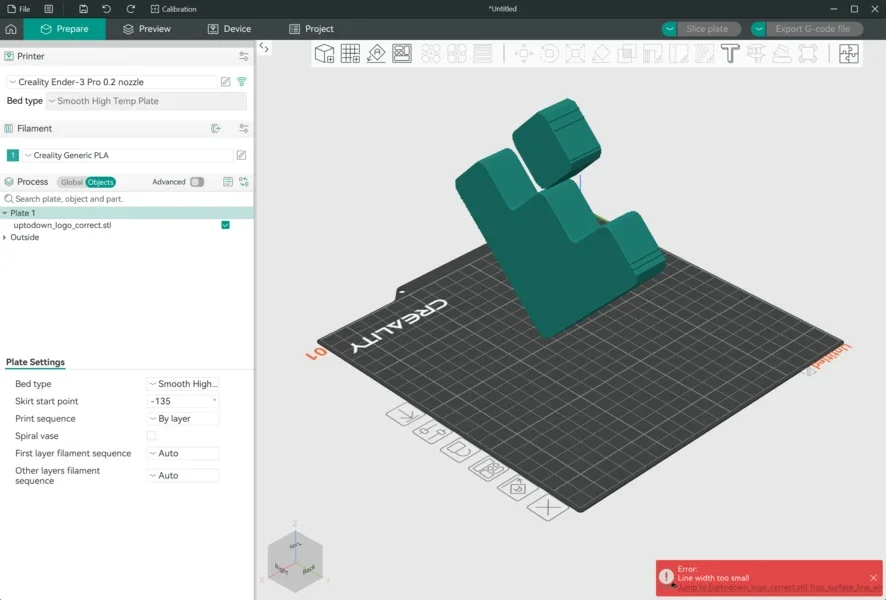
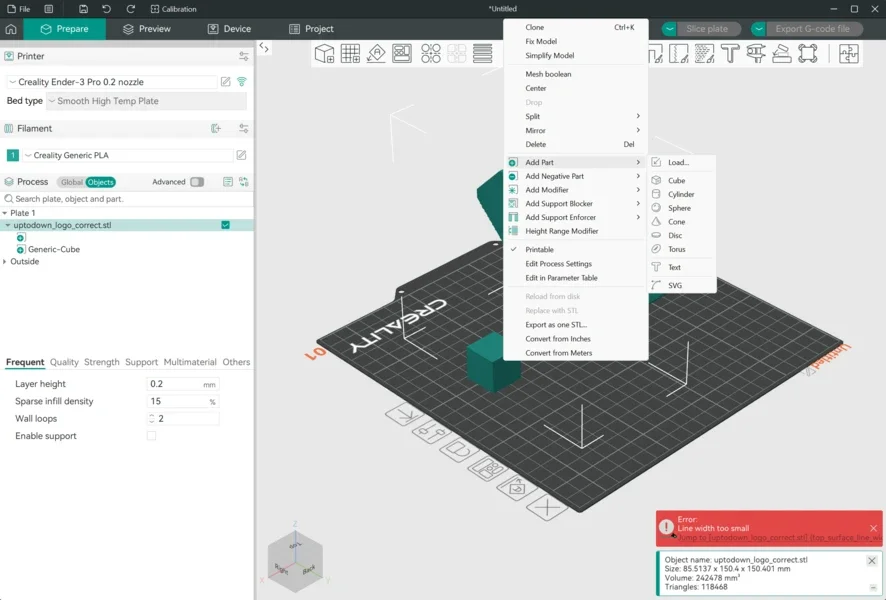
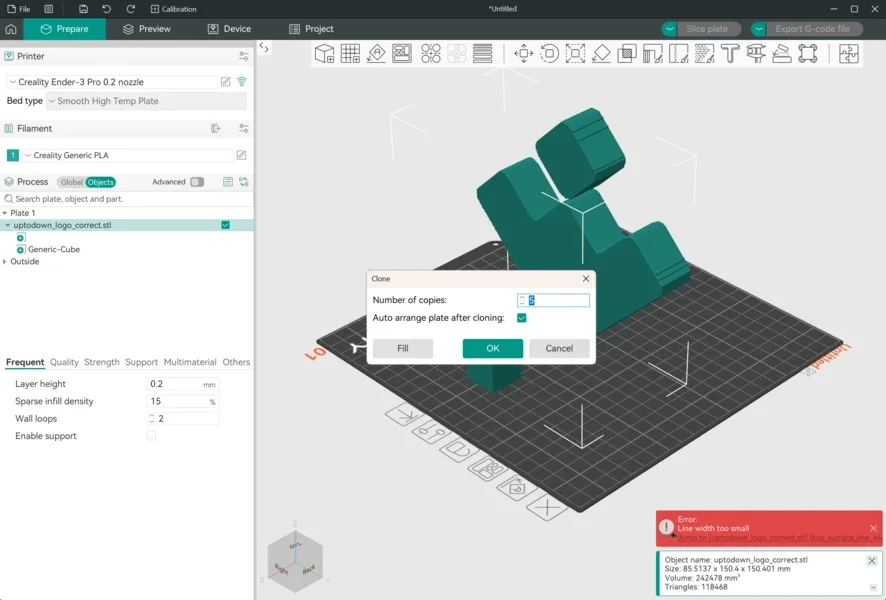
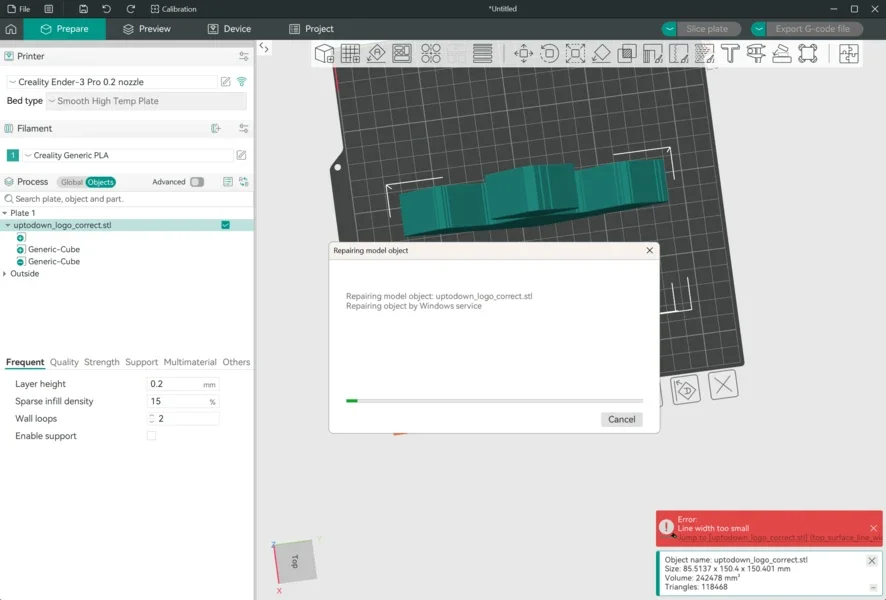
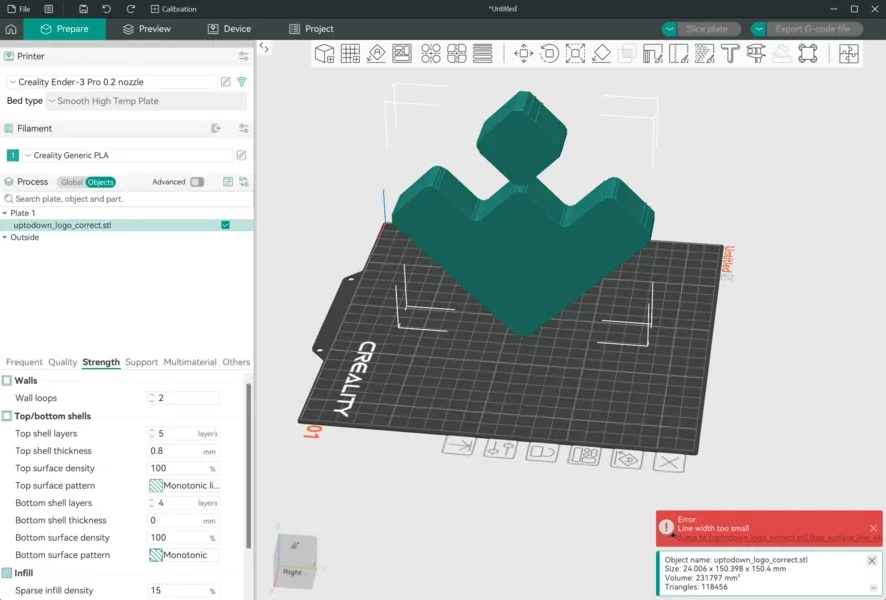
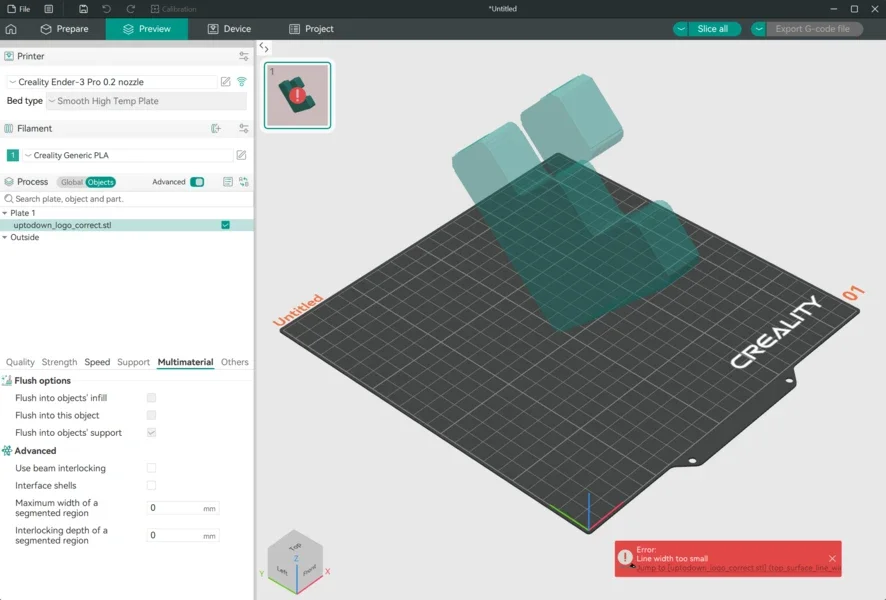
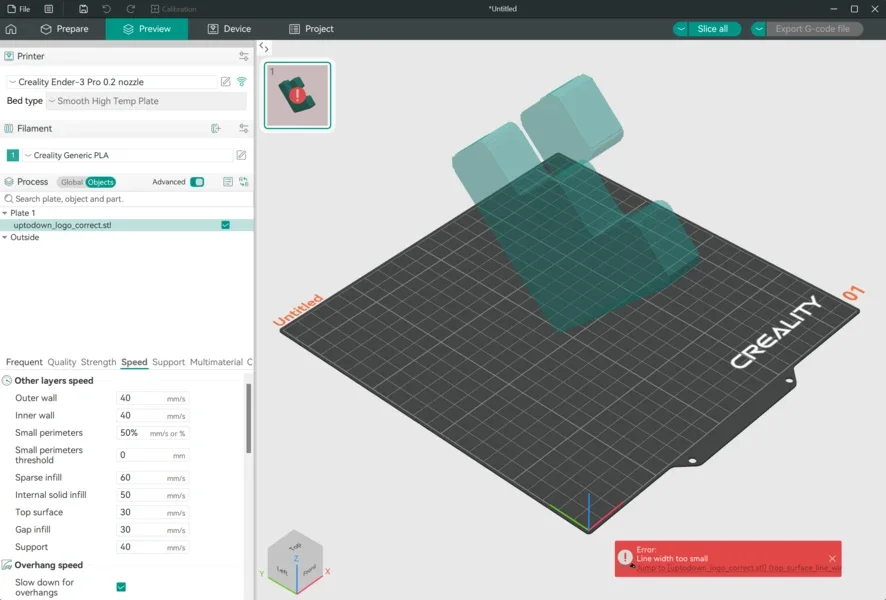
OrcaSlicer is a macOS application that turns 3D designs into G-code for 3D printers. You import a model, in STL and similar formats, then work through the print settings before slicing. A 3D preview shows what the printer will do, layer by layer, so you can check the result before committing.
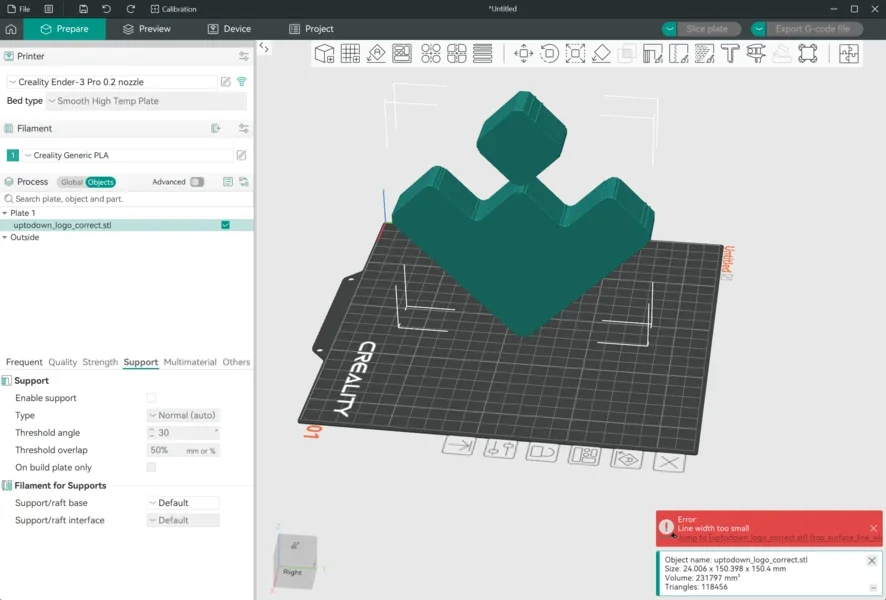
Layer thickness and temperatures are editable, as are infill patterns and how many figures print at once. Print speed is set separately for each kind of extrusion: external walls get a slow pass for a mirror finish, internal walls and infill run fast, and supports are tuned for precision. Variable layers let you use 0.1 mm for detail and 0.3 mm where precision matters less, which can cut print times by 30 to 50 percent. Line width, retraction speed, and minimum cooling are adjustable to reduce stringing, improve overhangs, and get smooth walls. Infill patterns can save up to 50 percent of material on interiors, and critical areas can be reinforced against heavy loads or vibrations. You can define solid perimeters and top and bottom layers, and add outlines for stability. Support patterns include tree, normal, and organic, with overhang angles and spacing that make parts easier to remove without damage. Sealing, the Z-axis jump of each layer, and movement speed are also under your control.
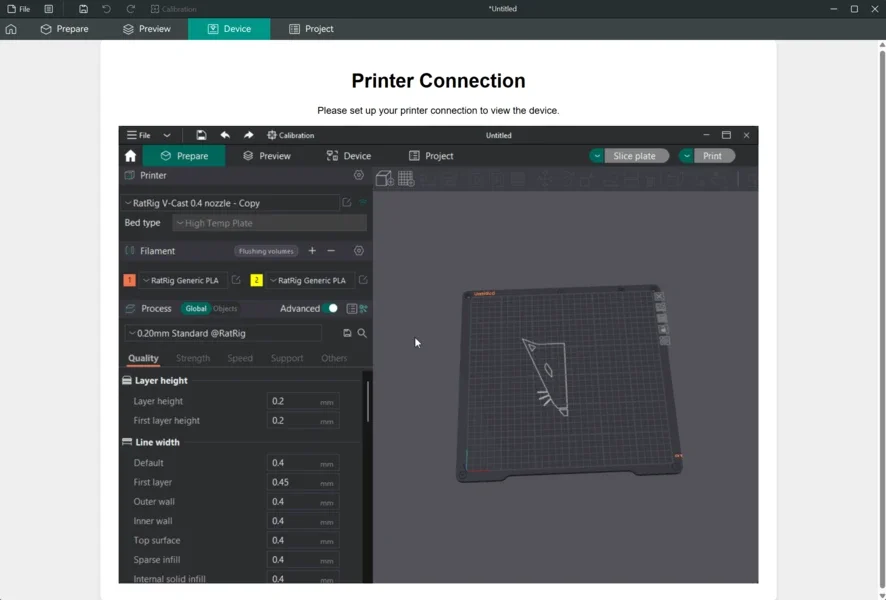
On startup you pick from many printers with preset volumes, maximum speeds, accelerations, and limits. Ready-to-use profiles cover brands including Bambu, Prusa, Voron, VzBot, RatRig, and Creality, and loading one applies the matching speeds, extrusions, and movements. Filament profiles for PLA, PETG, ABS, and TPU are built by setting nozzle and bed temperatures, retractions, volumetric flows, and safe speeds. Profiles can be duplicated for different hotends, nozzles, or fans, and spools can be switched with a click. Multiple printers connect over USB or WiFi.
[Release notes coming soon]
Verify the file
Compare the SHA-256 of the file you downloaded with the value below. Files exactly as the publisher released them.
-
orcaslicer-2-5-2.dmg
2.5.2 · DMG · 343.0 MB
SHA-256
6ea1afcdffb7e9ab011e2d6f6db665cb18463d1c4774591cd5db7ee0225479d9Check on VirusTotal Get
Files exactly as the publisher released them.
Information
- Seller
- OrcaSlicer
- Size
- 343.0 MB
- Category
- Design & editing
- Compatibility
macOS
- Languages
Afrikaans and 47 more
- Afrikaans, Amharic, Arabic, Armenian, Belarusian, Bulgarian, Catalan, Chinese, Croatian, Czech, Danish, Dutch, English, Estonian, Farsi, Finnish, French, German, Greek, Hebrew, Hindi, Hungarian, Icelandic, Indonesian, Italian, Japanese, Kazakh, Korean, Latvian, Lithuanian, Malay, Norwegian, Polish, Portuguese, Romanian, Russian, Serbian, Slovak, Slovenian, Spanish, Swahili, Swedish, Tagalog, Thai, Turkish, Ukrainian, Vietnamese, Zulu
- Age rating
- All ages
- License
- AGPL 3.0
- Price
- Free
- Platform
- Also available on Windows