
Overcaption 0.4.6 for Windows
Free desktop subtitle studio with local transcription and editing
Screenshots
Description
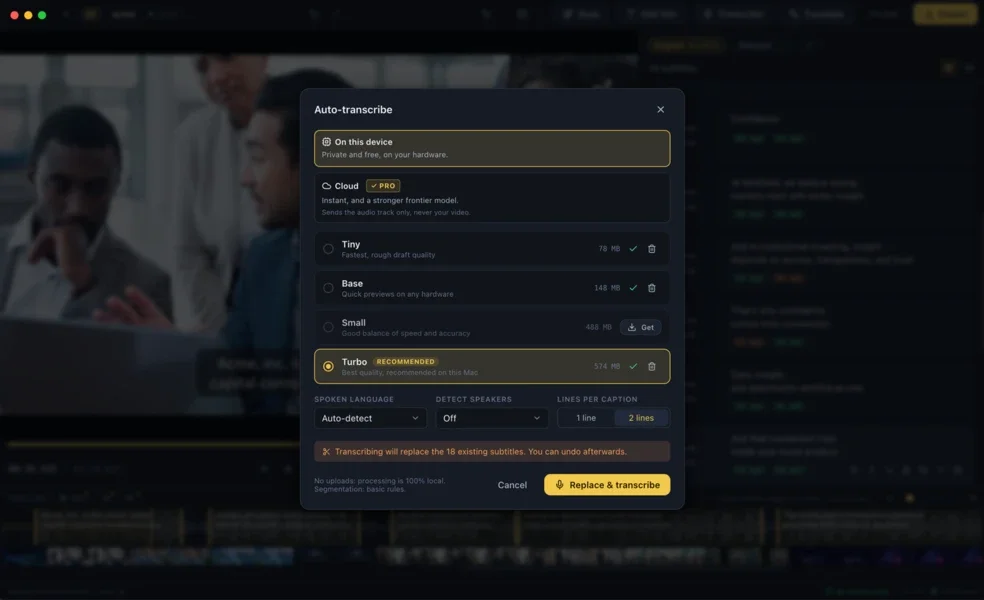
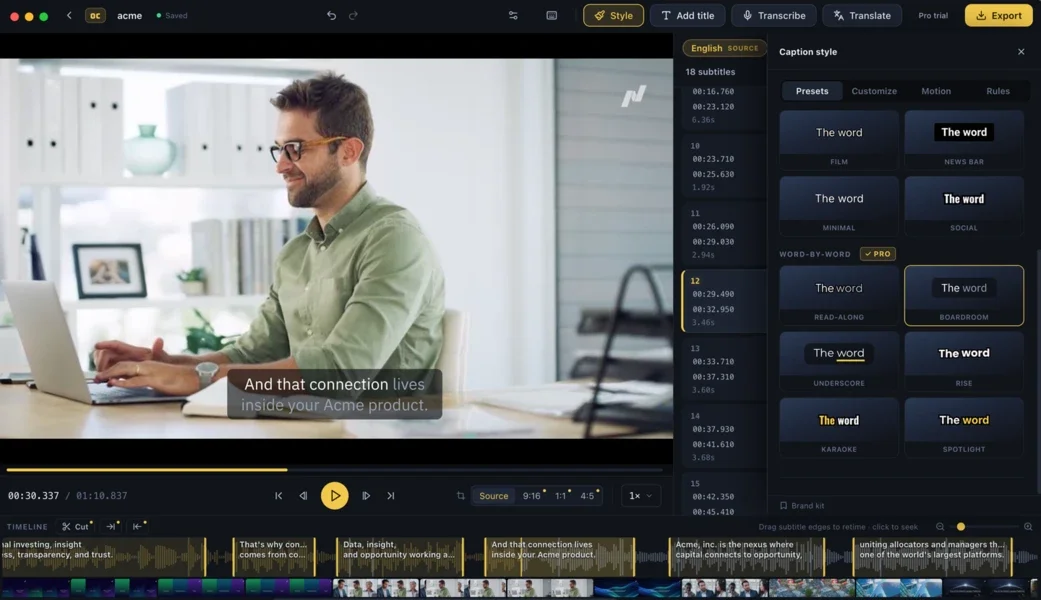
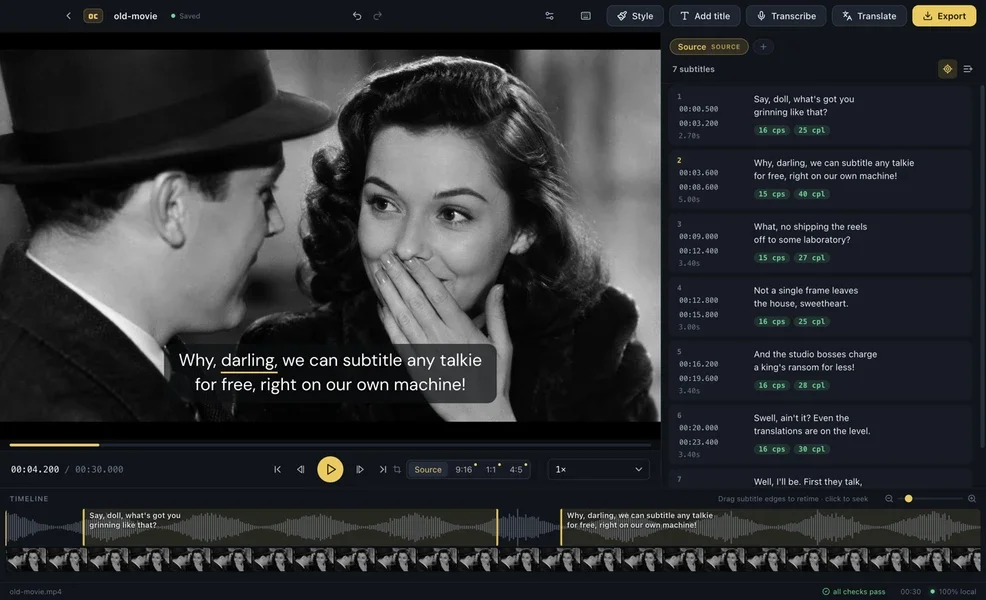
Overcaption turns video into subtitles without sending anything to a server. Speech recognition runs locally using Whisper-class models, and the output carries word-level timestamps along with hallucination filtering. Transcription is only part of it. From there, an editor lets you correct text and timing, with a waveform timeline and keyboard shortcuts. It checks reading speed and line length before you commit. Export goes to SRT, VTT and TXT.
- Translation runs locally into about 50 languages using downloadable models
- Styled subtitles can be burned into the video with no watermark
The program works fully offline with no account and no uploads. You can use it on macOS with Apple Silicon or on Windows 10/11. Nothing expires; you are not renting the software by the hour. Some advanced Pro features are paid. Version 0.4.6 is the current release.
Download files
8d70b10c00f26e498e99d33a3eecb6fae59ee672c89eb2cecc5ab7d1d1394849
Signed by Francesco Benetti · valid until Jul 28, 2027System requirements
Available on:
Minimum OS:
Windows 10 or later
Additional information
Developer
Latest release
Size
File type
SHA-256
8d70b10c00f26e498e99d33a3eecb6fae59ee672c89eb2cecc5ab7d1d1394849