PDF Studio 2024.0.1 for Windows
PDF editor that can add watermarks, passwords and pages
You are on macOS — this is the Windows version. See the macOS version
Screenshots
Description
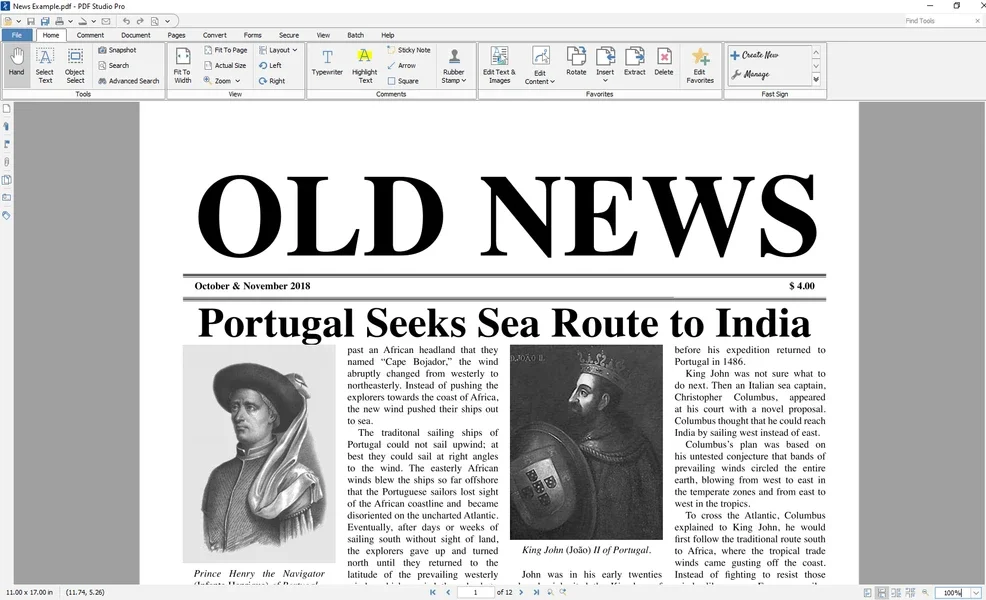
PDF Studio is a program for editing PDF files. It is an alternative to other PDF editors, and its use resembles that of other office programs.
Editing options appear near the top of the screen, grouped by function, and a tool is activated by clicking on it. You can draw and annotate on existing files, add or remove pages, and apply watermarks. It can protect documents with a password and recognize text. New PDFs can be created as well. The interface is designed to be usable by nearly all users.
There are two paid versions and one free version. The free version lets you try all features of the basic package during a trial period.
Download files
db4b46493187a772f38f4196352c97352836e2d9661cef530dd51bbfb164429e
Signed by APRYSE SOFTWARE INC · valid until Nov 20, 2024245624e8b1e16c4c0f58189093251cc41f9a8e235036dcc14a25f70434f27ea7
Signed by APRYSE SOFTWARE INC · valid until Nov 20, 2024c24a20b59a59294577f830372770ce7d6054bdc1f0b02ed7a10f34e2e422eee1
d5116f22d28386830736e12246cd90a1c0d0e3c26b806bcdd901eeb7a1b99b64
283b20fffc25174154dc1b5379c781d19a9f19115bfa25ebb8fe8e5ed7e64199
Signed by Qoppa Software, LLC · valid until Oct 27, 2013System requirements
Available on:
Minimum OS:
Windows Windows 11 or later
Additional information
Developer
Latest release
Size
Category
File type
SHA-256
db4b46493187a772f38f4196352c97352836e2d9661cef530dd51bbfb164429e





