PDF Studio2023.0.3 for macOS
Edits, creates and marks up PDFs on the Mac
Free · Proprietary
You are on Windows — this is the macOS version. See the Windows version
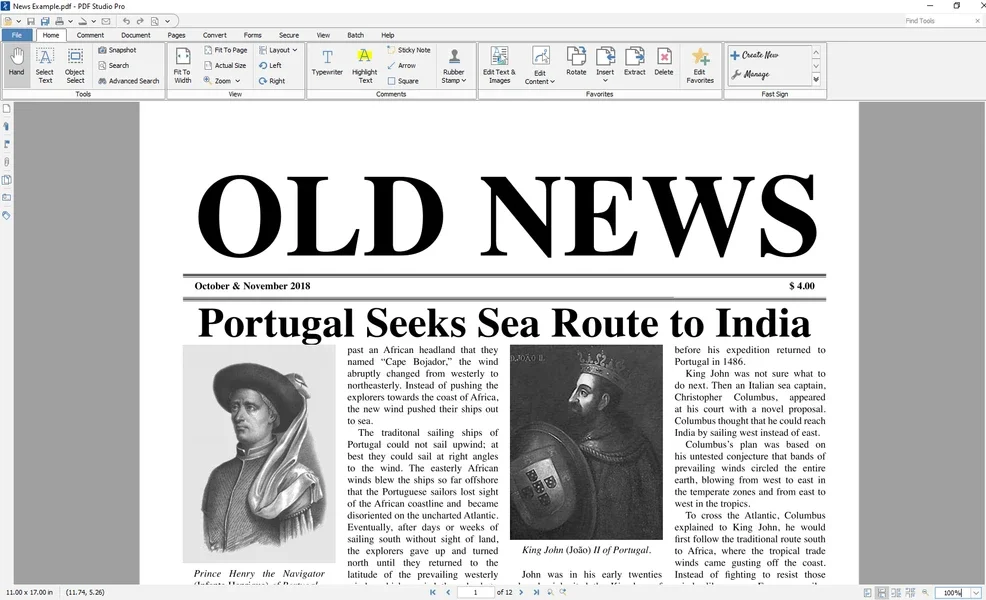
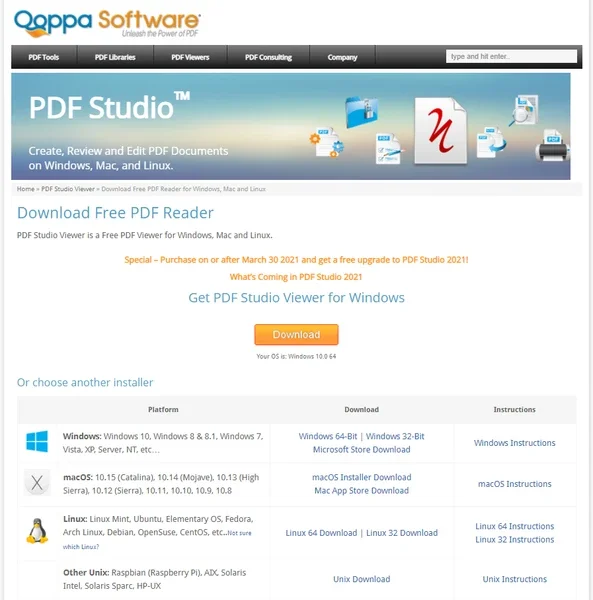
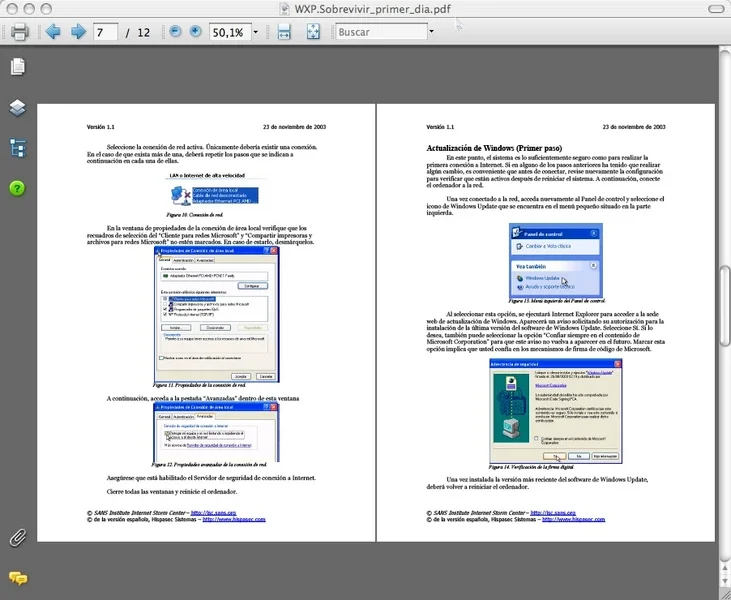
PDF Studio edits documents in the PDF format. You can create new documents, add or remove pages, and annotate and mark up files that already exist. The editing tools sit at the top of the screen, grouped by function, and you use a tool by clicking on it. The interface is designed to be easy for most users to use. Text recognition is included, and you can apply watermarks and add password protection to a document.
There are two paid versions and one free version. The free version lets you try everything the basic edition includes for a limited time.
It runs on the Mac.
[Release notes coming soon]
Verify the file
Compare the SHA-256 of the file you downloaded with the value below. Files exactly as the publisher released them.
-
2023.0.3
2023.0.3 · DMG · 181.1 MB
SHA-256
13c6e1fd33574d0baf410c4a9ba9dce7d871246de81f1ec3e7cb9ec5bcfdf25bCheck on VirusTotal Get
Files exactly as the publisher released them.
Information
- Seller
- Qoppa Software
- Size
- 181.1 MB
- Category
- Text & documents
- Compatibility
macOS 10.4 Tiger or later
- Languages
Afrikaans and 47 more
- Afrikaans, Amharic, Arabic, Armenian, Belarusian, Bulgarian, Catalan, Chinese, Croatian, Czech, Danish, Dutch, English, Estonian, Farsi, Finnish, French, German, Greek, Hebrew, Hindi, Hungarian, Icelandic, Indonesian, Italian, Japanese, Kazakh, Korean, Latvian, Lithuanian, Malay, Norwegian, Polish, Portuguese, Romanian, Russian, Serbian, Slovak, Slovenian, Spanish, Swahili, Swedish, Tagalog, Thai, Turkish, Ukrainian, Vietnamese, Zulu
- Age rating
- All ages
- License
- Proprietary
- Price
- Free
- Platform
- Also available on Windows