
PDNob Image Translator 3.0.0 for Windows
Turns images, screenshots and handwriting into editable, translated text
Screenshots
Description
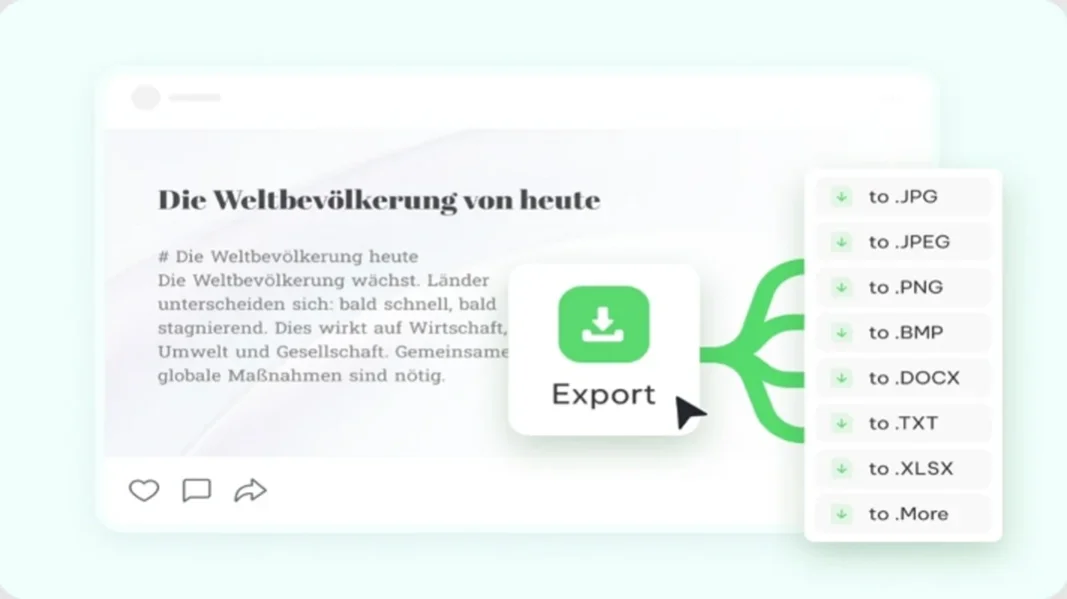
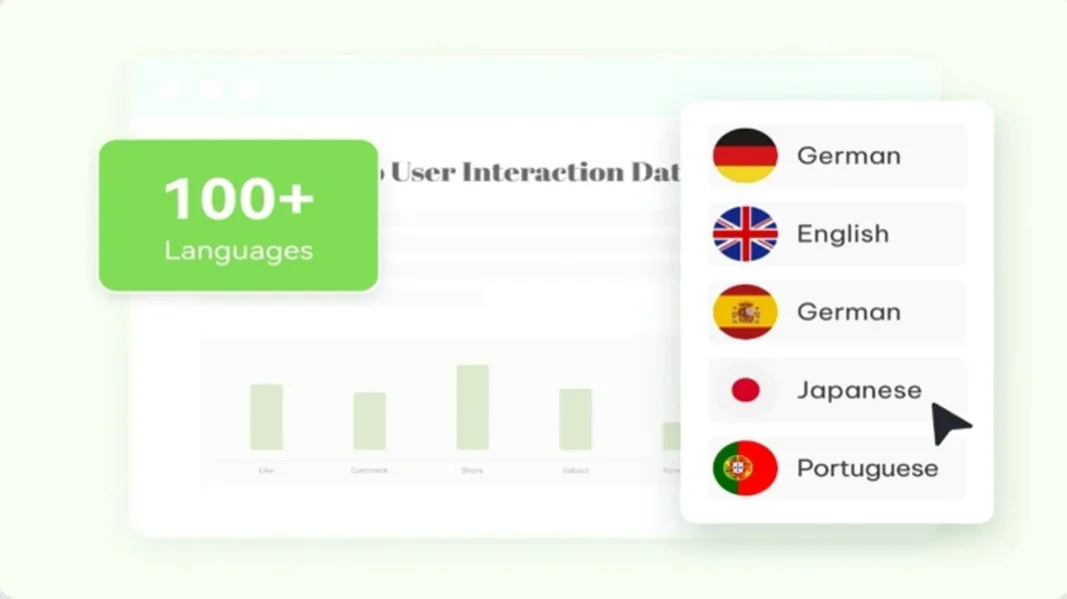
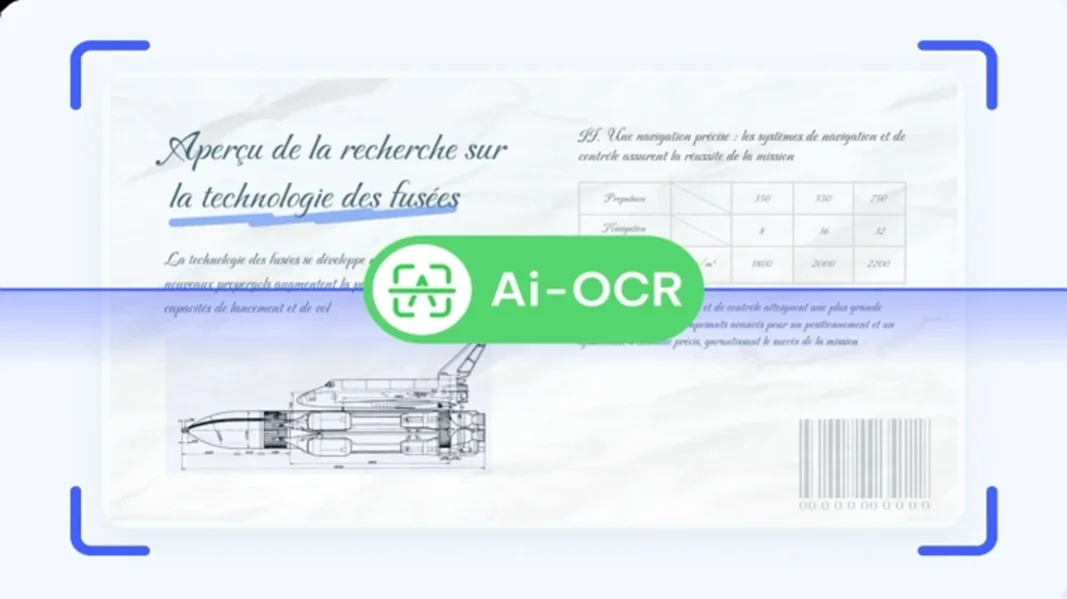
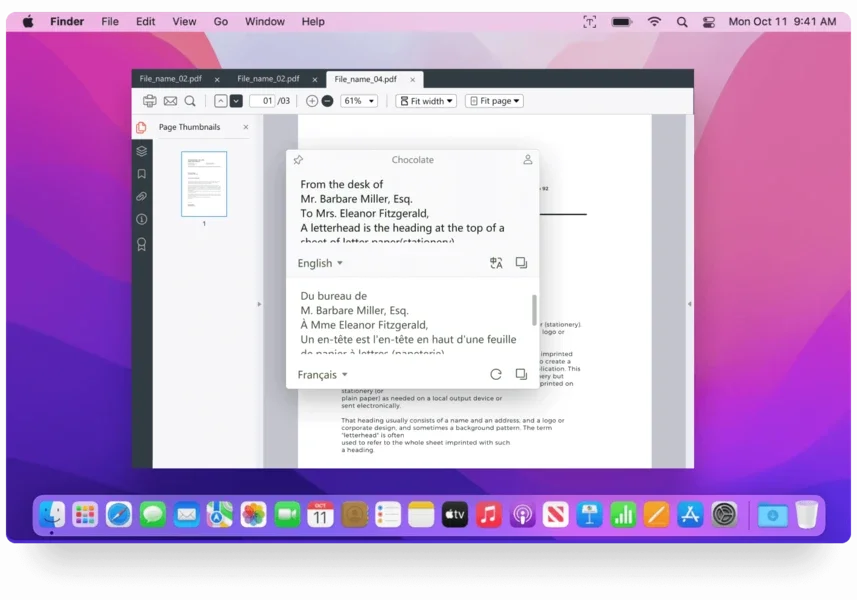
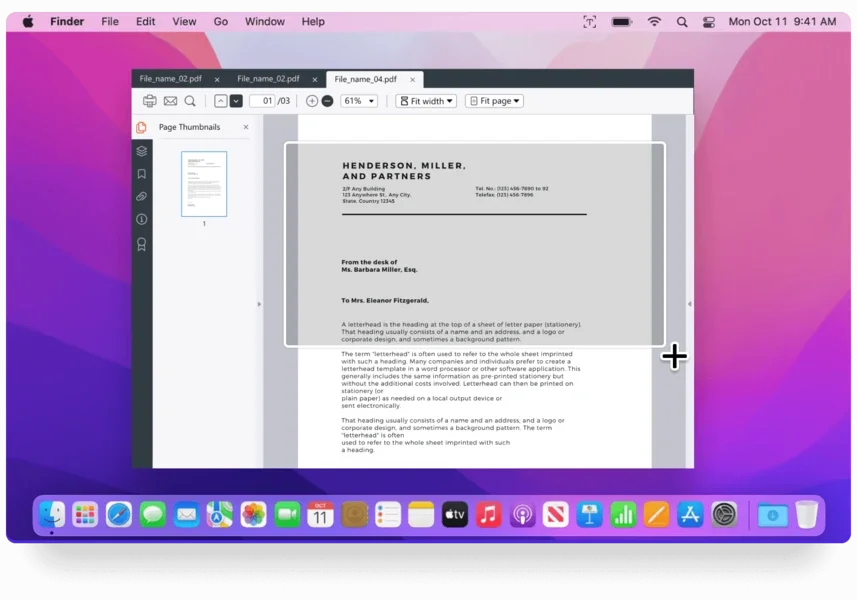
PDNob Image Translator pulls text out of images, screenshots, scanned documents and handwritten notes, then turns it into editable text you can share. OCR and AI translation do the work: the OCR reads the characters, and the translation step renders the extracted text in another language. Handwritten content goes through AI algorithms that convert it into digital text rather than leaving it as a picture.
It handles several images in one batch, so a stack of screenshots or scans can go through together instead of one at a time.
The program is built for three jobs: translating foreign documents, digitizing handwritten notes, and getting text out of images. It runs on Windows.
Download files
759b70f5daca1321bcc2270fa689d226b1871932369721f64066885809afbbdb
Signed by Tenorshare (Hongkong) Limited · valid until Sep 11, 2026bc4927aba52abe58a459c2d2ad3ab8b0d8666c5f0e736dbbbddac59ccc31a795
System requirements
Available on:
Minimum OS:
Windows 10 or later
Additional information
Developer
Latest release
Size
Category
File type
SHA-256
759b70f5daca1321bcc2270fa689d226b1871932369721f64066885809afbbdb