
Perfect365 1.8.0.3 for Windows
Retouches portraits with makeup styles or manual edits
You are on macOS — this is the Windows version. See the macOS version
Screenshots
Description
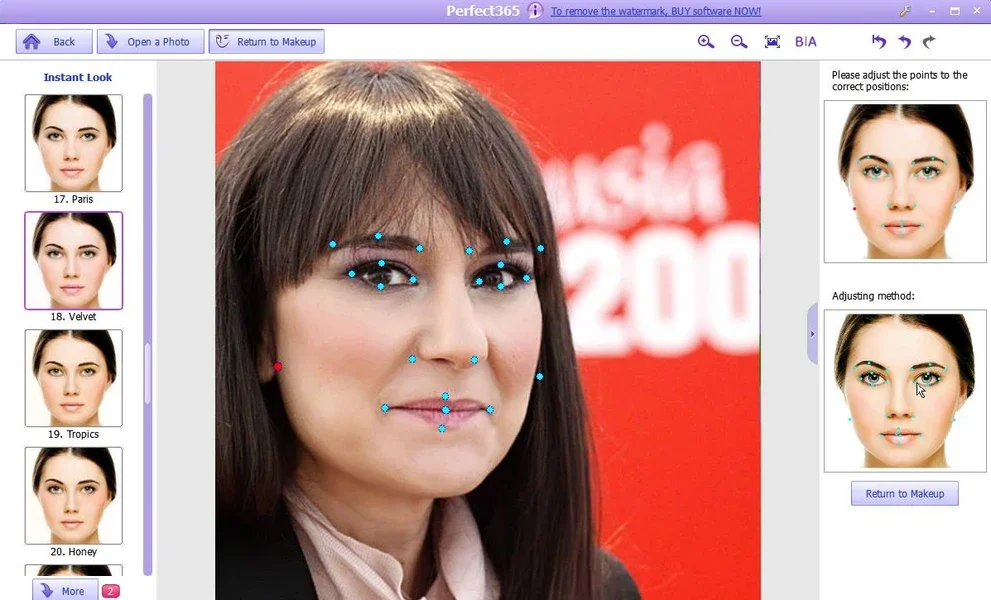
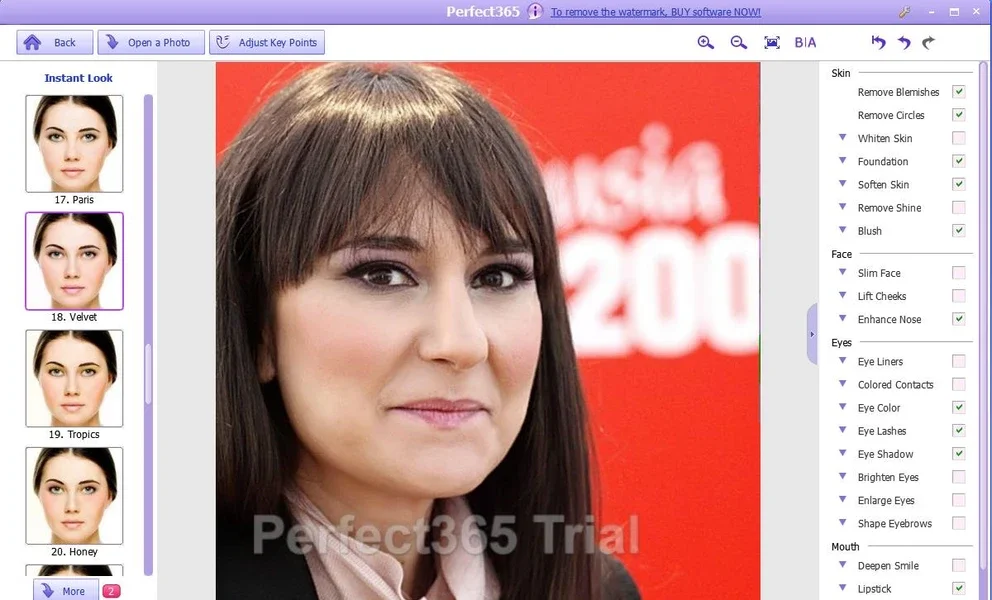
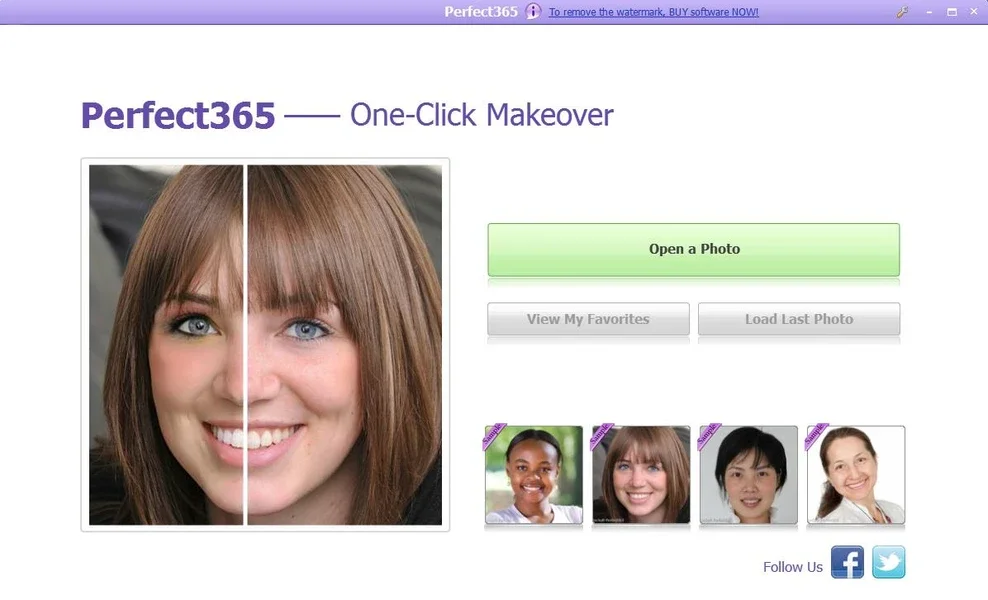
Perfect365 retouches portraits. Open an image and the program asks you to choose between two paths. One is to pick a predefined makeup style included in the program. The other is to keep the photo without a filter and retouch it manually from scratch.
Manual retouching starts with the makeup itself. Foundation, blush, eyeliner, eyeshadow and lipstick are all editable, so you can adjust each one rather than accept a single combined look. You can try a particular eyeshadow style on the photo and change it if it doesn't sit right. Face, nose and cheek thickness are editable too, which covers the shape of the portrait as well as the colour. The program has a wide variety of effects to work through, and each one stays open to adjustment after it is applied.
The program is an image-retouching application for Windows, sold by ArcSoft, Inc as a proprietary product. A trial is available. The latest version is 1.8.0.3.
Download files
65a361ad895d689cef5cc54dd4f232deeda8a2529b6f35d9ca22fb83a0e10610
Signed by ArcSoft, Inc. · valid until Aug 13, 2013d0a007a79fb0c3b9d7d00d6878ed7b279d335a5244f80002ae0b783745c4805c
No digital signatureSystem requirements
Available on:
Minimum OS:
Windows Windows Vista or later
Additional information
Developer
Latest release
Size
Category
File type
SHA-256
65a361ad895d689cef5cc54dd4f232deeda8a2529b6f35d9ca22fb83a0e10610