
PhotoLikr 2.0.0.5 for Windows
Browse a photo folder and rate pictures with the arrow keys
Screenshots
Description
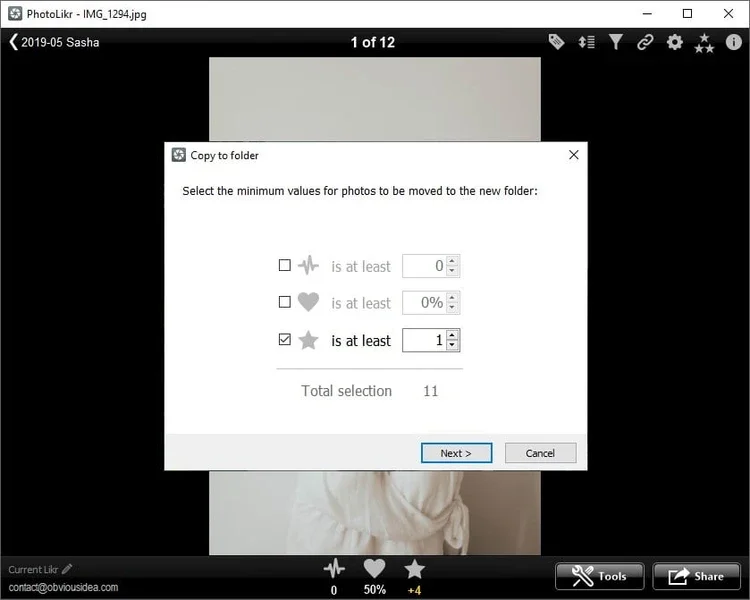
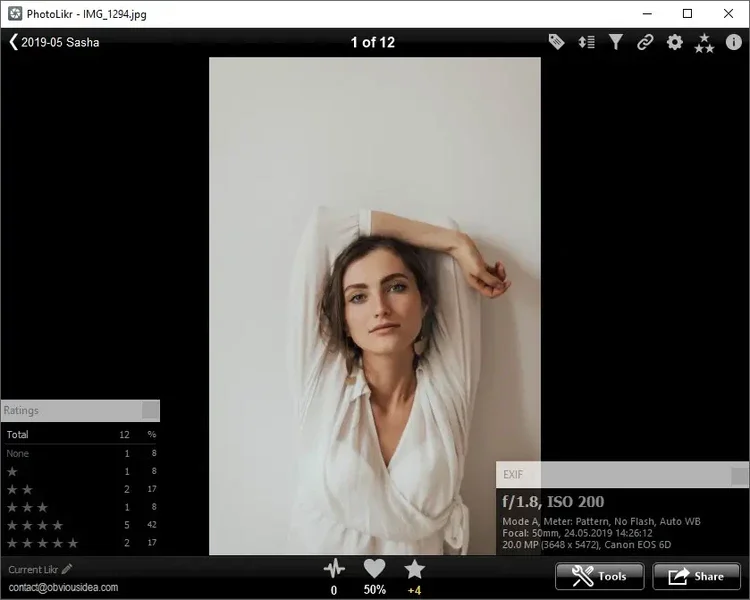
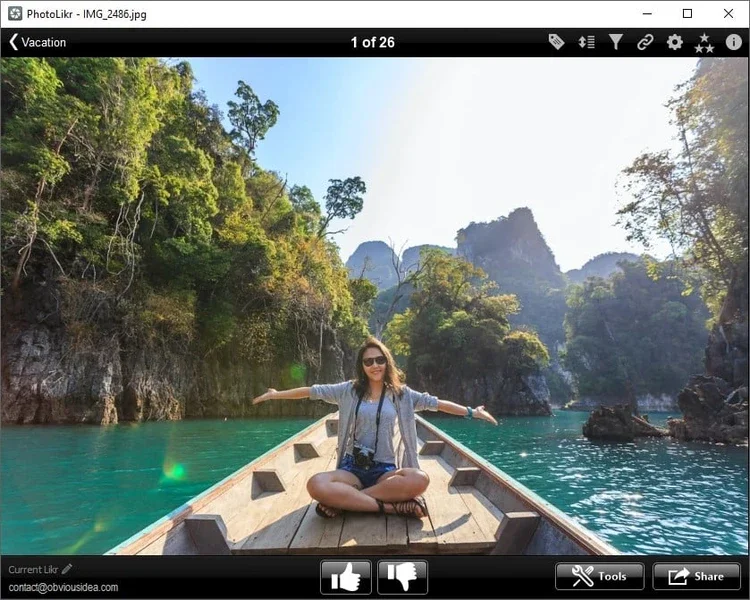
Open PhotoLikr and point it at a folder. The gallery appears; use the left and right arrow keys to move between pictures and the up and down keys to rate each one. That is the main loop, and a whole folder can be rated in a few minutes.
Rating puts photos into two piles: the ones you like and the ones that matter less. Filters then give you quick access to your favorite photos after rating. Beyond the JPEG family, PNG, GIF, BMP, WebP, AVIF, HEIC and JPEG 2000 are all readable, and the RAW side covers Canon (CR2 and CR3), Nikon (NEF and NRW is not one of them), Sony (SR2 and SRF), Olympus (ORF), Pentax (PEF), Fujifilm (RAF), Panasonic (RW2 is not listed), Samsung (SRW is not listed), Sigma (X3F is not listed), Minolta (MRW), Epson (ERF), Kodak (DCR is not listed) and Adobe (DNG) files; more specifically: .dng, the Canon .cr2 and .cr3, the older .crw, .erf, .raf, .mrw, .nef, .orf, .pef and .sr2 alongside .srf. New format support arrives with program updates.
Sharing doubles as a way to back up the best photos. A sharing button on the interface uploads rated photos online, to Dropbox, Drive, Facebook or other social media.
Download files
3380b43ddee68bd9e394cffc411d198585873071c6c553d1290247d83be9e514
Signed by ObviousIdea · valid until Jan 25, 202709097fbf5ec29ec9070aa54889b08d8e56c3e8082f706feeff2160055c8ce859
System requirements
Available on:
Additional information
Developer
Latest release
Size
Category
File type
SHA-256
3380b43ddee68bd9e394cffc411d198585873071c6c553d1290247d83be9e514