
PhotoLine 25.0.1.0 for Windows
Edits photos non-destructively, with layers and a customizable interface
You are on macOS — this is the Windows version. See the macOS version
Screenshots
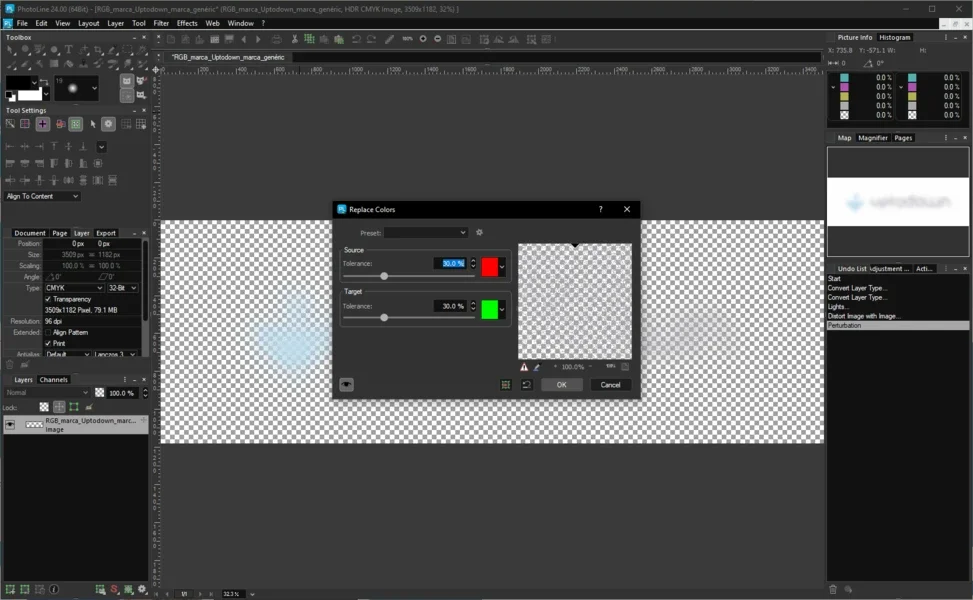
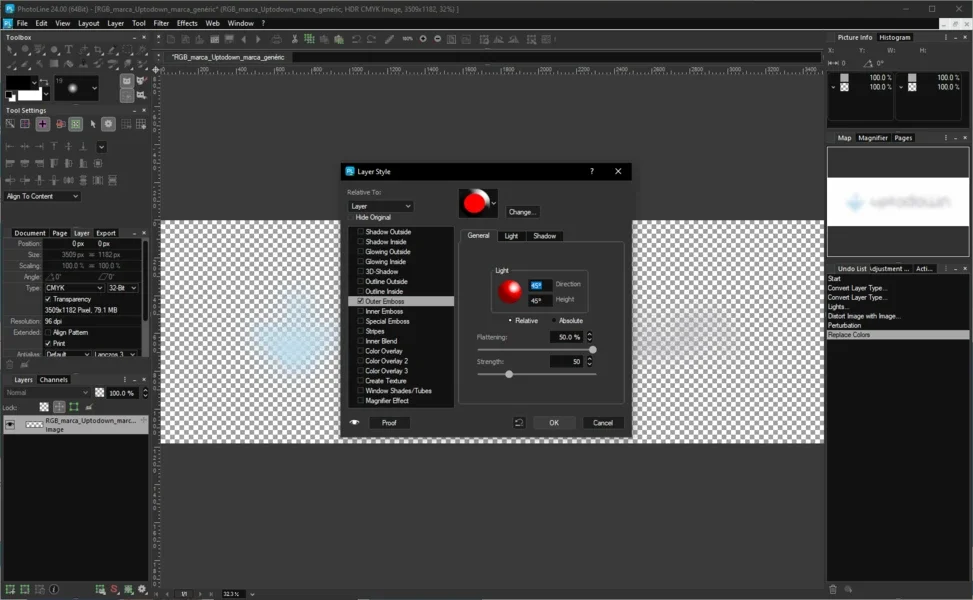
Description
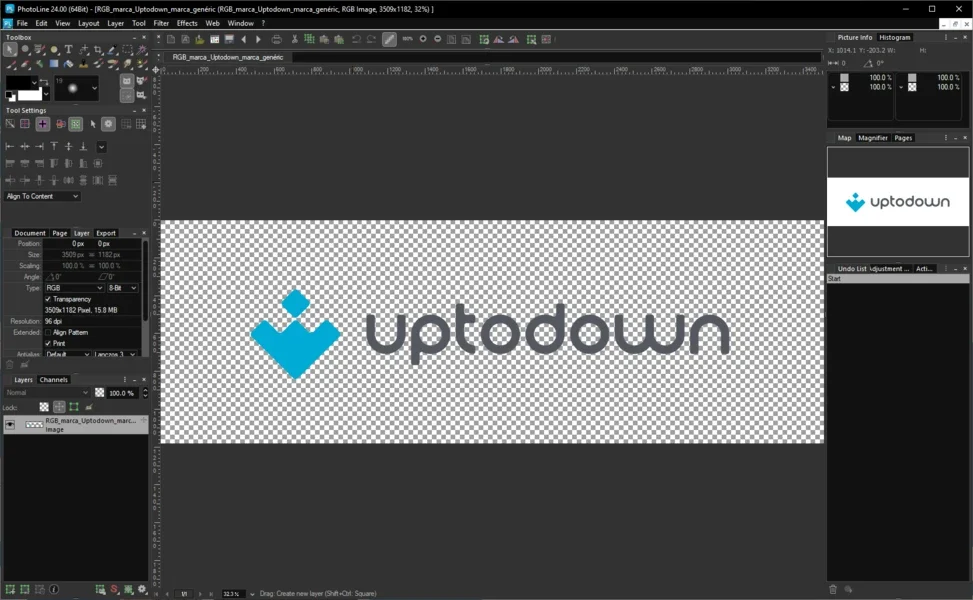
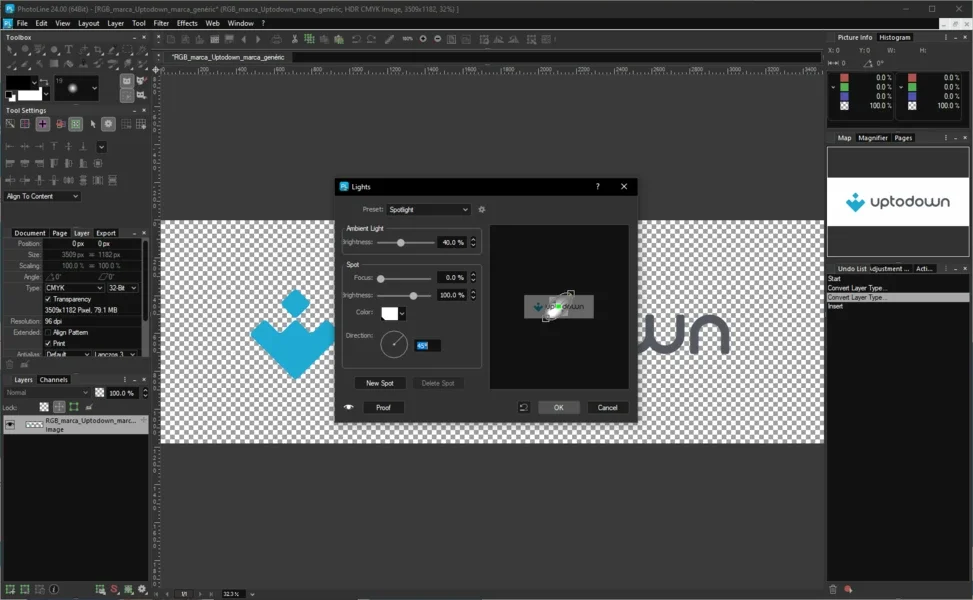
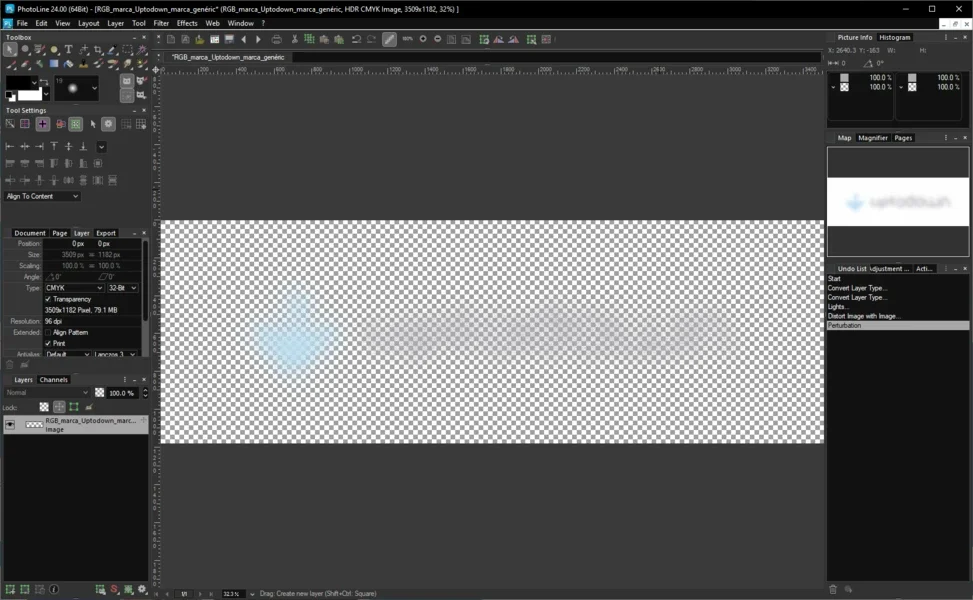
PhotoLine edits and retouches photos. Its processing is lossless: work happens on layers that sit beneath the data itself, so the original image stays unchanged no matter what you do above it. A layer mask can restrict where a layer takes effect. Brightness, saturation and contrast can each be adjusted, and dust or debris can be removed from the shot. Standard filters go in from the editing menu, among them focus, blur and soften, so effects can be stacked onto a photo as needed.
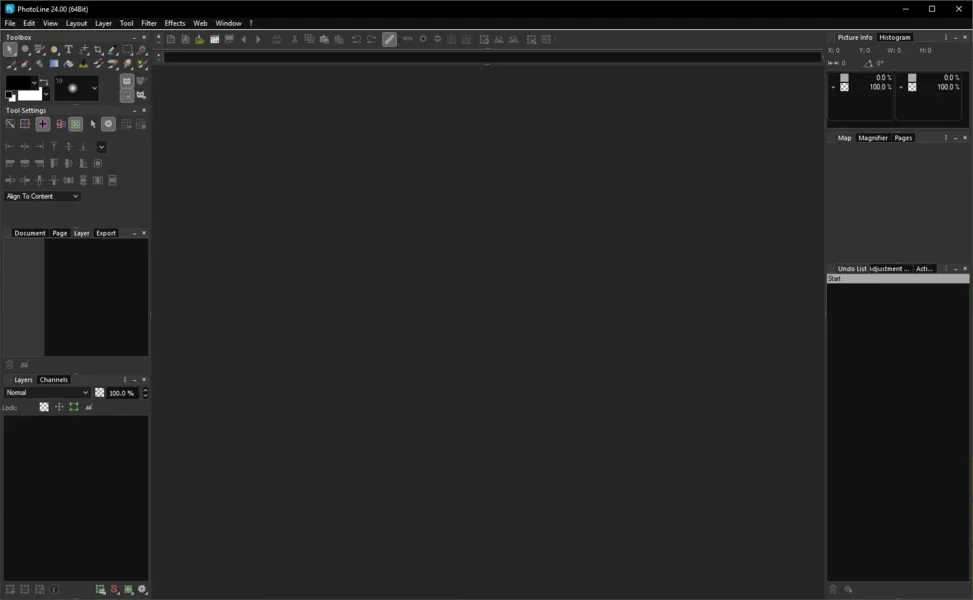
File information is kept with the image and stays accessible. The interface rearranges itself around you, since feature blocks can be moved into whatever arrangement suits the work.
Amateur users and professional designers both fall within its target. The current build is 25.0.1.0.
Download files
a84747108baa1793dd55a7c8bcdb8ff6f44b77cb4dfd6d6d3cff9d899e6cabd0
5c6459f91a3402f2d9ee5f7e8b2e497eb7e12a88b7b7035d2d97ea8f64be2f2d
c96a724f911da9d65767eb1979ec906e8c0c2656b56260772704a9f3adb9339f
4974f1e33afb08718449fe3f81345916775527a2ee4fb4671c6bf73c647af4df
fa4e63b0fe1ac08b4741734c2be5f14726b4aef9fd2dde041a0b0415ae78e1d9
No digital signatureSystem requirements
Available on:
Minimum OS:
Windows XP or later
Additional information
Developer
Latest release
Size
Category
File type
SHA-256
a84747108baa1793dd55a7c8bcdb8ff6f44b77cb4dfd6d6d3cff9d899e6cabd0