
Photopus Pro 1.6 for Windows
SHA-256 listed
Bulk image converter that crops, rotates, and renames groups of files
All ages
Age rating
Screenshots
Description
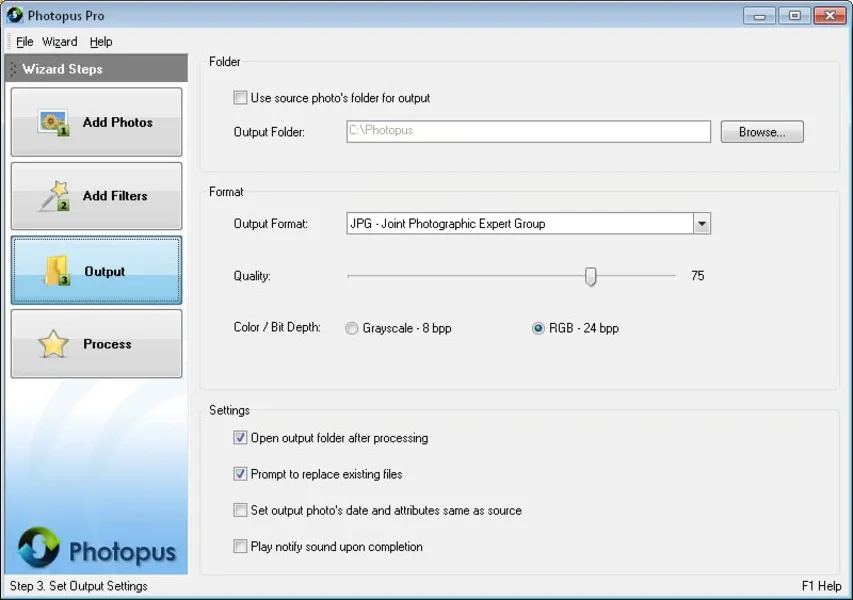
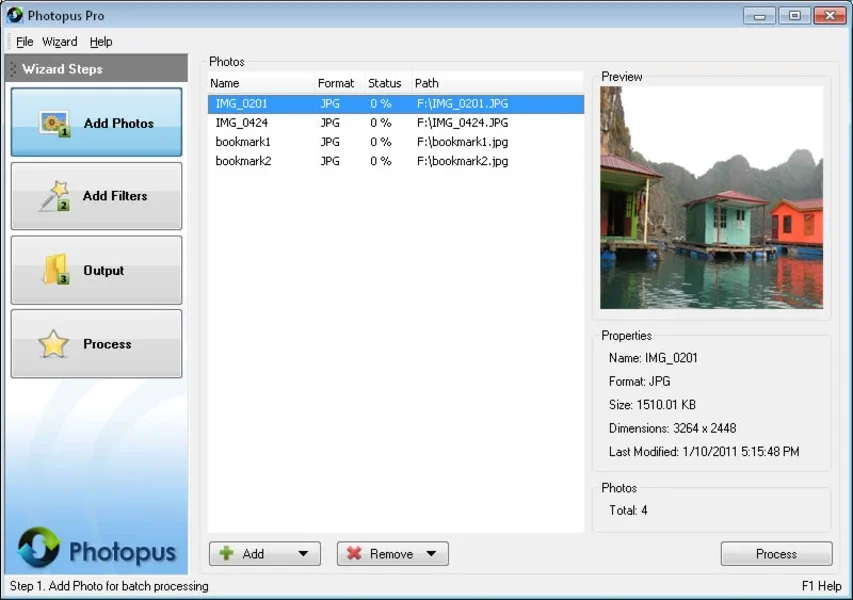
Photopus Pro converts and edits large groups of images. You select files, click, and it handles the rest, which is where it stands out. For one or two pictures it may not be the best.
- Crop images
- Rotate a series of vertical pictures to horizontal
- Resize a group to the same format
- Add text or image watermarks
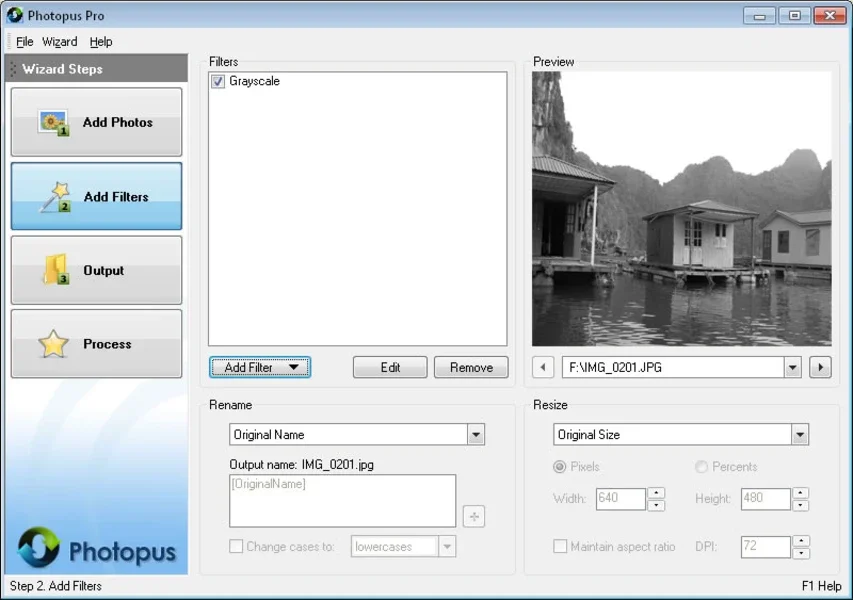
- Apply effects like grayscale, blur, and red eye removal
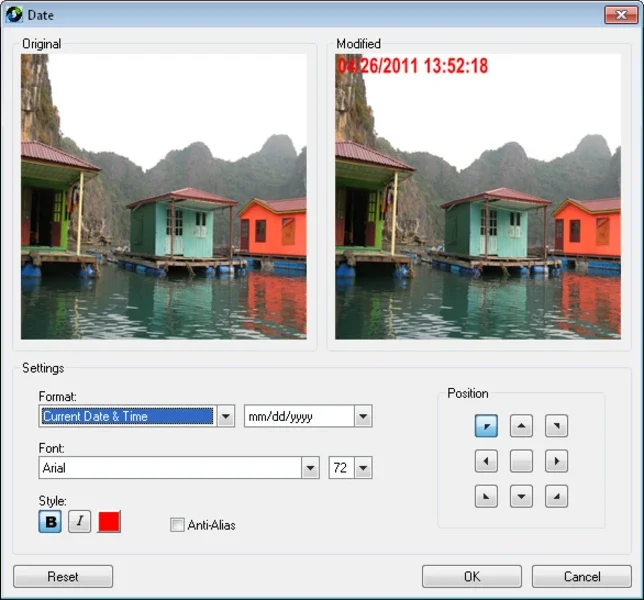
- Add the date
- Rename files in a folder so they share the same string
Conversion covers popular formats including JPG, PNG, BMP, GIF, PDF, and TIFF, and it also works with RAW files from Canon, Nikon, Sony, Olympus, Kodak, Pentax, Panasonic, and other brands. The supported format list runs from BMP and JPG to PSD, PDF/A, JPEG 2000, and EXR.
Download files
File1.6EXE
Version1.6
ReleasedAug 29, 2021
Size8.3 MB
SHA-256
Get
54f3fb3da7fa01cecb3b45ca6500fe5be1098c70e791533907b17c9960342419
Signed by Softdiv Software Sdn Bhd · valid until May 31, 2022Filephotopus-pro-1.5.exeEXE
Version1.5
ReleasedOct 24, 2018
Size8.3 MB
SHA-256
Get
49d816f0b1e20407a70fe3ab997494d11a2ce6661a0ca35f176e62c4971c6ecc
Filephotopus-pro-1.4.exeEXE
Version1.4
ReleasedMar 1, 2017
Size8.3 MB
SHA-256
Get
3fc48c1af0087cace8e8711f4ed387199ff67b1db172f57f6801eb2390699747
System requirements
Available on:
Additional information
Developer
Latest release
1.6 · Aug 29, 2021
Size
8.3 MB
Category
File type
EXE
SHA-256
54f3fb3da7fa01cecb3b45ca6500fe5be1098c70e791533907b17c9960342419
Digital signature
Signed by Softdiv Software Sdn Bhd · valid until May 31, 2022