
PhotoRazor 2.5.0.23 for Windows
Resizes photos into new files and leaves the originals untouched
Screenshots
Description
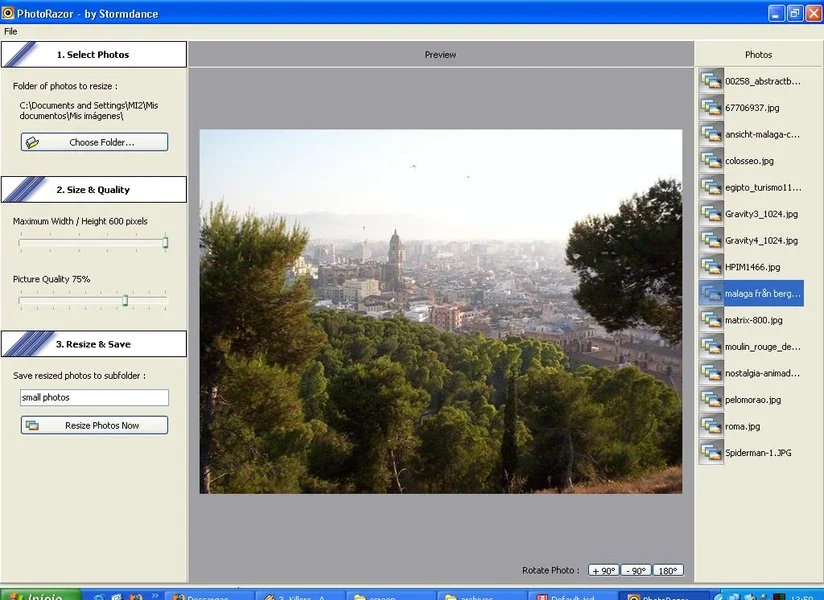
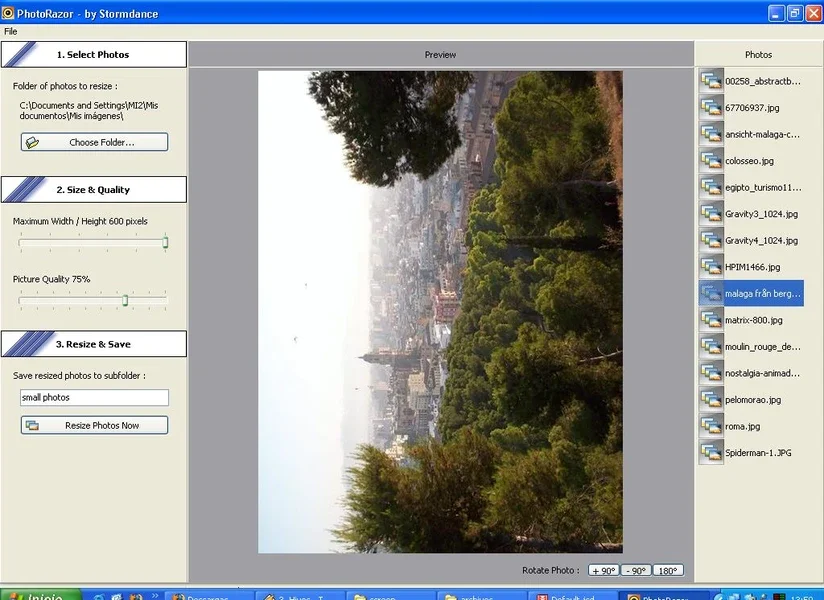
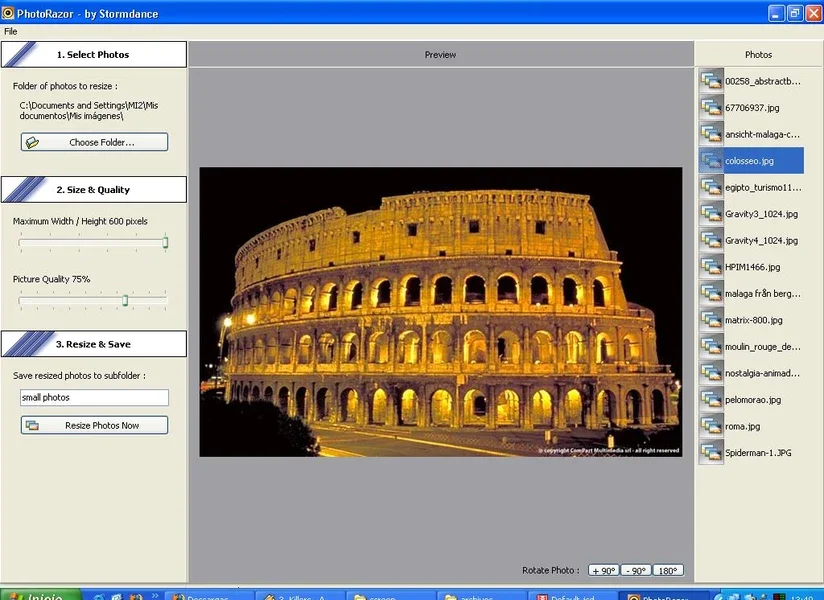
Point PhotoRazor at the folder holding your photographs and it resizes them, saving the results under a different name. The originals are only read, never written to, so nothing you started with is lost.
You don't need any photography background to work it. The program shows the photos in the folder, and any that sit the wrong way round can be rotated before you go further. From there you pick the size you want for the new copies and give them a name. That is the whole job: choose a folder, straighten what needs straightening, set a size and a name, and the resized files appear alongside the originals. Nothing is overwritten in the process, which means you can run it again with a different size and still have the untouched source to work from.
It runs on Windows and costs nothing.
Download files
0bf69d6f84bdd11fa336aa9be128b61e236a9112d849ad7d56e9351e1271ee01
No digital signature0bf69d6f84bdd11fa336aa9be128b61e236a9112d849ad7d56e9351e1271ee01
No digital signature0ae6e123b26723db59368b5d4ab6783708cd7b649d435713020463c25fce829e
System requirements
Available on:
Minimum OS:
Windows Windows 98 SE or later
Additional information
Developer
Latest release
Size
Category
File type
SHA-256
0bf69d6f84bdd11fa336aa9be128b61e236a9112d849ad7d56e9351e1271ee01