
Picosmos Tools 2.6.0.1 for Windows
Photo editor with collage, animation and screen recording tools
Screenshots
Description
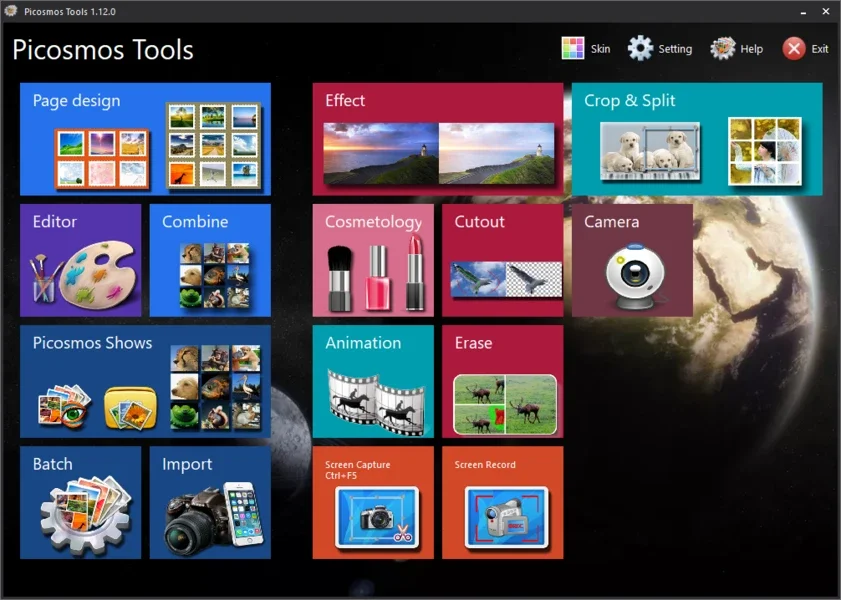
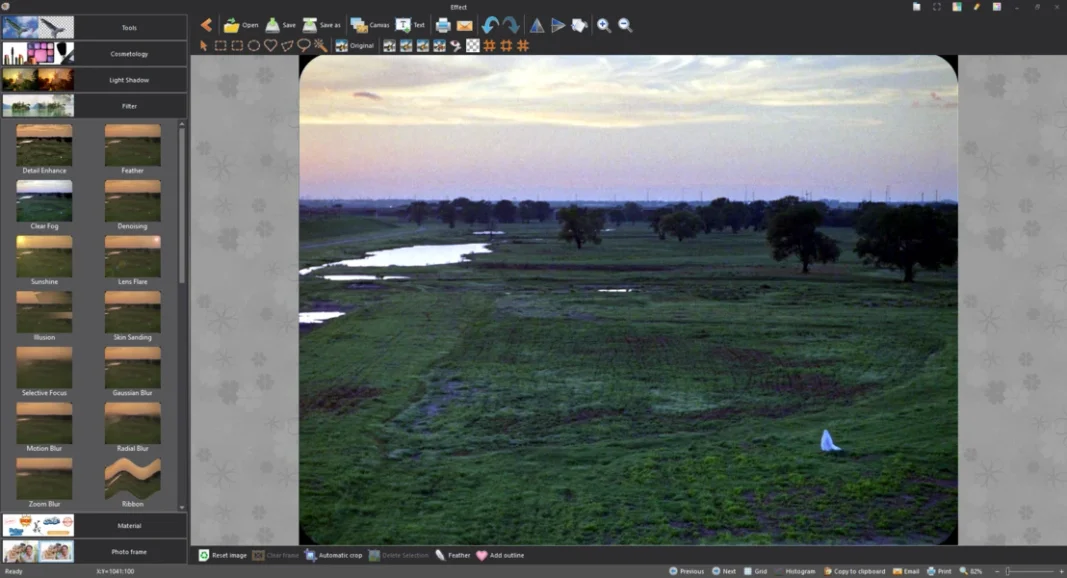
Picosmos Tools opens to a small menu that lists everything it can do, and you pick a tool from there. Each tool starts with an illustrated guide that explains how to use it, so the first few clicks are spelled out rather than guessed at. It is a photo-editing application at heart.
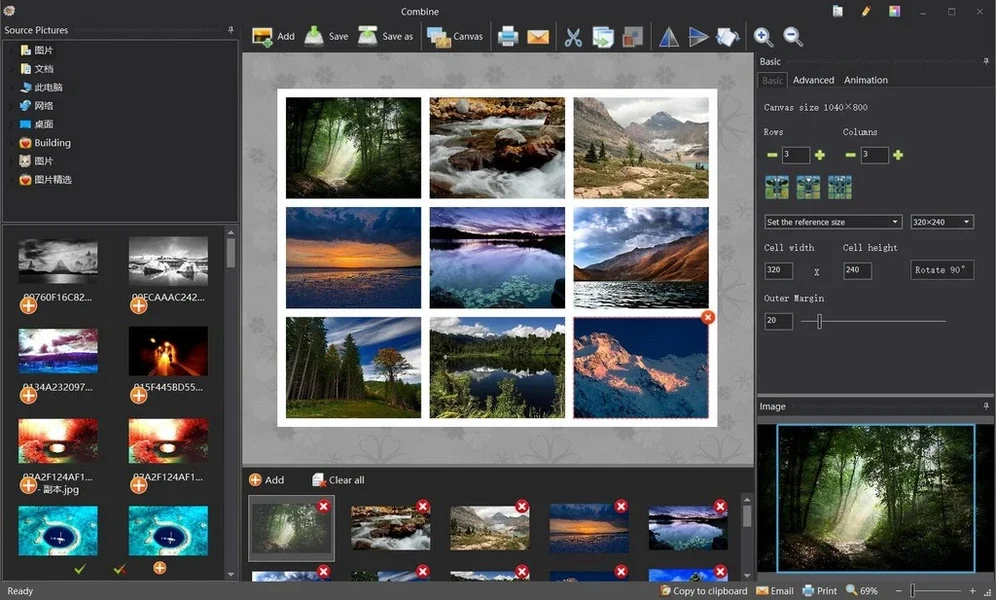
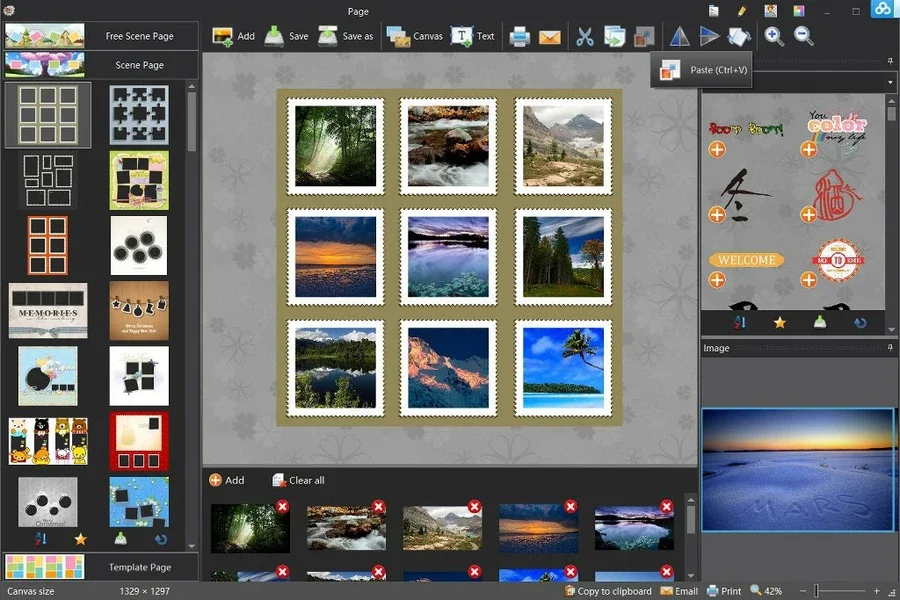
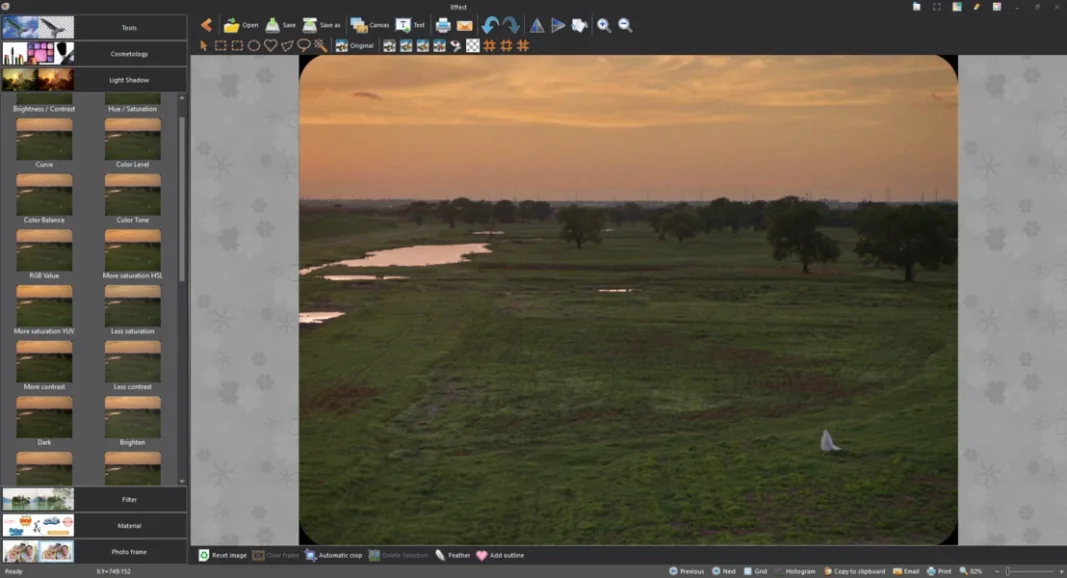
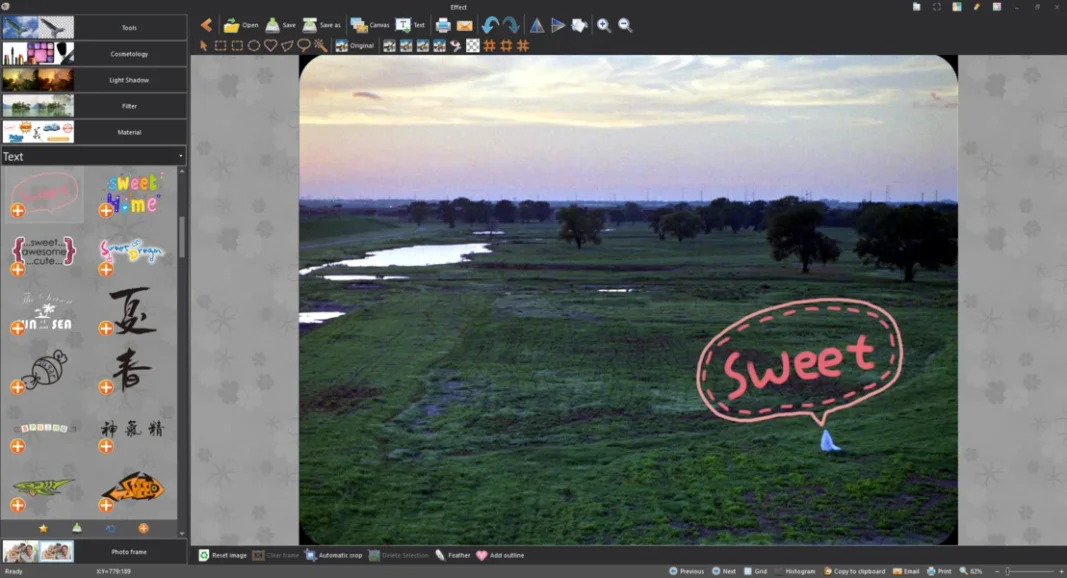
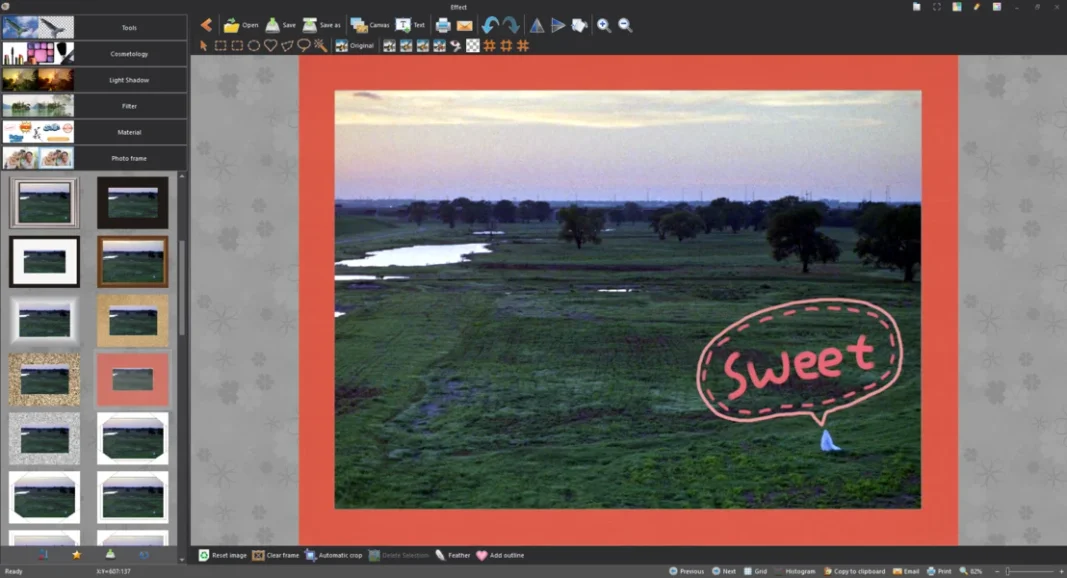
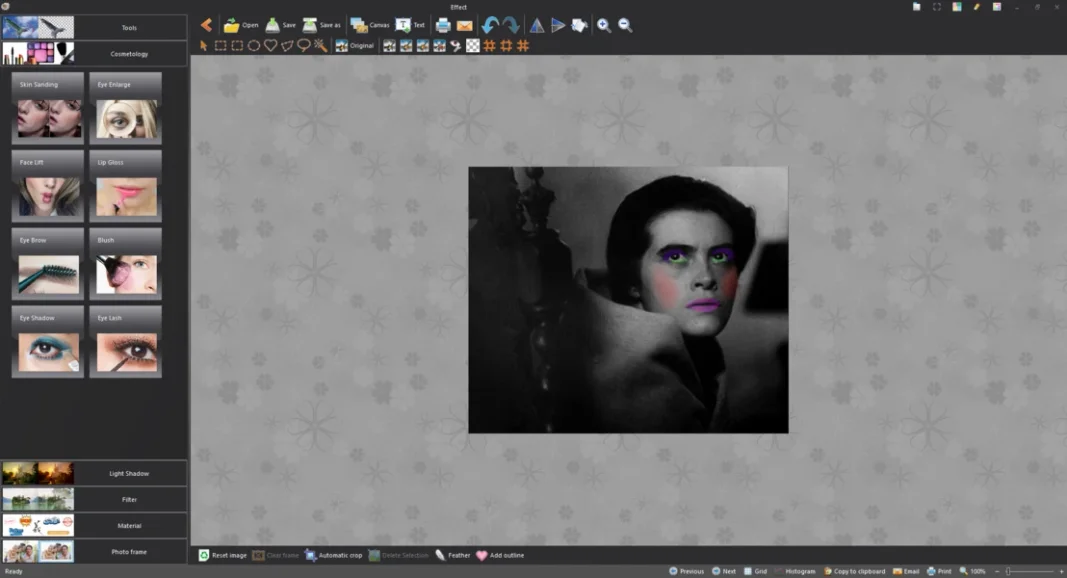
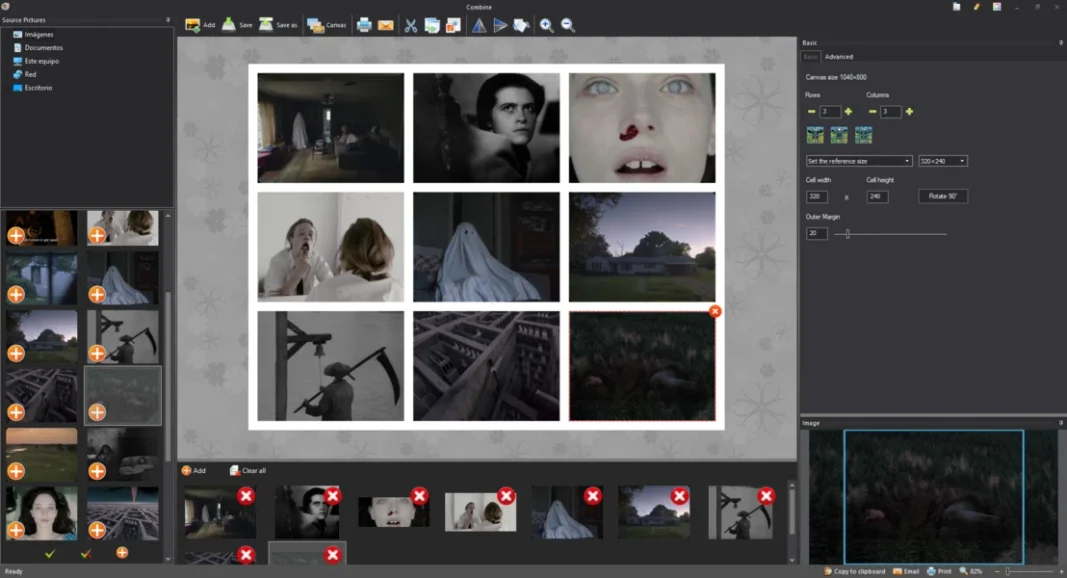
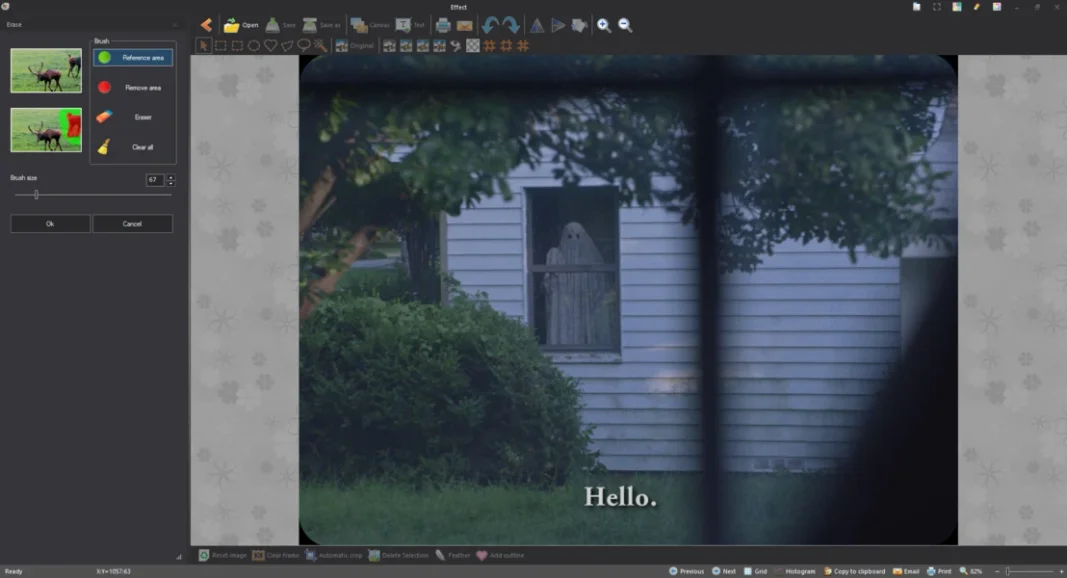
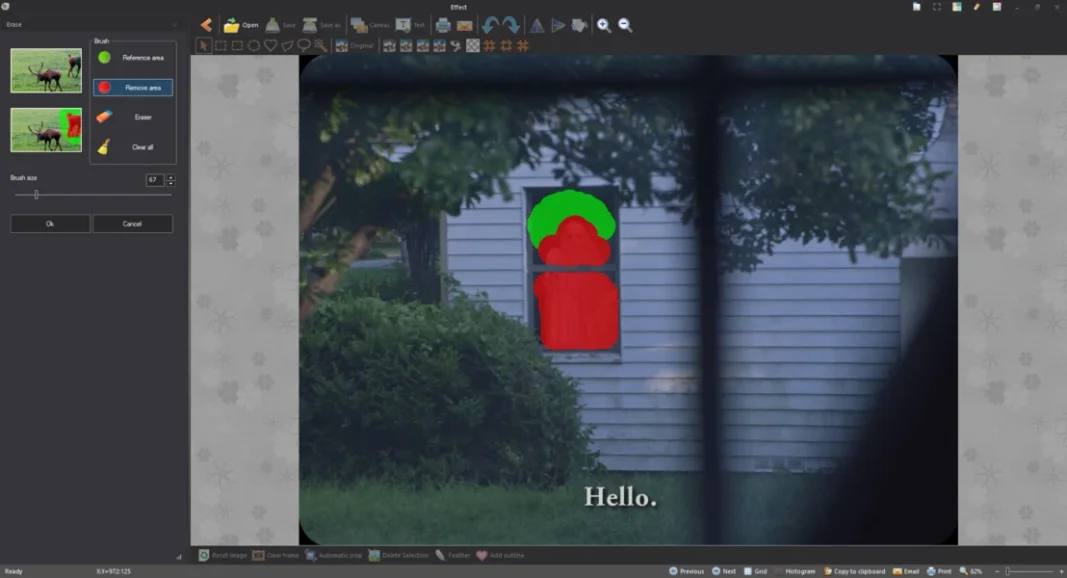
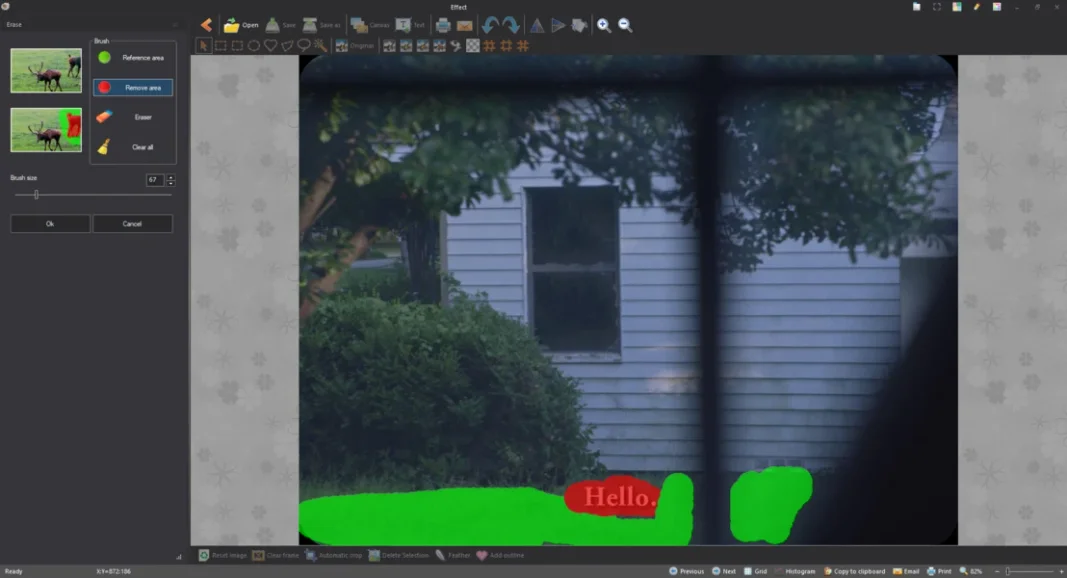
Editing covers the usual ground. You can adjust brightness and saturation, add stickers and filters, remove unwanted elements from photos, and build collages or animations from your images. There is an image viewer built in as well, for looking through files without leaving the program.
It also records everything that happens on the screen. Picosmos Tools runs on Windows, is free, and is at version 2.6.0.1.
Download files
259d9c6d446ade8da3df0e1fd30bc42dce982a45b8f5be5e36f80bbd97019c3b
Signed by 暇光软件科技(上海)有限公司 · valid until Apr 4, 2022ed8b067543d48cdd8f28db57645efb91e09e8b71d24da71484fb45446146b7b1
b3ac5918ac11fa683da6974a3a8223f33e26606e3e565739cc2344b0b1901ca8
472d8ee1f8c99645f2483f60a38b7e43e8a4f5155058582e69627fbfa94bc1f9
722ddd478de0b71bbdfe389d1706347663aee5ca1133ea2e0b89c30f72019de1
Signed by chen jun hao · valid until Jun 25, 2016System requirements
Available on:
Minimum OS:
Windows XP or later
Additional information
Developer
Latest release
Size
Category
File type
SHA-256
259d9c6d446ade8da3df0e1fd30bc42dce982a45b8f5be5e36f80bbd97019c3b