
Picture Viewer 3.8 for Windows
Opens local images, lets you flip, rotate, delete and move them
Screenshots
Description
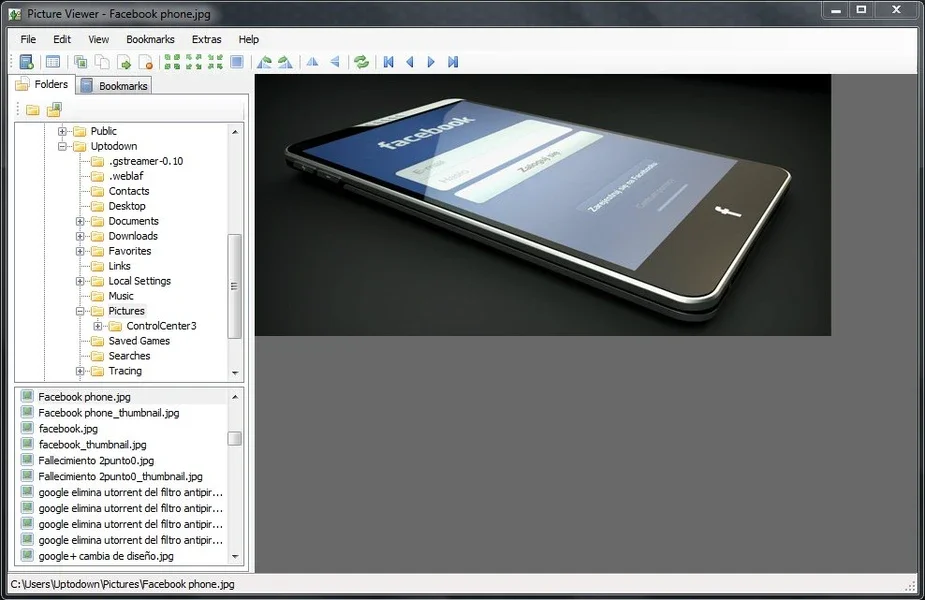
You start Picture Viewer, pick the folder holding your photos, and it lists every image inside so you can choose what to look at. It is a small, simple tool for opening image files saved on your machine. Supported extensions include JPEG, GIF, PNG, BMP and ICO, along with WMF, EMF, TIFF, DIB, RLE and JFIF. The company behind it is Gaijin.
Viewing and managing images
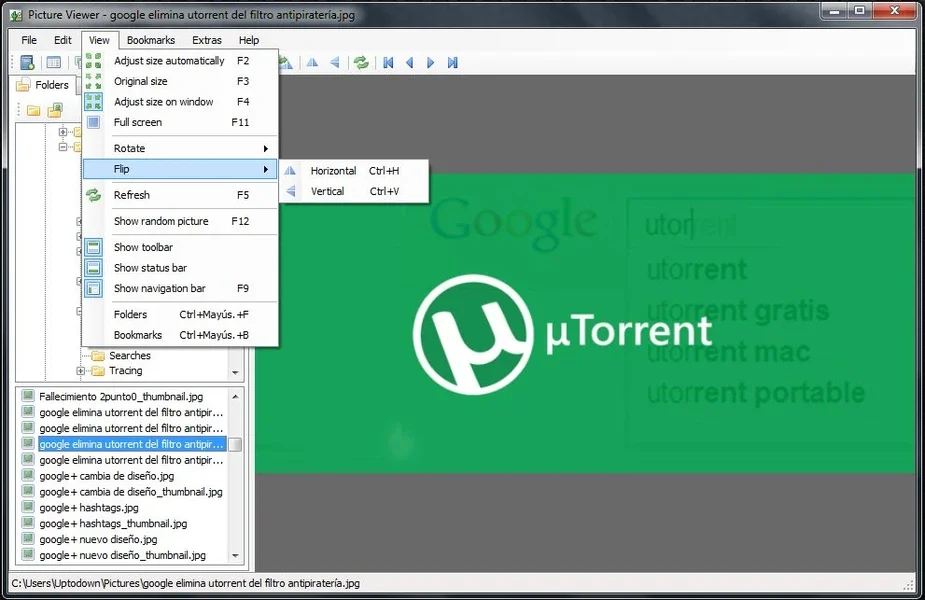
Pictures can be shown full screen, at their original size, or resized so every one appears the same size on screen. Forward and back buttons move you through the gallery. Rotating, flipping, deleting and moving an image to another folder all happen without leaving the main window. EXIF information sits in the properties window for each file.
Download files
System requirements
Available on:
Additional information
Developer
Latest release
Size
Category
File type
SHA-256
afdb211e0b82f0c24d4a34da4b54afd90b33a293eb40ee57a4bd69c2b7c7e347