
Pinta 3.1.2 for Windows
Image editor with layers, selection tools and undo history
You are on macOS — this is the Windows version. See the macOS version
Screenshots
Description
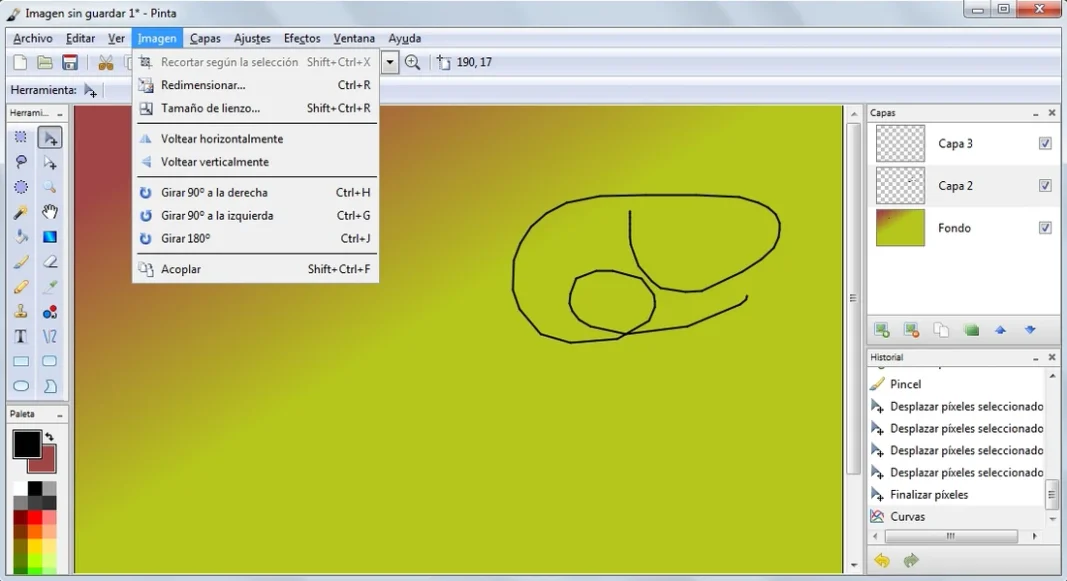
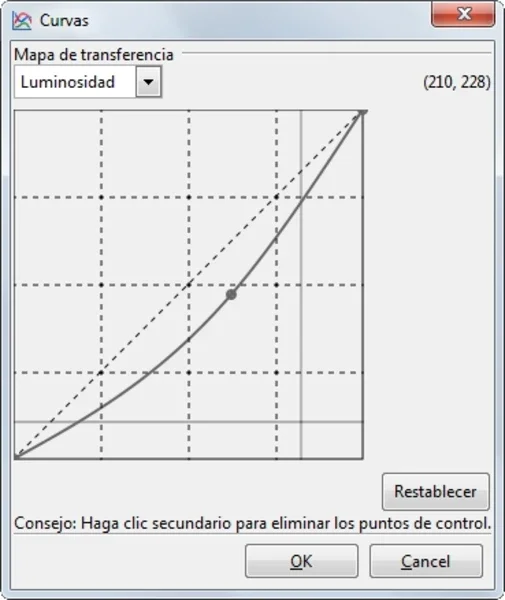
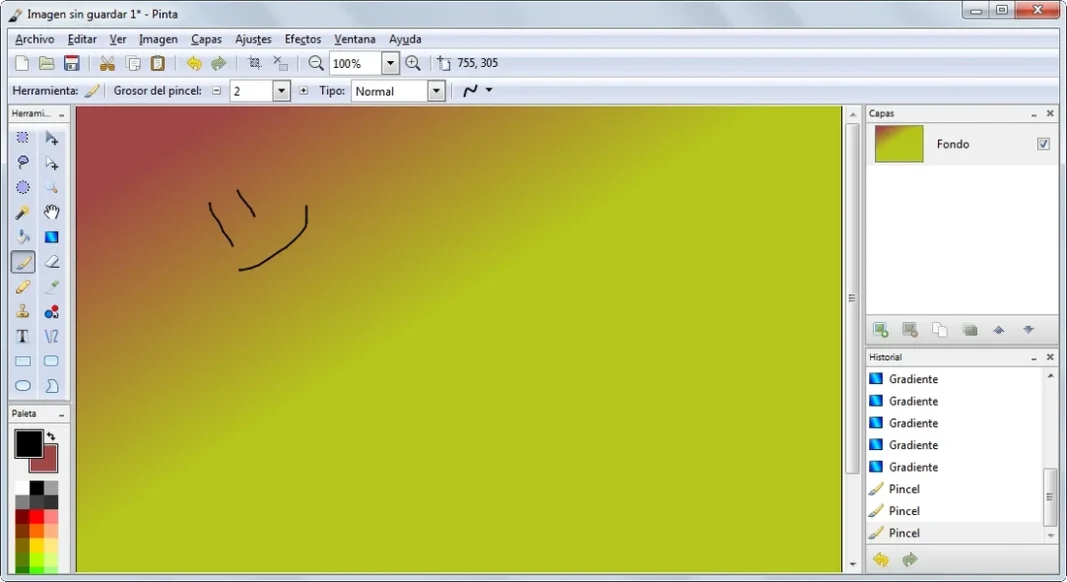
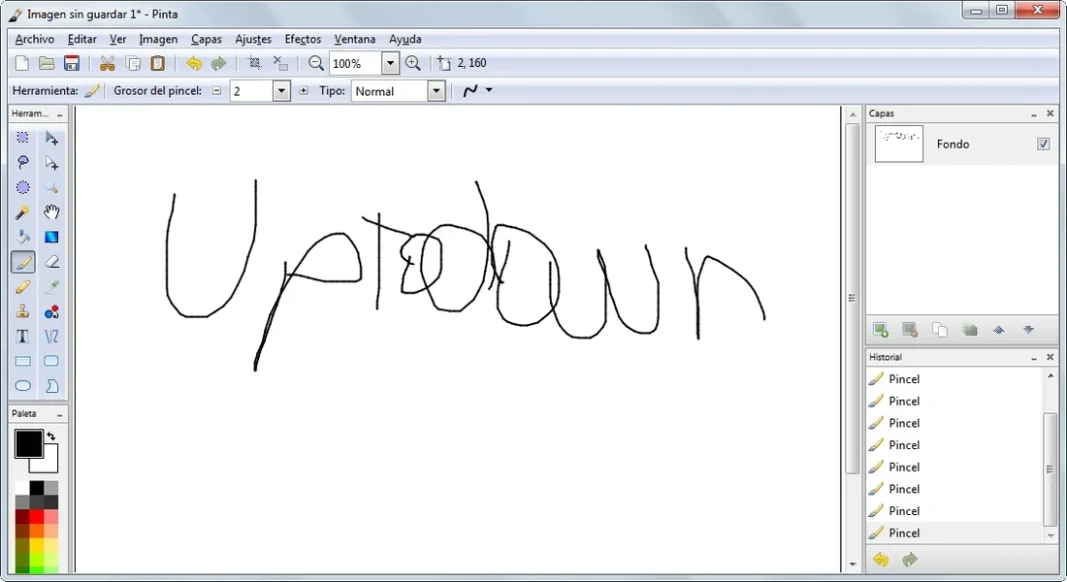
Pinta is an image-editing tool, and the most specific thing about it is the cloning stamp: you sample one part of a picture and paint it over another. That sits alongside a paintbrush and a paint can for work done from scratch, and a gradient tool. Complex edits on existing photographs are possible, and there are multiple selection types to work with. A layer system holds the pieces apart while you go.
Effects split into artistic and render effects, and it can apply blur. The history function undoes actions completely, so a wrong turn is recoverable.
It is completely free.
Download files
6c5c9252716a0a6860a25b3184a171045e8d4fca7b15ff3beb635bbe48bb16f6
Signed by SignPath Foundation · valid until Sep 7, 20278d742eba09e6755c46a17d58c08e3bbabe6f25e7fb1e27491374baa914559c18
74017975bbf12480994217d13e8a7bde05fc26ec3bb3bd39ee7f0de3c3c4cd46
ac7d2a487d942801ff3edcf124be021a40c6c3f727a17ae4ff15f94bdb061ca0
477a60ad65b4e66f383f36d489712892a230fe256914d182f2151ad9d7895434
System requirements
Available on:
Minimum OS:
Windows XP or later
Additional information
Developer
Latest release
Size
Category
File type
SHA-256
6c5c9252716a0a6860a25b3184a171045e8d4fca7b15ff3beb635bbe48bb16f6