Podman Desktop 1.29.3 for Windows
Manage containers and Kubernetes objects from one graphical app
You are on macOS — this is the Windows version. See the macOS version
Screenshots
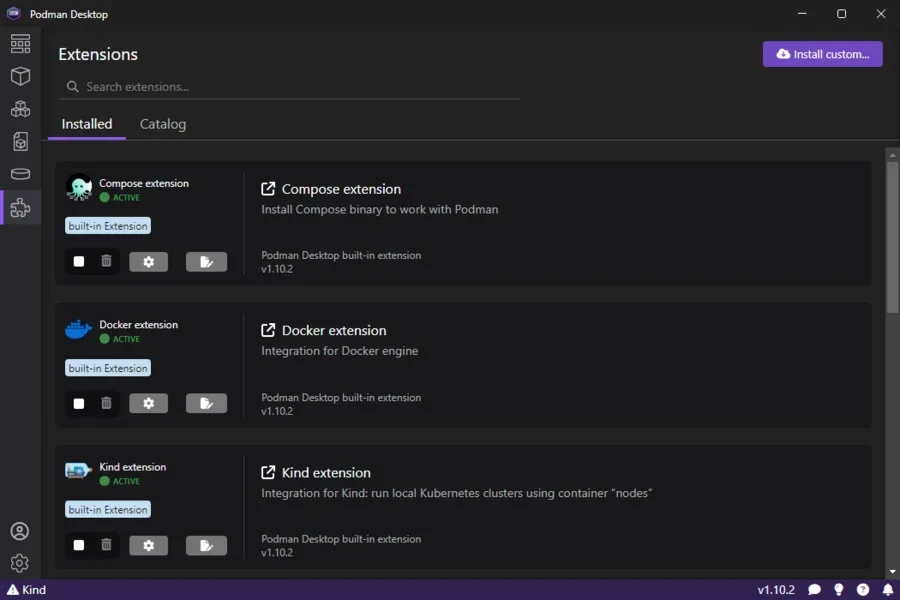
Description
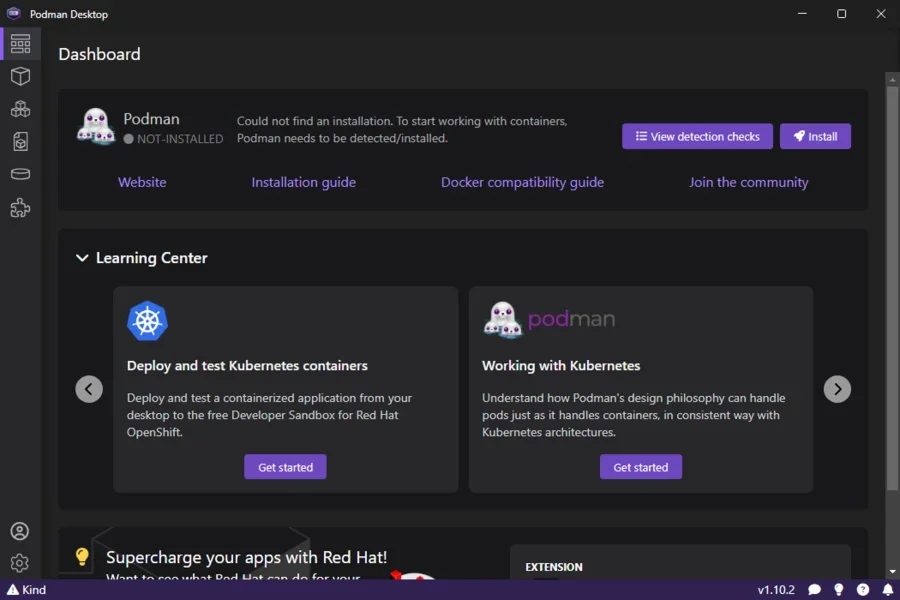
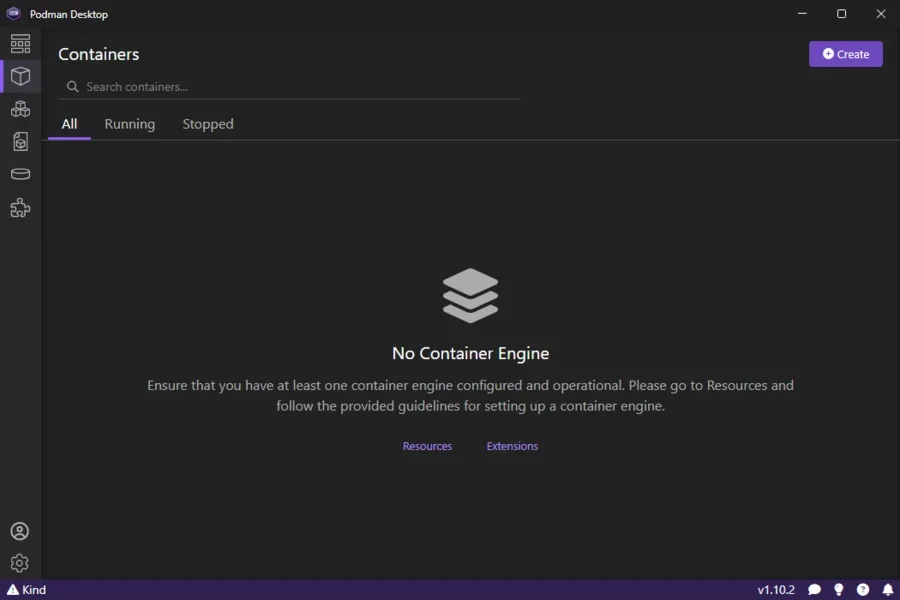
Podman Desktop manages containers through a graphical interface. List, search, inspect, connect, run and stop containers without dropping to a shell. Images can be built, pulled and pushed from the same window, and containers run from those images.
Kubernetes objects work natively too. Pods can be created and started locally, and Kubernetes YAML is generated from pods without a Kubernetes cluster in place. A Kind-based Kubernetes environment comes by default. The steps go in stages, so you can move from containers to Kubernetes at a gradual pace. Developers get a place to try applications under conditions that are close to what production looks like.
Podman resources are managed too: allocated memory, CPU and storage. Logs are handled in the tool. The tray icon shows container engine status, and from it Podman machines can be started or stopped. It runs on Windows.
Download files
63e95821fa0942521cc17ef96b0ae5ae9af8207991a9cfcf79e48bf5552e35de
Signed by Red Hat, LLC · valid until Aug 13, 2027b67973922e97abd19a691656fbf6173a9029ee92232c12d832f3dfae4e59fe20
Signed by Red Hat, Inc · valid until Aug 7, 2026aa08dcecb4d89f89652b03ddc4a4387fa0f81ca2ffd54b62b1b48c332cc37c95
e988374ef1a2346f3dc0cd6fcdd599efff22b702b5386dac4e62f649c048c6d1
52a5624e365cfe11cde1d14970bda601c74dae1a7e2a860f2b89fe19fe0854b9
System requirements
Available on:
Additional information
Developer
Latest release
Size
File type
SHA-256
63e95821fa0942521cc17ef96b0ae5ae9af8207991a9cfcf79e48bf5552e35de