Process Explorer 17.21 for Windows
Shows what every process on a Windows PC is doing, down to its DLLs
You are on macOS — this is the Windows version. See the macOS version
Screenshots
Description
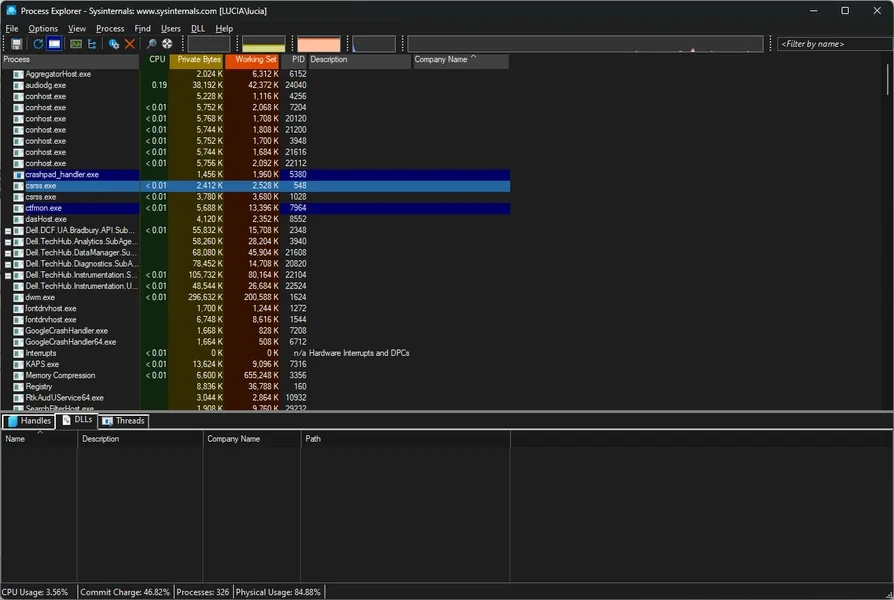
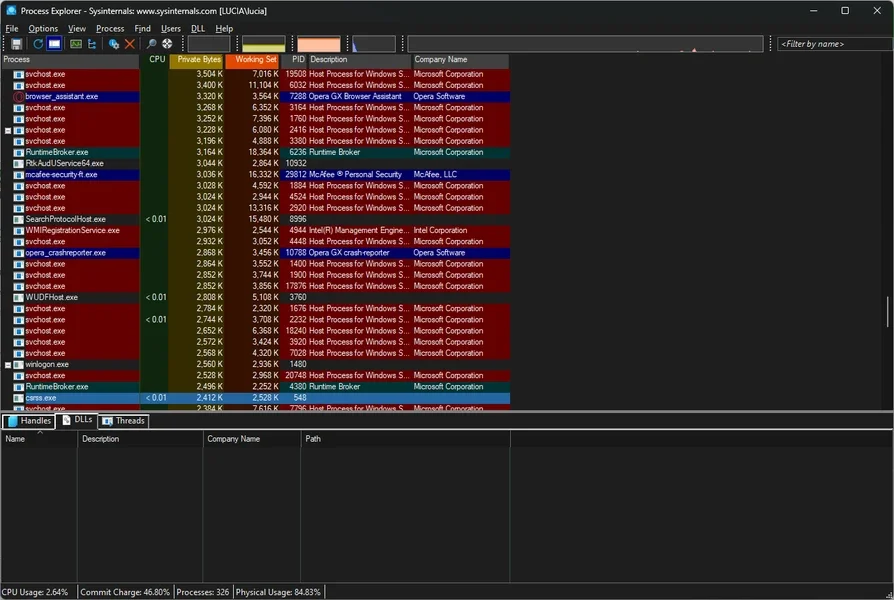
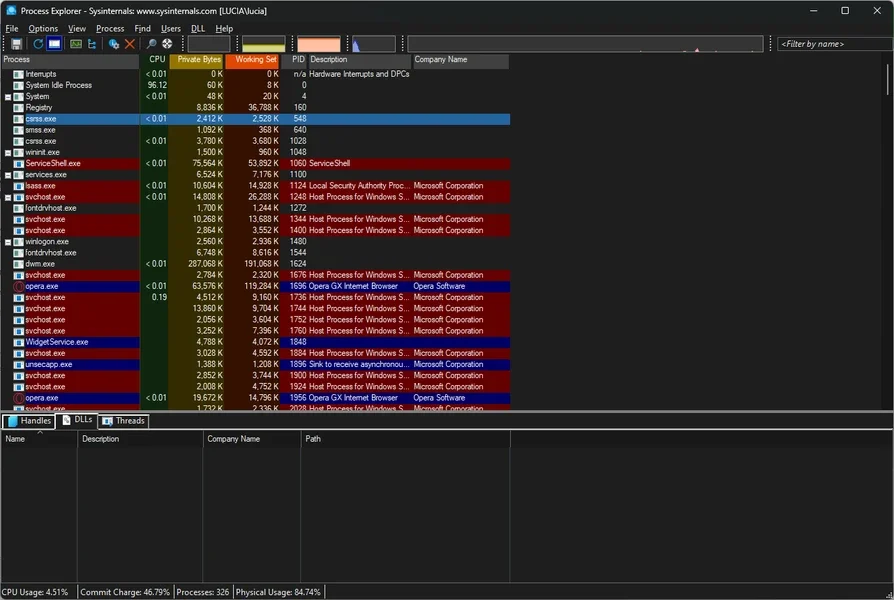
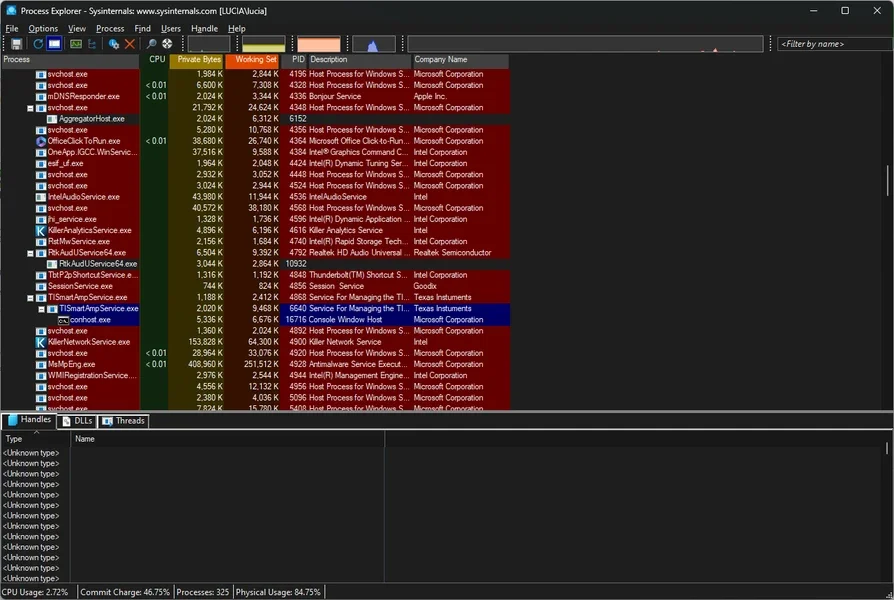
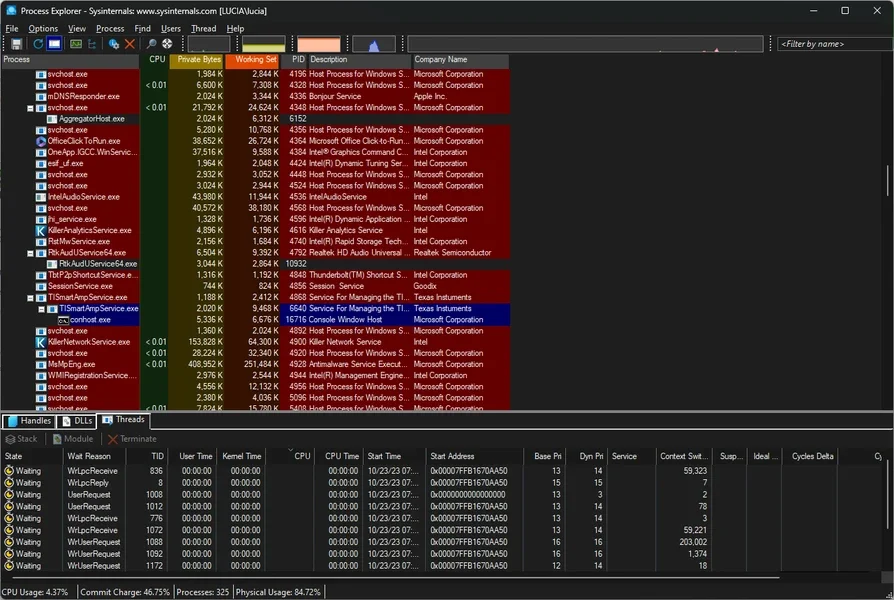
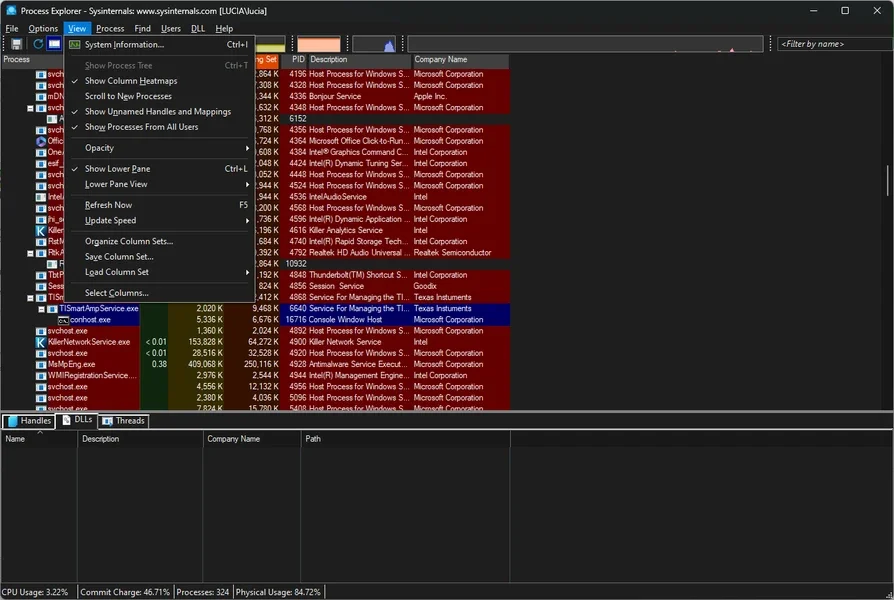
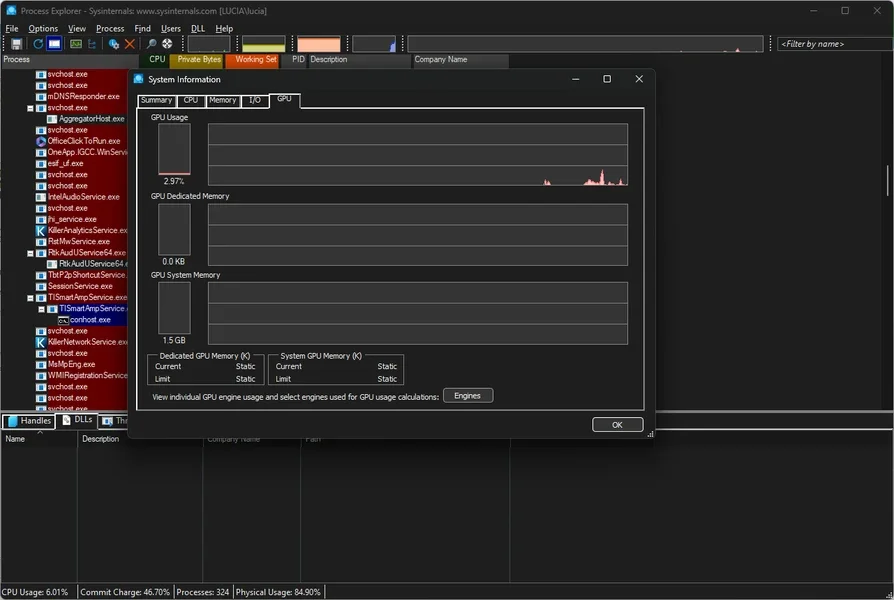
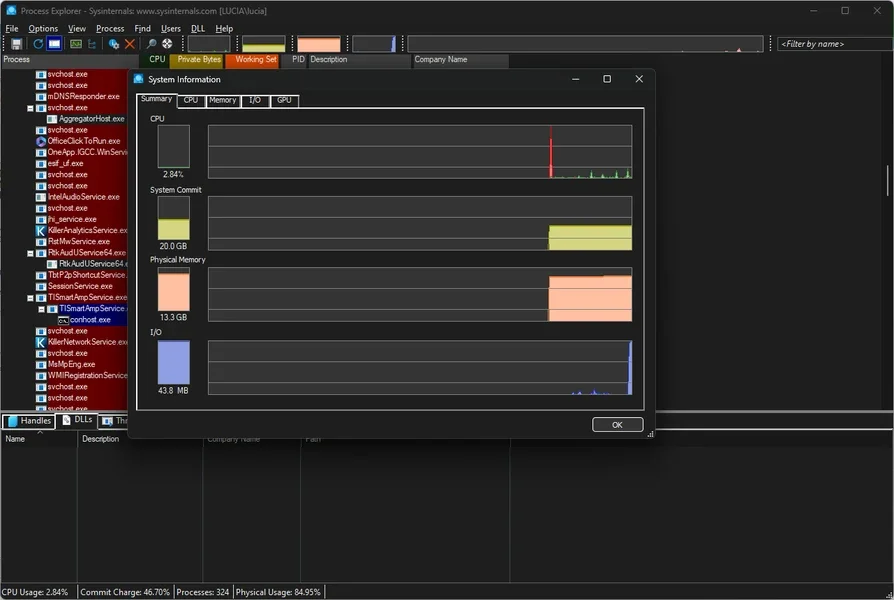
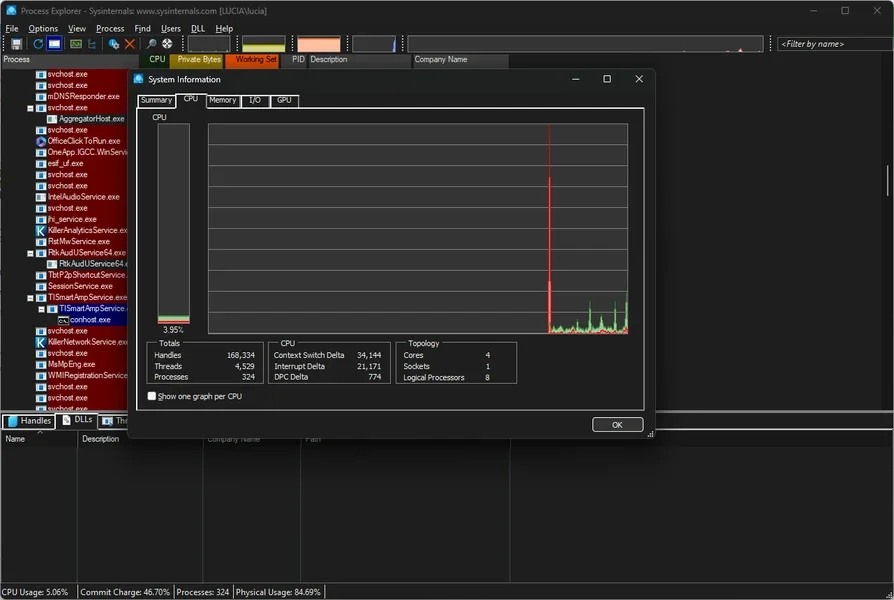
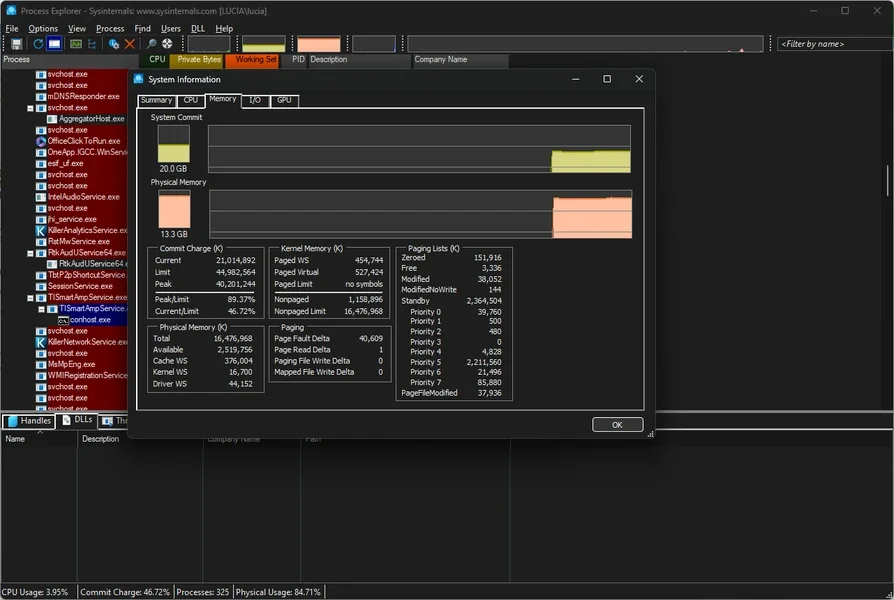
Process Explorer shows what is happening on a Windows PC: every running application, the tree they sit in, and the files and DLLs they have open. The window is split into two panels. Running applications sit in the top one, arranged as a tree; the bottom one carries detailed information on whichever process you select. The system's current activity is summarised in the same view.
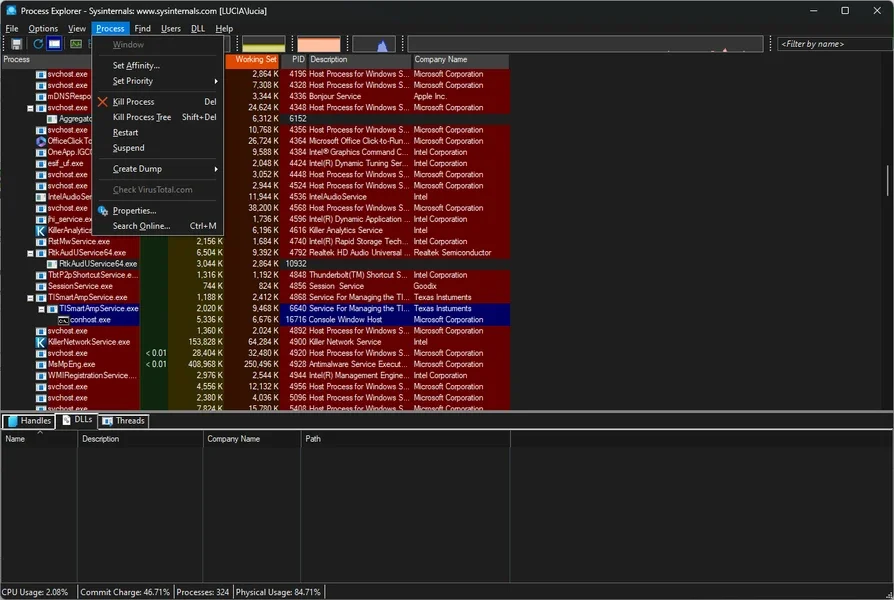
Each process has a properties view. That view shows how much memory and disk space the process uses. CPU, memory, input and output figures are shown as statistics and graphs. From the same interface you can stop a single application or change the priority of any running process.
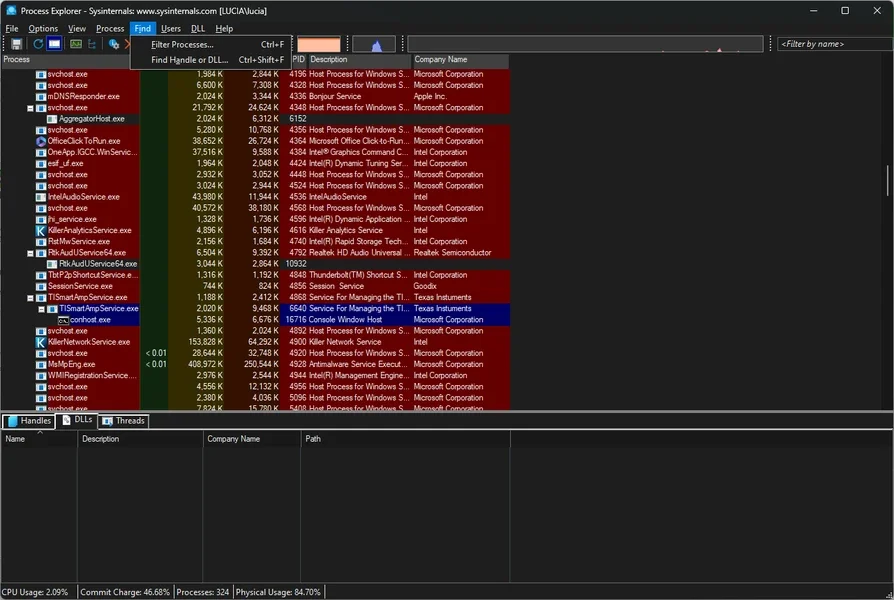
DLLs are handled separately from processes. Process Explorer lists every DLL file in the system, and the results can be filtered so that only DLLs and memory-mapped files remain. That helps when tracking down an error specific to a DLL function. The help file does not work.
Download files
22551d0181dde6cb6af1bc134a190d867d883673f9c35c33039e4e8f9ac75df1
746770d3f54326dd7da16c2b2815803ab131f348cba24a91cb6a38cfd2f7073f
678c540c306b73fa2354de8565c30c53f531de3cb0a989d056d603fa5f98ed6a
47ff65944e87280a0d40e6eb7a6157f13f46d605df44ff794784b54d56795aa6
7b3498c606413794badf773d0e00e9b2b1afafa82921946da39b411c2b3710bb
System requirements
Available on:
Additional information
Developer
Latest release
Size
Category
File type
SHA-256
22551d0181dde6cb6af1bc134a190d867d883673f9c35c33039e4e8f9ac75df1





