
Proteus 9.1.42460.2 for Windows
Circuit design and simulation for schematics and PCBs
You are on macOS — this is the Windows version. See the macOS version
Screenshots
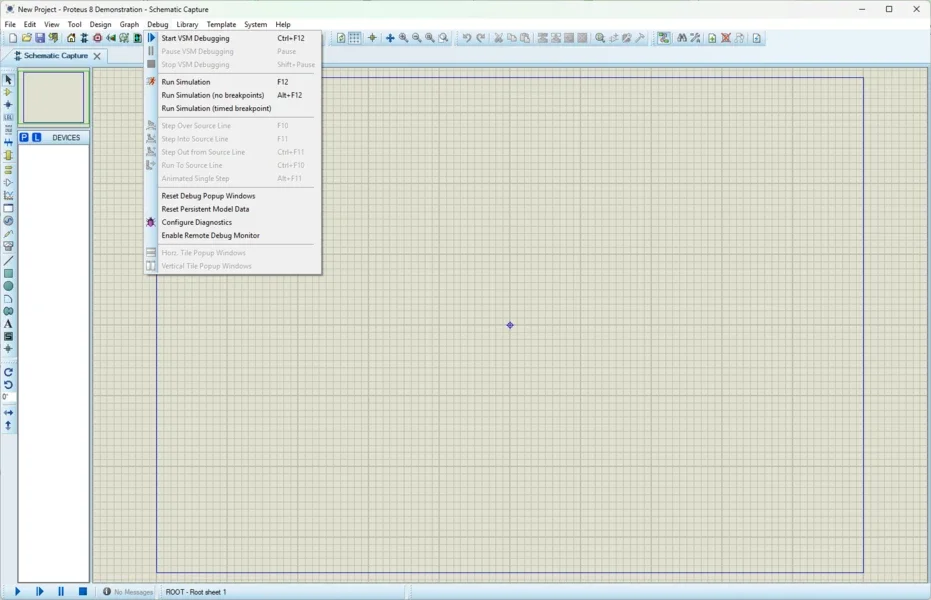
Description
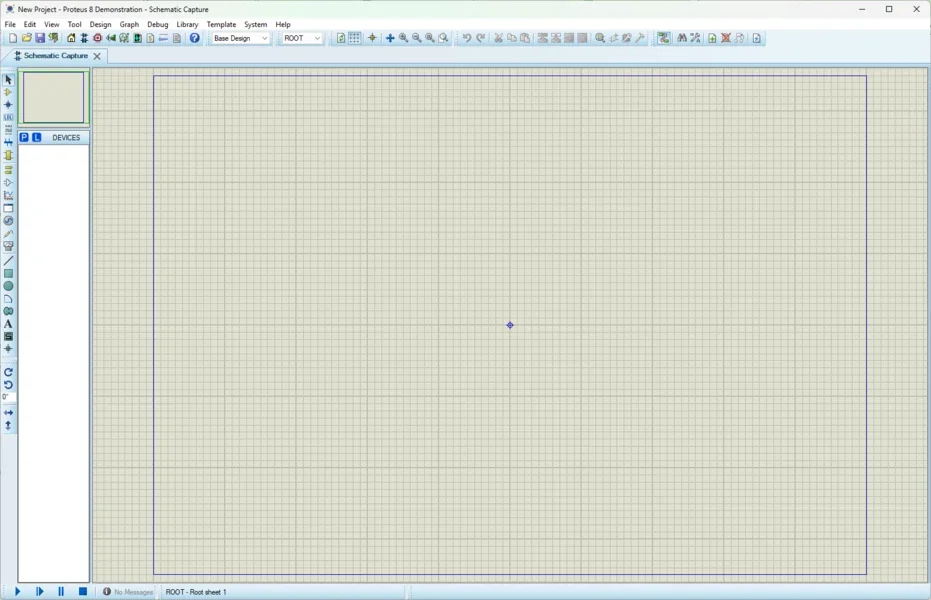
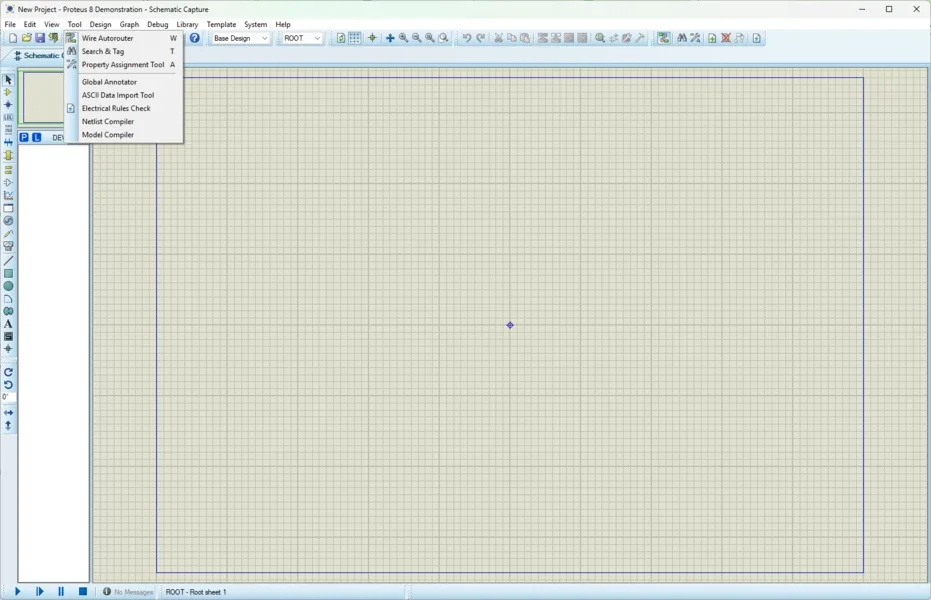
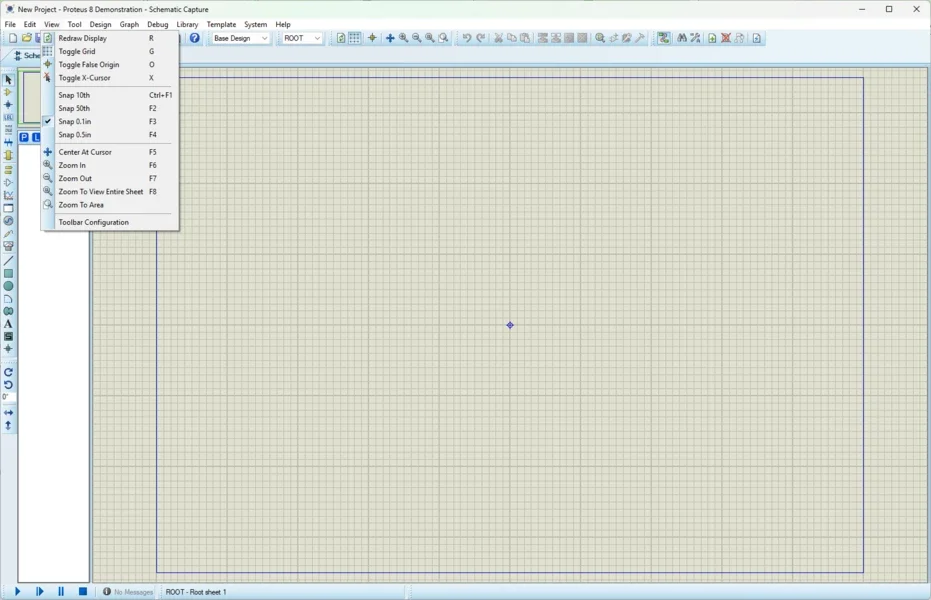
Proteus is a circuit design and simulation environment. Put a circuit on the schematic and it simulates in real time, so you can see how it behaves before anything exists on a board. Real-time emulation is how errors turn up early, while adjustments still cost nothing. Analog and digital components both work.
Microcontrollers sit inside the same environment: PIC, AVR, ARM and Arduino. The schematic and PCB sides stay in step, and a change made in one shows up in the other. The component library is large and you can add to it. Debugging tools are built in. Scripts can be written to handle repetitive work.
The PCB editor lays out traces on its own, and layers can be changed as you work. A 3D view shows how the parts sit on the board. From the board design, Gerber files are produced for fabrication.
Simulation also stands in for a bench setup. Students learning electronics can set up circuits visually and watch them run without hardware on the desk.
Download files
d9866cdeefe7f728360ba16f566666875005e1ed46793c188bfaf965f9b4549c
Signed by Labcenter Electronics Ltd · valid until May 7, 20271960eb66d3c6ab053ffa96d329d993ee4bc1ad64832ed78b1f00edef28d3ccf2
Signed by Labcenter Electronics Ltd · valid until May 7, 2027df411765c1bac75b4f0196702f67a05cfab0db8467432c82f6579e8260b60c8e
Signed by Labcenter Electronics Ltd · valid until May 7, 202706edfd9e1ad275e0b3a6c176d2e57352d379c5c2707e548772c333fbb0804048
Signed by Labcenter Electronics Ltd · valid until May 1, 2025c0f373601933fdf25d798a5628cf6de3adb672dae87140ac9d3b8fc507ca040e
Signed by Labcenter Electronics Ltd · valid until May 1, 2025System requirements
Available on:
Minimum OS:
Windows XP or later
Additional information
Developer
Latest release
Size
File type
SHA-256
d9866cdeefe7f728360ba16f566666875005e1ed46793c188bfaf965f9b4549c