PSD Viewer 3.2 for Windows
SHA-256 listed
Views PSD images without Photoshop installed
3+
Age rating
Screenshots
Description
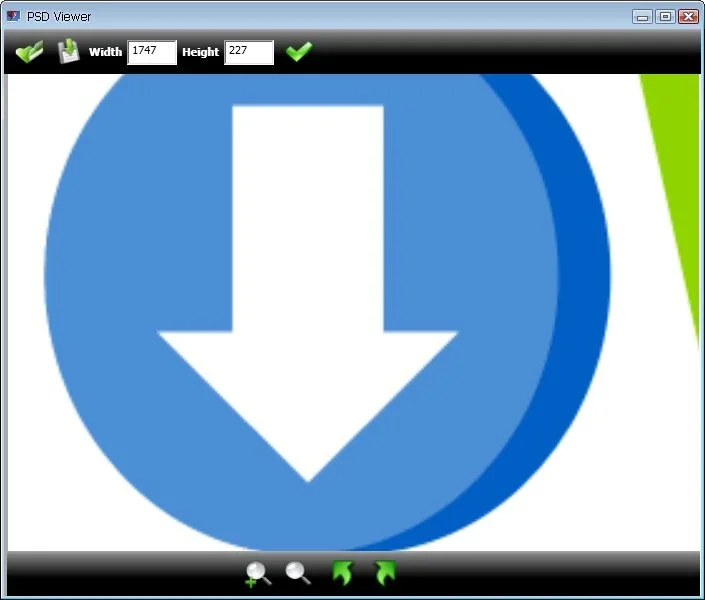
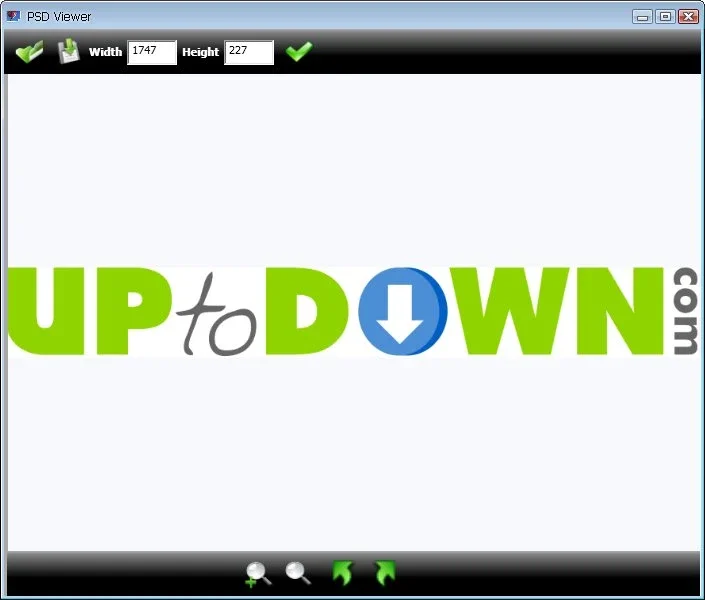
PSD Viewer opens Photoshop PSD files on a Windows machine that has no Adobe Photoshop. PSD photos often arrive by download or email and are otherwise unusable, so this small application gives them somewhere to open.
- View images in PSD format
- Zoom in on images
- Enlarge or shrink images as you like
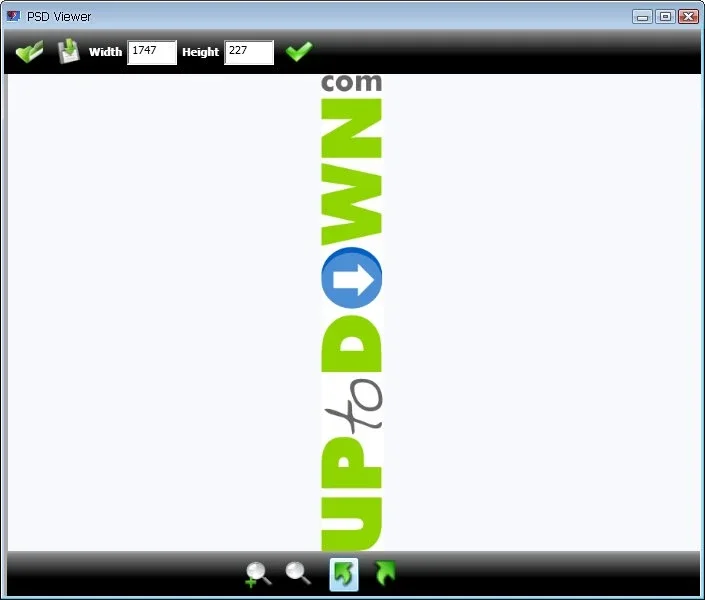
- Rotate images in either direction
- Convert images to other formats, including JPG, PNG, BMP, GIF and TIFF
The interface is easy for any user to handle, though the options available after an image is opened are limited. It is aimed at users who do not have Adobe Photoshop installed.
Download files
File3.2EXE
Version3.2
ReleasedNov 19, 2026
Size9.5 MB
SHA-256
Get
1769d8c4216eb022a7a6a486528e25d3da6446c665c8538e4561bb70b229e42c
No digital signatureFilepsd-viewer-3-2-0-0.exeEXE
Version3.2.0.0
ReleasedJun 18, 2026
Size9.5 MB
SHA-256
Get
1769d8c4216eb022a7a6a486528e25d3da6446c665c8538e4561bb70b229e42c
No digital signatureFilepsd-viewer-3.2.exeEXE
Version3.2
ReleasedJun 30, 2010
Size9.5 MB
SHA-256
Get
7955658b55b89cf7e57107badf7420a37f1da090809dfc8e7ab6c7977d32a63e
System requirements
Available on:
Minimum OS:
Windows Windows 7 or later
Additional information
Developer
Latest release
3.2 · Nov 19, 2026
Size
9.5 MB
Category
File type
EXE
SHA-256
1769d8c4216eb022a7a6a486528e25d3da6446c665c8538e4561bb70b229e42c
Digital signature
No digital signature