
Telnet and SSH client for remote terminal access
You are on macOS — this is the Windows version. See the macOS version
Screenshots
Description
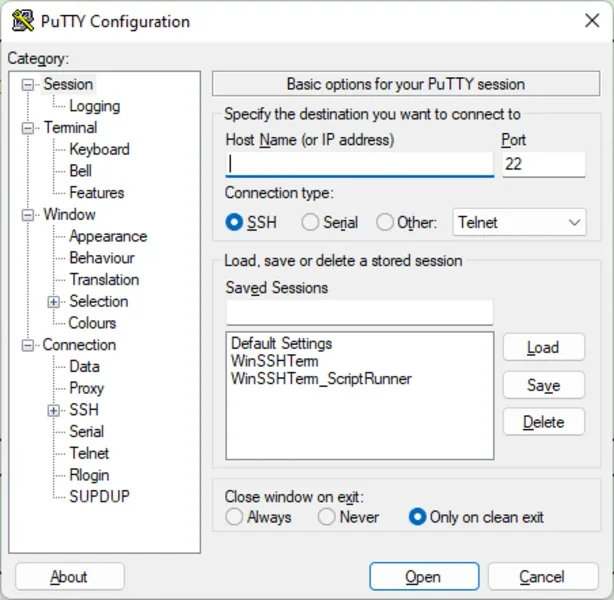
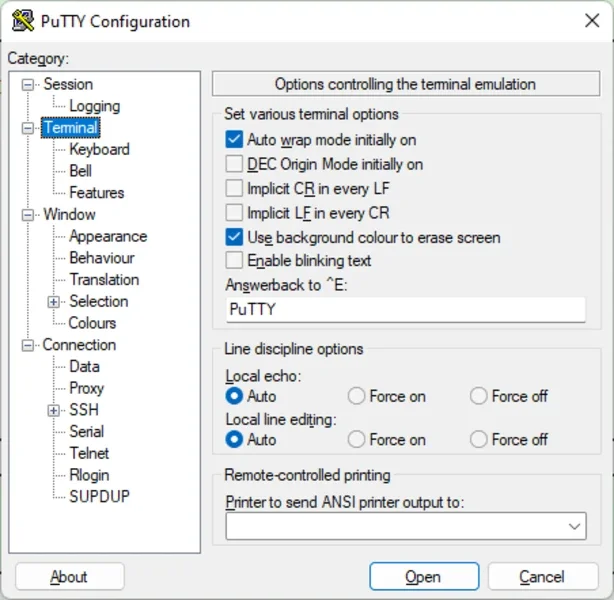
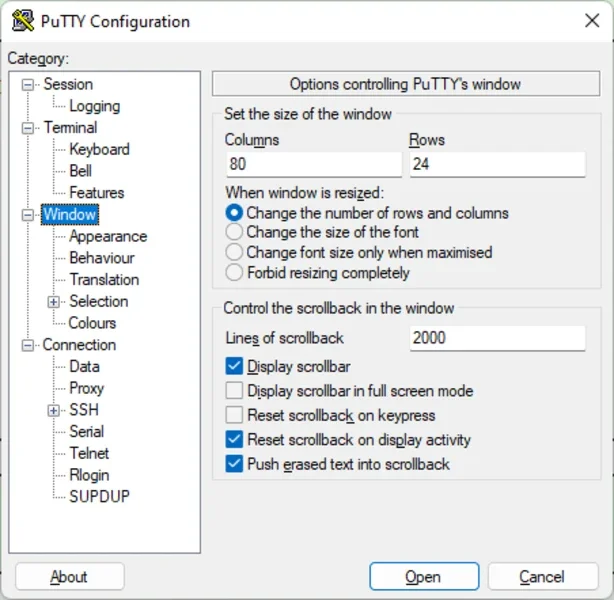
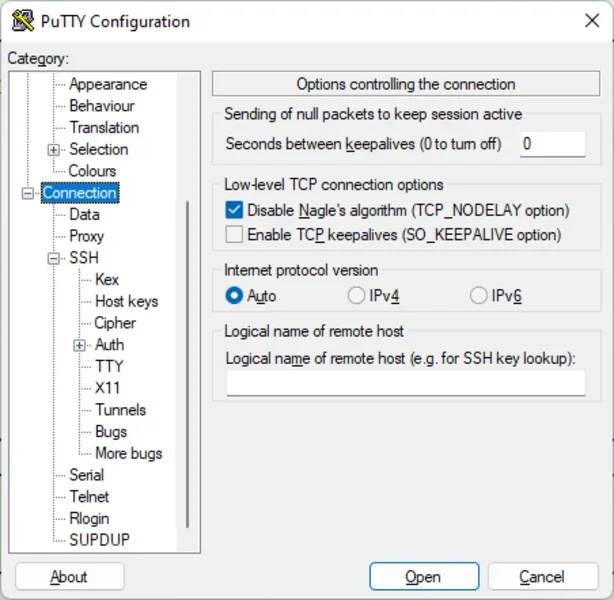
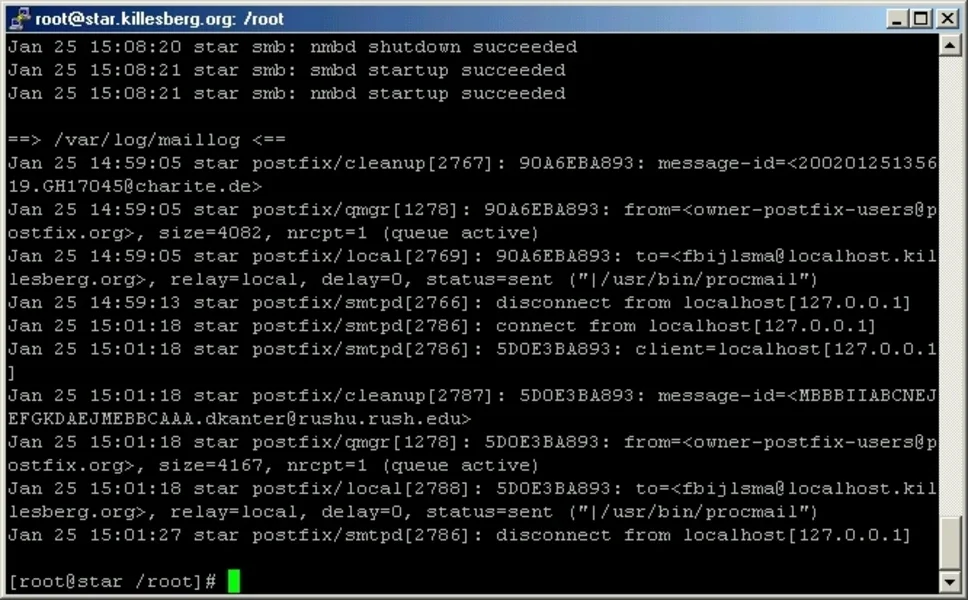
You connect PuTTY by entering an IP address, port, username, and password. That gets you a remote terminal on the other device, where you run commands as if you were sitting in front of it.
The program works as a Telnet and SSH client. It lets you control a Linux device remotely over a local network or another network, as long as you have access credentials and the device allows remote command execution. You don't have to retype connection details every time: they can be saved and given a name. Saved sessions let you log in directly to a chosen device after opening the program. PuTTY is free and open-source. Other programs such as KiTTY are based on its code and add extra features.
It runs on Windows. The latest version is 0.85.0.
Download files
cbc48af94f6462fa3c1859f4185a1ffda360c3c760def9ad5b1e0ec1430b2e09
Signed by Simon Tatham · valid until Sep 27, 20272213ebacf962b709411d654a40087508a694756bc4e41c5a1c24ad86596b2511
Signed by Simon Tatham · valid until Sep 27, 2027190d00150e67ad3ff51af4b50e76a3ab97b863a34efd50472627b17c0cf4102b
Signed by Simon Tatham · valid until Sep 27, 2027aa8e5036d973688f1e8622fbe9ab22e037346e0def0197bf5e7cdf37da4e223d
6c297c89d32d7fb5c6d10b1da2612c9557a5126715c4a78690d5d8067488f5f2
System requirements
Available on:
Minimum OS:
Windows Windows 11 or later
Additional information
Developer
Latest release
Size
File type
SHA-256
cbc48af94f6462fa3c1859f4185a1ffda360c3c760def9ad5b1e0ec1430b2e09