Quick CPU 6.8.0.0 for Windows
CPU monitoring with temperature, clock and per-core usage meters
Screenshots
Description
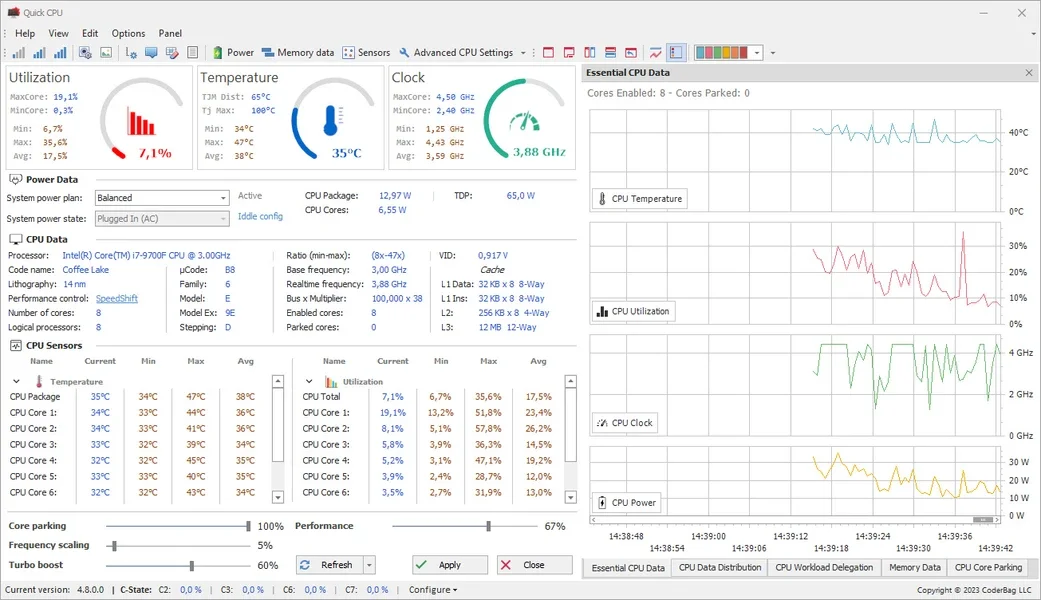
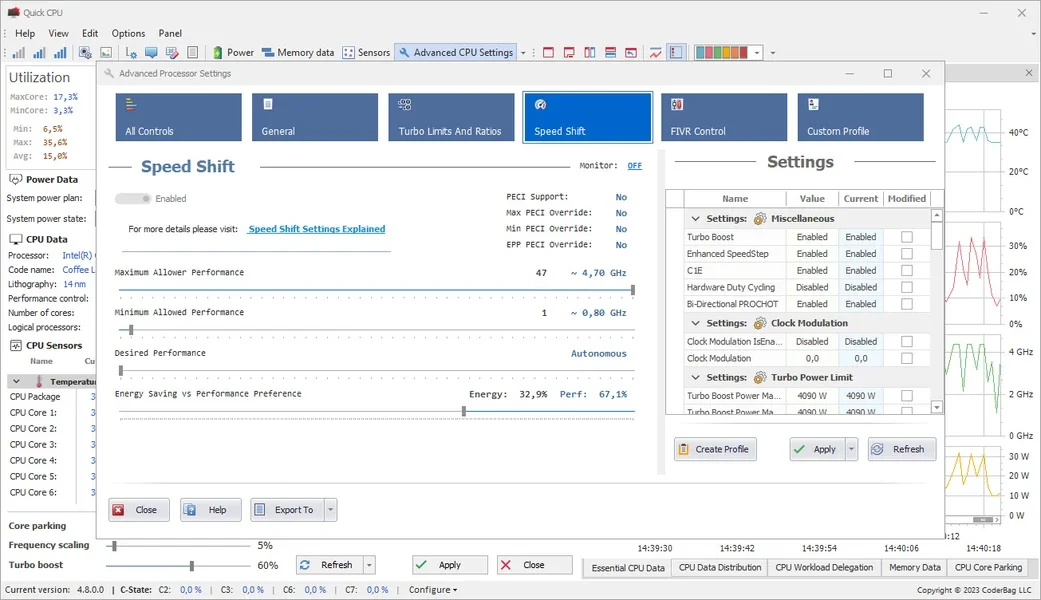
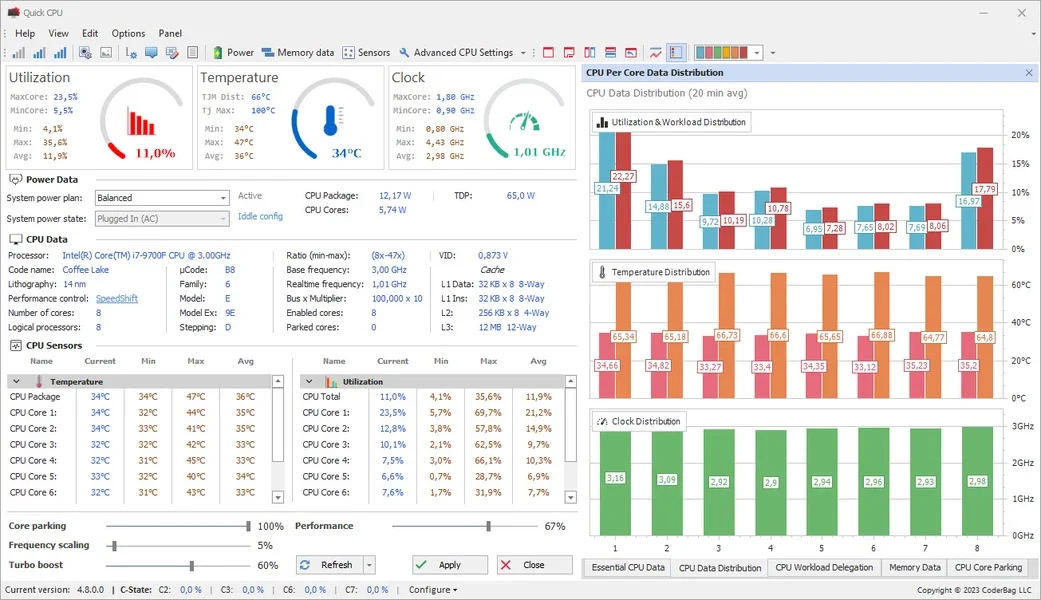
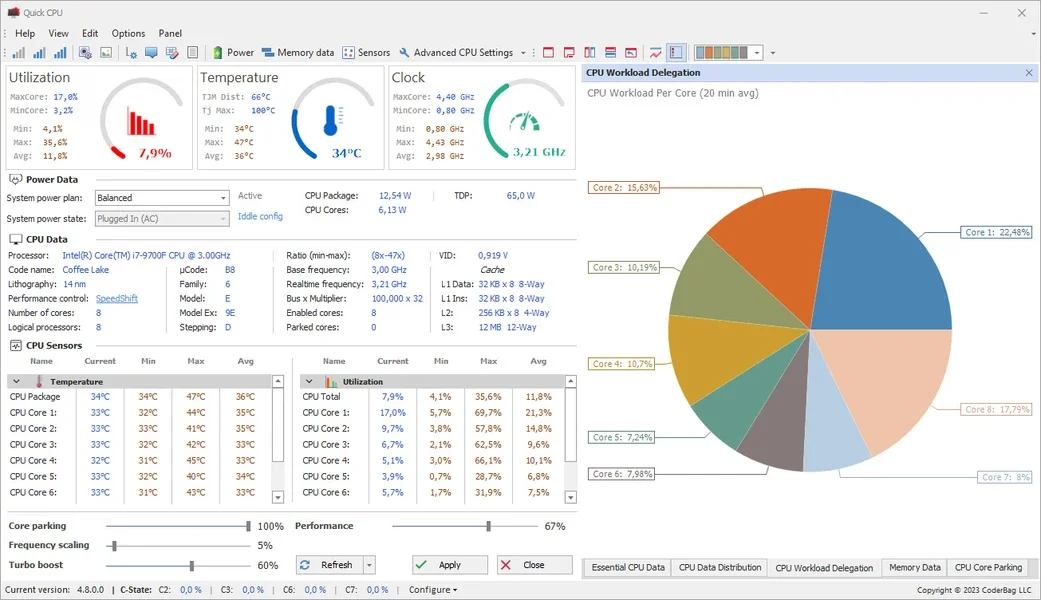
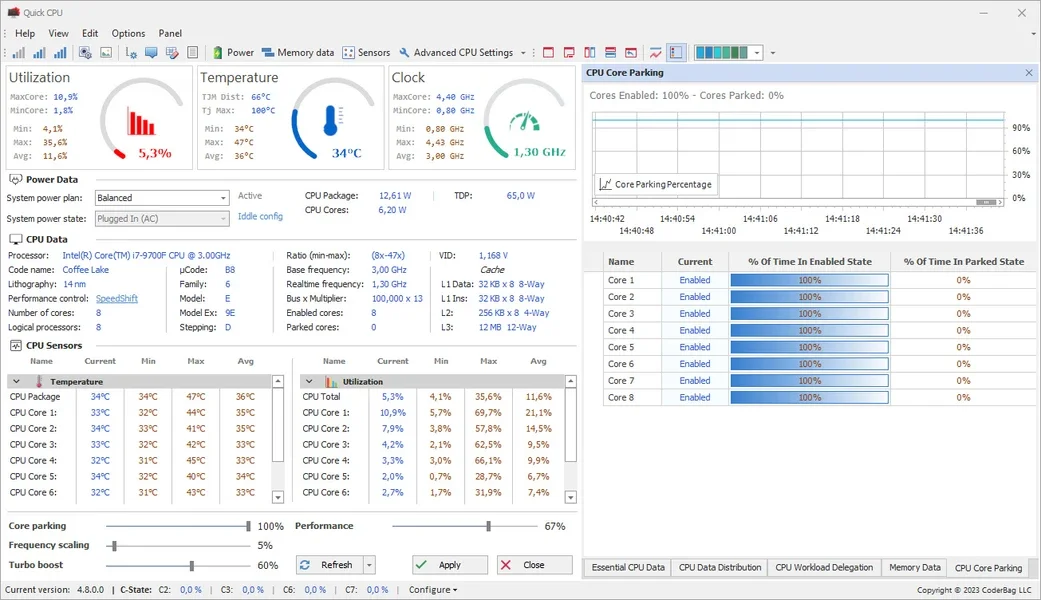
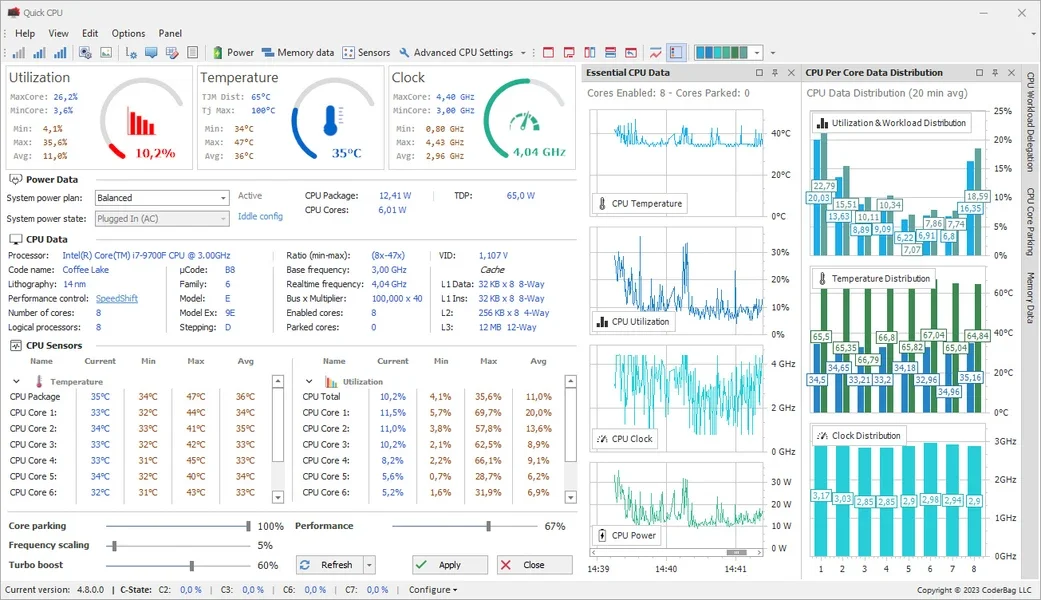
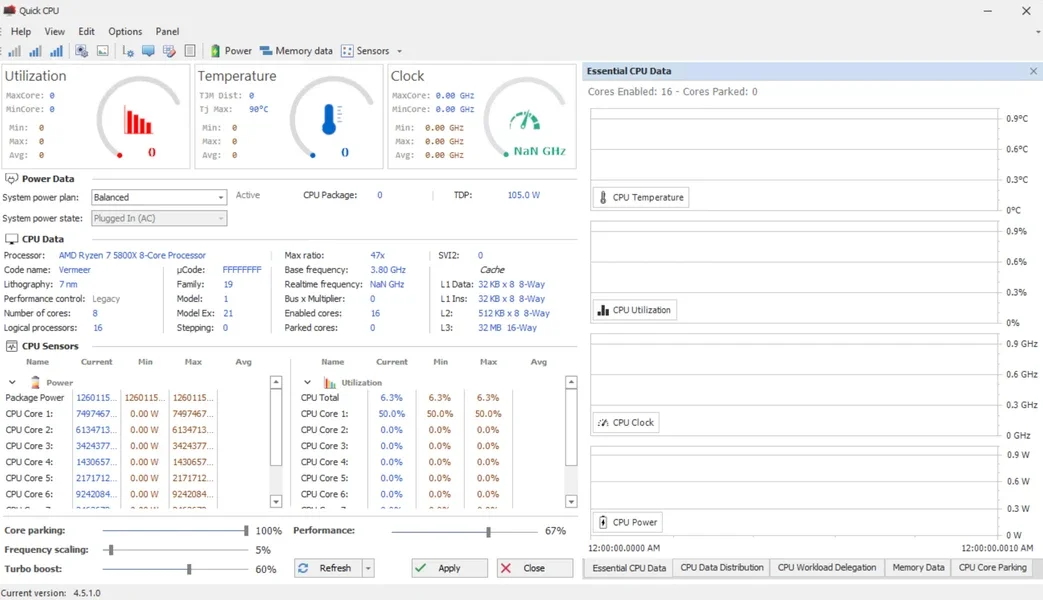
Quick CPU shows what the processor is doing. Three meters sit at the top of the interface: Usage, Temperature, and Clock. Below them the interface reports CPU temperature, clock rate, per-core usage, and the percentage of memory in use. Tabs at the bottom right switch between views that cover the basics of the processor, RAM figures, how CPU data is distributed, and CPU Core Parking.
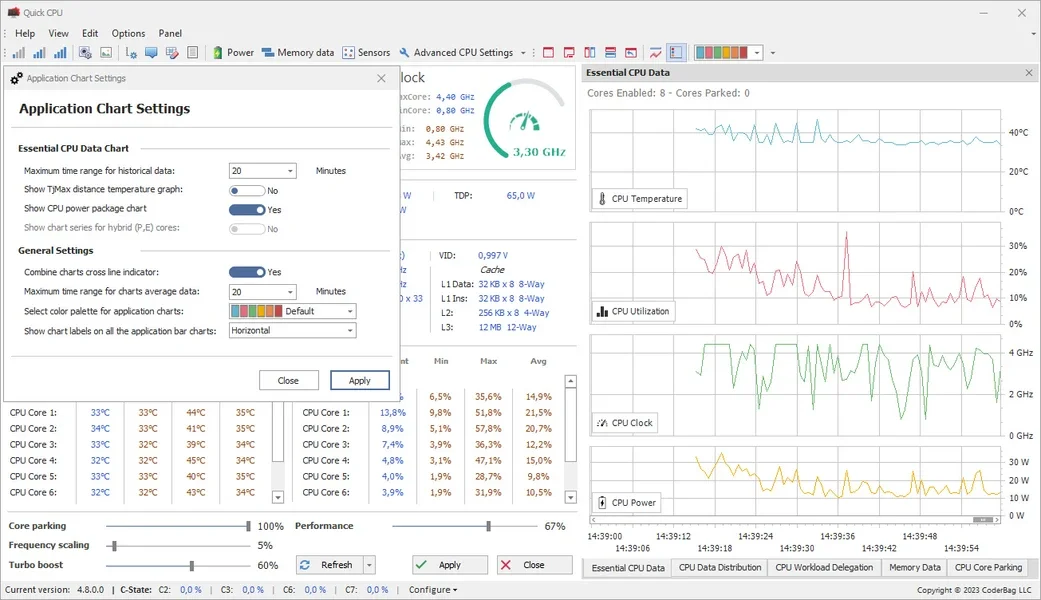
The program analyzes PC performance in detail. Temperature reads in Fahrenheit or Celsius. When minimized, it can send instant notifications about large changes in temperature or clock rate, so the readings reach you while the window is out of the way. It can stay minimized in the taskbar or be closed each time. The app can also be set to launch at Windows startup. More than thirty color palettes are available for the graphics and visual aids.
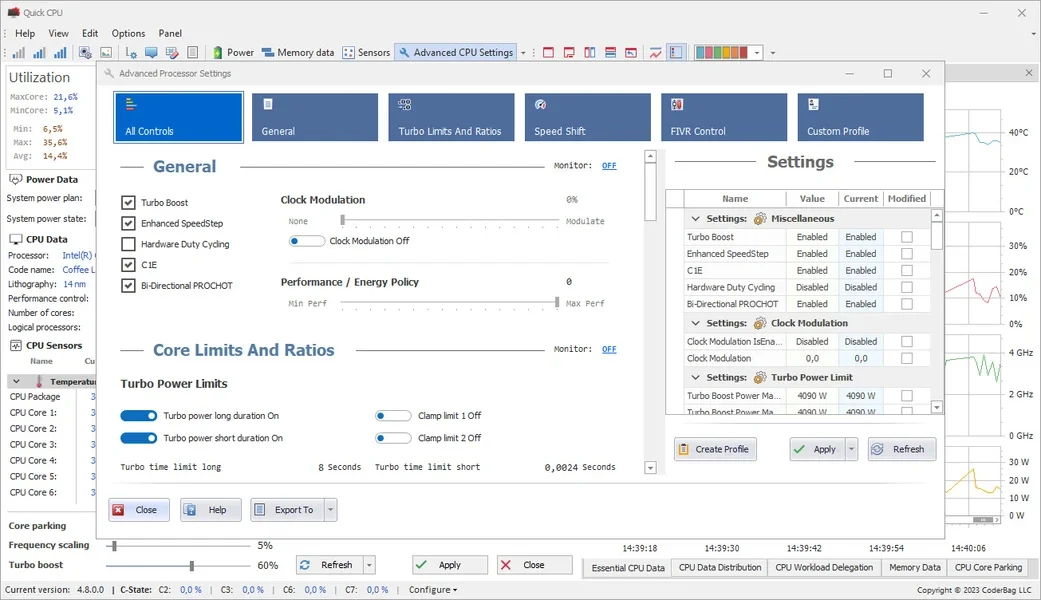
Some users, such as those with an Intel CPU, get access to an Advanced Options panel. Through it, internal values of the PC can be changed, including BIOS parameters. Changing Advanced Options values without certainty can cause permanent damage to the computer.
Download files
9668d980f36087b56849d207a5abeb709686d9167f621ab2076f8bebe52aed6a
Signed by CoderBag LLC · valid until Feb 1, 2029a307ec6b34023b36b5db6b34cffb0e341911db38d2a6c53b6a6d25d3dc500355
Signed by CoderBag LLC · valid until Feb 1, 202905a94179f6b7580f1de0e338ce133af2455e082008496745465756f1d4487645
Signed by CoderBag LLC · valid until Feb 1, 2029102b981d4c9ea724afdcdaaf76a5a6959ef1c4e3e965f4eca833c70cb7fd041f
Signed by CoderBag LLC · valid until Feb 1, 202922d22acbc15bff281a959a51f813abec22067811b79419652e6fac057a41ea0d
Signed by CoderBag LLC · valid until Feb 1, 2029System requirements
Available on:
Minimum OS:
Windows XP or later
Additional information
Developer
Latest release
Size
Category
File type
SHA-256
9668d980f36087b56849d207a5abeb709686d9167f621ab2076f8bebe52aed6a





