
Quick File Locker 1.2 for Windows
SHA-256 listed
Locks files and folders with passwords and encryption
All ages
Age rating
Screenshots
Description
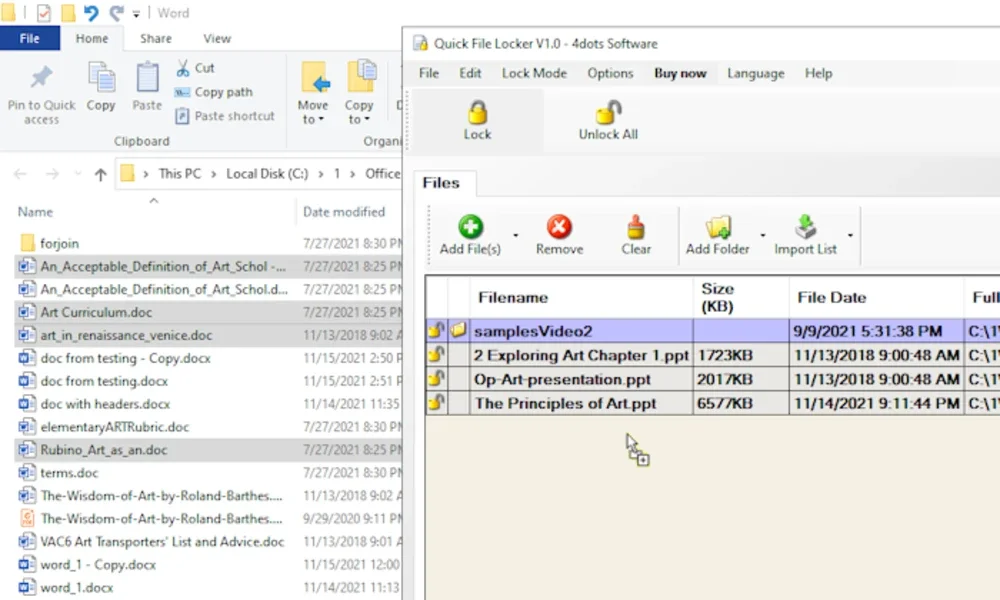
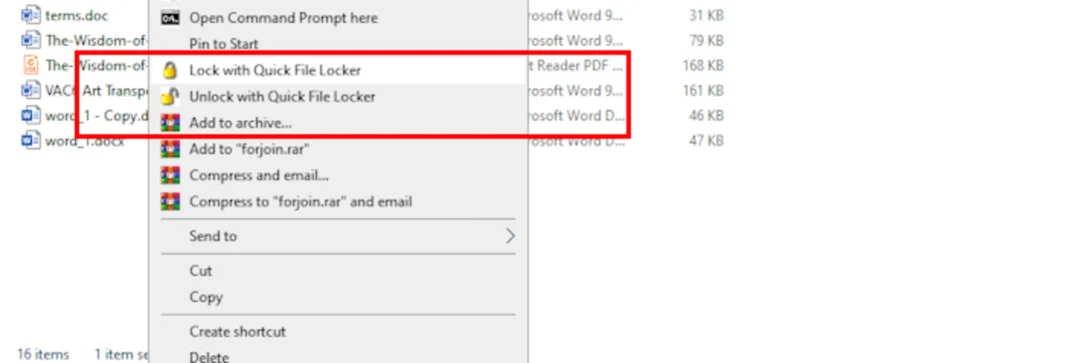
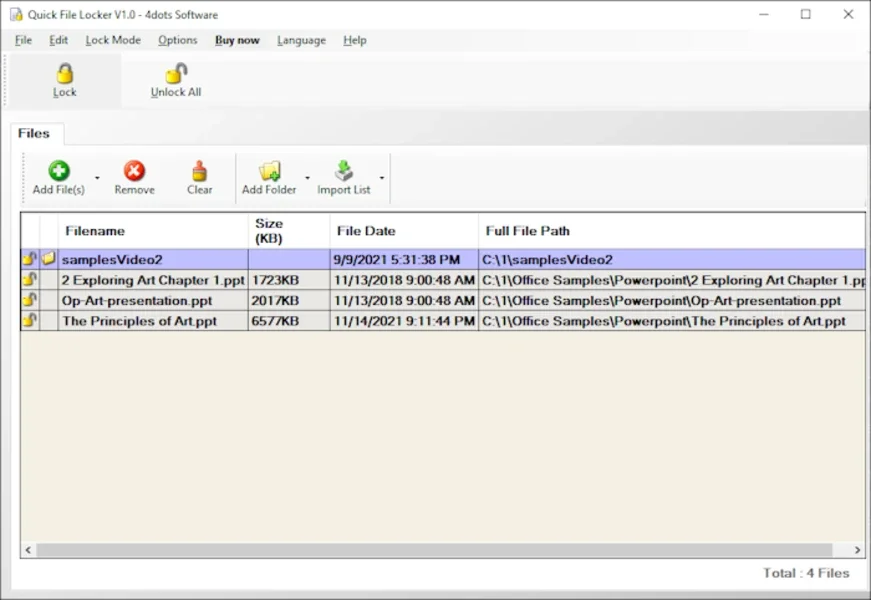
Drag your documents onto the main tab of Quick File Locker and click Lock to encrypt them. Locked files become unreadable to others and stay hidden in the system until you unlock them. To unlock, select the files and click Unlock. The program is integrated into the system, so you can also right-click a document and choose Lock with Quick File Locker. It protects files and folders with passwords and encryption.
Download files
File1.2EXE
Version1.2
ReleasedDec 12, 2022
Size1.1 MB
SHA-256
Get
be7f1fb1d28b15d2b0fa45265a2400e0c5050021024788e0696abf73d90f6075
No digital signatureSystem requirements
Available on:
Minimum OS:
Windows XP or later
Additional information
Developer
Latest release
1.2 · Dec 12, 2022
Size
1.1 MB
File type
EXE
SHA-256
be7f1fb1d28b15d2b0fa45265a2400e0c5050021024788e0696abf73d90f6075
Digital signature
No digital signature