
QuickLook 4.5.0 for Windows
Preview a file by selecting it and pressing the spacebar
Screenshots


Description
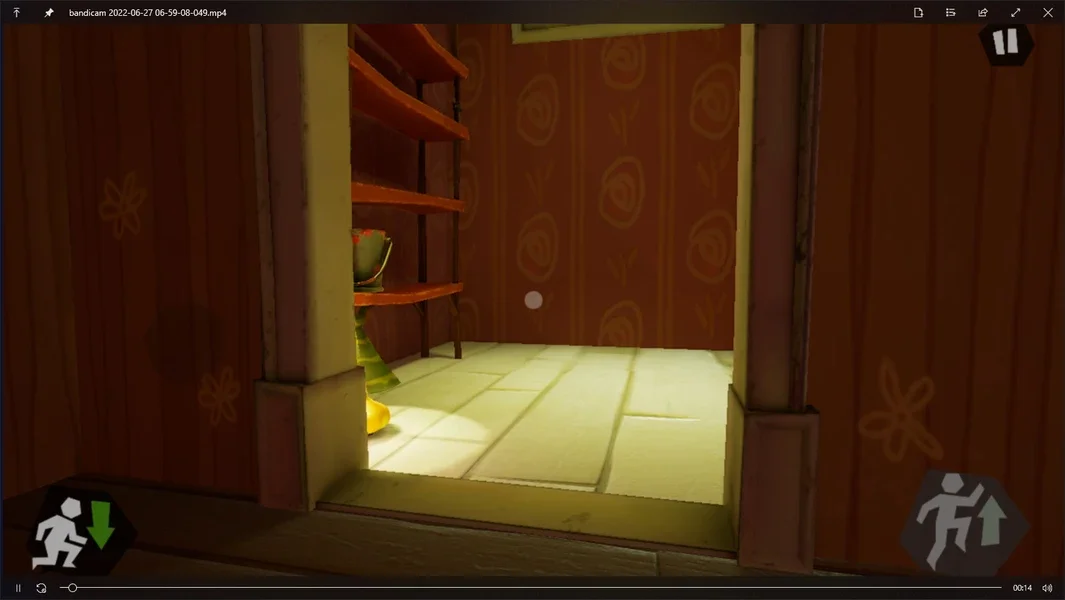
Select a file and press the spacebar and QuickLook opens a pop-up window with the file's content. Nothing opens in a separate application, and the preview goes away as soon as you move on. For a video, playback starts immediately without opening a player.
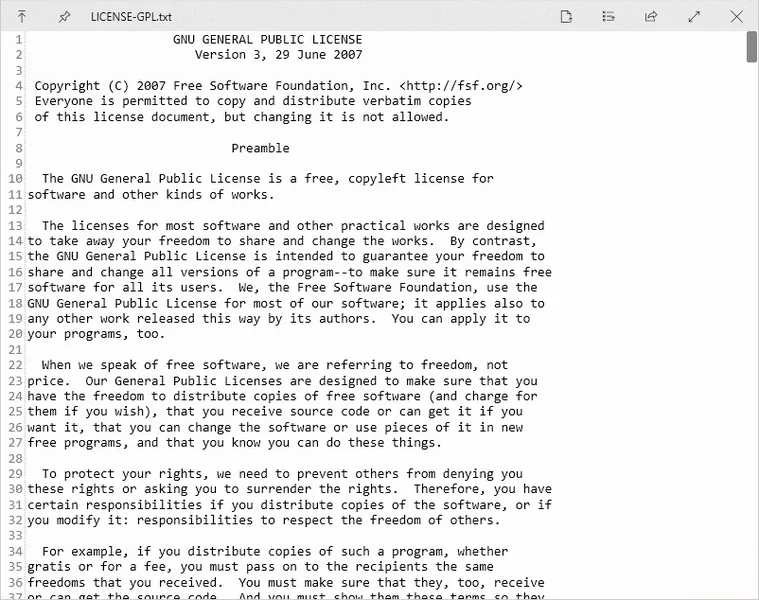
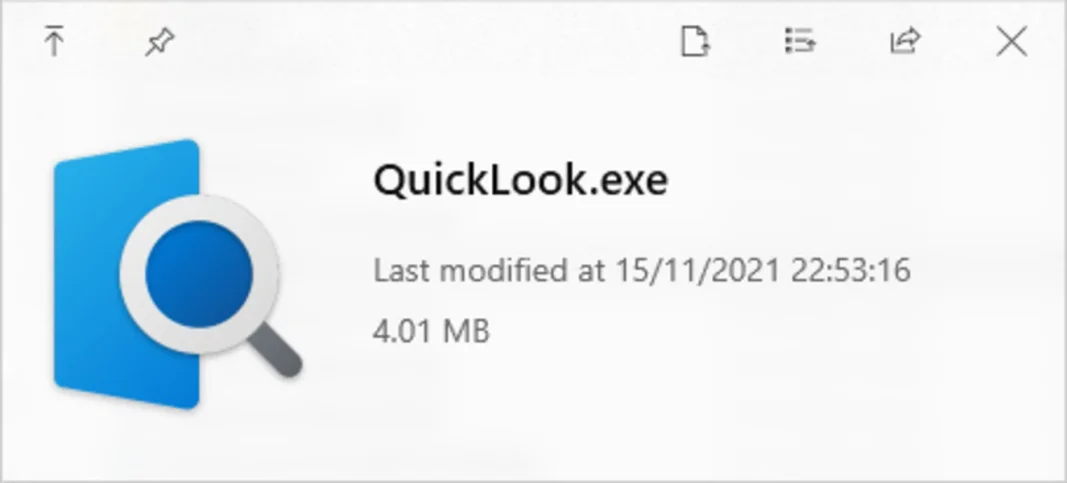
Photos in .png, .apng, .jpg, .bmp and .gif preview as images; .psd files do too. Archives like .zip, .rar, .tar.gz and .7z show their contents. Text and PDF documents preview, along with .htm, .html, .ai, .csv, .eml, .msg, .md and .markdown, and all text formats. So do .mp4, .mkv, .m2ts, .ogg, .mp3 and .m4a. For an .exe file, it shows the size and last modification date. Plugins add support for some additional formats.
QuickLook brings the Mac Quick Look feature to Windows. It has to be left running in the background to work. The program is fully portable and needs no installation.
Download files
130f601eab7c388025351312f949749adebc6429b1042bd2001ac32a17a2748c
No digital signature42e386b90839940ee37cd4ea412f582eb2ab1233c3096c8dc3ec933d38fecec6
72f45f81f8f1cd2008224c6a89b965d851dc76c377b90ba86eee739dbdcdad8c
ade1ff97afe157c1eb94854a642244765b2e211c326bc0d64fa34bf62e110c9e
78018d01653a677d2997e436d125ca009c5699f0d556de0a1b3a00d69e22a315
System requirements
Available on:
Minimum OS:
Windows XP or later
Additional information
Developer
Latest release
Size
Category
File type
SHA-256
130f601eab7c388025351312f949749adebc6429b1042bd2001ac32a17a2748c





