
qView 7.1 for Windows
Fast, free image viewer that opens images without converting them
You are on macOS — this is the Windows version. See the macOS version
Screenshots
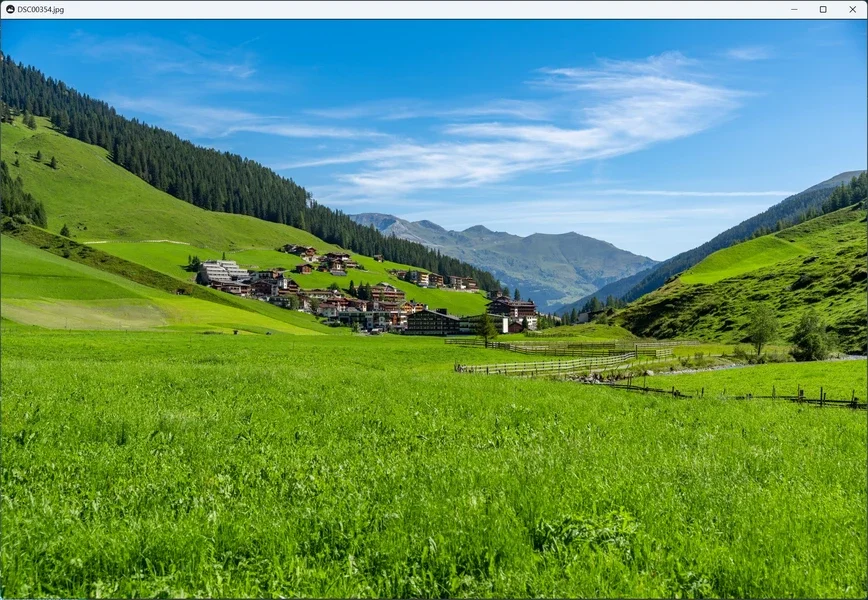
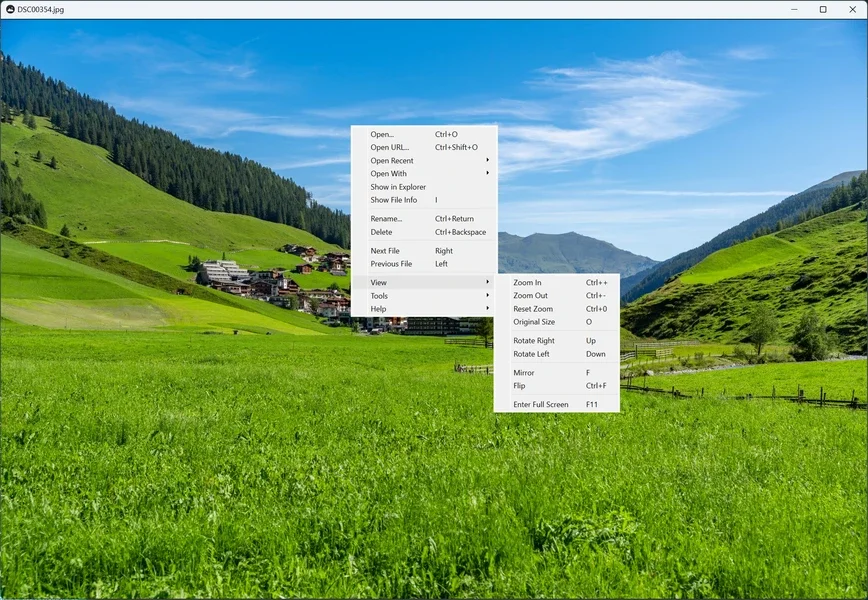
Description
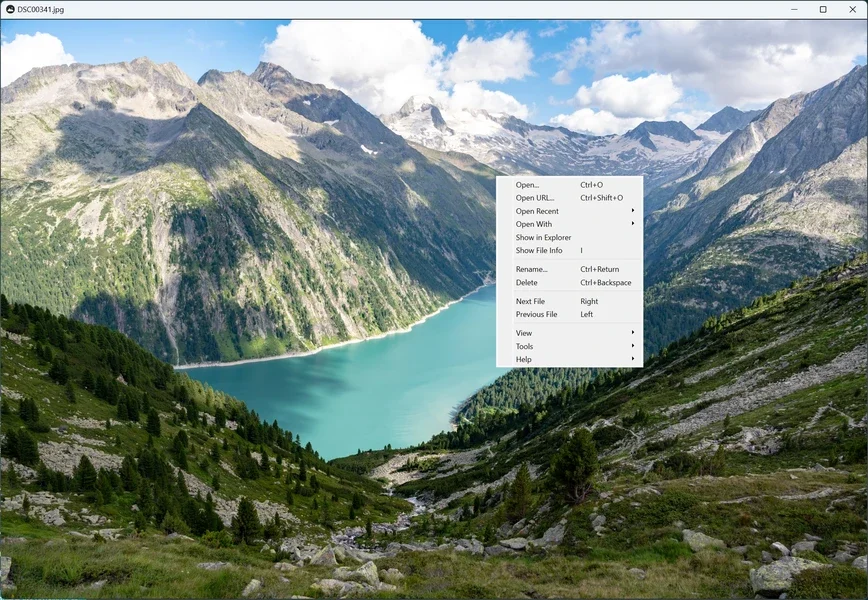
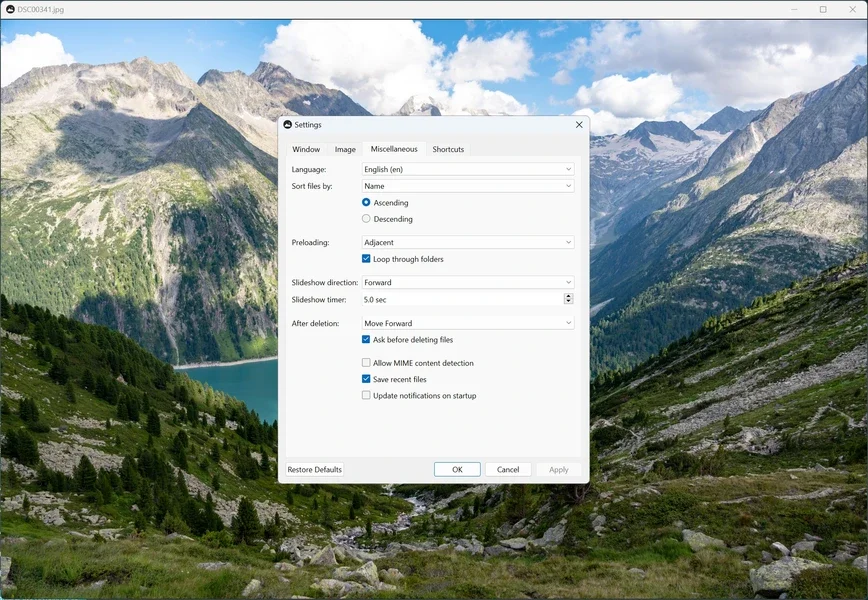
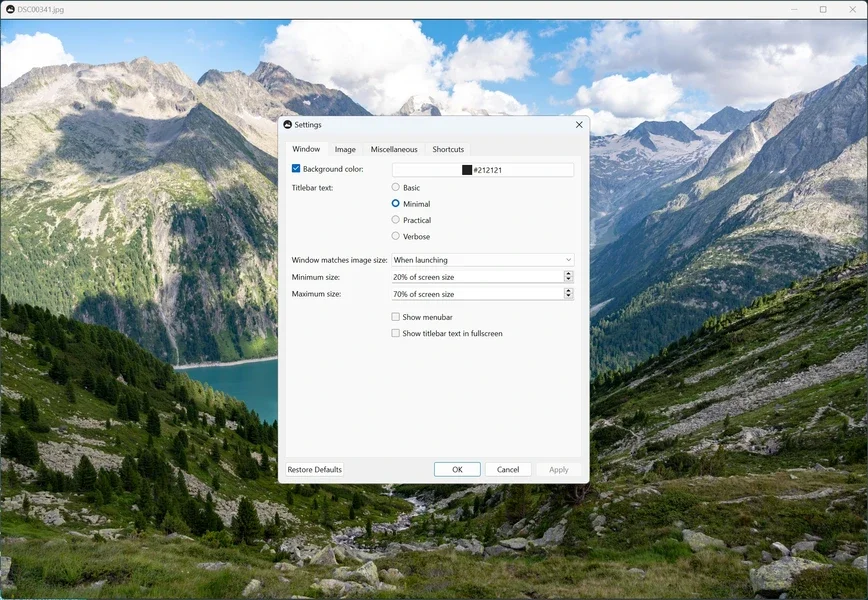
qView is an image viewer with a minimal interface and no unnecessary toolbars. It is built to open as fast as possible, and switching between images is fast too. The program supports multithreaded processors.
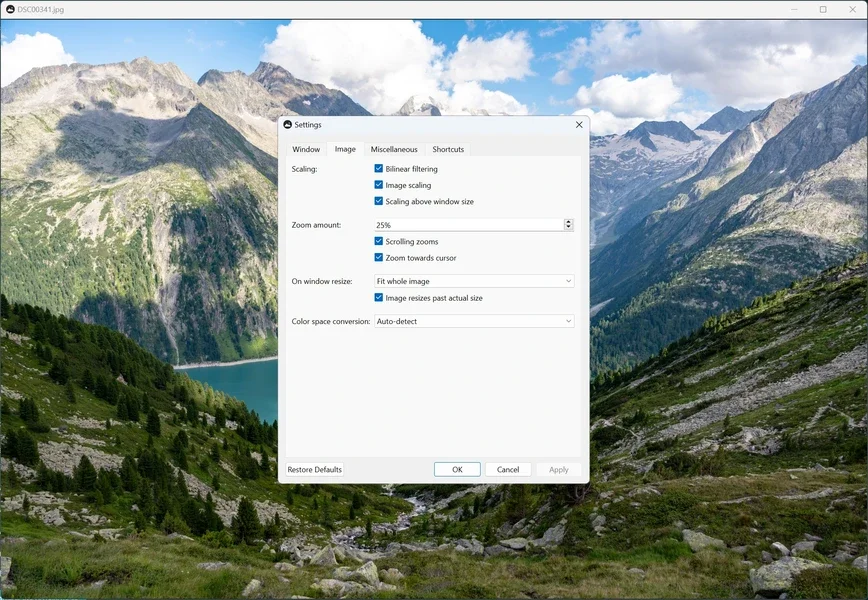
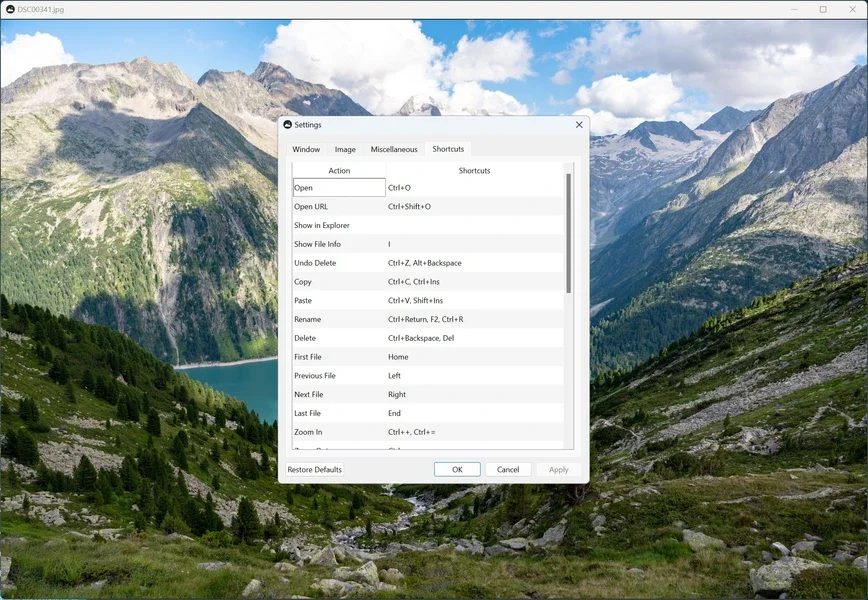
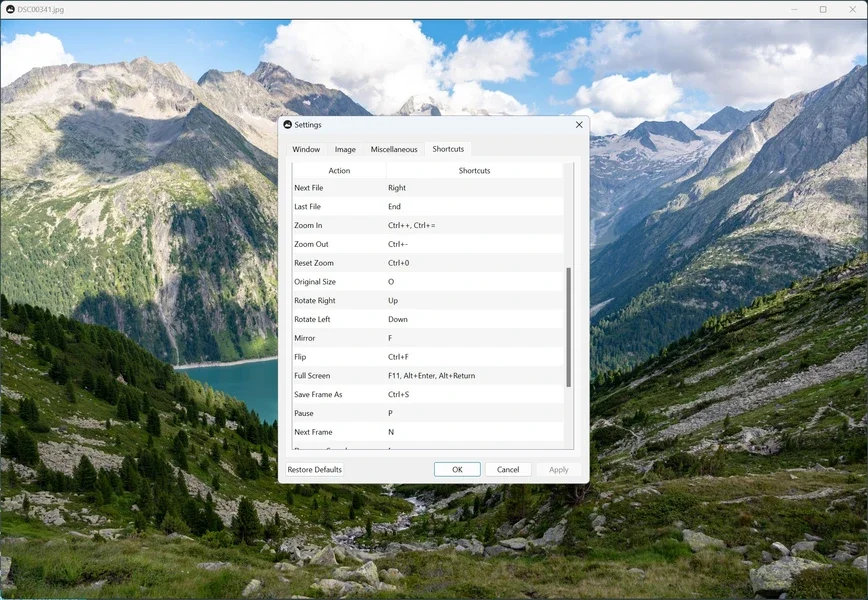
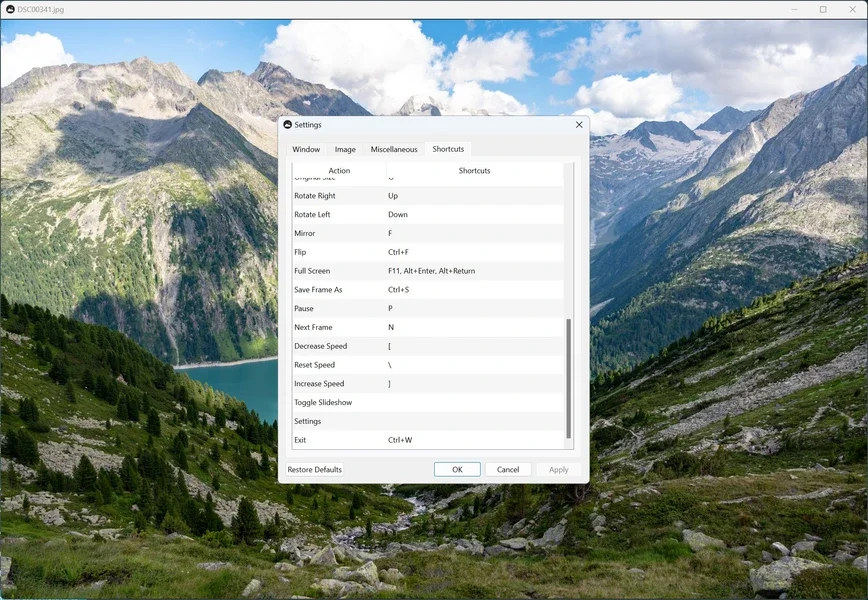
Images do not need converting to another format to be viewed. BMP, GIF, JPG, PNG, RAW, ARW, CR2, CR3, TIFF and WebP all open directly, though RAW images perform more slowly. Animated images such as GIFs are supported, and playback can be controlled from within the app. Zoom can be adjusted, and images can be rotated and flipped. Keyboard shortcuts can be customized. A recent file history is kept. The interface background color can be changed.
You can make qView the program that opens your images by default, so double-clicking an image opens it almost immediately. It has a small file size, runs on Windows, and is free and open source.
Download files
db2efa89a3b5e3da9376d3e4c77c9f607924298a25f2bc98a7173b4e634af4b5
No digital signature081a2adfe9ea9858075099a927a9bc97e3423d2a4aa6d371fae89e9cd113aec7
No digital signature8c24f7b8ae9b2031255b673c964f145673e57856020a080f81388a3b779b690a
a5d5912ad6e8efddee847da282d4bad42f3382c6caa704cff312a8edd2e748f5
2c181962e7ea478178e5674b2db873b7dffc05d64b68edc1aac4a18d473456b8
No digital signatureSystem requirements
Available on:
Minimum OS:
Windows Windows 11 or later
Additional information
Developer
Latest release
Size
Category
File type
SHA-256
db2efa89a3b5e3da9376d3e4c77c9f607924298a25f2bc98a7173b4e634af4b5