
RAMMap 1.63 for Windows
Shows how Windows allocates physical memory, tab by tab
Screenshots
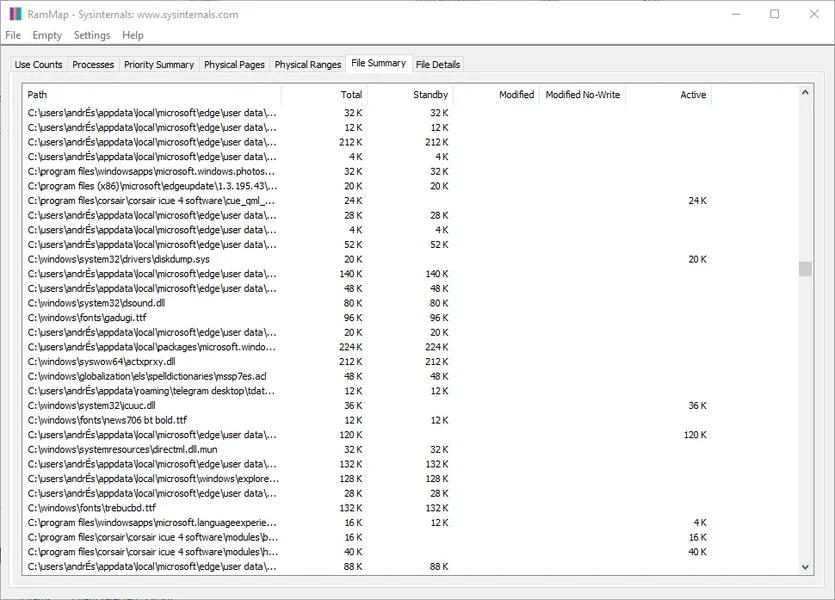
Description
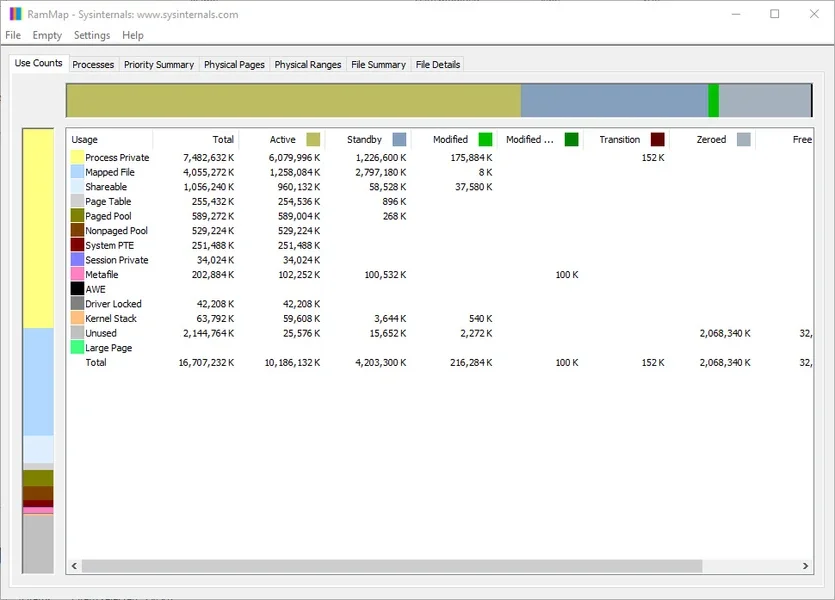
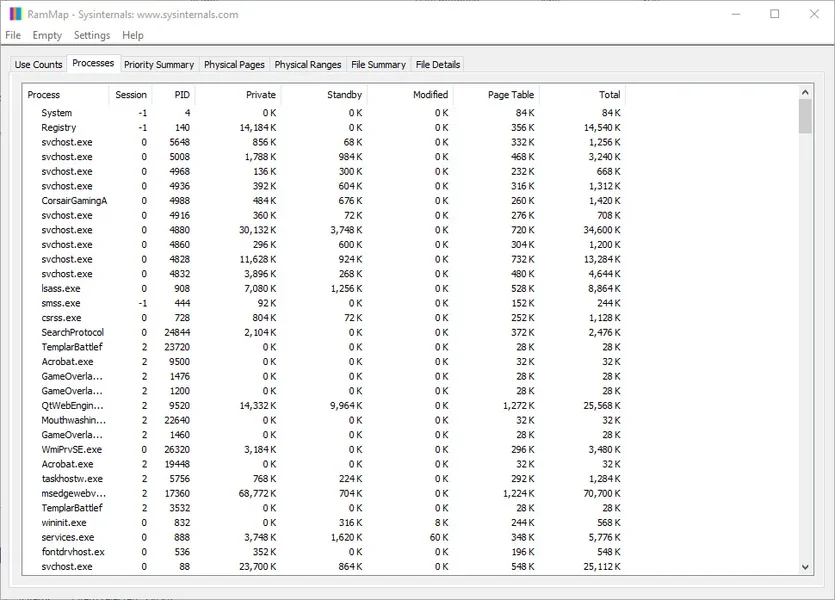
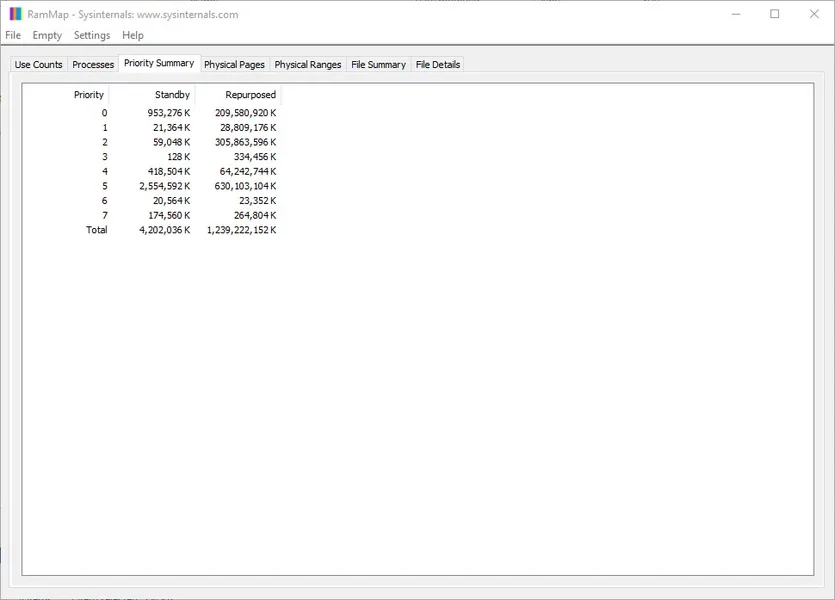
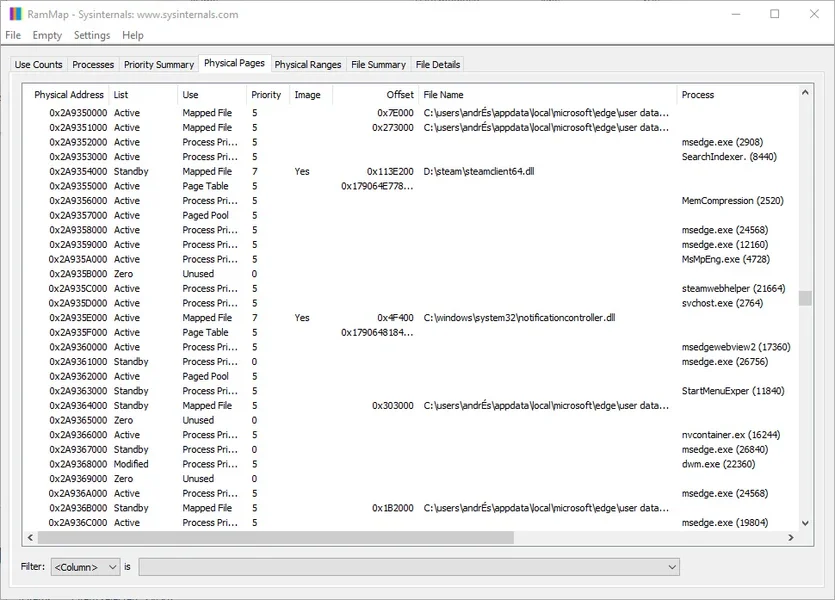
RAMMap shows how the operating system hands out physical memory, broken down by the tabs along the top. The Use Counts tab opens first and summarises usage by type; the rest cover Processes, Priority Summary, Physical Pages and Physical Ranges, then File Summary and File Details. The kernel's own RAM use is listed, and so is the share taken by device drivers. Any tab can be sorted, and the Options menu changes the colours of each view.
The Empty tool frees RAM that unused apps have reserved, in one click.
There is nothing to install: unzip it into a folder and run it there. The program is under 500KB. It does not tell you what to do about what it shows; acting on the information is your call.
Download files
6536a8107a3fb391e4443f2742366067341a7da50de89f99ca0b2390120dd0cc
56522ff85b29896be5a43fd7f55167419e0640692f055426f3dc05fa6d1c8bee
691fa6a7e43babc26e37f9d65a74e7e1ea17eb3d4440141aa7eab6cd5b4c39a9
a003c2245a732e56dab1efc7273abb457f8054b9c9641d5d686de60b84533e98
17c156f7000c0f3294287412a38c2c979c884dc1a28991c3556d3d2c196cd655
System requirements
Available on:
Additional information
Developer
Latest release
Size
Category
File type
SHA-256
6536a8107a3fb391e4443f2742366067341a7da50de89f99ca0b2390120dd0cc





