
Red Button 7.0 for Windows
Free Windows utility that clears disk clutter and trims system processes
Screenshots
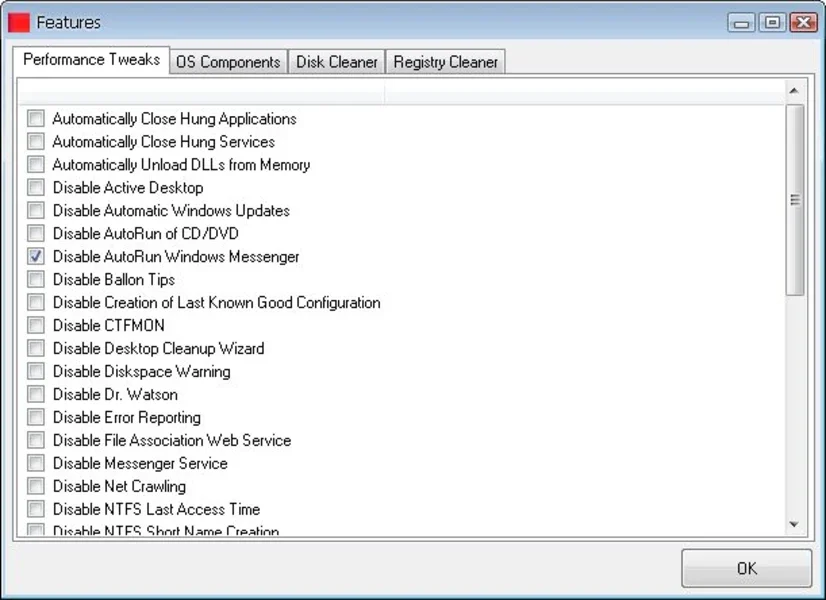
Description
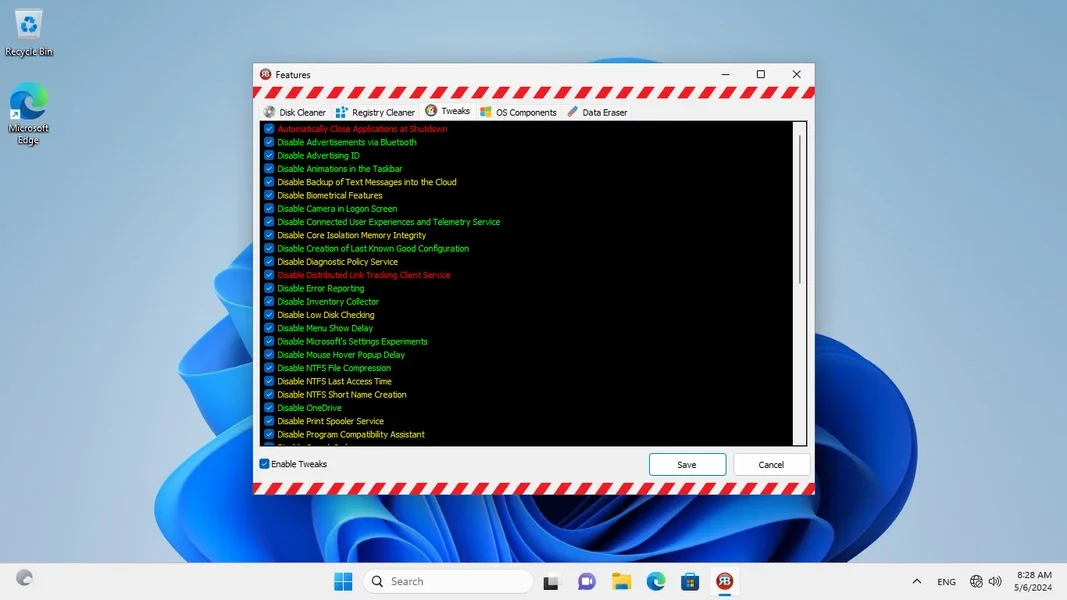
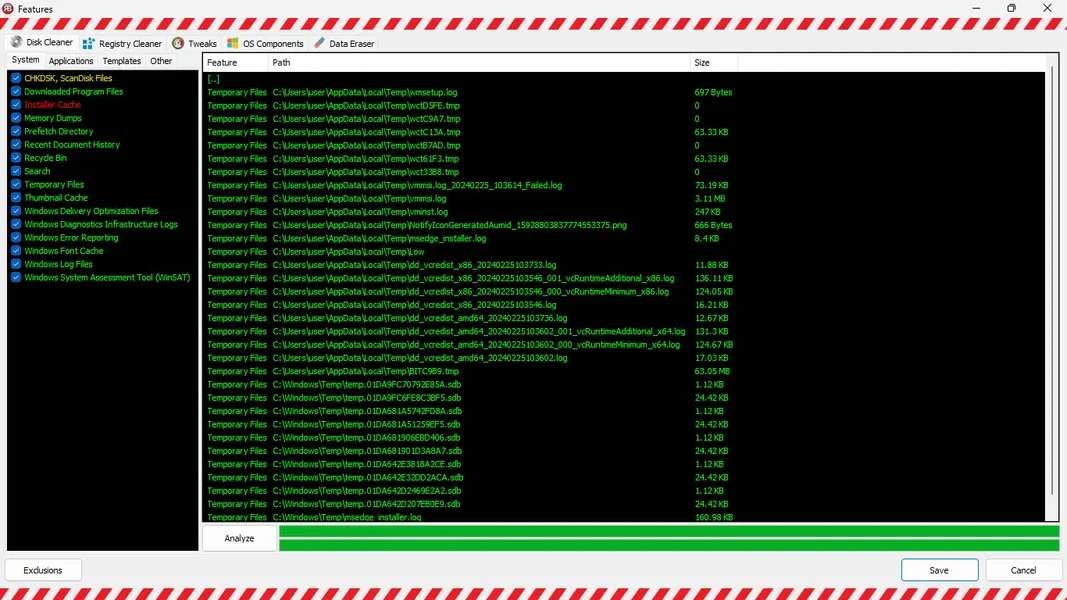
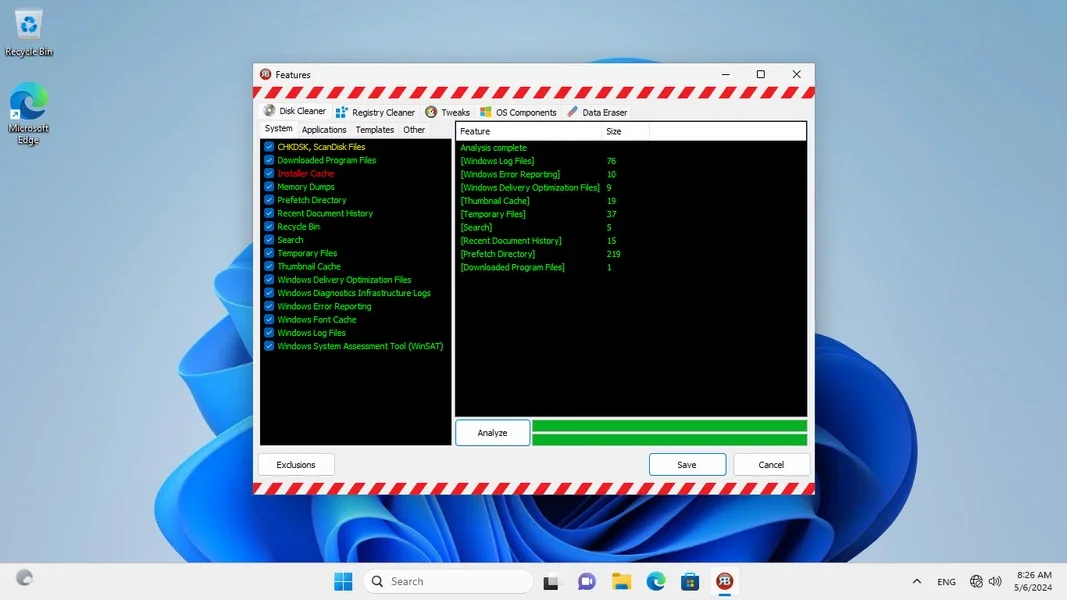
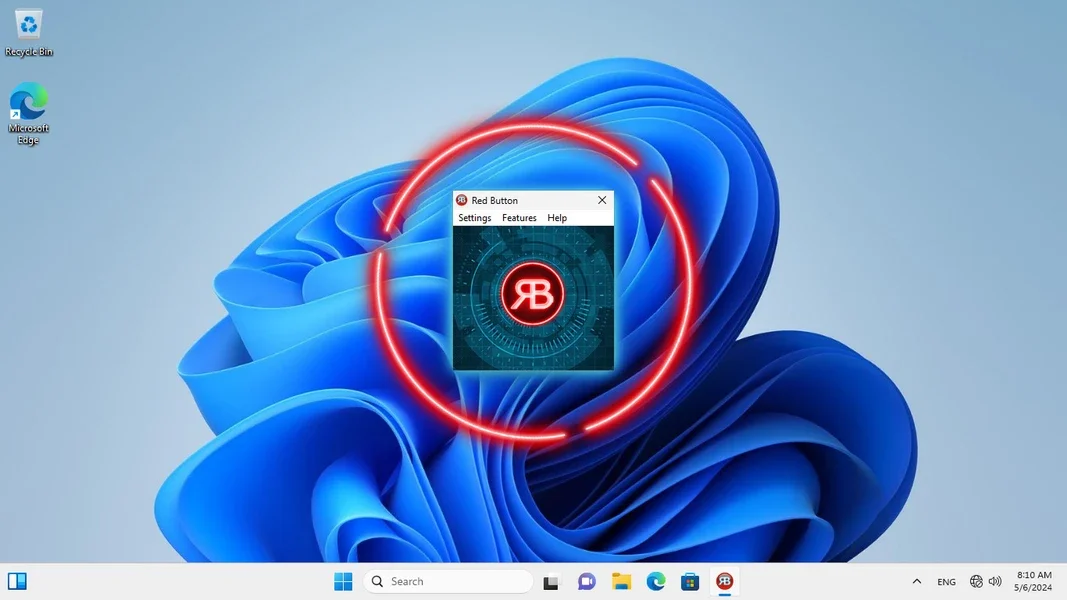
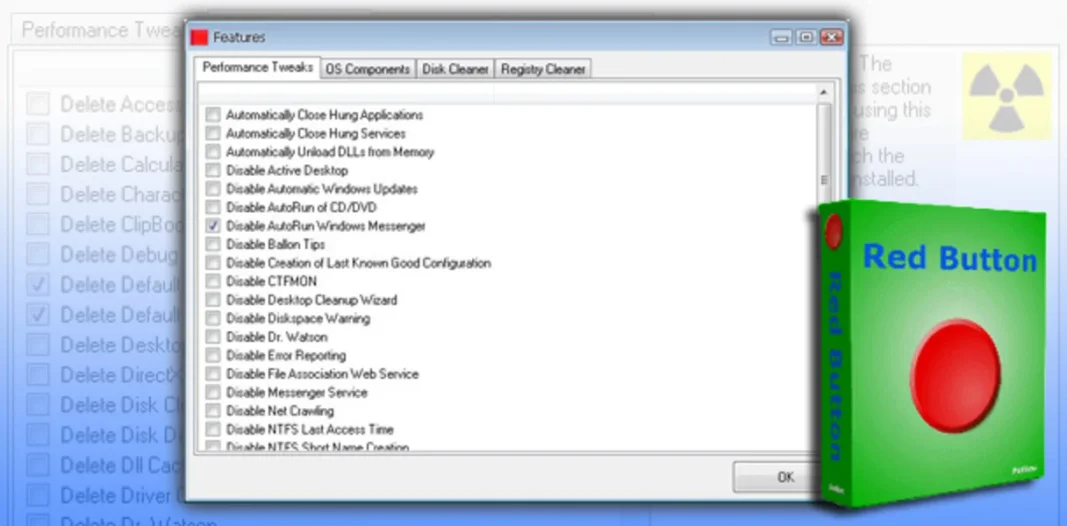
Red Button is a small Windows utility that goes after the things a system accumulates: leftover temp files, registry entries, and background processes you never asked for. It is completely free. The options sit in four tabs. When you have picked the operations you want, you confirm them, save the changes, and press the red button to run the cleanup.
What the tabs do
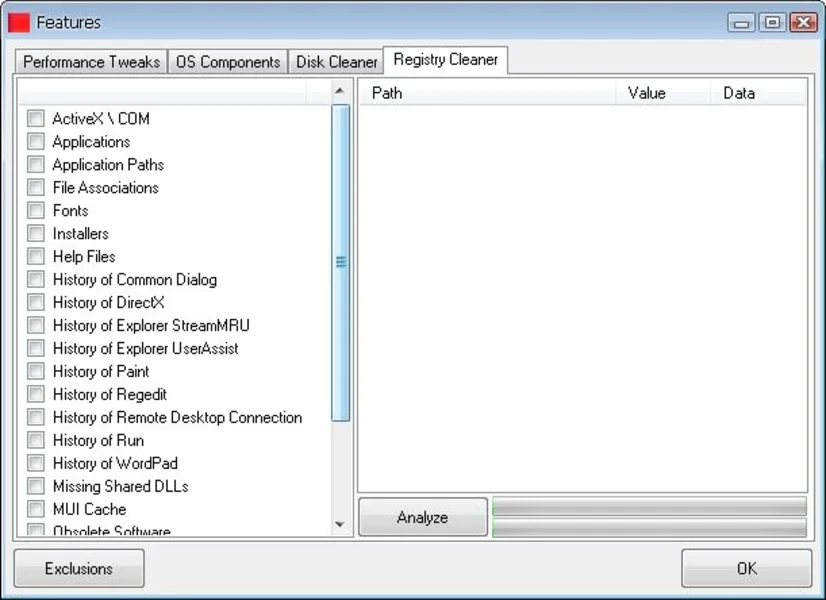
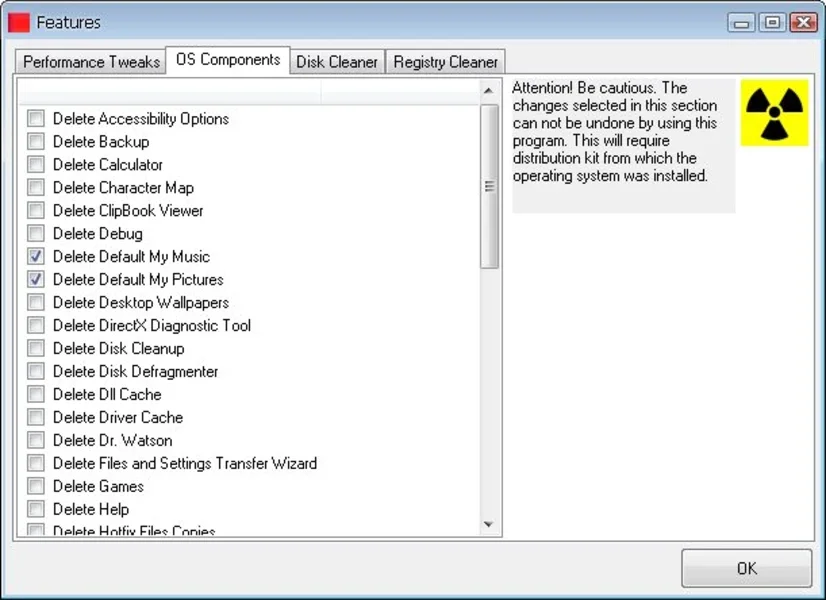
The Operating System Components tab removes Windows elements such as wallpapers, Media Player, or Help. The Registry cleaner tab deletes registry entries for various Windows apps. The Disk Wiper tab removes temporary files, Internet cache, empty folders, and similar items. The Performance Improvements tab can disable many automatic Windows processes, such as Dr. Watson or CTFMON. The process usually takes less than a minute, though the duration depends on how many boxes are marked. It aims to improve equipment performance and increase the speed of processes.
Download files
59106bf32b6604be7beca21289e1f0d27bfa8d958fcaa5b52e2474ee6fa03c5e
8f3bb2c12994ba773b94478e96241594d3cfdd8a7ebfa44d33c3213c28543be1
255de34401e3fcdc5c02f3c8155ae754de5a5ba47fb7dd58b57a34a50efa79b1
11fb908390765a3f1cca108526680bf42e47a377c82fe89b22a11d843633fe80
7bfd9fd7e21b4e70305459928a2ddf716d38c66f3bb38feef144d6f3ff6d86dd
System requirements
Available on:
Additional information
Developer
Latest release
Size
Category
File type
SHA-256
59106bf32b6604be7beca21289e1f0d27bfa8d958fcaa5b52e2474ee6fa03c5e