
RemoteByMail 1.01 for Windows
Controls a computer remotely through email commands
Screenshots
Description
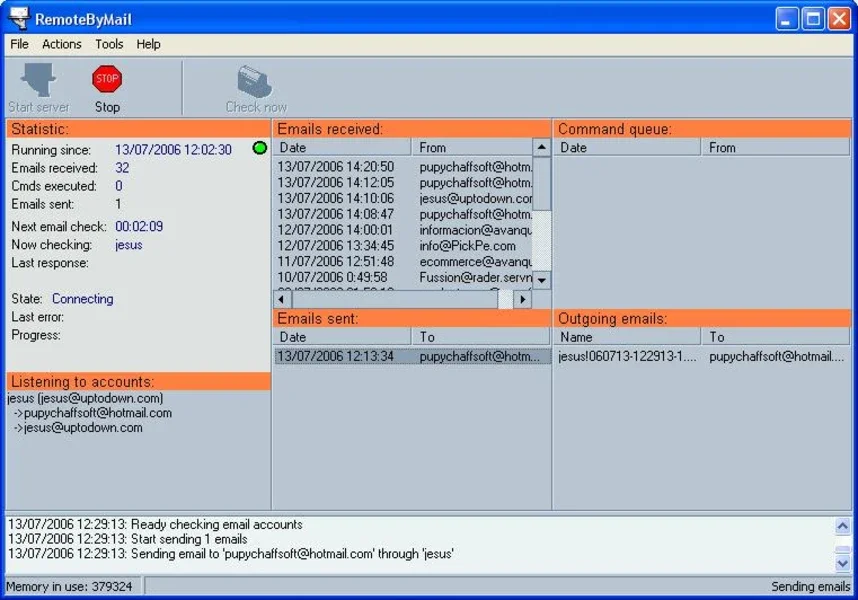
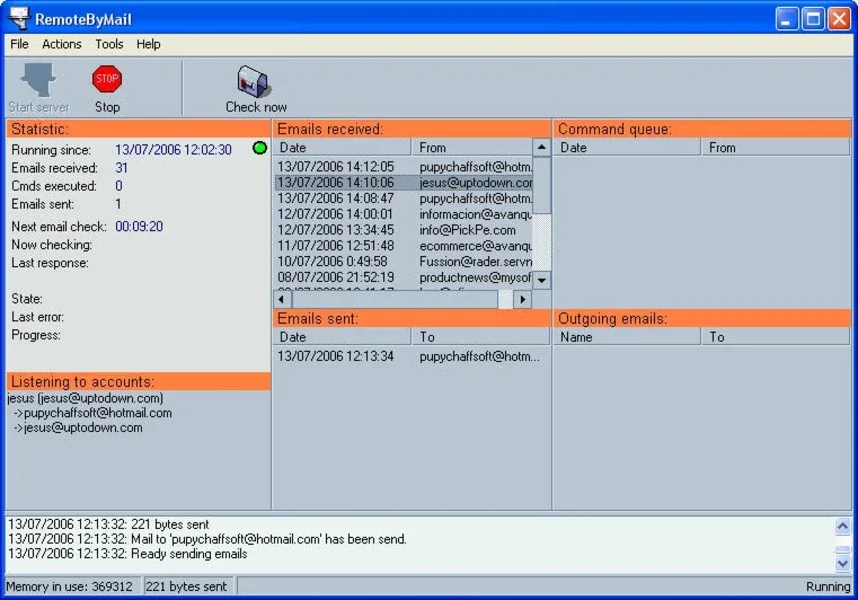
RemoteByMail controls a computer remotely by email. You send a message from a specific account to the remote machine, and it replies with a message containing the result of the operation. Commands go in the message body, and the subject line must contain the password set in the 'Accounts' option. Commands are enabled from the 'Commands' option in the 'Tools' menu.
Getting it running means configuring a POP and SMTP account correctly on both ends. From there the command set covers the basics: HI checks whether the service is active, DIR lists the contents of a directory, EXECUTE runs an application or a batch of commands, and SEND sends files from the remote computer. ZEND compresses those files into ZIP on the way out. Up to 100 commands can go out in a single message, so a batch of work can be queued in one email rather than sent one at a time. The reply comes back as ordinary mail, which means the results wait in the inbox until you check.
The program runs on Windows and is free.
Download files
3a92d5812644187f4349701f4798932ab11c253dfb09d938831615b844b8c952
System requirements
Available on:
Additional information
Developer
Latest release
Size
Category
File type
SHA-256
3a92d5812644187f4349701f4798932ab11c253dfb09d938831615b844b8c952