
Remotera 1.0.0 for Windows
Remote desktop control with file transfer and remote printing
Screenshots
Description
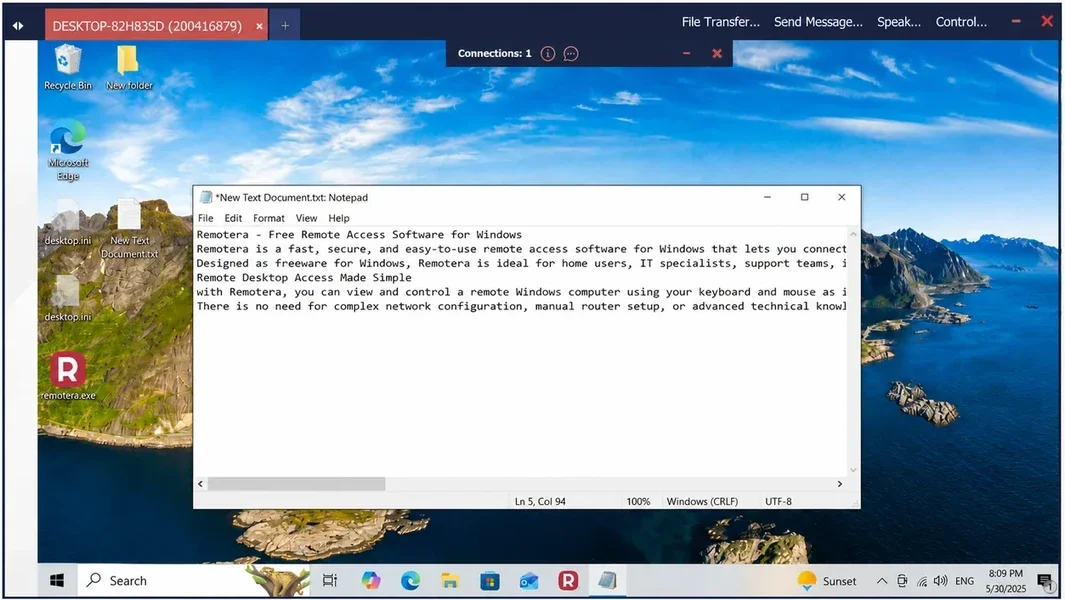
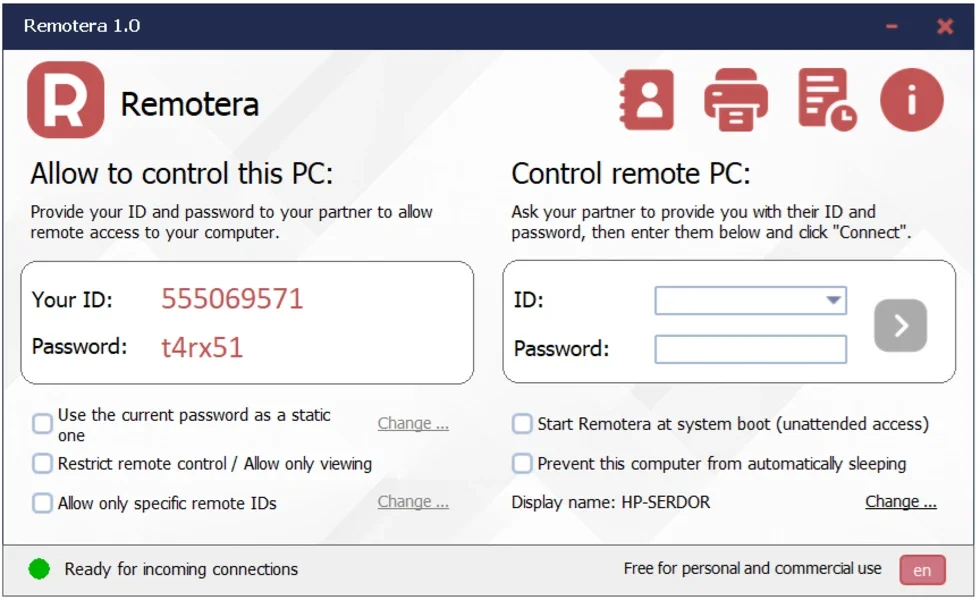
Remotera connects one Windows computer to another so you can see its desktop and operate it. To reach a partner's machine, you enter the access details they give you; to let someone in, you share an ID and password and accept the incoming connection. The program is a remote access tool for support, administration, and controlling another computer, and it is freeware for personal and commercial use without restrictions.
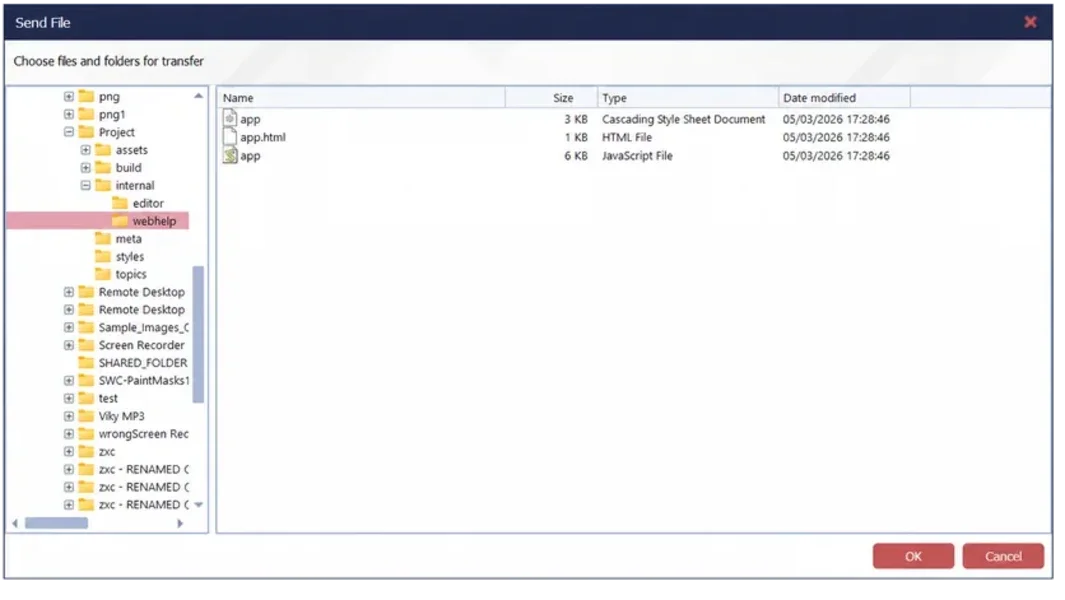
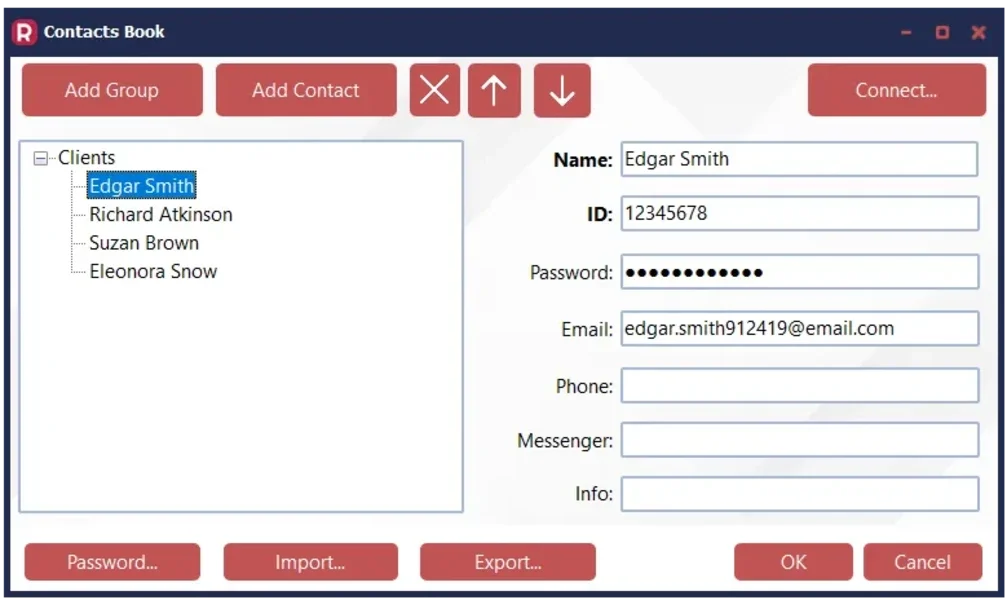
Inside a session you get remote desktop control, file transfer, and remote printing. A static password and unattended access let a machine be reached without anyone sitting in front of it. Contact management keeps partner details on hand, a view-only mode limits a session to watching, and allowed-ID restrictions control who may connect.
The whole thing is one portable EXE file that runs without installation. It can start with Windows and can prevent sleep mode.
Download files
cdd1919d3ec22bcdd40cfb1372b89e0af6320a5c01f41903fe3fc1838a8a2d1a
Signed by German Gorodokuplya · valid until May 24, 2027b912ee0bbc9b5cdcfd96f1bf87bd648ace9347ea45b8121691964f275a5472ee
Signed by German Gorodokuplya · valid until May 24, 20271d42c07ed1ca526dc407c344e435c5c1e6e0f4d0b593f6c5d6efc61facc88fd1
Signed by German Gorodokuplya · valid until May 24, 20274fcae874f69103f023a0341c09c8dc8a34f4c3e1d711969e13f0ee162cb592dd
Signed by German Gorodokuplya · valid until May 24, 2027342d85a9e159195c80bf0f9470e0c6ea1ecca00add5f014a2dc9d38f1a0f99ed
Signed by German Gorodokuplya · valid until May 24, 2027System requirements
Available on:
Minimum OS:
Windows Windows 8 or later
Additional information
Developer
Latest release
Size
Category
File type
SHA-256
cdd1919d3ec22bcdd40cfb1372b89e0af6320a5c01f41903fe3fc1838a8a2d1a