
Retouch Pilot 3.15.3 for Windows
SHA-256 listed
Removes marks and blemishes from scanned photos
All ages
Age rating
Screenshots
Description
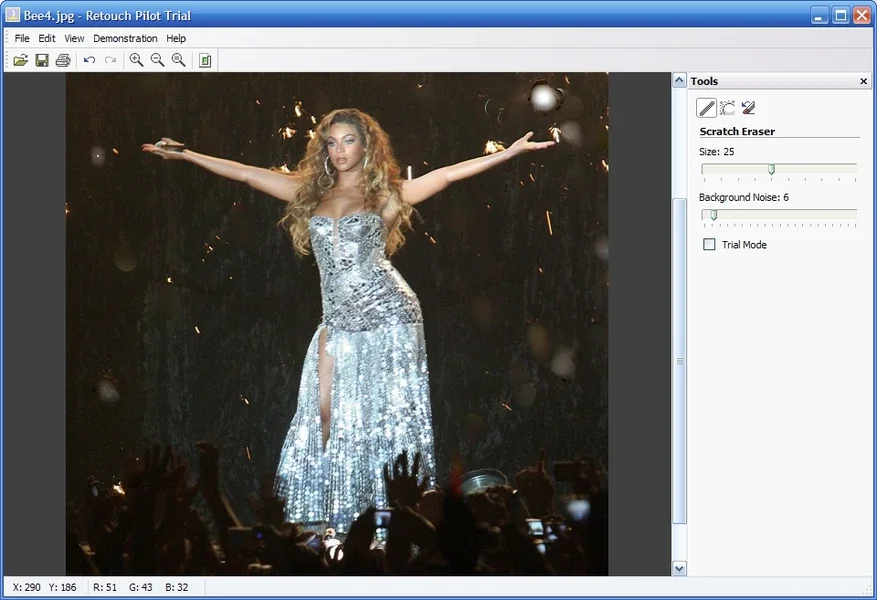
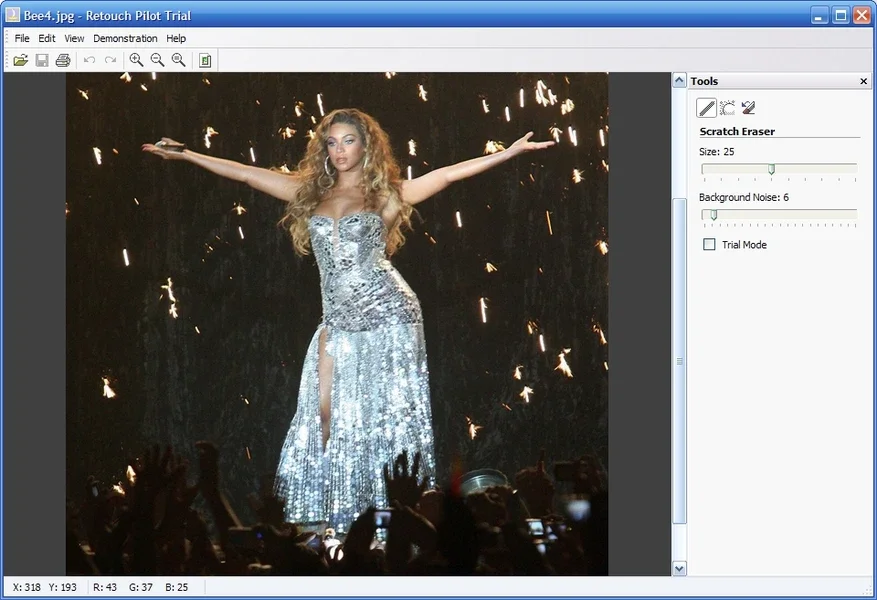
Retouch Pilot repairs marks on scanned photos by rebuilding the selected area from the image and background around it. You scan the photo first, then select the area you consider old or marked, and the program fills it in. Photos older than about six or seven years develop marks of this kind. If the result is unsatisfactory, the brush settings can be adjusted to change the outcome.
What you need to start
A scan is the starting point, so the photo has to be digitized before any repair work begins. The selection you make decides what gets rebuilt; everything outside it stays as scanned.
Download files
FileRetouch_Pilot_V3.15.3.exeEXE
Version3.15.3
ReleasedJun 3, 2024
Size4.0 MB
SHA-256
Get
691c771ae1228525f6bad8382e683c9ae33f27a4e334bb4a96efb89de86e4e77
Signed by TWO PILOTS DOO · valid until Sep 11, 2023File3.1.1EXE
Version3.1.1
ReleasedJul 3, 2009
Size2.8 MB
SHA-256
Get
b979159b99f6fbaae796a273fb59771bd04d24b452f220de68c6c28a873deb60
Signed by Two Pilots · valid until Apr 12, 2010Fileretouch-pilot-3.1.1.exeEXE
Version3.0.4
ReleasedUnknown
Size2.8 MB
SHA-256
Get
b979159b99f6fbaae796a273fb59771bd04d24b452f220de68c6c28a873deb60
Signed by Two Pilots · valid until Apr 12, 2010System requirements
Available on:
Minimum OS:
Windows Windows 98 SE or later
Additional information
Developer
Latest release
3.15.3 · Jun 3, 2024
Size
4.0 MB
Category
File type
EXE
SHA-256
691c771ae1228525f6bad8382e683c9ae33f27a4e334bb4a96efb89de86e4e77
Digital signature
Signed by TWO PILOTS DOO · valid until Sep 11, 2023