
RetroBar 1.22.122 for Windows
Replaces the Windows 10 taskbar with a classic Windows 95 to XP style bar
Screenshots



Description
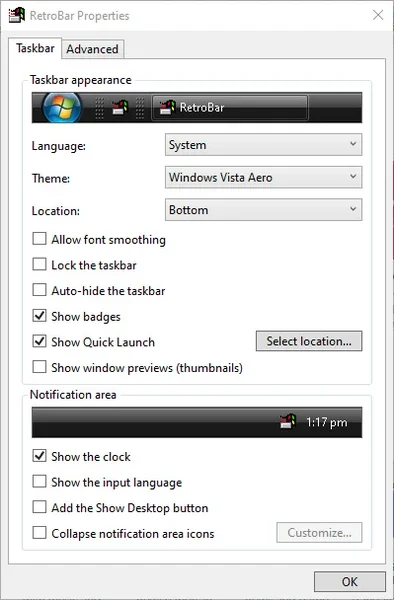
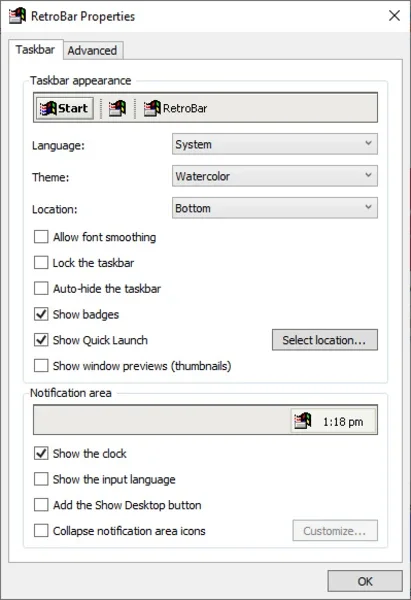
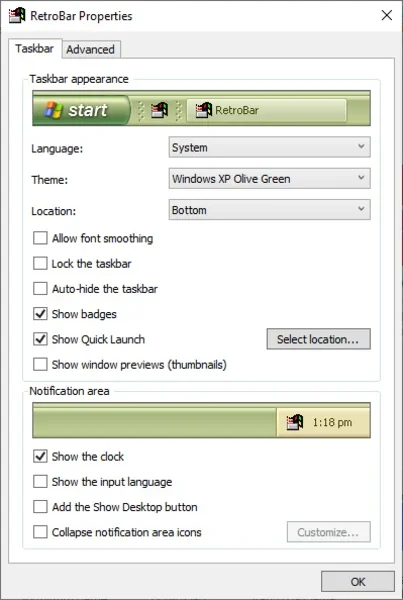
RetroBar swaps the Windows 10 taskbar for one styled after older Windows releases. Once it starts, your taskbar vanishes for a few seconds and a new one takes its place, including the start button and system tray. The default is the Windows 95/98 look.
Styles and settings
Six styles are built in: Windows 95/98, Windows 2000, Windows ME, Windows XP Blue, Windows XP Classic and Windows 95. Right-click any empty spot on the bar to open the properties. There you can turn the clock and quick launch icons on or off, or switch to another theme. The shortcuts already on your taskbar stay put after the change.
Running it
The program arrives as a zip. Unpack the archive, then launch the exe to begin; no installation step is involved. RetroBar is only an overlay, so closing it brings back your regular taskbar right away. Most entries in the taskbar context menu are disabled while it runs. Textless icons are not supported, which can get crowded when several programs are open.
Download files
6ab0d0972535e5efedc13c83403b52883edb06881d2d6aa18bf8af379bc7a128
6ab0d0972535e5efedc13c83403b52883edb06881d2d6aa18bf8af379bc7a128
56e5fcfae5a3fdad4cda09863e6deae558bd8926f44ba8a18c4643c612eea651
37b190b12221cfcd29e51ec959124b4b2bd2075761434bde3b563df813b2cdf3
4bbe0acf567619a8cafaad637e804dd62160b4b849d01b5c2946d15a12b68ab4
System requirements
Available on:
Minimum OS:
Windows Windows 11 or later
Additional information
Developer
Latest release
Size
Category
File type
SHA-256
6ab0d0972535e5efedc13c83403b52883edb06881d2d6aa18bf8af379bc7a128





