
Retypar 0.9.4 for Windows
SHA-256 listed
Open source
Turns a picture into an ASCII-character image in a few seconds
All ages
Age rating
Screenshots
Description
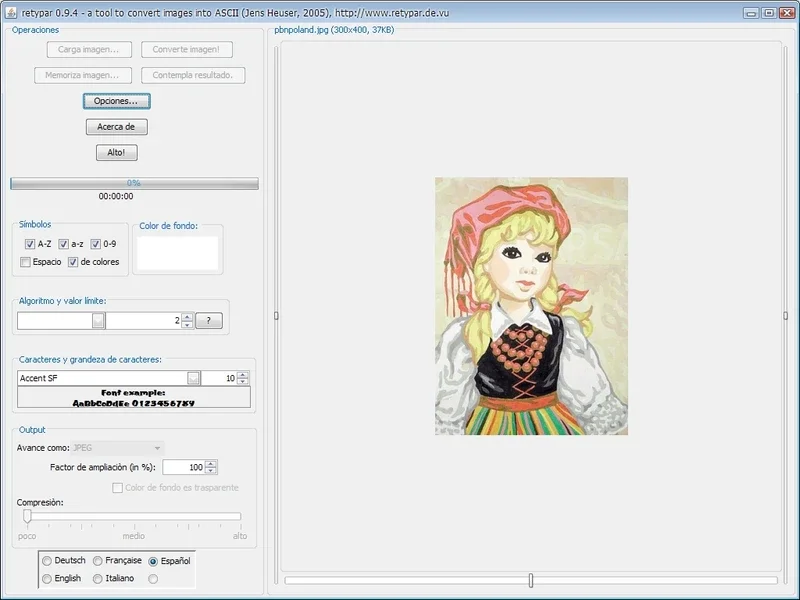
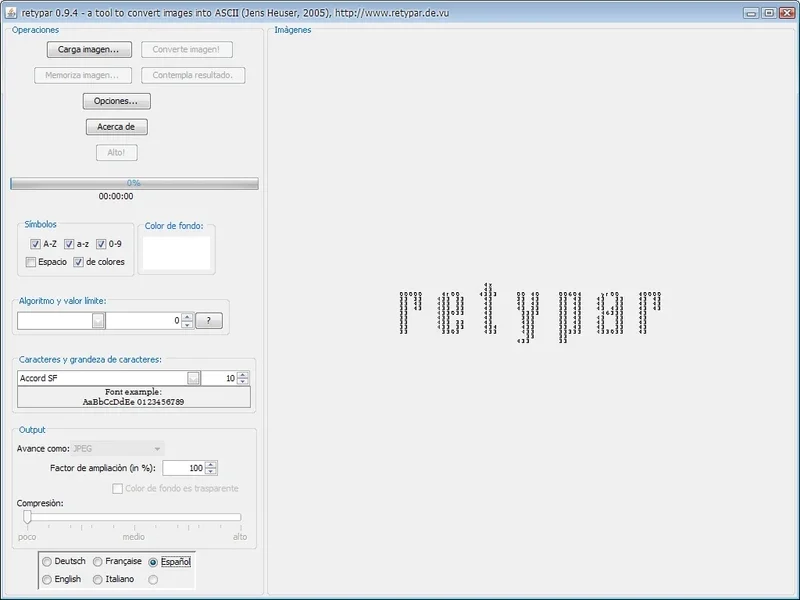
Load the original picture into Retypar and press the convert image button. The program turns it into an image built from ASCII characters, and the conversion takes only a few seconds.
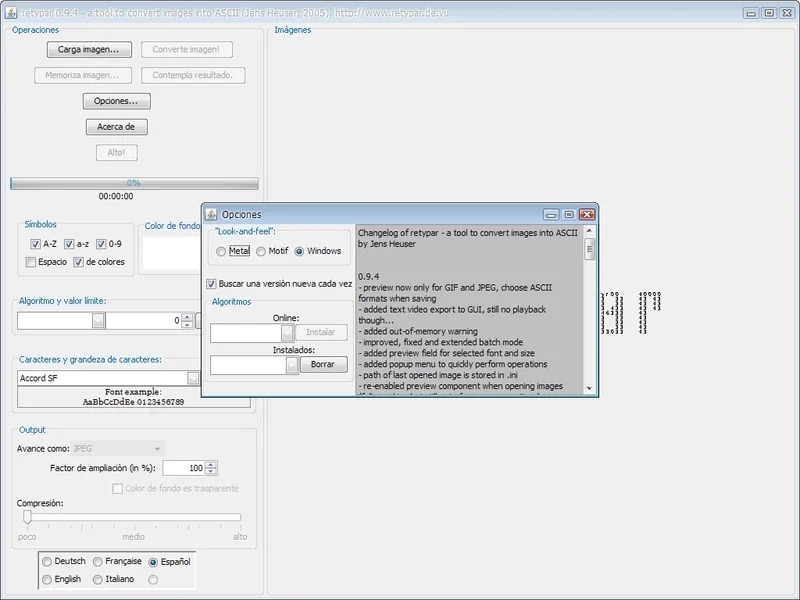
The control panel is where you set the font, the size, the symbols and the compression rate. Those four settings shape how the characters arrange themselves into the finished picture, so the result changes with each adjustment you make. When it looks right, you choose one of three formats for the output: a plain TXT file, an HTML page, or a JPG image.
Retypar is free and runs on Windows.
Download files
File0.9.4JAR
Version0.9.4
ReleasedMar 18, 2010
Size82.7 KB
SHA-256
Get
41c3a672515d980a7fde83f8eae5790e6558fc1ddbada7141564ac0970d3556c
System requirements
Available on:
Additional information
Developer
Latest release
0.9.4 · Mar 18, 2010
Size
82.7 KB
Category
File type
JAR
SHA-256
41c3a672515d980a7fde83f8eae5790e6558fc1ddbada7141564ac0970d3556c