
RotorCrypt X-Files 1.2.6.5 for Windows
Encrypts files and folders offline, with drag-and-drop and self-extracting output
Screenshots
Description
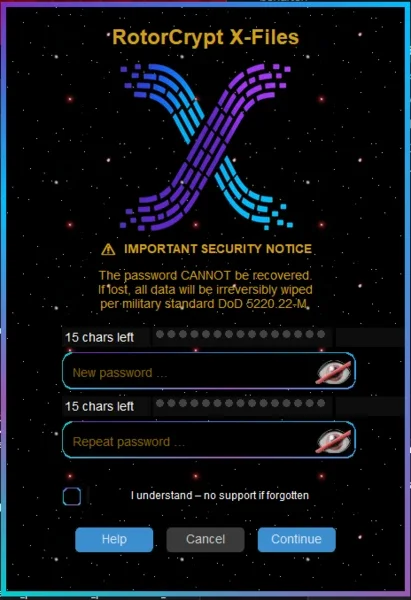
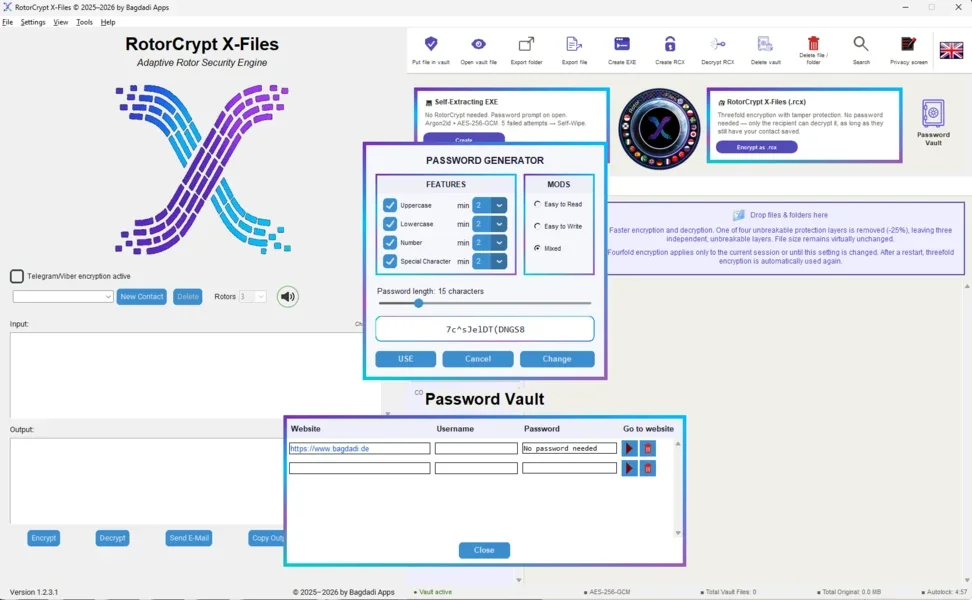
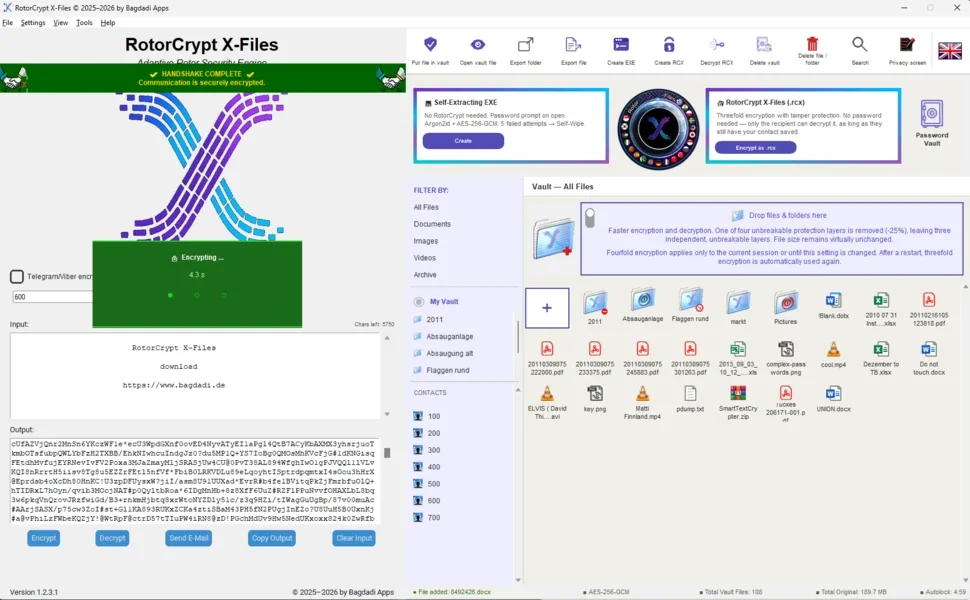
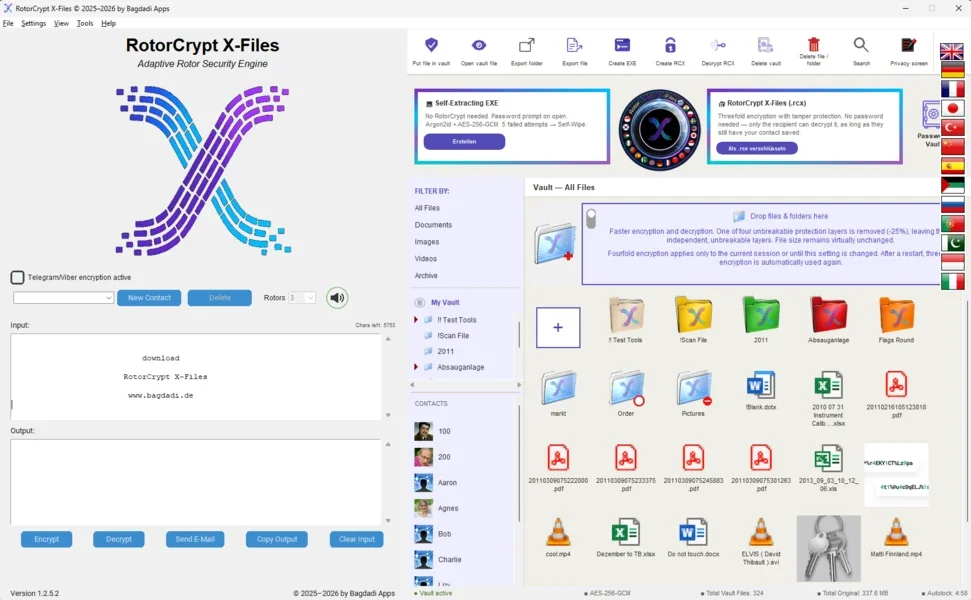
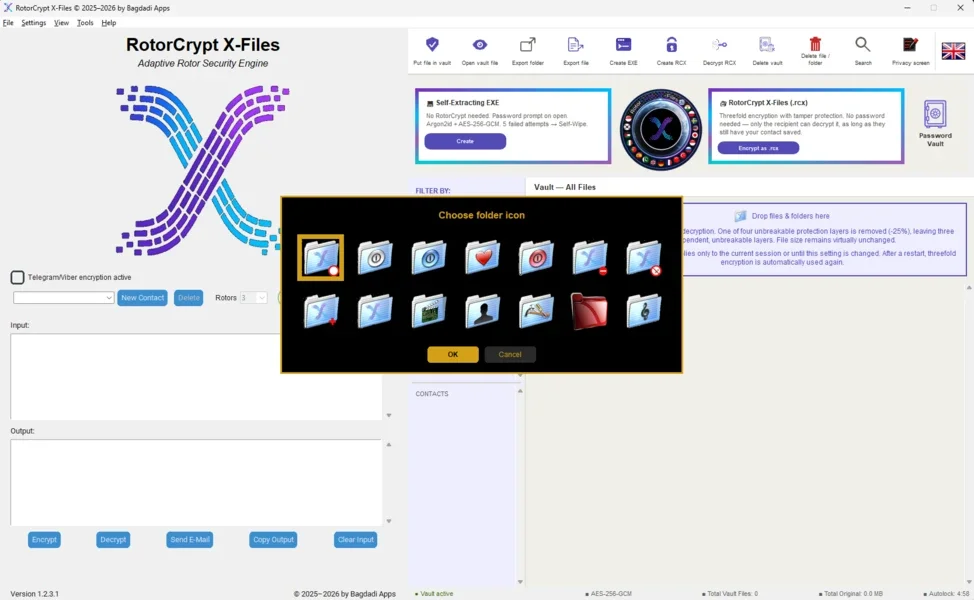
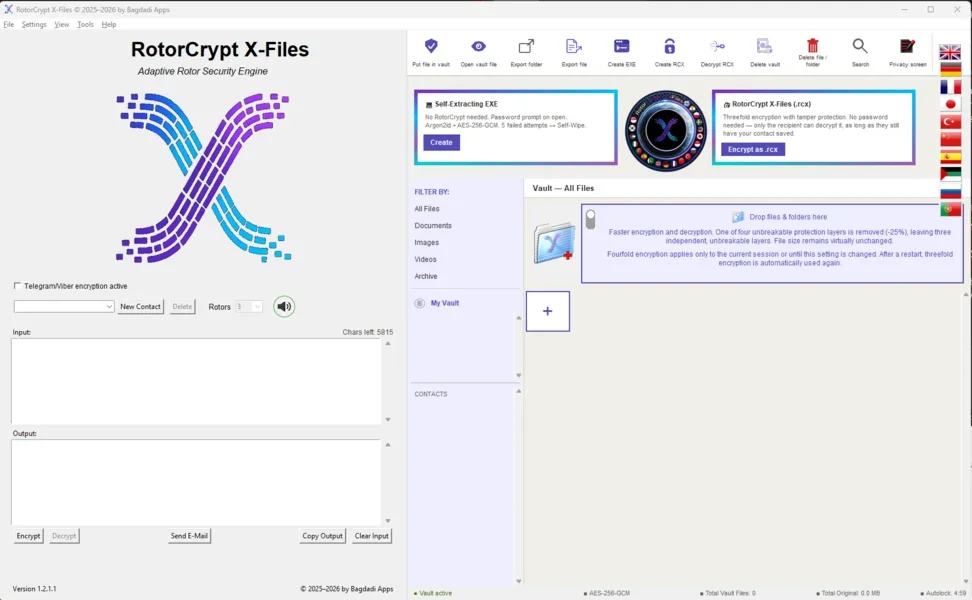
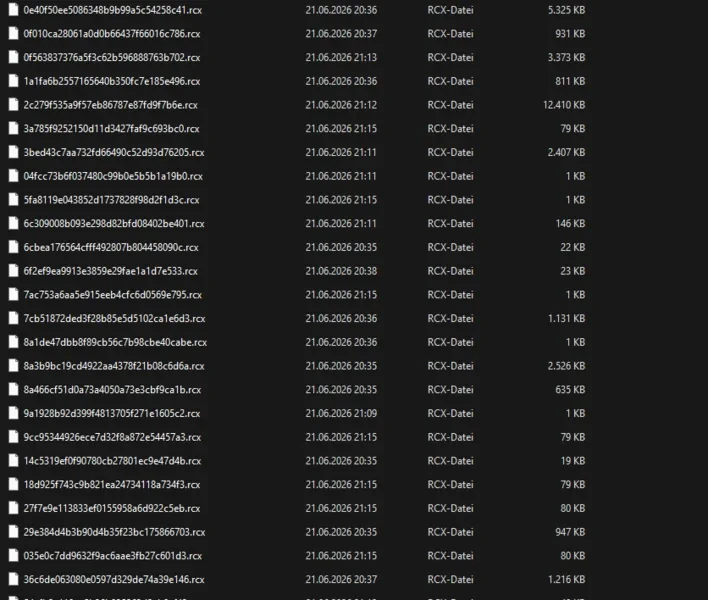
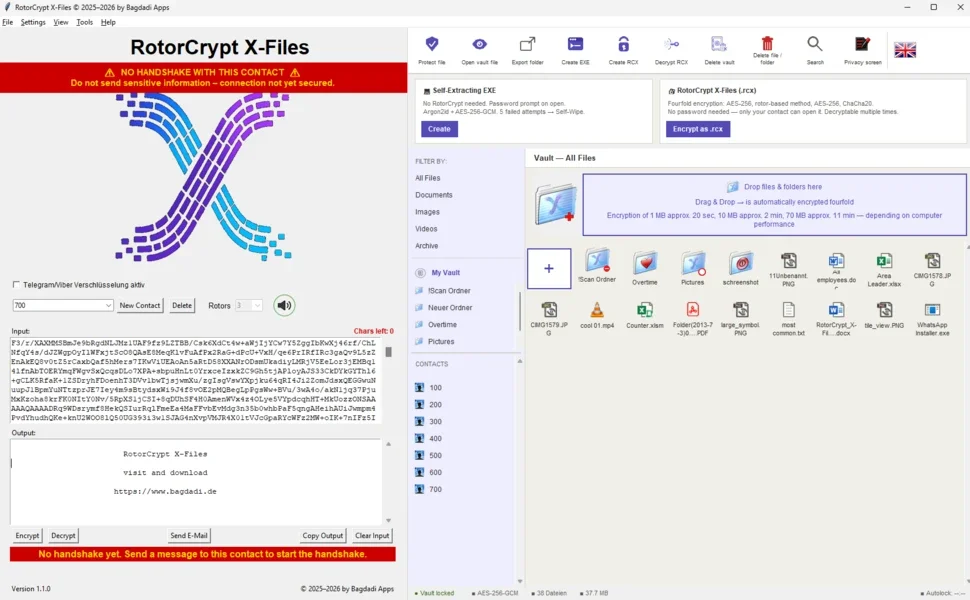
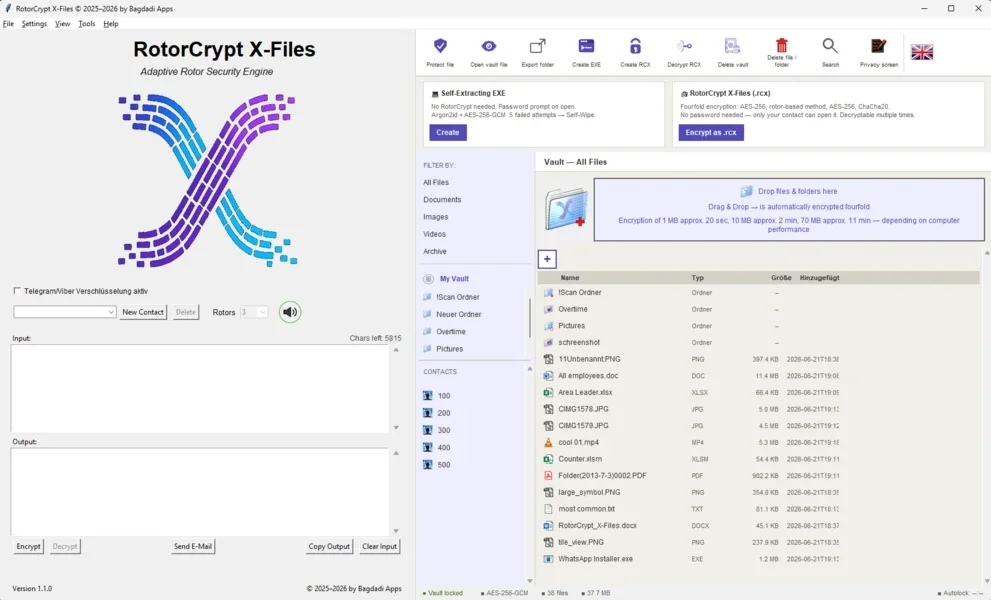
RotorCrypt X-Files encrypts files and folders entirely offline, with no cloud, server, or account involved. Files go into the Vault, a digital safe where you drag and drop them, and inside it you can sort them the way you would in Windows: drag and drop, new folders, the usual. Double-click a file to open and edit it, and it locks again when you close it.
Self-extracting files for other people
Someone without the program can still open what you send: a self-extracting file runs on a double-click and a password, with no extra software on their end. You can give that file an expiration date, after which it deletes itself, and set it to delete itself after too many wrong password attempts. By default files get three security layers without a separate password for each one. The password itself is protected with one of the strongest methods available, so guessing or cracking it is very hard.
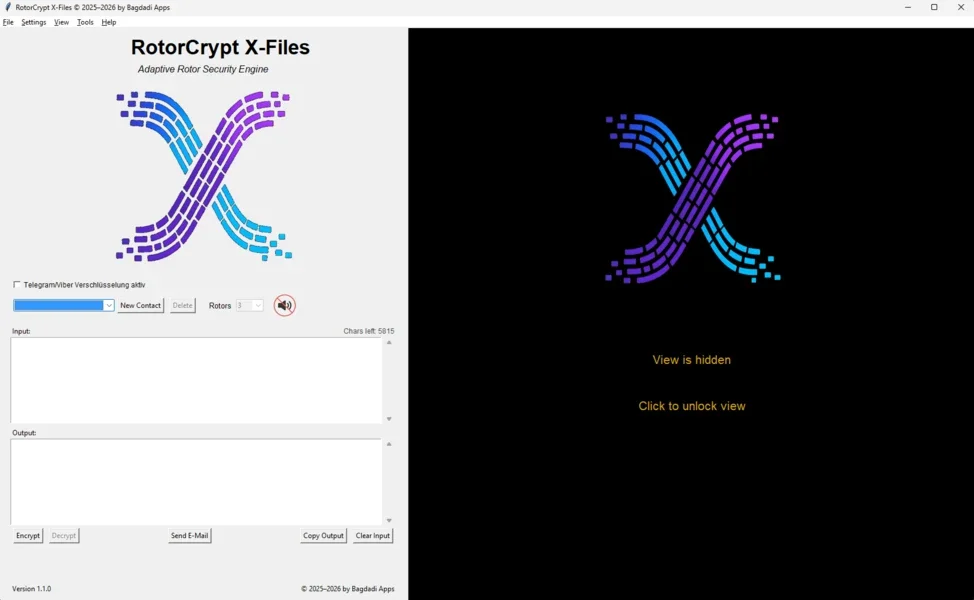
One click adds an extra security layer. The program detects if a file has been tampered with. A privacy screen and a lock after inactivity are also included. Deleted data is overwritten multiple times so it cannot be recovered. After a secure handshake confirms a contact, encrypted files can be exchanged without entering further passwords. A free version is available.
Download files
3cc110730a3024c6d8b84b3276e347a0a86faef2a6481101ef46f73021724af3
No digital signaturec310e11676db032f4e93f45aa097c44d92cf1d3e574dcbbaacd48491c70b1a32
7299fd2bb11f719986f7c10dd6ddbedda7abcb38fcc5523e9d073fc269eee049
System requirements
Available on:
Additional information
Developer
Latest release
Size
File type
SHA-256
3cc110730a3024c6d8b84b3276e347a0a86faef2a6481101ef46f73021724af3