Rufus 4.16 for Windows
Creates bootable USB drives from ISO images without installation
Screenshots
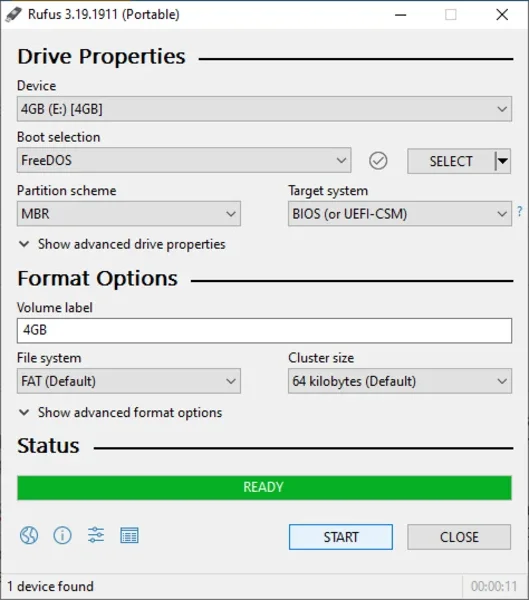
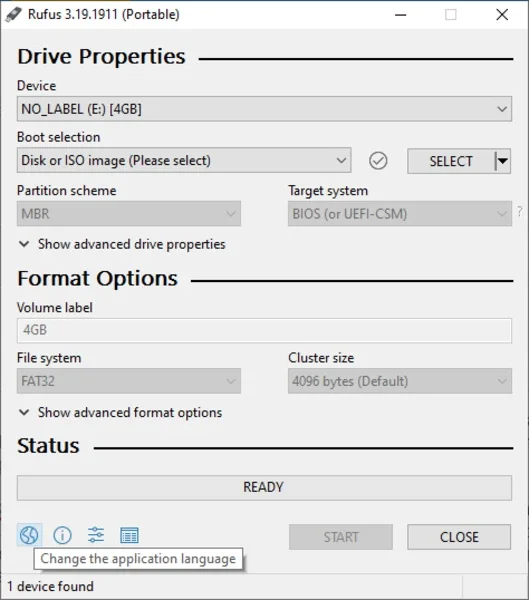
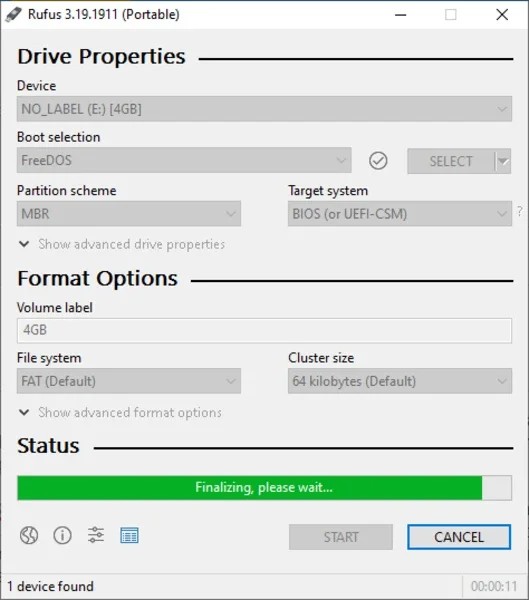
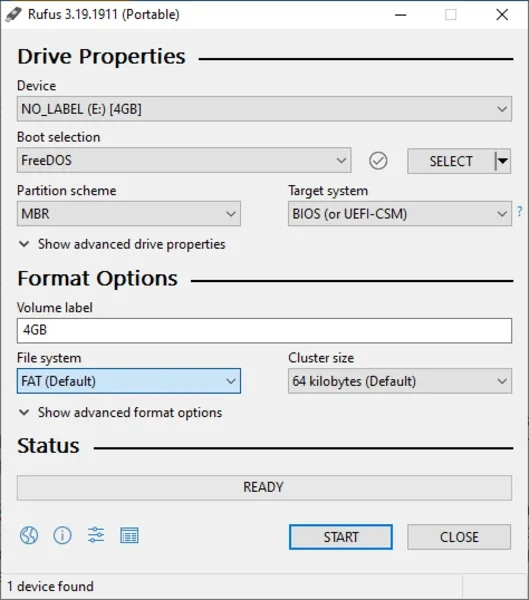
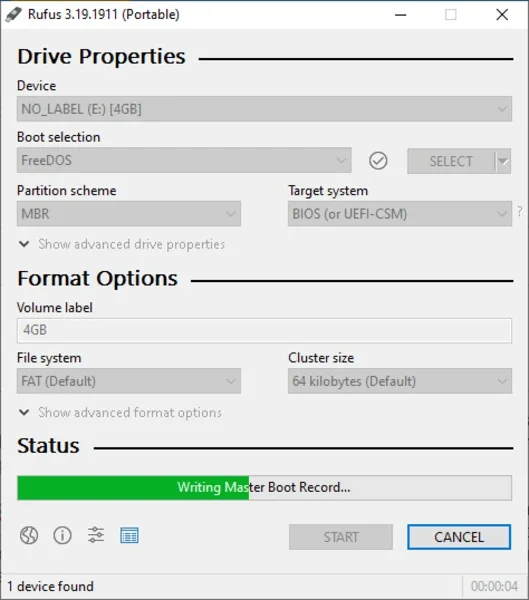
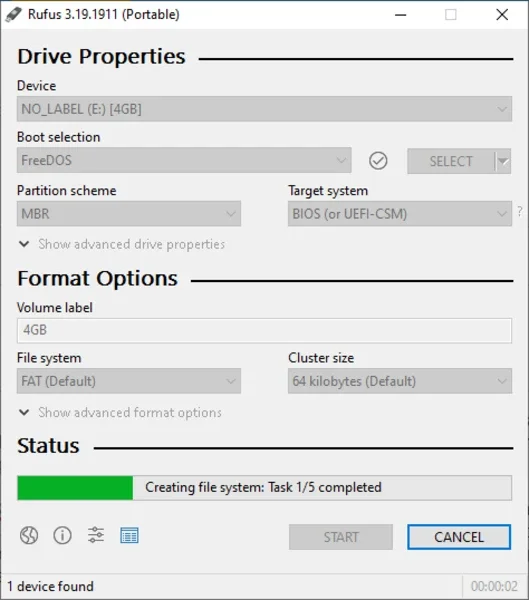
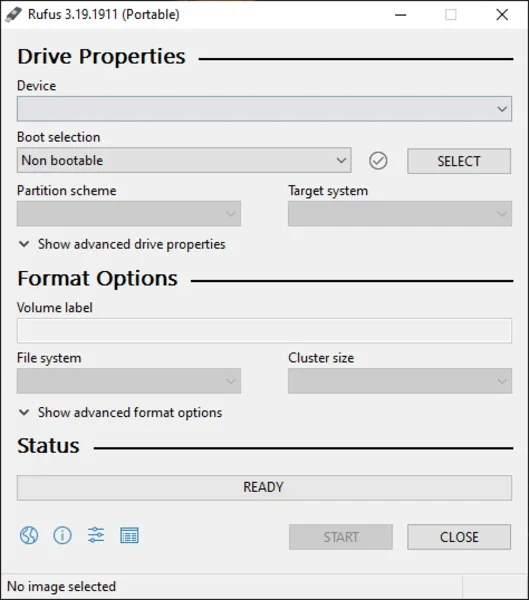
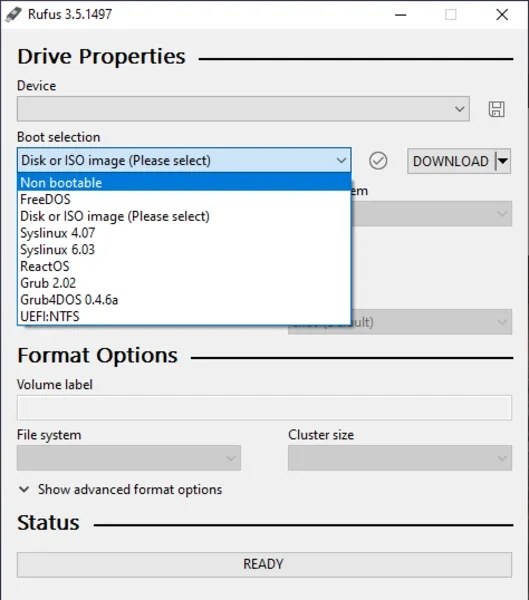
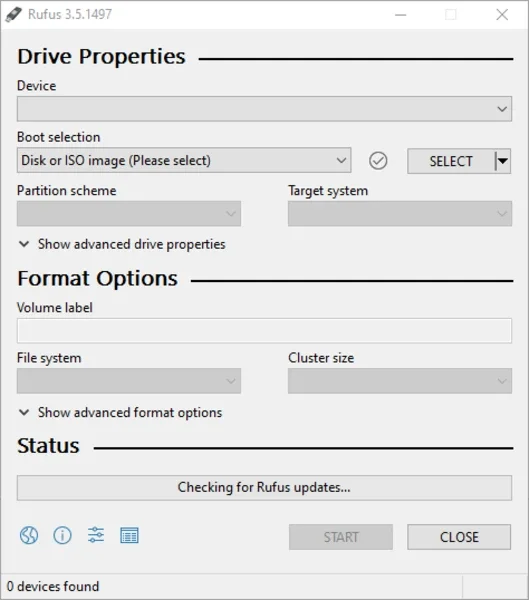
Description
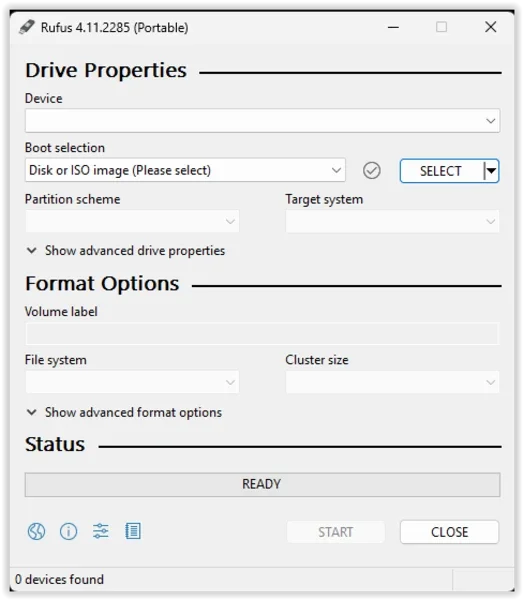
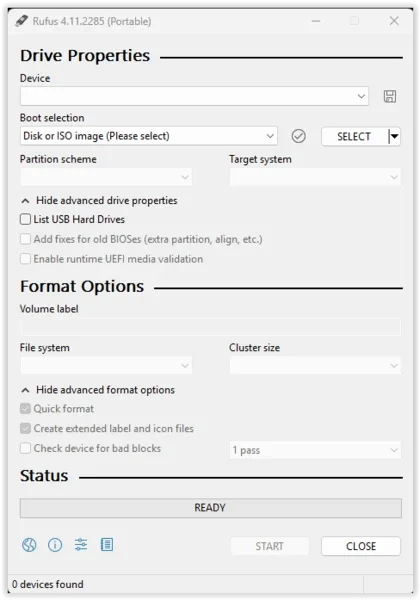
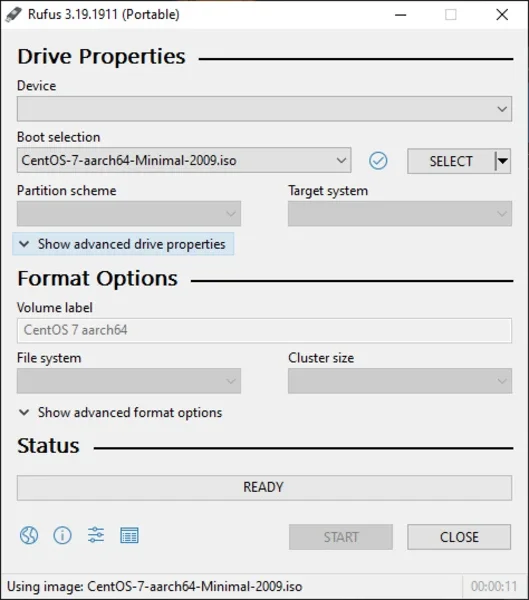
Rufus is a lightweight tool for creating bootable USB drives. It can format a drive or write disk images for Linux, Windows, and FreeDOS, and the drives it produces install Windows and Linux distributions or run other boot tools. The ISO images themselves come from their official websites.
- MBR media suits older computers with a traditional BIOS.
- GPT suits modern UEFI systems.
It has no installation step: double-click the executable and it runs, so you can carry it between computers and start it with no intermediate steps. Home users, technicians, and system administrators use it to prepare installation or recovery media. The write process is optimized for USB devices, which cuts wait times even for large ISO files, and data integrity is preserved. It is free under GPL 3.0, and version 4.15 is the current release.
Download files
8351a56c134aa6dd26a930d702cc3fd57f11ef90b17e55a8de960d5a73d46cfc
Signed by Akeo Consulting · valid until Aug 28, 202784c8a437f8af89257524478489e5c85f1edf25f761d299e2bcde46ac0afbe106
Signed by Akeo Consulting · valid until Aug 28, 20279fcad316c82ba3d0c3130c9f43fb0fe147e9eb62e1bf830716a0bbb6c58d24ee
Signed by Akeo Consulting · valid until Aug 28, 2027a314db019d608e3d9b2eda797ba5bbe4dfc91bcd621decd144a580080eb13b1b
Signed by Akeo Consulting · valid until Aug 28, 2027c19e9aea0e944dcd36bcde3d5bebb60772de4afd844c6ae7cb7f5c5ad5742ae0
Signed by Akeo Consulting · valid until Aug 28, 2027System requirements
Available on:
Architecture:
64-bit
Additional information
Developer
Latest release
Size
Category
File type
SHA-256
8351a56c134aa6dd26a930d702cc3fd57f11ef90b17e55a8de960d5a73d46cfc