
MEGASync 6.7.1.0 for Windows
Syncs files to a personal MEGA account and keeps the folders matched
You are on macOS — this is the Windows version. See the macOS version
Screenshots
Description
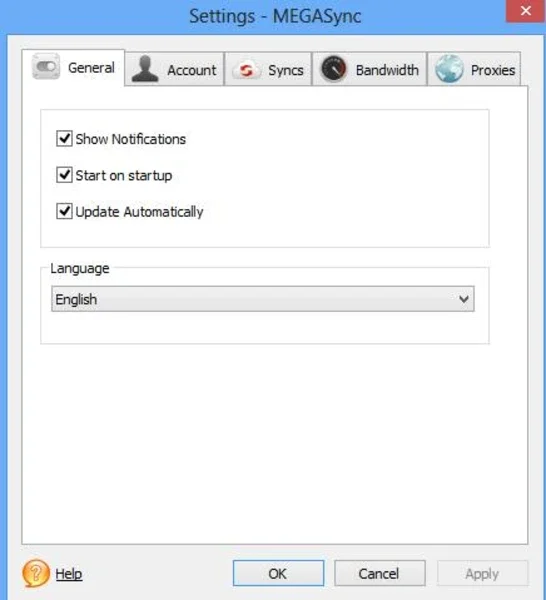
MEGASync keeps files on a PC and in a personal MEGA account in step. It is the official MEGA client for Windows. Installing it creates a directory in the MEGA account and another on the PC, and the two are synchronized from then on. Any file can be uploaded, and multiple folders can go up at the same time. There is no limit on how many folders can be synced.
Transfer and account settings
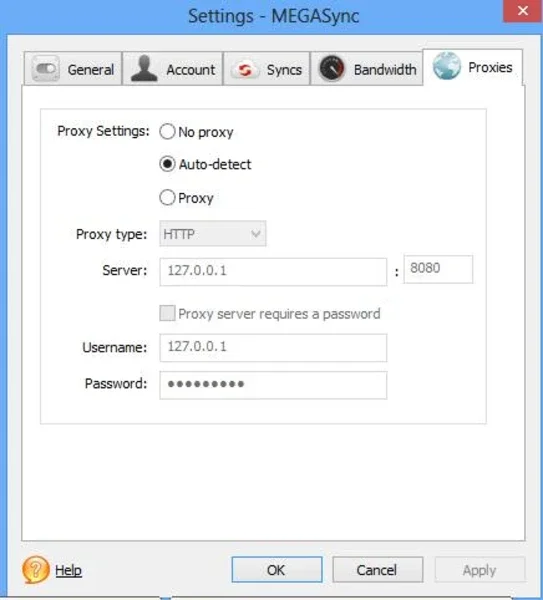
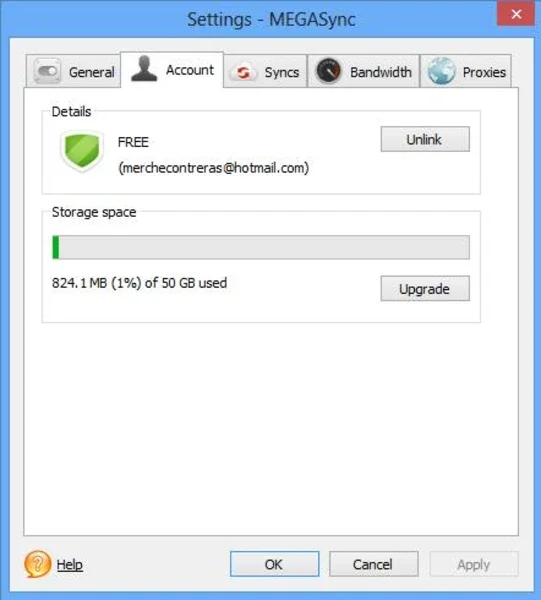
The app lets you configure upload preferences, and you can set transfer limits. Account preferences such as language are set in the same place. You can view a summary of your account. MEGA offers 50GB of storage.
Download files
405c2ab1f06d15090421f95d065ccd7c2d1bacbb526b88a5392f5768add8313a
Signed by MEGA Privacy LLC · valid until Oct 3, 202700a187a43d11fc2e6bf9156e967af8913426b0b41d3f5fc972fc409b79ca4986
Signed by MEGA Privacy LLC · valid until Oct 3, 20272d6622e81c7819f82e110740c7677b576fb6ac5a3caf4f8df03c9a941f3f4b21
Signed by Mega Limited · valid until Oct 14, 2026010e77a13ec51ce87b62d62cca653edaa4586cf5562eb310a1b47f84140ad4aa
Signed by Mega Limited · valid until Oct 14, 202630be55080b039d5ffa957dd4c02b3282bfb62f7718c0b3d216c6e54129e665fa
Signed by Mega Limited · valid until Oct 14, 2026System requirements
Available on:
Minimum OS:
Windows XP or later
Additional information
Developer
Latest release
Size
Category
File type
SHA-256
405c2ab1f06d15090421f95d065ccd7c2d1bacbb526b88a5392f5768add8313a