
SAKURA Editor 2.4.3 for Windows
SHA-256 listed
Japanese-capable text editor that doubles as a coding tool
All ages
Age rating
Screenshots
Description
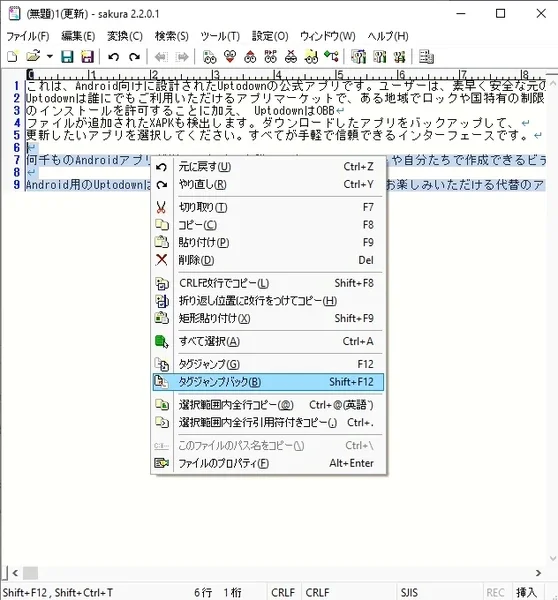
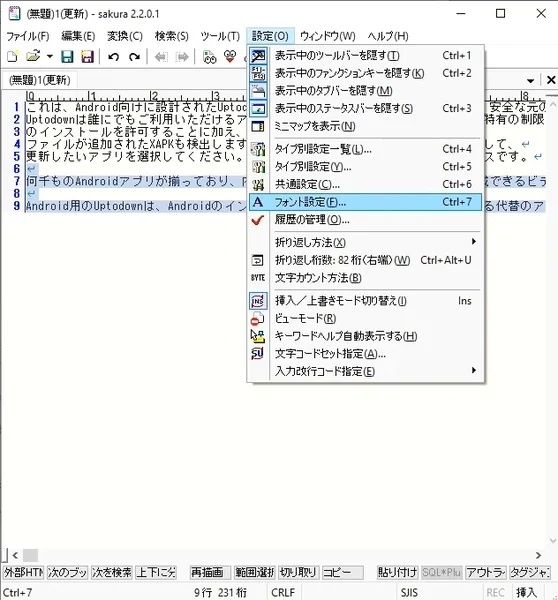
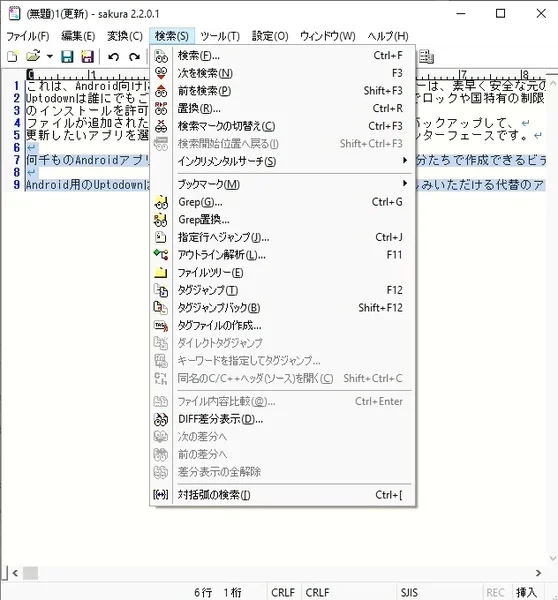
SAKURA Editor is a text editor for writing and editing Japanese on Windows. You create new texts or open files and edit them in plain text.
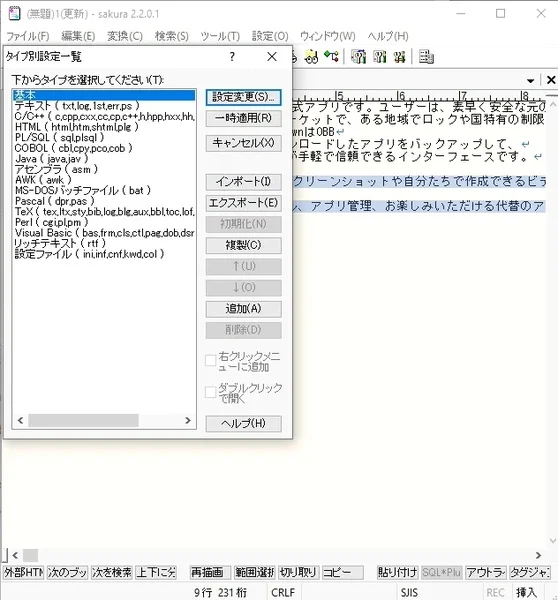
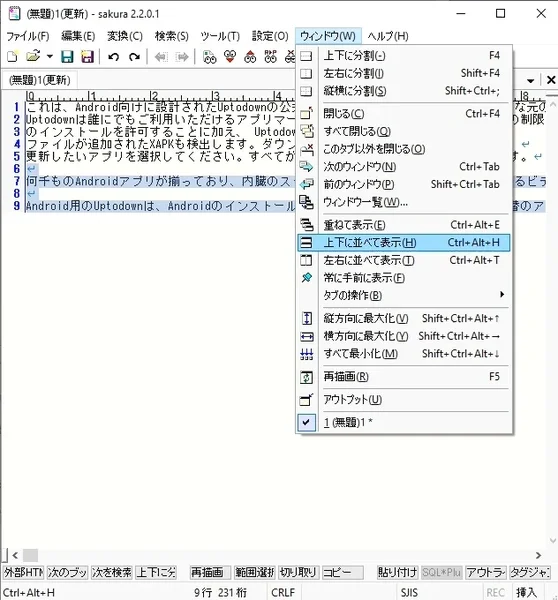
The editor's distinguishing feature is its specialized Japanese language support, which handles the language's characters and input properly. It also works as a code editor and is compatible with several programming languages; the color scheme suits coding. Customization options are comparable to Notepad++'s, so you can adjust the interface and behavior to fit how you work.
SAKURA Editor is free and open-source. The latest version is 2.4.3.
Download files
Filesakura-editor-2-4-3.zipZIP
Version2.4.3
ReleasedAug 8, 2026
Size6.1 MB
SHA-256
Get
abdbfcd349c47885c1db6911c83d73cf9057acc1fabd1f4e4e4da84c79752f03
Filesakura-editor-2-4-2.zipZIP
Version2.4.2
ReleasedJun 18, 2026
Size5.3 MB
SHA-256
Get
494e92e6e3d751a99711815882e30497a3b0cf096bf164a2b61654c1ae51d50a
Filesakura-editor-2.4.1.zipZIP
Version2.4.1
ReleasedNov 12, 2020
Size5.3 MB
SHA-256
Get
4a906b211af88de6112e0cd636e867a2699202e36731140d9520b91b6649b319
Filesakura-editor-2.3.2.0.zipZIP
Version2.3.2.0
ReleasedOct 10, 2019
Size753.4 KB
SHA-256
Get
f767b65096c96decb1540a7b95ef07b8dc77e08732d8af12a3fdc84e4137f2b0
System requirements
Available on:
Minimum OS:
Windows Windows 11 or later
Additional information
Developer
Latest release
2.4.3 · Aug 8, 2026
Size
6.1 MB
File type
ZIP
SHA-256
abdbfcd349c47885c1db6911c83d73cf9057acc1fabd1f4e4e4da84c79752f03