
Saladict Translator 3.0.8 for Windows
Translates selected text, screenshots and typed input on Windows
You are on macOS — this is the Windows version. See the macOS version
Screenshots
Description
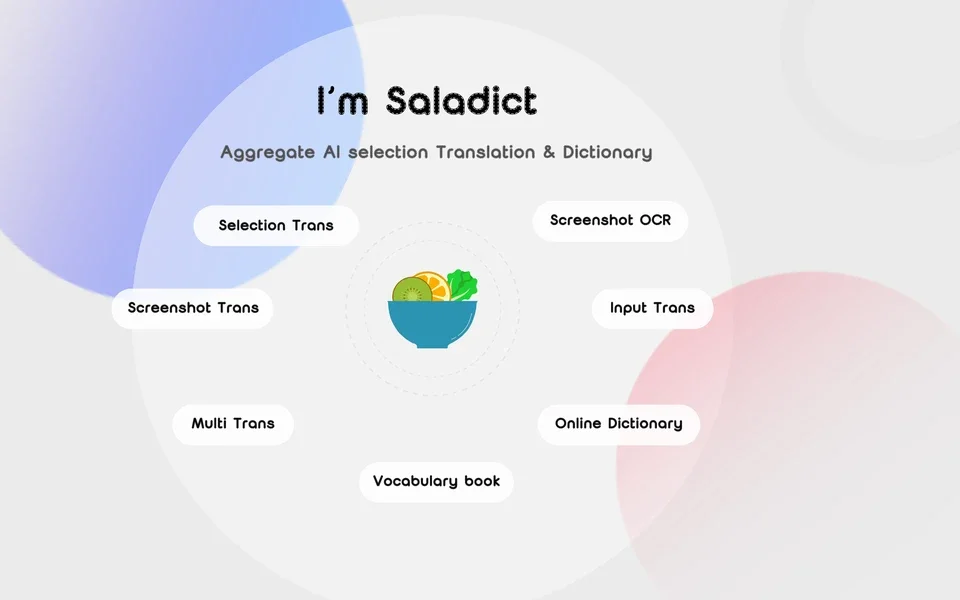
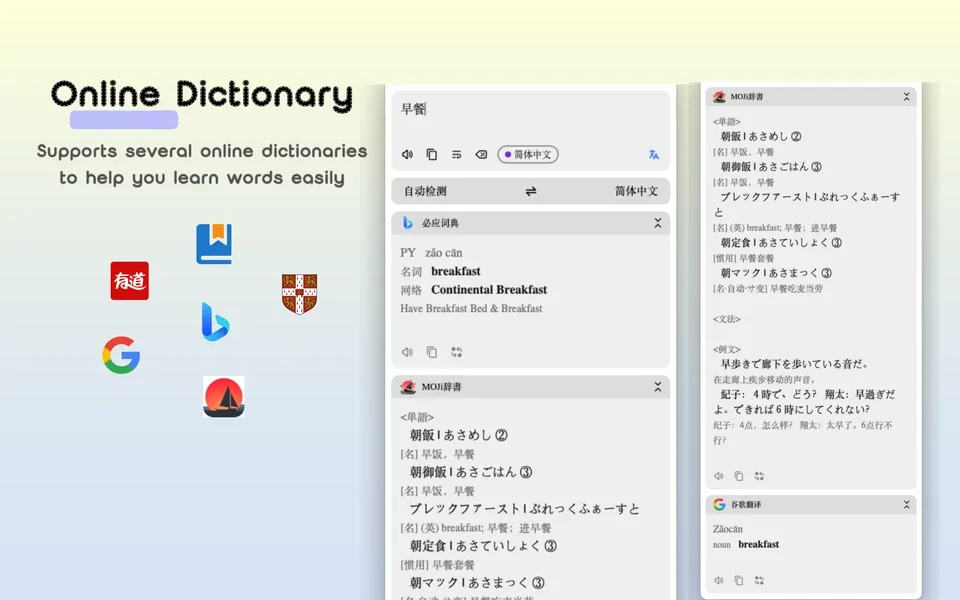
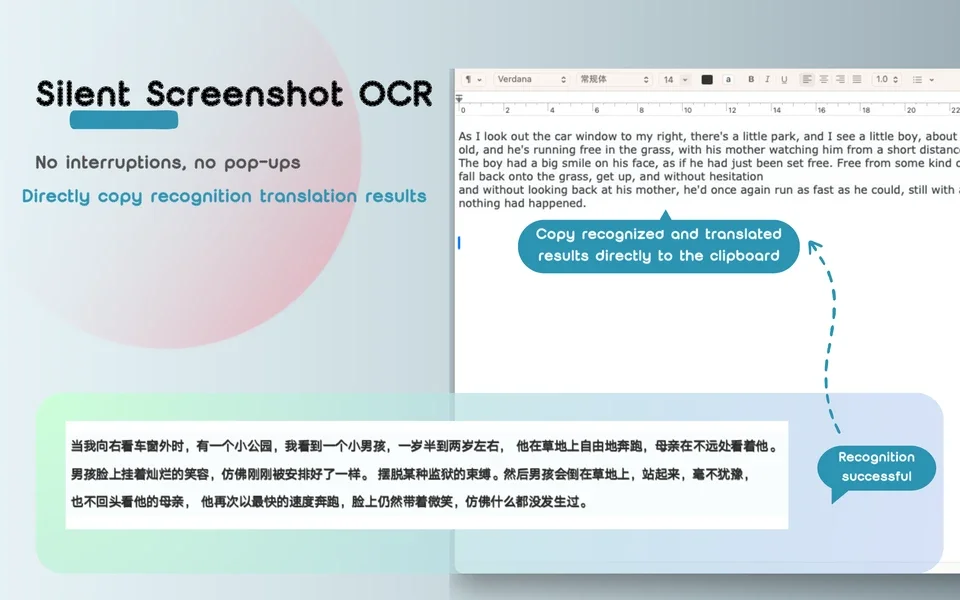
Saladict Translator runs on Windows and handles translation in a few different ways. Select text and PopClip shows a translation icon; click it to translate. A screenshot shortcut key captures an area you choose and translates it, while a second shortcut key runs OCR on the captured area instead. Results from OCR are copied to the clipboard automatically so you can translate them. Dictionary lookup pulls from Bing Dictionary, Cambridge Dictionary and Google Dictionary. An input translation shortcut key opens a text entry box, and pressing Enter shows the translation.
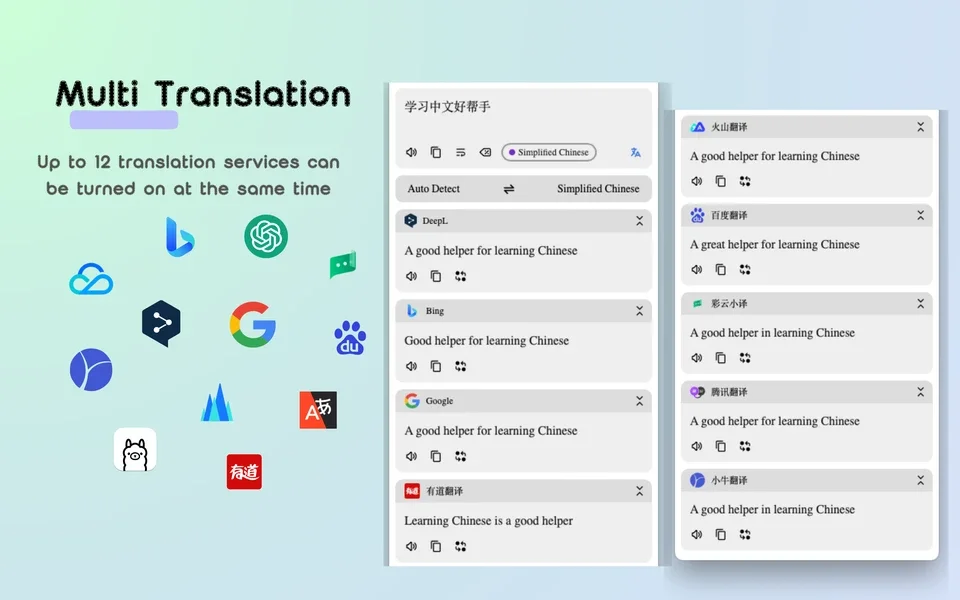
For comparison, up to 12 mainstream platforms such as Google, DeepL and Baidu can be opened at once. AI translation supports OpenAI, Gemini, Ollama and other technologies. Plugins add functions for translation platforms, OCR services, speech synthesis and vocabulary books, and those functions sit inside the application. Vocabulary books can be synced to Euro Dictionary, Scallop Dictionary, Anki and similar services. Continuous recognition mode appends results in order into the text box with incremental translation. Users of macOS 11 and above get offline text recognition without an Internet connection. Translation history is saved and can be reviewed at any time.
Download files
aebea95b13358671c438676a13bf2fd6fa846694e80ae007f8c00f72fbac88f6
No digital signatureSystem requirements
Available on:
Additional information
Latest release
Size
Category
File type
SHA-256
aebea95b13358671c438676a13bf2fd6fa846694e80ae007f8c00f72fbac88f6