
Samsung DeX 2.4.1.22 for Windows
Puts your Galaxy Note 10's desktop on a Windows PC monitor
Screenshots
Description
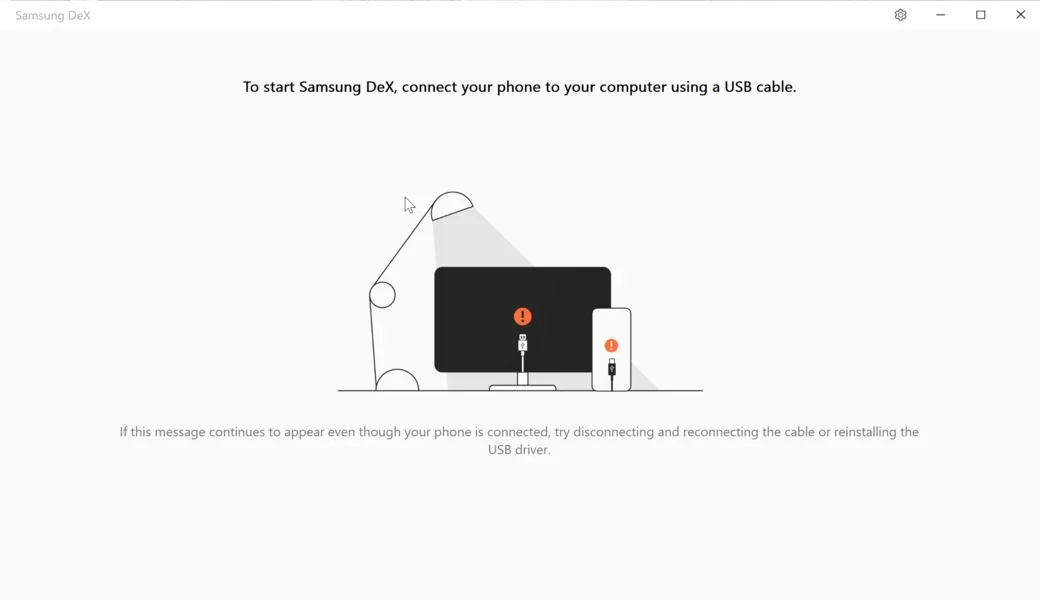
Samsung DeX turns a Galaxy Note 10 or Note 10+ into a desktop, and that desktop shows up on your monitor. Plug the phone into a Windows PC with a USB cable, install the program there, and the desktop comes up once the connection is made.
The point is to get the phone's features onto a bigger screen without a second device doing the work. Everyday tasks that you would normally do on a PC can be done on the smartphone instead. Multitasking is part of it: a movie or music can be playing on the monitor while you answer messages on the Samsung device. Files move between the two by tapping and dragging them, with no import step in between.
It runs on Windows and is free. The current build is 2.4.1.22.
Download files
e8618c7e93f2ceca918ab37af8beb62c9e8f085fdf3790a69df637d903121f0b
Signed by Samsung Electronics Co., Ltd. · valid until Feb 8, 20265a4a42f7bdde83d0c399ee3eb9ef4453a229b5cbc69c7130df870b8673613aeb
System requirements
Available on:
Additional information
Developer
Latest release
Size
Category
File type
SHA-256
e8618c7e93f2ceca918ab37af8beb62c9e8f085fdf3790a69df637d903121f0b





