
Screen2ipcam 2.0.5 for Windows
Streams a Windows desktop to NVRs and VMSs over RTSP/ONVIF
Screenshots
Description
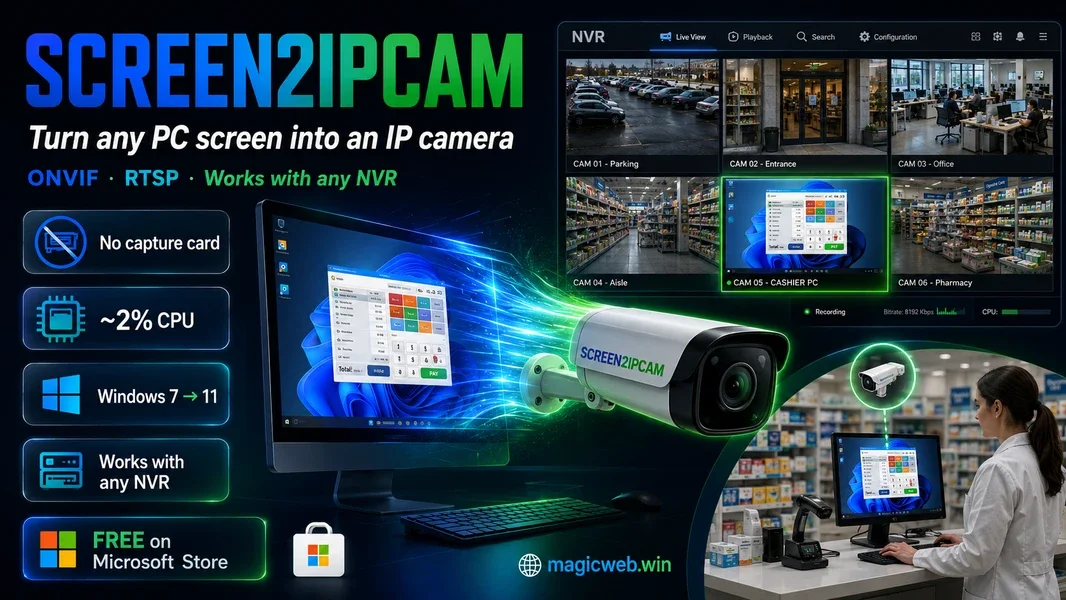
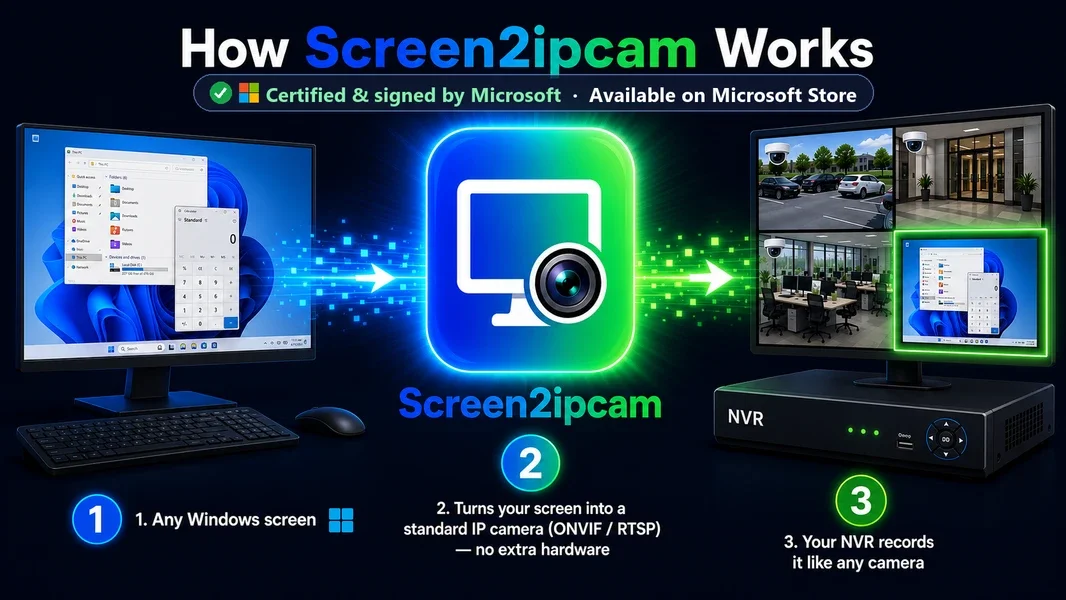
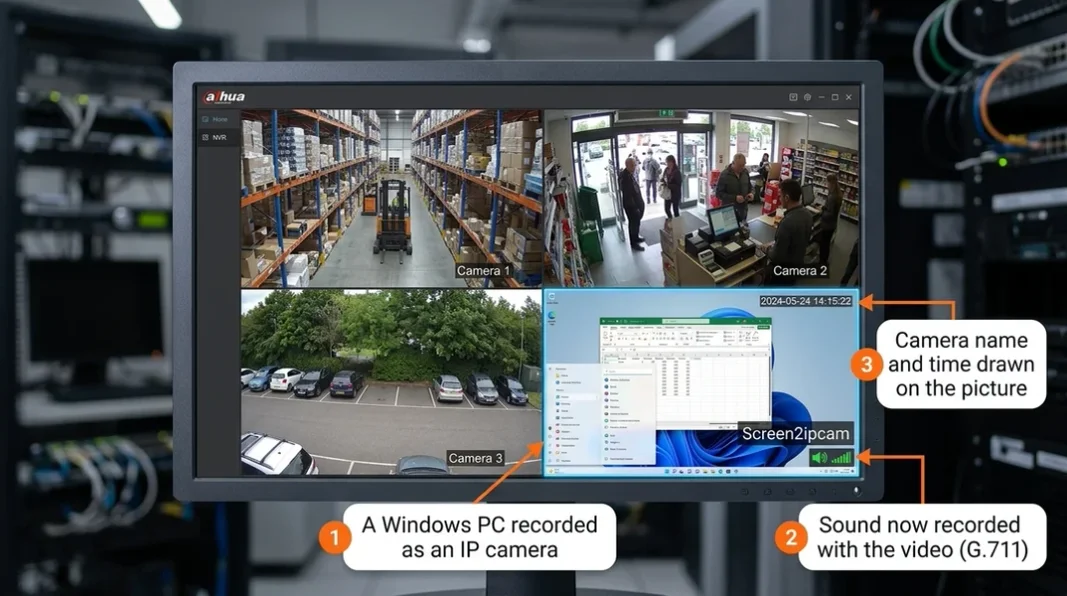
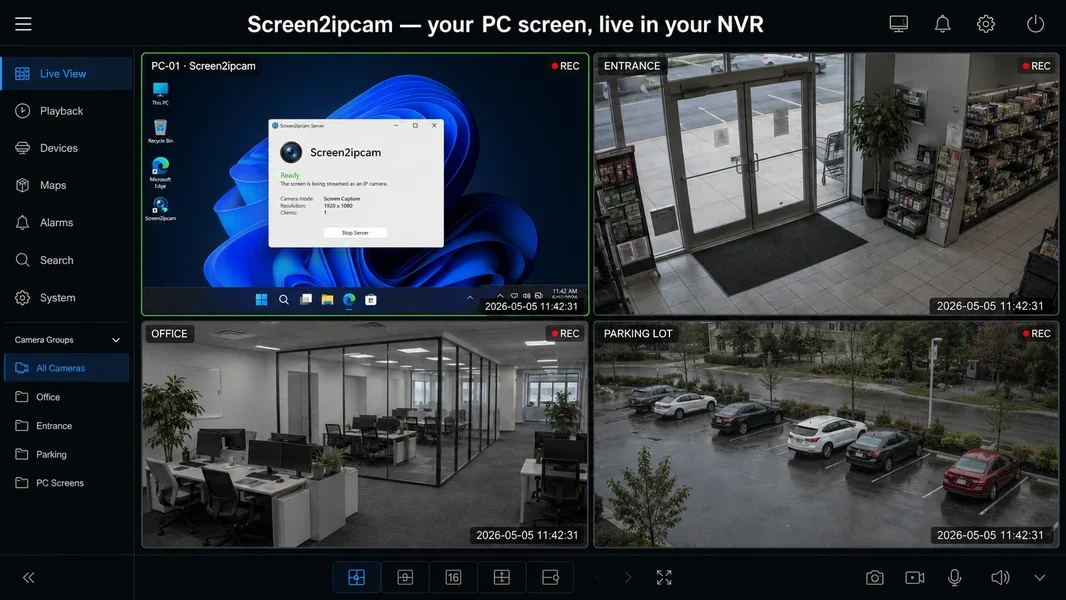
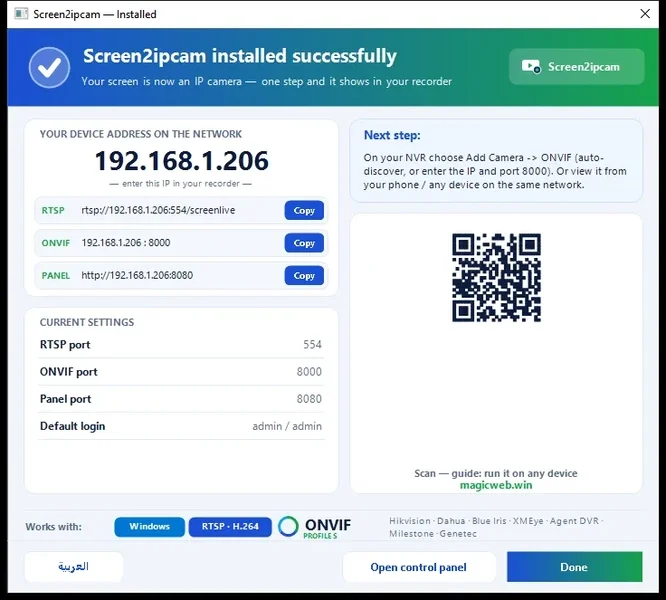
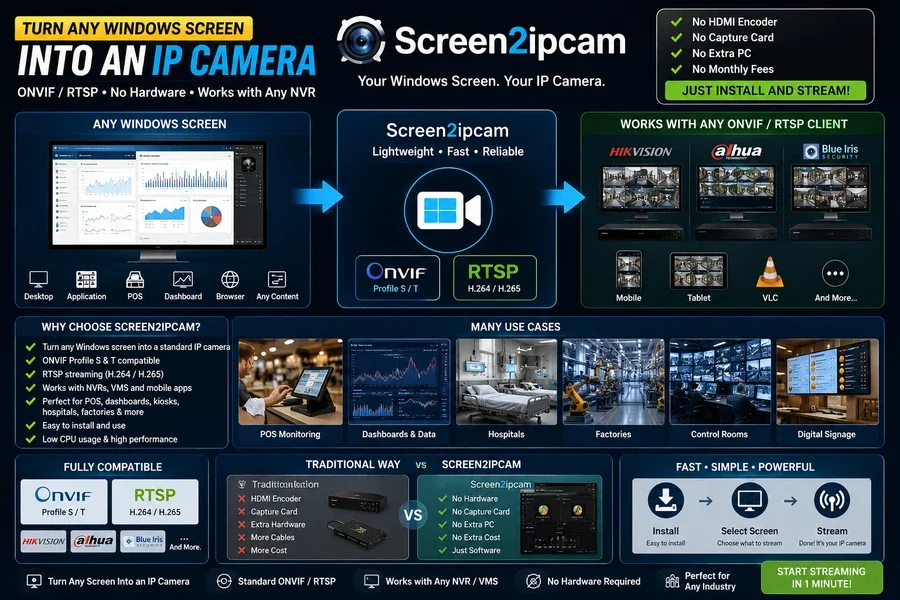
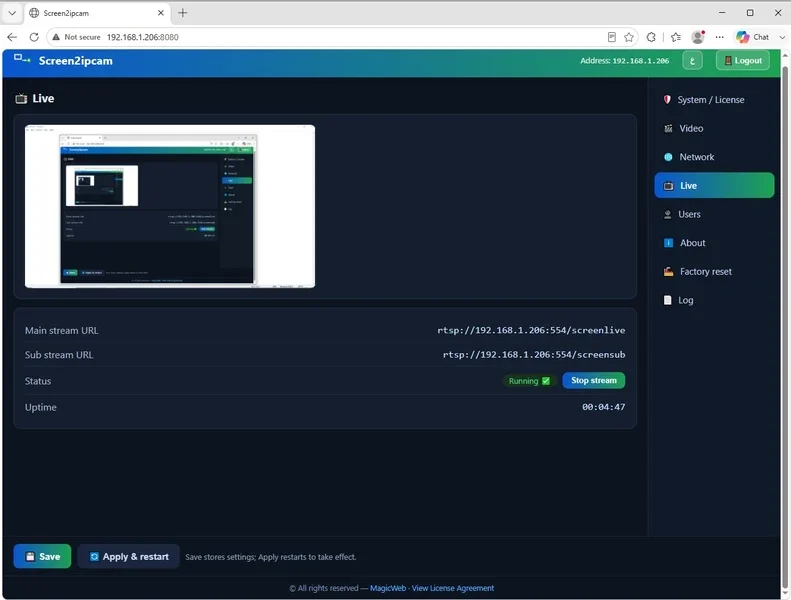
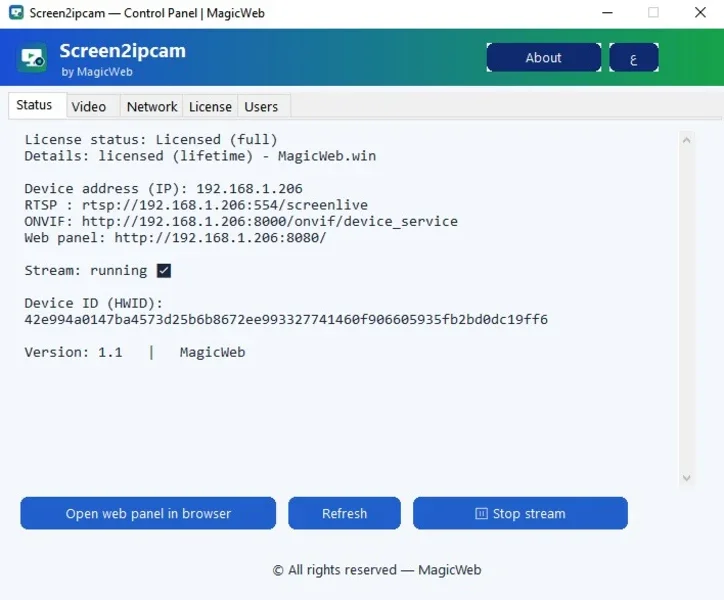
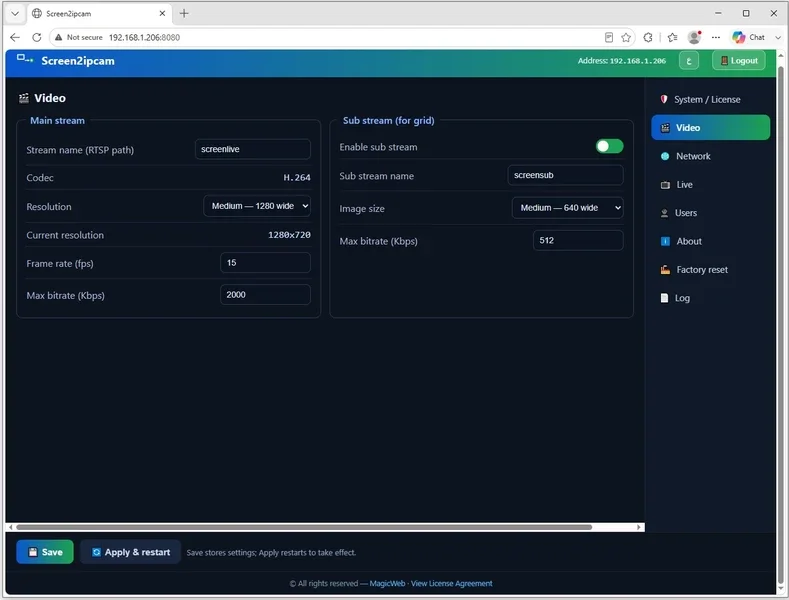
Screen2ipcam turns a Windows desktop into an ONVIF Profile S and RTSP IP camera, so a surveillance system can record what is on the screen. Point Blue Iris, a Dahua or Hikvision NVR, Synology Surveillance Station, Milestone XProtect, or any Profile S compatible VMS at it, and the screen becomes a camera feed. ONVIF Profile S with WS-Discovery means the device can be found automatically instead of typed in by hand. Video goes out as H.264 over RTSP, with a Main Stream and a Sub Stream.
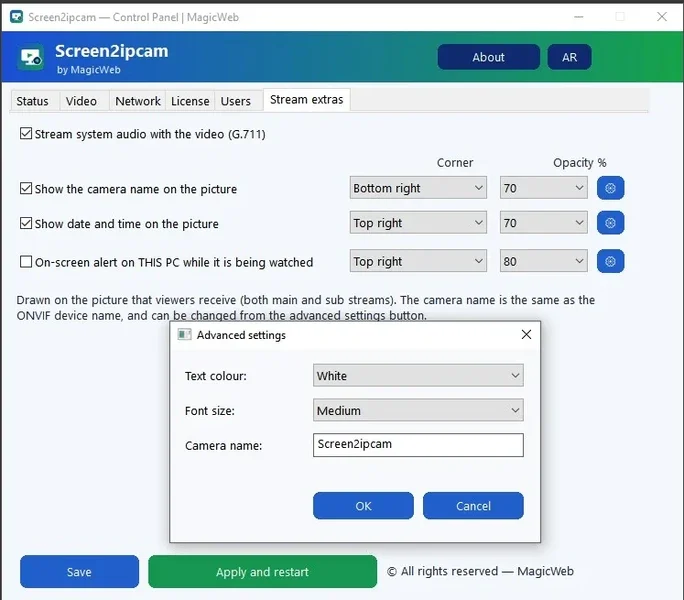
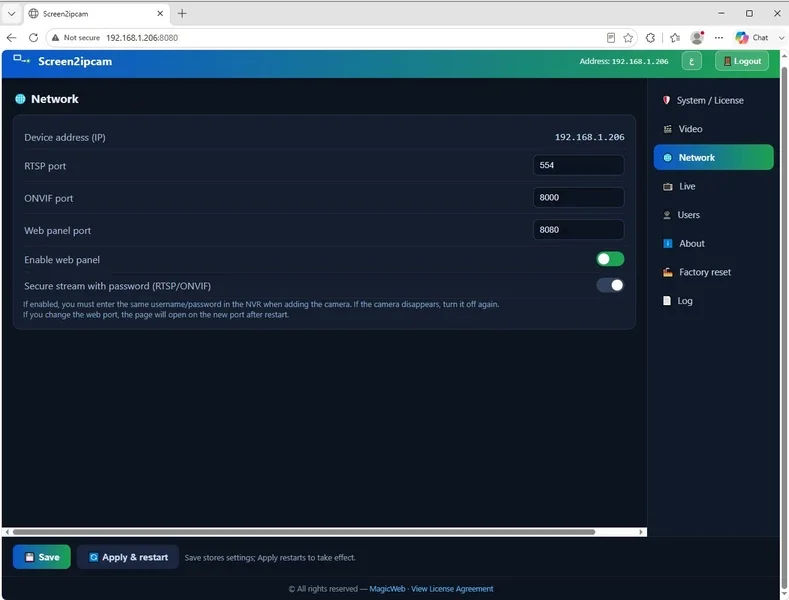
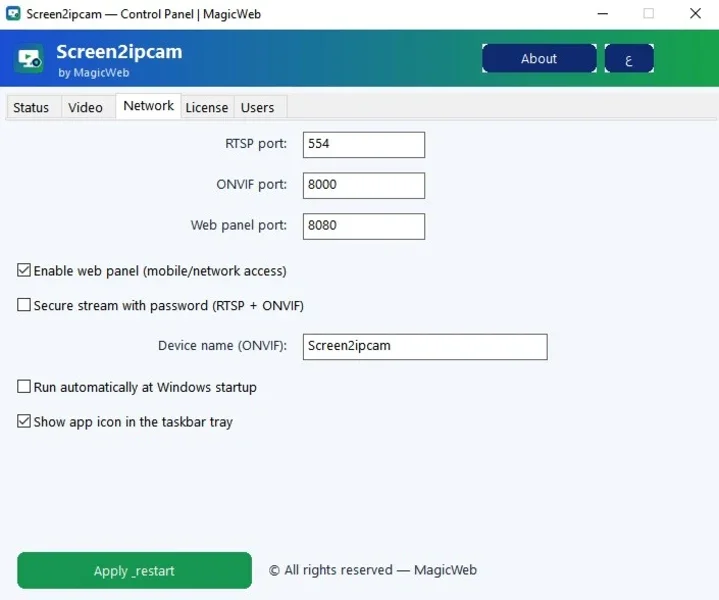
No HDMI encoder, splitter, USB capture card, IP video encoder, additional power supply, or extra cabling is needed. The program is a native Windows application written in C++, using about 2% CPU and 70 MB RAM while streaming. It keeps bandwidth low and is built for continuous 24/7 operation. JPEG snapshots are supported. The interface is in English and Arabic, and configuration is done through a web panel or a native Windows control panel. It runs as a Windows Service or in the system tray.
Everything stays on the local network and works fully offline; no Internet connection is required. Screen data remains local unless the NVR is exposed remotely. The software supports Windows 7, 8, 8.1, 10, and 11 in 32-bit and 64-bit versions, plus many Windows Embedded, POSReady, and IoT editions. It does not need .NET Framework or Visual C++ Redistributables. A free 14-day trial lets you check compatibility with your surveillance system. A lifetime license costs $20 as a launch offer, with no subscription or recurring fees. One license is tied to a single computer through its Device ID (HWID). Installation is: install, start, configure video settings, add the device to the NVR via ONVIF, and begin recording.
Download files
a7e7a43c5bb6b60777252d4f983870df35e04c57f8b0665d12e1acf8324b23d7
No digital signatureSystem requirements
Available on:
Minimum OS:
Windows 7 or later
Additional information
Developer
Latest release
Size
Category
File type
SHA-256
a7e7a43c5bb6b60777252d4f983870df35e04c57f8b0665d12e1acf8324b23d7